|
VOOZH | about |
|
VOOZH | about |
Figma templates are a good way to enhance your art of designing & if you are new to this field, this article will teach you how to use templates in Figma from community region to get the best out of it. In this article, we will try to learn how to use Figma templates for E-Commerce sites.
Figma templates are the design skeletals that are provided in the community pages of the dashboard of Figma application. It provides a basic structure as to how can you create a design of your own by making a few changes to the existing design, such as changing the text, typography, colors or images.
The community plugin option lies in the topmost bar of the Figma application like the icon of a web.
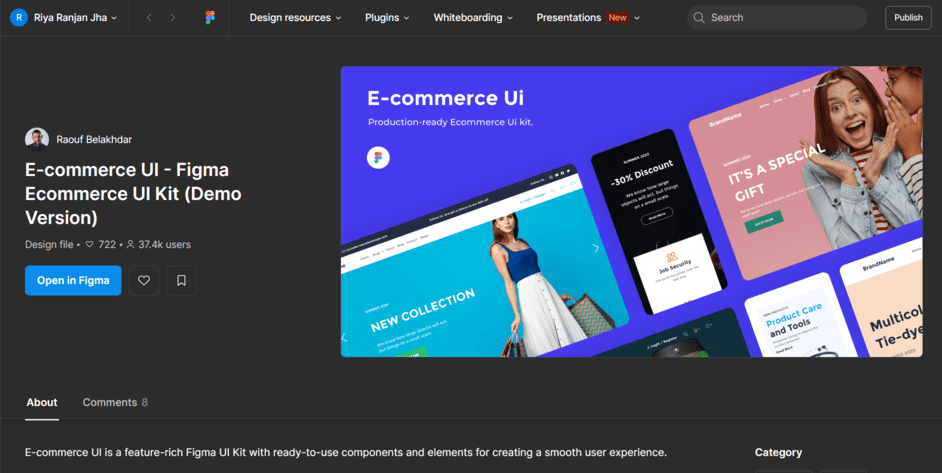
Here we will search for an E-commerce design so type e commerce in the search bar at the top rightmost side and open a template of choice such as this:
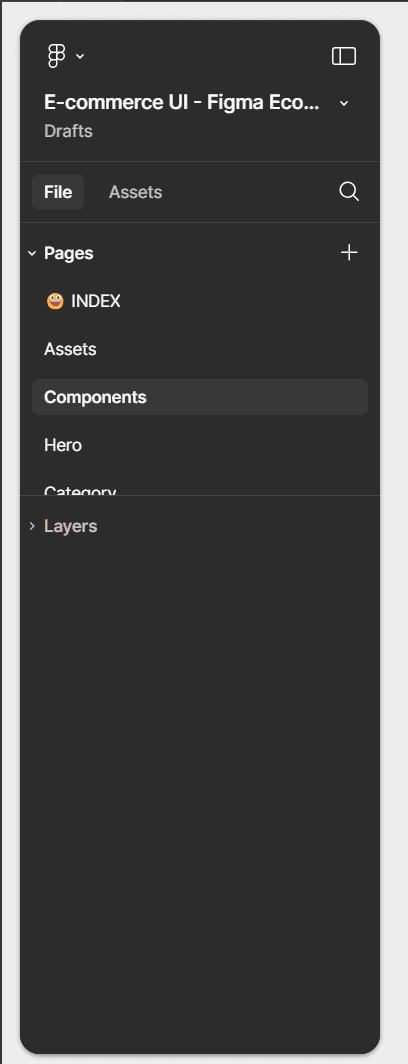
The template will show like this with different pages created of the e commerce website & we can choose any one of the below and start editing them according to our needs.
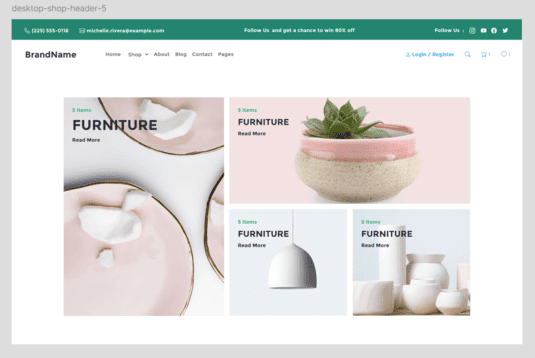
Hero component:
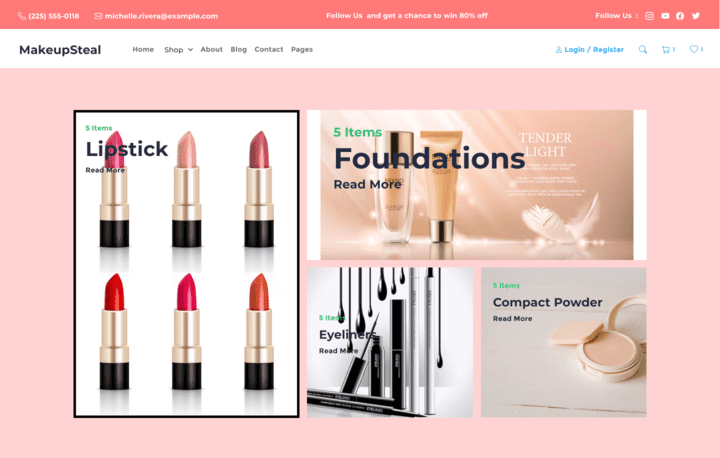
Now let's start by rephrasing the template in order to create our own e commerce site. Let's say for eg, we want to create a simple landing page for a makeup brand e commerce site.
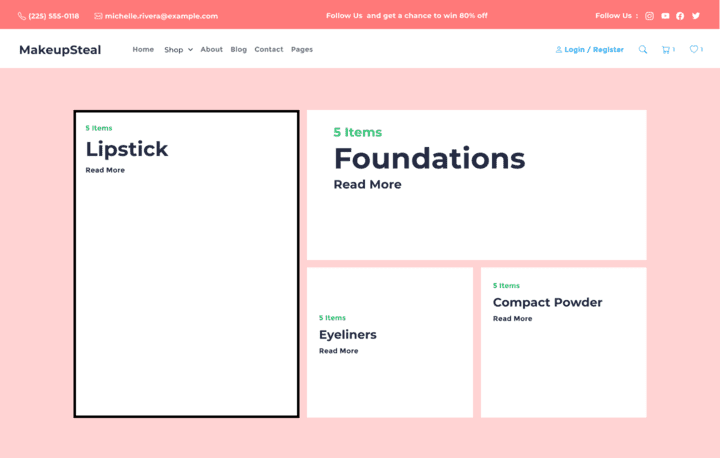
Step 1: Choose a page from the listed ones in the side panel. Here we have chosen the Hero page.
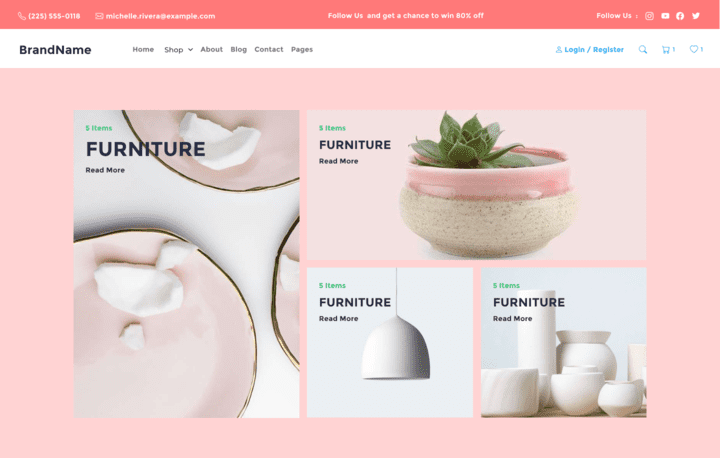
Step 2: Edit colors, or change them as you like it.
Step 3: Change the text & update it as required after removing the already set images.
Step 4: Finally set up some images by editing the previous set images.
Similarly, we can edit more such pages such as order page, checkout page to create a fully furnished e commerce website.
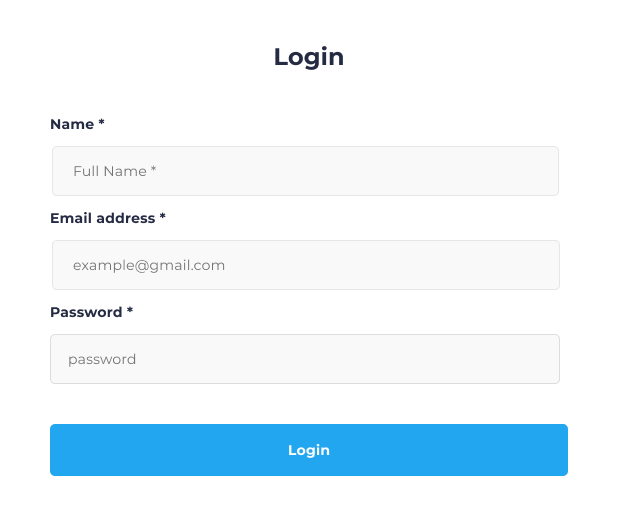
To create a login page, we can use the following component & simply add it to our page with a header & a footer:
Here is a template of the footer:
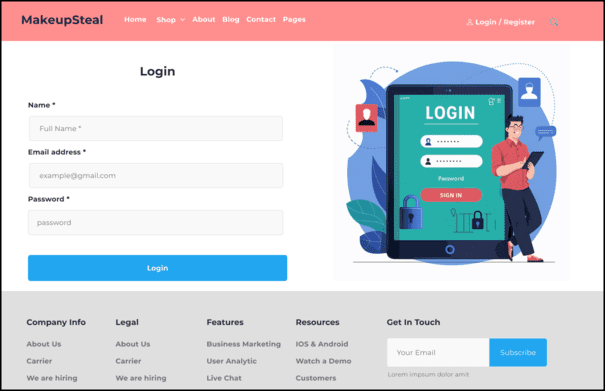
Add all of them to a single page & combine to create a Login page:
Template editing allows us to create wonderful graphics with lesser amount of hardwork & if we require a basic doable design which looks beautiful & do not want to work from scratch on it, template editing is the right choice for this. Here are some good practices for template edits:
In the initial days of learning designing, templates of Figma for e-commerce sites are the best possible way to learn the art of design & development in Figma. Using the above methods and following the best practices, one can easily master the art of design.