|
VOOZH | about |
|
VOOZH | about |
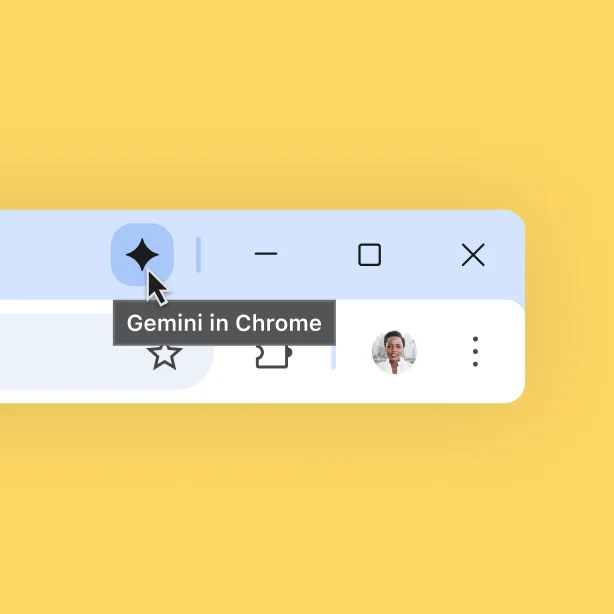
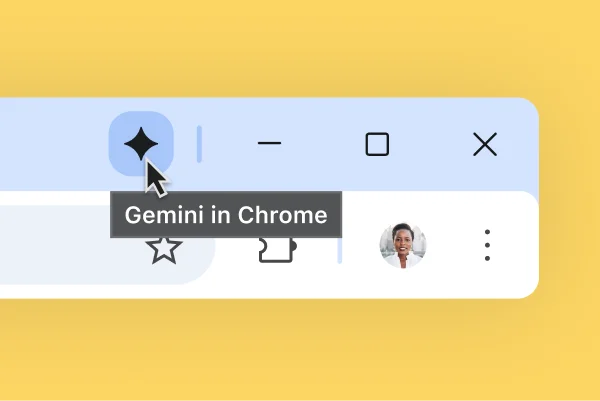
Whether you’re on your computer or your phone, you can use Gemini in Chrome to ask questions, compare info, and get faster help with the open tabs in your browser.
Get help with Gemini in ChromeGemini in Chrome can complete tasks for you with auto browse - now available for Google AI Pro and Ultra subscribers in the U.S.
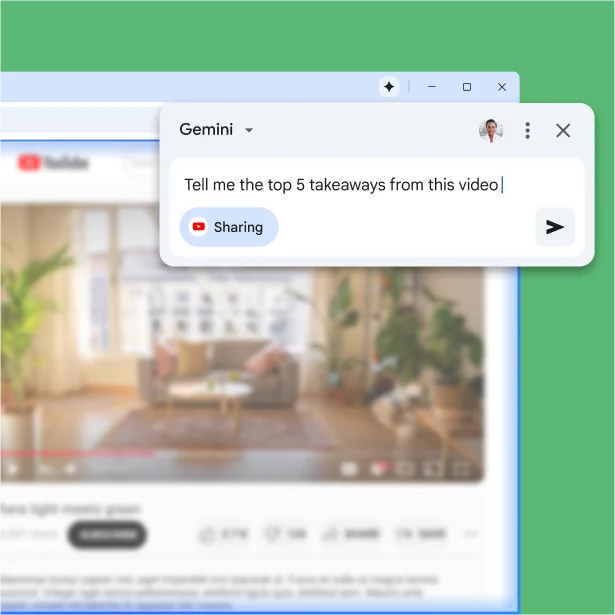
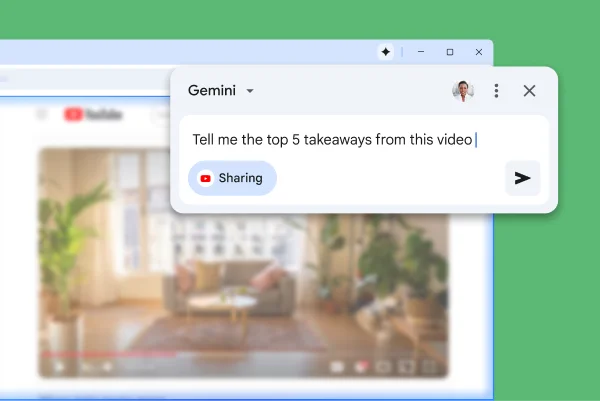
Sign up nowGemini in Chrome works with other Google products. Effortlessly use it to create events in your Google Calendar, or even summarize YouTube videos.
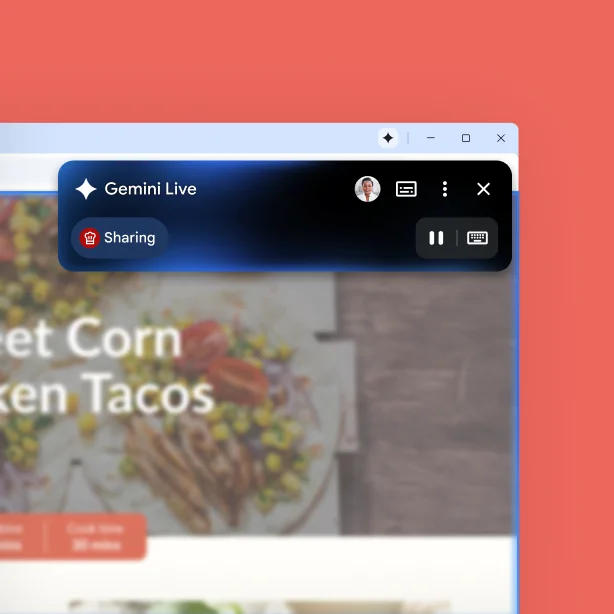
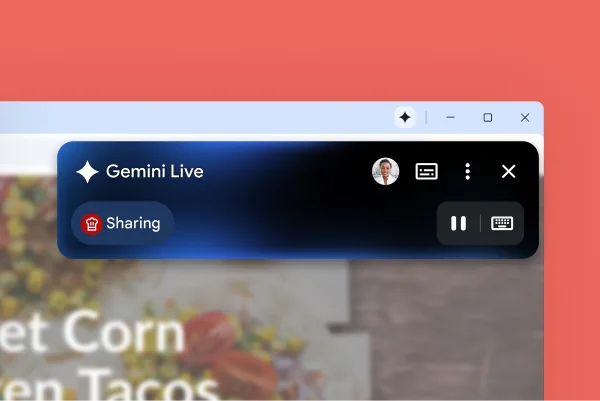
You’re in charge of Gemini in Chrome’s activity. You can pause it at any time, control what it can access, and delete your history. Plus, your data is protected from scams, leaks, and other threats by the best of Google’s security.
Google's approach to AIWhether you’re on your computer or your phone, you can use Gemini in Chrome to ask questions, compare info, and get faster help with the open tabs in your browser.
Get help with Gemini in ChromeGemini in Chrome can complete tasks for you with auto browse - now available for Google AI Pro and Ultra subscribers in the U.S.
Sign up nowGemini in Chrome works with other Google products. Effortlessly use it to create events in your Google Calendar, or even summarize YouTube videos.
You’re in charge of Gemini in Chrome’s activity. You can pause it at any time, control what it can access, and delete your history. Plus, your data is protected from scams, leaks, and other threats by the best of Google’s security.
Google's approach to AIResults for illustrative purposes and may vary. Check responses for accuracy.
Watch the Chrome team share how they built and use the latest AI features coming to the browser.
See new ways to use Gemini in Chrome, with fresh features that let you summarize videos, find past tabs, and get even more help with the content on your screen.
Learn moreTake a first look at how AI is making the omnibox even more helpful. See how you can use AI Mode to ask complex questions that are specific to your individual needs.
Learn moreLearn about all the ways AI in Chrome is keeping you safe on the web, with upgrades to Enhanced Protection mode, automated password change, and more.
Learn moreSee new ways to use Gemini in Chrome, with fresh features that let you summarize videos, find past tabs, and get even more help with the content on your screen.
Learn moreTake a first look at how AI is making the omnibox even more helpful. See how you can use AI Mode to ask complex questions that are specific to your individual needs.
Learn moreLearn about all the ways AI in Chrome is keeping you safe on the web, with upgrades to Enhanced Protection mode, automated password change, and more.
Learn moreJust like on your computer, Gemini on mobile is there to answer questions about what you're reading. On Android it works with anything on your screen* - including Chrome. On iOS, we built Gemini right into the Chrome app.
To open Gemini on Android phones, long-press the power button. On iOS, tap the page tools icon in the Chrome omnibox.
*Available on select devices and in select countries, languages, and to users 18+.
See how Chrome’s latest AI enhancements are making the web faster, safer, and more personalized to you.
Search and ask questions about what you see with Google Lens in Chrome across your devices. You can take a photo of something you see or select anything on a page to search it, like text in a video or an item in an image. You'll get answers right in your tab, and, depending on your search, you might get an AI Overview response.
Learn more about Google LensAI Mode is our most powerful AI search experience. It uses advanced reasoning and multimodal capabilities to answer even your toughest questions. Get AI-powered responses, and explore further with follow-up questions and helpful web links.
Learn more about AI ModeWhen Chrome detects that your password has been compromised*, you’ll get the option to automatically change your password. A single click allows Chrome to update your password for you – using AI – and save it to Google Password Manager.
*Available on supported sites
Download Chrome on your mobile device or tablet and sign into your account for the same browser experience, everywhere.
Scan for the
Chrome app