|
VOOZH | about |
|
VOOZH | about |
Chrome is built for performance. Optimize your experience with features like Energy Saver and Memory Saver.
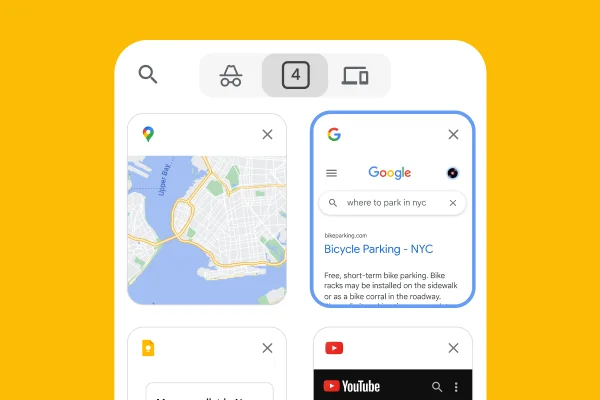
Chrome has tools to help you manage the tabs you’re not quite ready to close. Group, label, and color code your tabs to stay organized and work faster.
Chrome is built to work with your device across platforms. That means a smooth experience on whatever you’re working with.
Get Chrome for your phone
There’s a new Chrome update every four weeks, making it easy to have the newest features and a faster, safer browser.
Chrome is built for performance. Optimize your experience with features like Energy Saver and Memory Saver.
Chrome has tools to help you manage the tabs you’re not quite ready to close. Group, label, and color code your tabs to stay organized and work faster.
Chrome is built to work with your device across platforms. That means a smooth experience on whatever you’re working with.
Get Chrome for your phone
There’s a new Chrome update every four weeks, making it easy to have the newest features and a faster, safer browser.
Gemini in Chrome
From big tasks to small to-do’s, Gemini in Chrome is your partner in figuring it all out. You can use Gemini in Chrome to visualize information, find the right product instantly, or even check your calendar – all from your open tab.
Explore Gemini in ChromeGemini in Chrome helps you easily understand content on the web and get things done using the context of your open tabs and browsing history. Plus, with auto browse, Gemini in Chrome can do your tedious tasks for you* – from shopping and reservations, to research and more.
*Auto browse available only to Google AI Ultra and Pro subscribers in the U.S.
Explore Gemini in ChromeGemini in Chrome can do tasks for you with auto browse. Available to Google AI Pro and Ultra subscribers in the U.S.
AI Mode is our most powerful AI search, built right into Chrome. Ask your toughest questions from the place where you already search, and keep the conversation open alongside your tabs as you dive deeper.
Explore AI ModeChrome has Google Password Manager built in, which makes it simple to save, manage, and protect your passwords online. It also helps you create stronger passwords for every account you use.
Chrome's Safe Browsing warns you about malware or phishing attacks. Turn on Enhanced Safe Browsing for even more safety protections.
Chrome's Safety Check confirms the overall security and privacy of your browsing experience, including your saved passwords, extensions, and settings. If something needs attention, Chrome will help you fix it.
Chrome makes it easy to understand exactly what you’re sharing online and who you’re sharing it with. Simply use the Privacy Guide, a step-by-step tour of your privacy settings.
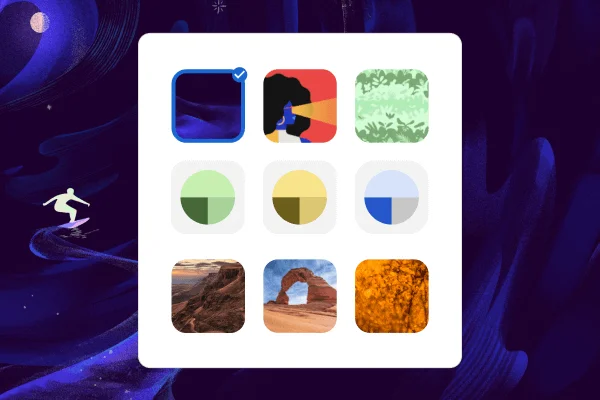
Personalize your web browser with themes, dark mode and other options built just for you.
Sign in to Chrome on any device to access your bookmarks, saved passwords, and more.
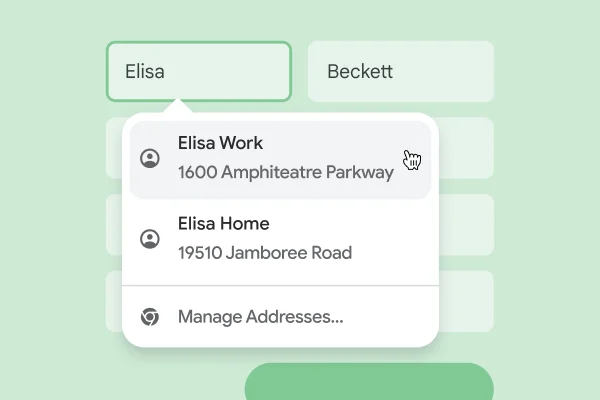
Use Chrome to save addresses, passwords, and more to quickly autofill your details.
Personalize your web browser with themes, dark mode and other options built just for you.
Sign in to Chrome on any device to access your bookmarks, saved passwords, and more.
Use Chrome to save addresses, passwords, and more to quickly autofill your details.
From shopping and entertainment to productivity, find extensions to improve your experience in the Chrome Web Store.
Access a world of knowledge at your fingertips. Check the weather, solve math equations, and get instant search results, all contained inside your browser's address bar.
Google Pay makes it easy to pay online. When you securely store your payment info in your Google Account, you can stop typing your credit card and check out faster.
Search, translate, identify, or shop with Google Lens in Chrome. You can ask questions about what you see, whether it’s something you come across on a website or a photo you take.
Download Chrome on your mobile device or tablet and sign into your account for the same browser experience, everywhere.
Get Chrome for your phone