
News
Abstract
IBM i Navigator can now launch to run VS Code Custom Notebook Reporting
Content
You are in: IBM i Technology Updates > Navigator for i > Documentation on Functional Areas > Custom Notebook Reporting
Navigator for i contains the ability to view Custom Notebooks through the Performance menu. For more information about Custom Notebooks in VSCode for IBM i, see: https://github.com/codefori/vscode-ibmi-notebooks.

You can choose to load a Notebook from the IFS via the Browse button or from your PC via the Load File button. The Notebook file must have the extension .inb.
👁 Custom Notebook Browse Button
Once a file is selected, all queries are ran and any charts or tables are generated. You can see the text, SQL query, and output from each Notebook section.
👁 Custom Notebook Charts
👁 Custom Notebook Table

You can use the refresh button to re-run the queries and generate new charts or tables.
👁 Custom Notebook Refresh Button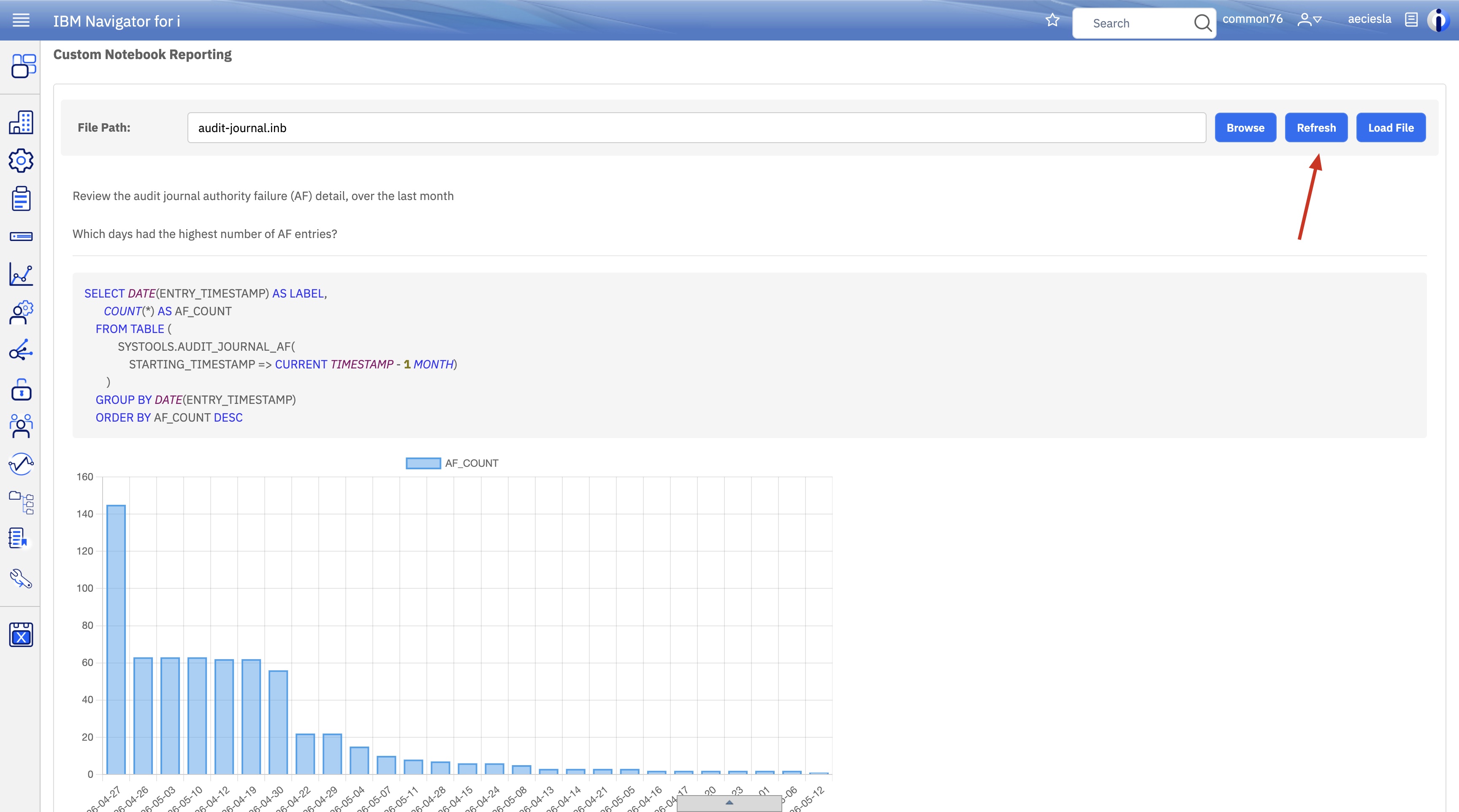
[{"Type":"MASTER","Line of Business":{"code":"LOB68","label":"Power HW"},"Business Unit":{"code":"BU070","label":"IBM Infrastructure"},"Product":{"code":"SWG60","label":"IBM i"},"ARM Category":[{"code":"a8m0z0000000CH1AAM","label":"IBM Navigator for i"}],"Platform":[{"code":"PF012","label":"IBM i"}],"Version":"7.3.0;7.4.0;7.5.0;and future releases"}]
Was this topic helpful?
Document Information
Modified date:
11 June 2026
UID
ibm17272623