 |
VOOZH | about |
|
VOOZH | about |
We use cookies to improve your experience on our site. By using our site, you are agreeing to the collection and use of data as described in our Privacy Policy.
Cookie Settings×Table of contents
Integrating your product with 3rd-party applications' APIs makes it easy for you to enhance your application and deliver a better customer experience.
The process of implementing and maintaining these API integrations, however, isn't so simple—especially when managed in-house.
We'll help you navigate API integration management by covering what it is, the common challenges you'll run up against, and the approaches you can take to manage any API integration.
It involves setting up API connections, making sure the data flows smoothly between applications, and handling any issues that might arise, such as when a third-party API changes.
Related: What are some examples of API integration?
Naturally, there are a few challenges with API integration management that you need to be aware of, including the following:
One of the biggest issues with API integration management is the changing nature of third-party APIs.
Third-party APIs are often updated by their providers, and as consumers of those APIs, you'll need to update your implementation accordingly. This can be a stressful and cumbersome task for your development team over time.
When integrating APIs through software development kits (SDKs), dependency management can be tricky.
Many SDKs depend on third-party (often open-sourced) packages and libraries. Therefore, integrating via an SDK means those dependencies also get integrated into your application, and if the API owners don't manage the dependencies, issues like the Log4j incident can affect your application.
As an API consumer, you need to manually transform and map the data received from the API to your application's internal data models. This task can become more difficult if you're integrating multiple APIs that send data in differing formats or if the APIs change their data structure frequently.
Most APIs implement rate limits, and when integrating them into your app, you need to design the integration in a way that makes the best use of the rate limits without exceeding them. You also need to handle throttling and ensure the integration is scalable with your system. Setting these up by yourself can be quite cumbersome.
Since API integration management is such a complex and challenging task, you need to ensure that you choose the right strategy when starting out. In the following sections, you'll learn about some of the most common ways to implement API integration management within the context of customer-facing integrations.
Here are some popular approaches to implementing API integration management:
Native integration, which refers to directly integrating a third-party service into your application using their remote API (through network calls) or SDK (through in-code integration), is the most hands-on way of managing an API integration.
Take BambooHR's API as an example. You can either integrate their REST API directly by using network libraries in your code or by using one of their language-specific wrapper packages to communicate with the REST APIs.
The advantages of using this approach include:
However, native integration also comes with a few disadvantages:
All in all, native integrations are great for applications that don't heavily rely on integrations or for applications that only need to integrate with a small, fixed set of services. But most organizations will find that as they scale, native integrations won't be a viable option for their product.
Related: A look at API integration middleware solutions
An embedded integration platform as a service (iPaaS) is a specialized type of integration platform that's designed to be embedded within other software applications or platforms.
It lets developers add integration capabilities directly into their own applications rather than rely on external integration solutions or native integrations. This approach also streamlines the integration process, making it more seamless and user-friendly for both developers and end users.
The benefits of using embedded iPaaS include the following:
However, iPaaS also has a few downsides:
A unified API is an API that consolidates multiple functions or capabilities into a single, standardized interface. Instead of interacting with multiple APIs to access various features or services, developers can use a single, unified API to access a broad range of functionalities, simplifying the integration process and reducing complexity.
This ensures that you don't have to go through the hassle of integrating and maintaining multiple APIs in your code. It also allows you to access similar data and features from multiple providers in the same category (such as HRIS or accounting) in one unified data model, allowing for easy integration and swapping of services.
Here are some of the benefits of integrating via a unified API:
Unified APIs aren't perfect, either.
Sometimes, the unified data model of such APIs can be limiting, and the more you write your own custom integration logic, the more tedious it becomes to manage the integration over time. In addition, many unified API solutions only provide coverage for 1 or 2 software categories—and your product integration needs may extend further.
Merge, the leading unified API solution, neatly addresses these drawbacks. It offers seven unified APIs (and growing) including ATS, accounting, CRM, file storage, HR and payroll, ticketing, and marketing automation. Moreover, the platform offers comprehensive common models, along with advanced features, like Field Mapping, to help you sync any data that falls outside of its common models.
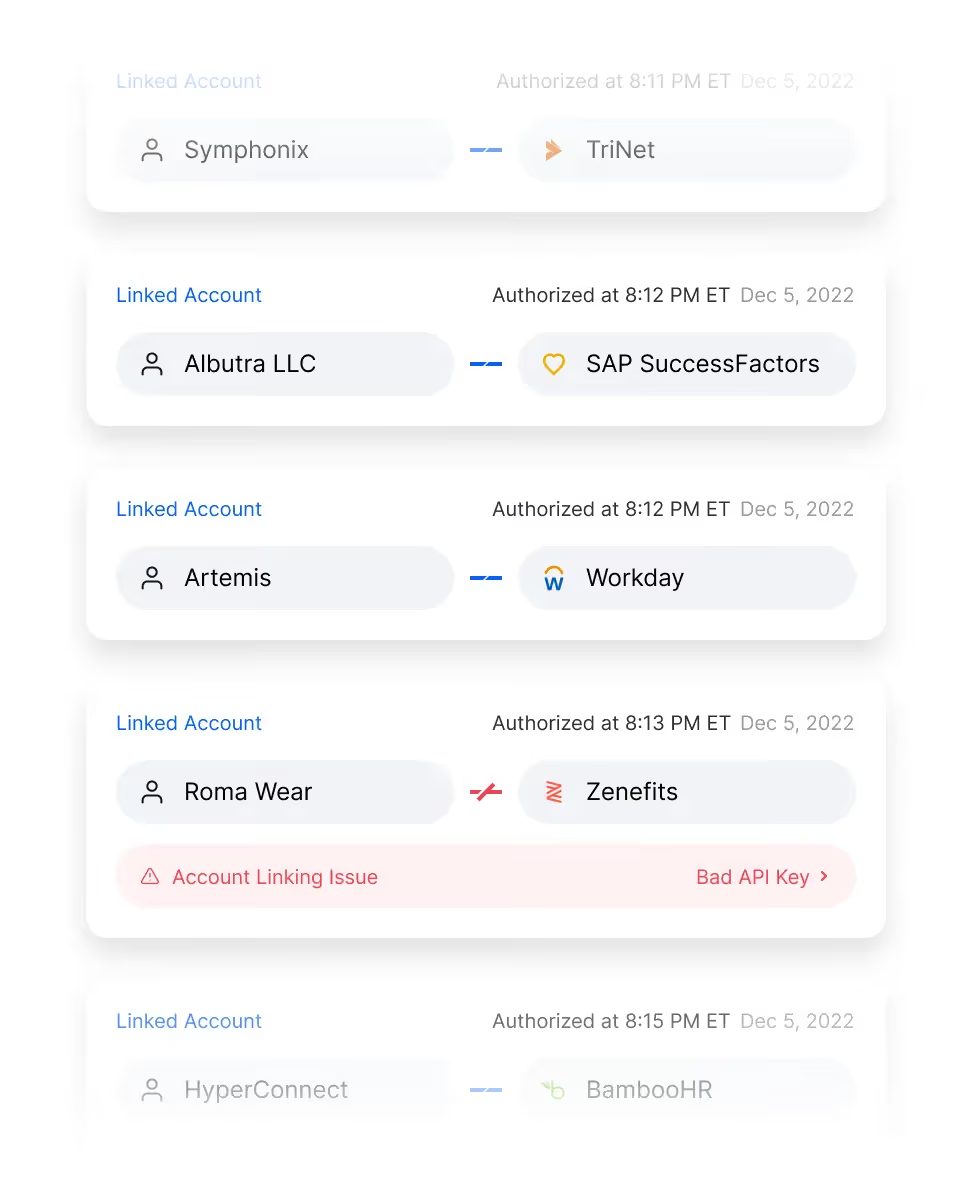
Finally, Merge's Integrations Management features let your customer success and support teams easily oversee and troubleshoot all of your clients' integrations, saving your developers time and ensuring your clients' integrations work effectively.
Learn more about Merge by scheduling a demo with one of our integration experts.



.png)



