 |
VOOZH | about |
|
VOOZH | about |
We use cookies to improve your experience on our site. By using our site, you are agreeing to the collection and use of data as described in our Privacy Policy.
Cookie Settings×Table of contents
Accessing accurate and timely invoicing data from your accounting system or from customers’ can benefit your other internal applications or your product in a variety of ways.
These benefits include anything from sending invoices on time to recognizing revenue correctly to powering insightful dashboards.
To help you reap the full benefits of invoicing integrations, we’ll break down what an invoicing API is, real-world examples, and integrations worth building.
It’s any endpoint(s) that lets you access and perform actions on specific invoicing data, whether that’s retrieving, posting, deleting, or updating specific invoicing records.
Related: What is accounting integration?
The specific invoicing data you can access and the actions you’re able to perform on specific invoicing fields largely depends on the API provider you use.
We’ll break down how these differences look across different accounting systems.
The widely-used enterprise resource planning (ERP) system lets you get, post, update, and remove any number of invoice records.
You can also take additional actions. For instance, you can transform an invoice into a “creditMemo” when POSTing it into a system, allowing you to remedy inaccurate invoices, process returns successfully, and more.
In addition, you can transform an invoice into a “customerPayment” via a POST request. This can be helpful when invoices and payments occur simultaneously, as it allows you to immediately recognize the revenue and minimize invoice entries.
Related: Payroll integration examples
Xero, an online accounting software, offers similar capabilities to NetSuite’s invoicing API; you can create, update, and delete specific invoices or all of the invoices in a variety of ways.
There are also a few more powerful capabilities worth calling out:
Learn more about Xero’s invoicing API.
Sage Intacct is a financial management and services company that lets you retrieve, list, create, update, and delete invoices.
Sage Intacct’s invoicing endpoints offer a variety of functionalities. Here are just a few highlights:
Related: How to integrate with Sage Intacct's API
To help you use invoicing APIs effectively, we’ll break down a few internal and customer-facing use cases worth implementing.
Once you close a new customer, your team will want to move quickly on invoicing them.
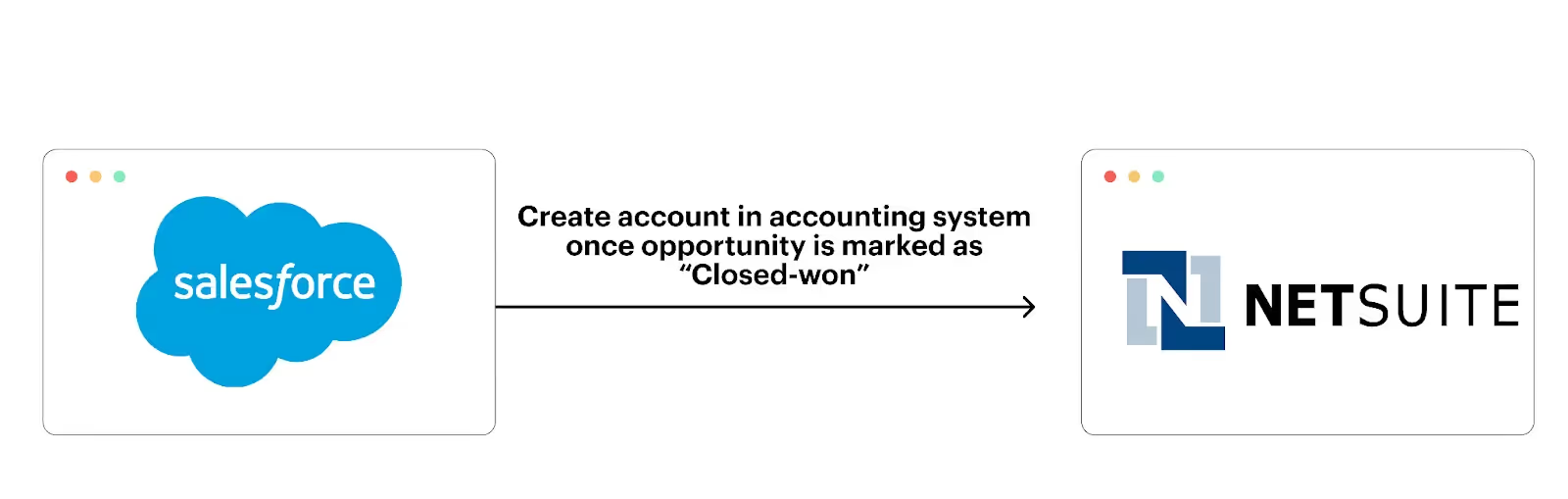
To help facilitate this, you can connect your CRM with your accounting system and build a sync where once an opportunity is marked as “Closed-won” in the former, the associated account gets created in the latter.
Specific fields, like due date, amount due, and contact information can also be populated for that account in the accounting system automatically, enabling your finance team to create and deliver an invoice quickly.
Related: Financial API integration use cases
Invoicing data, paired with other types of data, can help your analysts assess business performance, uncover trends in performance, and make predictions for the coming quarters and years—all through their BI tool of choice.
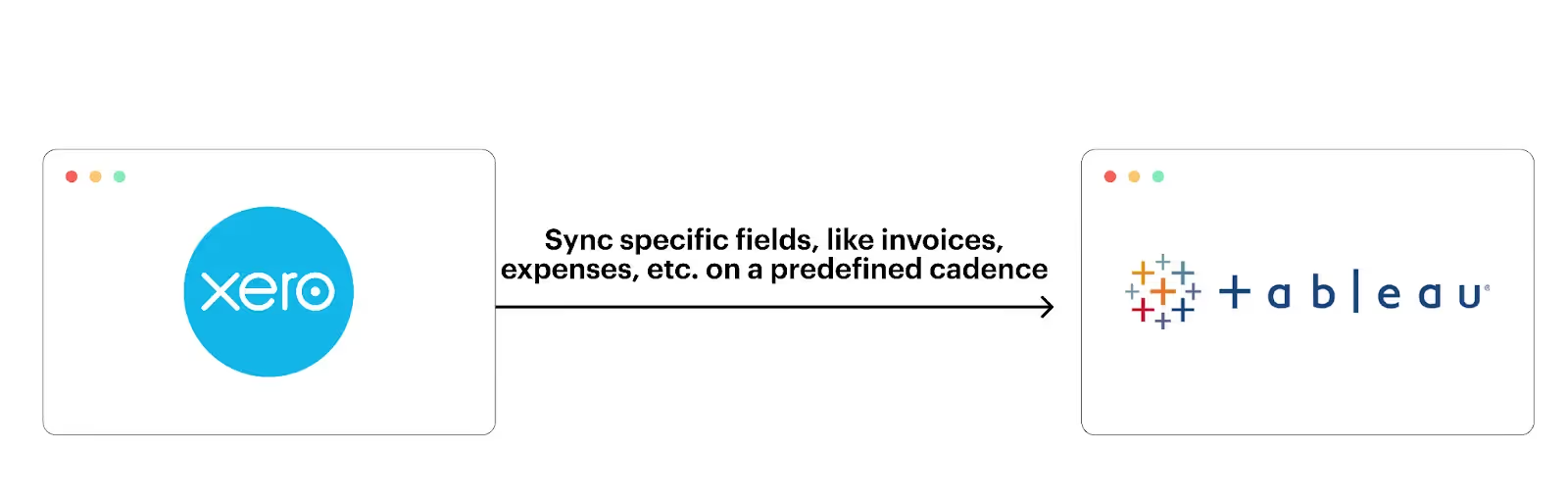
To help your analysts access and use invoicing data successfully in their BI platform, you can integrate your accounting tool with your BI solution and implement a sync that allows invoicing-specific data to automatically get added to predefined BI reports.
Say you offer an e-signature platform—like DocuSign—that allows users to create and send documents to customers.
To help customers create invoices accurately, quickly, and easily, you can connect your product with customers' accounting systems and build a sync where once a contract is fully-executed in your platform, a customer account gets created in the associated customer’s accounting system and the contract gets uploaded to the account.
Imagine you offer a platform that helps customers build and manage a range of financial models (e.g., sales forecasts) that help them make critical business decisions.
To enable users to realize a faster time to value and generate more accurate models, you can offer integrations with customers’ accounting systems to sync invoicing data, among other types of data. Once the data begins to sync, your product can automatically create and populate certain models on customers' behalves automatically.
Related: A guide to accounting API integrations
Say you offer a platform that helps users create and send invoices and receive payments.
To help your customers’ finance teams stay on top of invoicing activities and reconcile payments easily and quickly over time, you can integrate with their accounting systems.
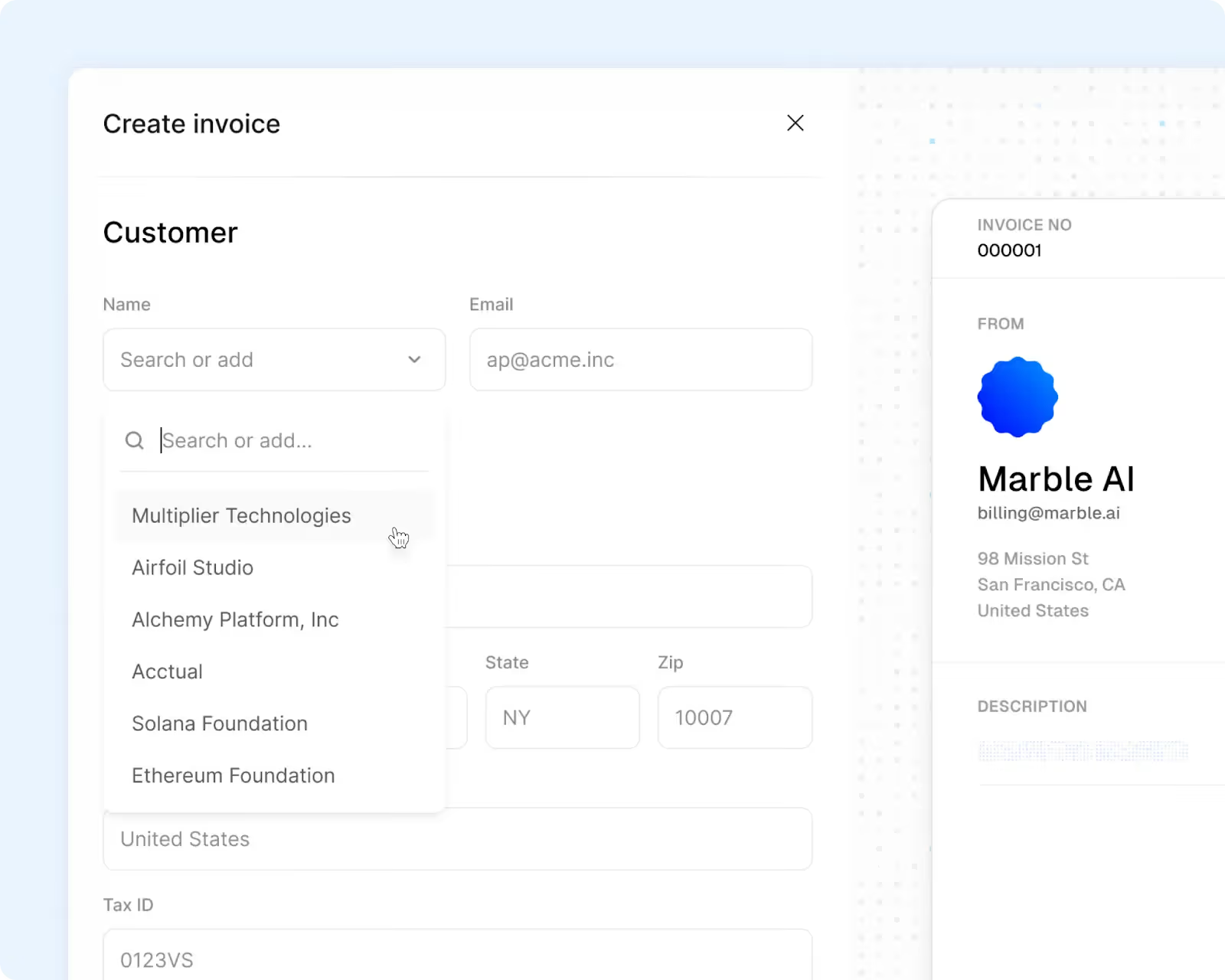
More specifically, once connected, you can prepopulate both the invoicing fields the customer uses in their accounting system and the dropdowns—allowing customers to create and send invoices quickly. Moreover, as an invoice moves through different stages in your product (i.e., created, sent, and paid), the changes are reflected in the customer’s ERP system.
Let’s break down the top value propositions of using invoicing APIs:
Invoicing APIs automate the flow of invoicing data between systems, allowing your team to avoid re-entering data and any ensuing issues (like those described above).
Related: A guide to API integration solutions
Merge, the leading unified API solution, lets you access more than a dozen accounting integrations through a single build, letting your product access and sync all of your customers’ invoicing data—among other types of financial data.
Merge also provides Integration Observability features that let your customer-facing teams manage your integrations; advanced features to access and sync custom objects and fields; and integration maintenance support through its team of partner engineers.
You can learn more about syncing invoicing data with your product via Merge by scheduling a demo with one of our integration experts.







.png)



