 |
VOOZH | about |
|
VOOZH | about |
We use cookies to improve your experience on our site. By using our site, you are agreeing to the collection and use of data as described in our Privacy Policy.
Cookie Settings×Table of contents
As you look to implement either internal or customer-facing integrations, you’ll often need to build two-way, or bidirectional, synchronizations to keep data across systems consistent.
To help you build two-way syncs effectively, we’ll break down common use cases and scenarios that call for using it over one-way syncs (and vice-versa).
But first, let’s cover how a two-way sync works.
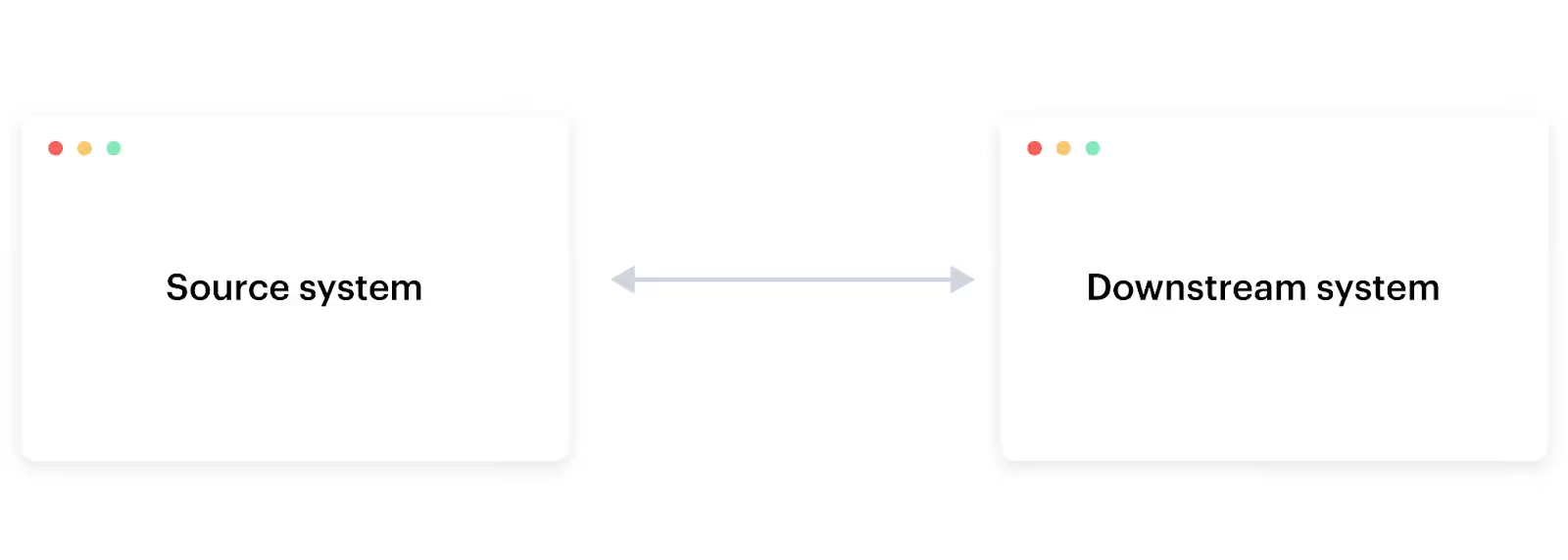
It’s any integration that facilitates bidirectional communication between a source system and a downstream system. In other words, any change in one system leads to an identical update in the other.
It’s worth noting that this definition differs from a one-way sync, where changes in the source system lead to changes in the downstream system—but not the other way around.
Related: What is a bidirectional sync?
To help make sense of our definition, let’s walk through a few two-way internal and customer-facing syncs.
As customer support comes across specific issues, they’ll inevitably run into several that require their engineers to resolve it.
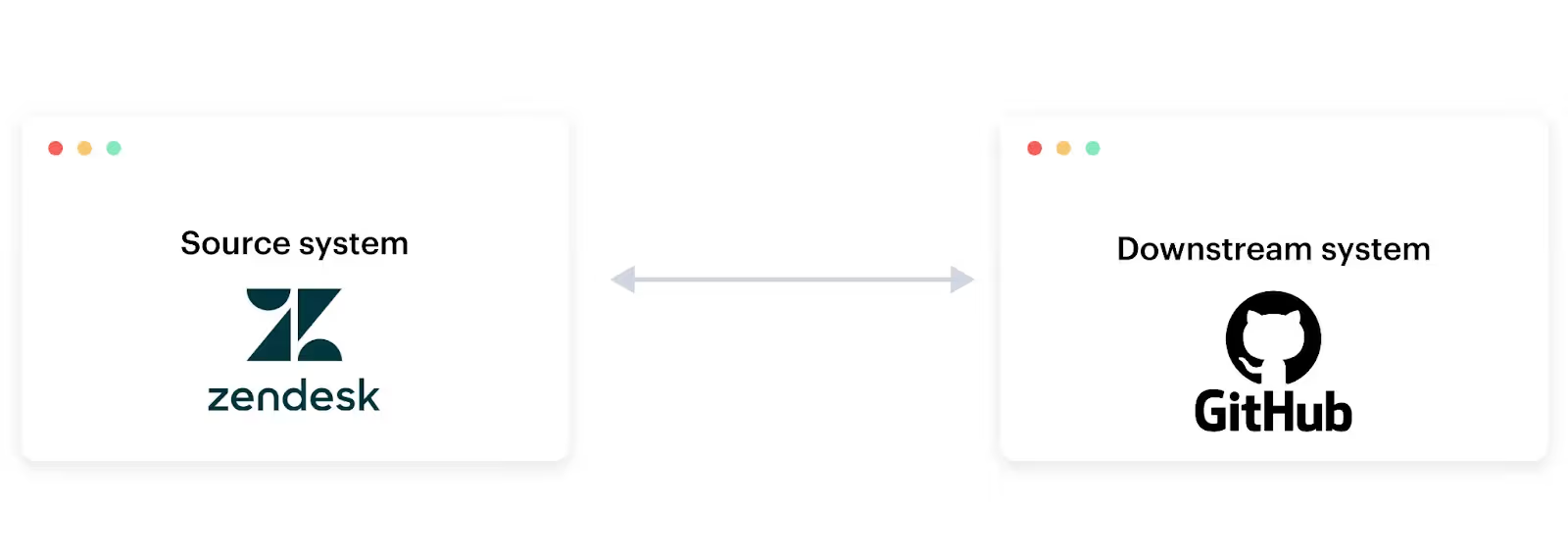
To help engineers become aware of these issues and work on them quickly, while also keeping customer support in the loop, you can implement the following two-way sync: Once a ticket in the source system (customer support’s ticketing tool) is marked as escalated, a corresponding ticket gets created in the downstream system (engineering’s ticketing tool). In addition, as engineering makes updates to the ticket, the changes are reflected in the source system.
Related: Examples of ticketing integrations
Once a new hire signs their offer letter, your IT team (among other teams) will need to start performing a specific set of pre-boarding tasks—such as purchasing equipment—on behalf of the incoming employee.
To enable IT to work on these tasks quickly and complete them on time, you can connect your HRIS with IT’s ticketing tool and build the following two-way sync: Once an employee is created in your source system (your HRIS), the appropriate set of pre-boarding tickets get created in your destination system (IT’s ticketing tool).
Moreover, as IT makes updates to their pre-boarding tickets, the changes are reflected in the associated employee’s profile within the HRIS—allowing HR to follow IT’s progress.
Imagine you offer a gifting application for employees (e.g., Snappy) and want to streamline various gift-giving workflows.
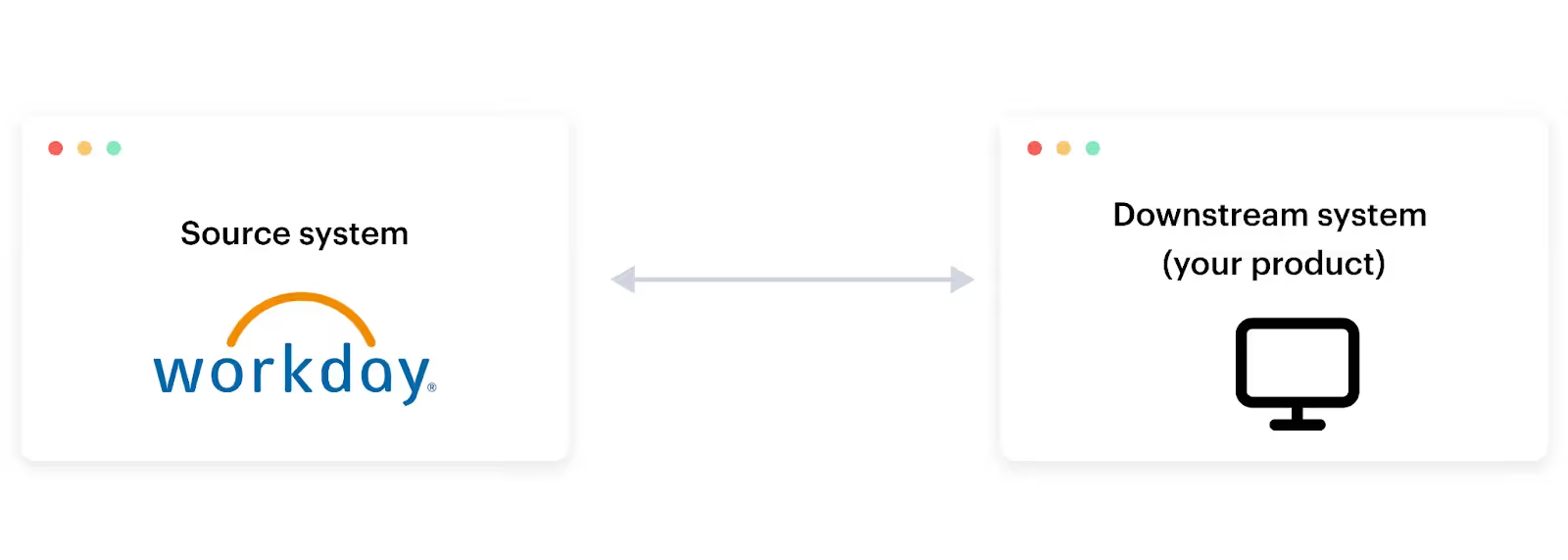
With this in mind, you can connect to customers’ HRIS solutions and build a two-way sync that works as follows: Once a milestone event happens in a source application (a customer’s HRIS solution), the event gets captured in the downstream application (your product); the downstream application can then initiate the appropriate gifting workflow.
Also, as a given workflow occurs in your product, the associated employee’s profile in the customer’s HRIS gets updated, enabling HR to keep abreast of the status of a gift delivery.
Say you offer a solution that lets customers create, deliver, and receive payments on invoices.
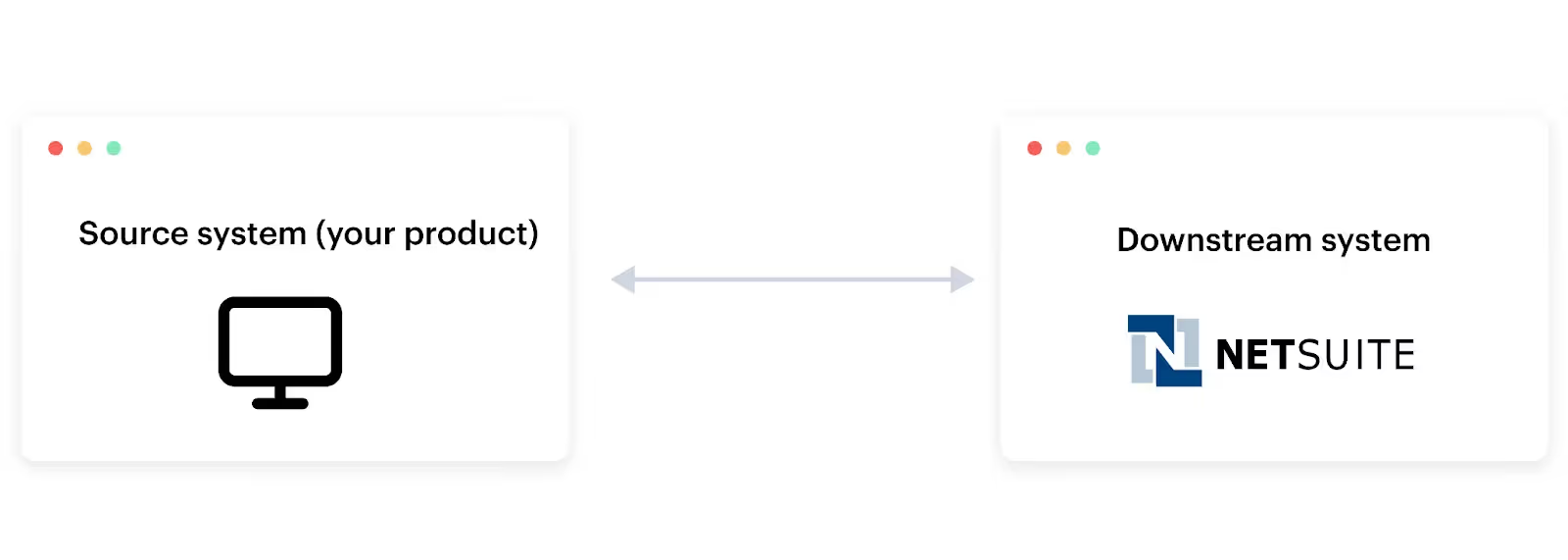
To help customers track invoicing activities more easily and ultimately recognize revenue faster, you can integrate the source system (your platform) with the destination system (customers’ ERP systems) and build the following two-way sync: Any time an invoice is created, updated, delivered, and fully-executed in the source system, the associated changes occur in the destination system.
In addition, as finance makes certain changes to an invoice (e.g., adding a note) in the ERP system, the updates can be reflected in your product.
Related: Two-way API integration examples
Here are some scenarios that can help you decide between using a one-way or two-way sync for a given integration:
Merge, the leading unified API platform, lets you build one-way and two-way syncs between your product and more than 200 applications through a single integration build.
In addition, Merge provides Integration Observability features that let your customer-facing teams manage your integrations; advanced features to help you access and sync custom objects and fields; and integration maintenance support through its team of partner engineers.
You can learn more about Merge by scheduling a demo with one of our integration experts.





.png)



