

Performance
Microsoft Edge has built-in features like Startup boost and Sleeping tabs, which make your browser start up quicker and boost your browser’s performance.
top-tips
Top Tips
performance-toolbar
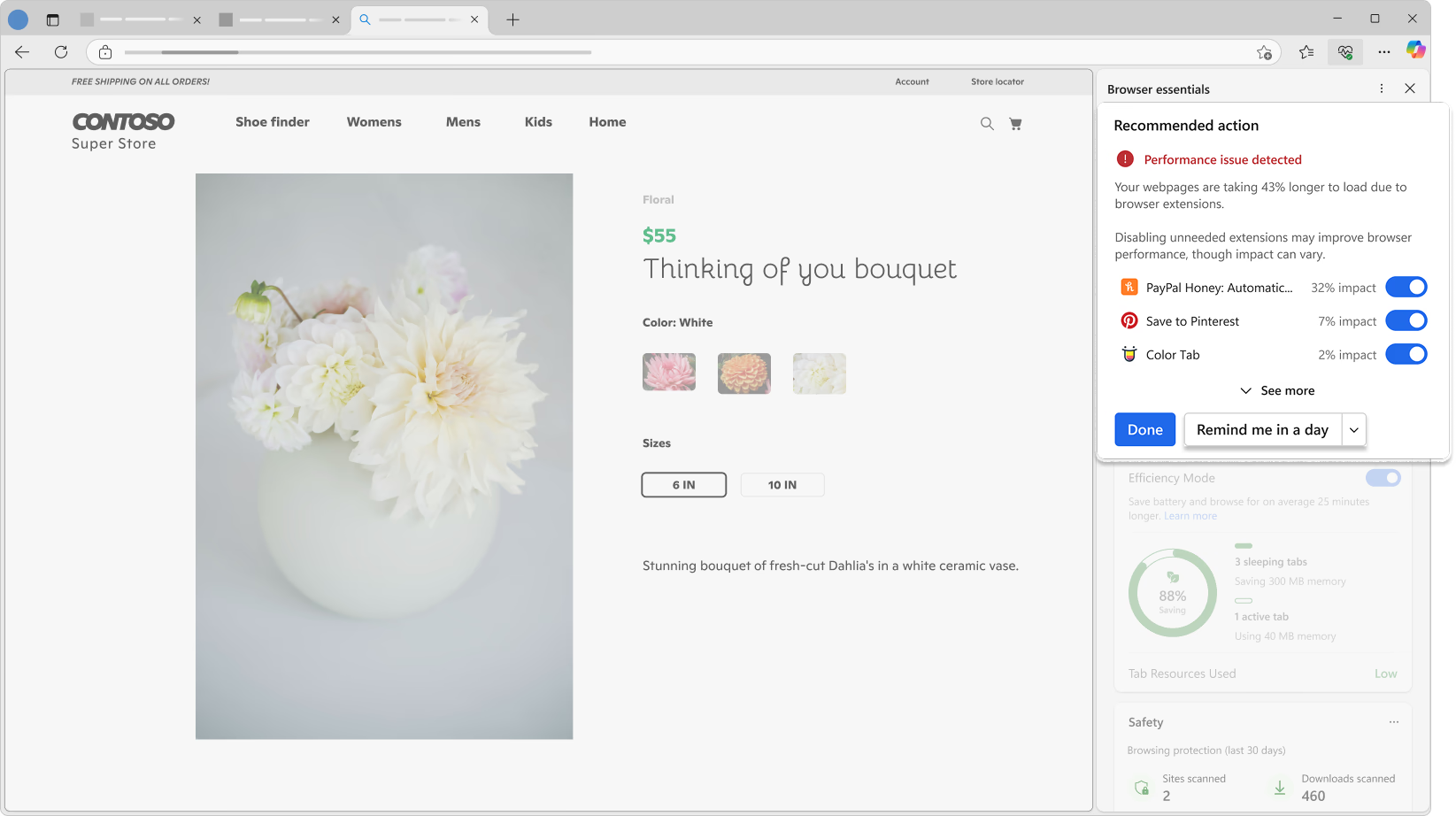
Stay informed about your browser's performance
Go to Microsoft Edge's toolbar and select icon Performance to get started with a single, intuitive view that provides helpful suggestions for browser performance optimization.
sleeping-tabs
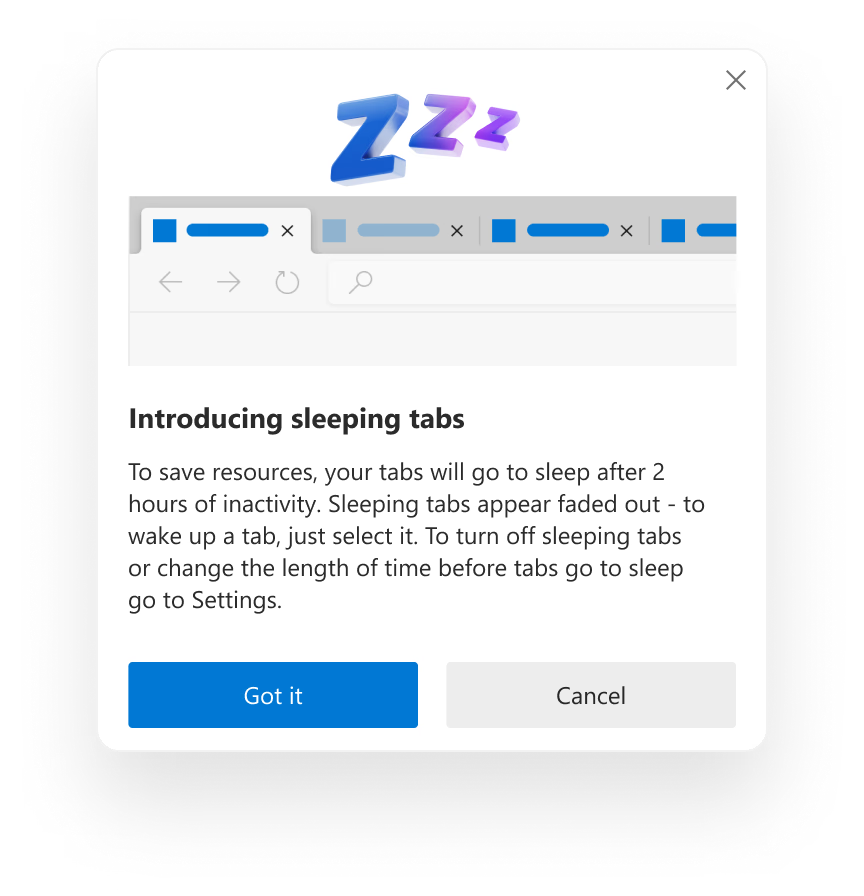
Put inactive tabs to sleep to boost your browser's performance
Microsoft Edge can now put tabs to “sleep” when you’re not using them. This boosts your browser’s performance by releasing system resources like memory and CPU, to help ensure that the tabs you’re using have the resources they need.
startup-boost
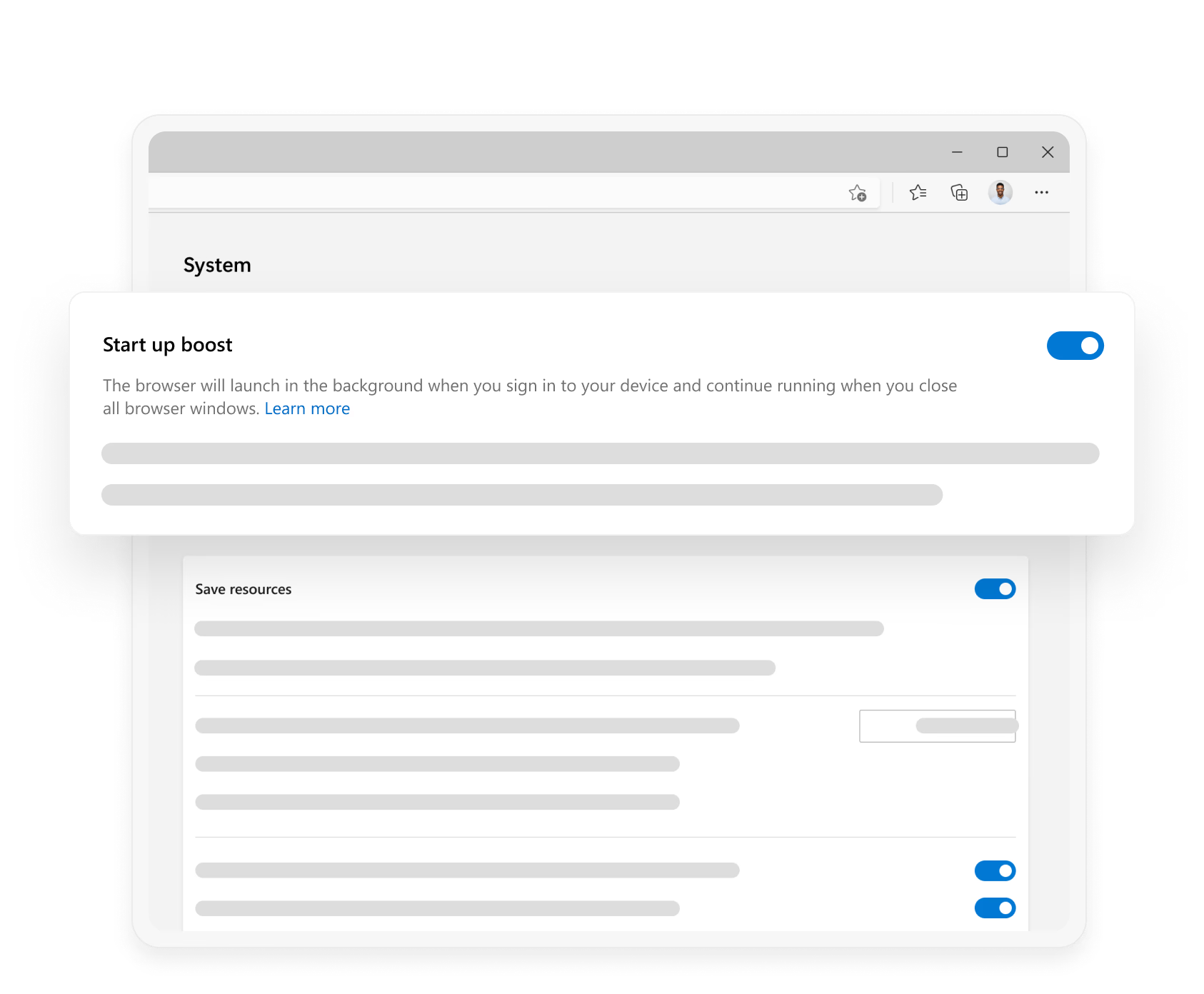
Startup boost opens Microsoft Edge faster
Startup boost maximizes your PC's performance by dramatically reducing the time it takes to open the browser.
all-features
Performance Features
- * Feature availability and functionality may vary by device type, market, and browser version.