

Read aloud
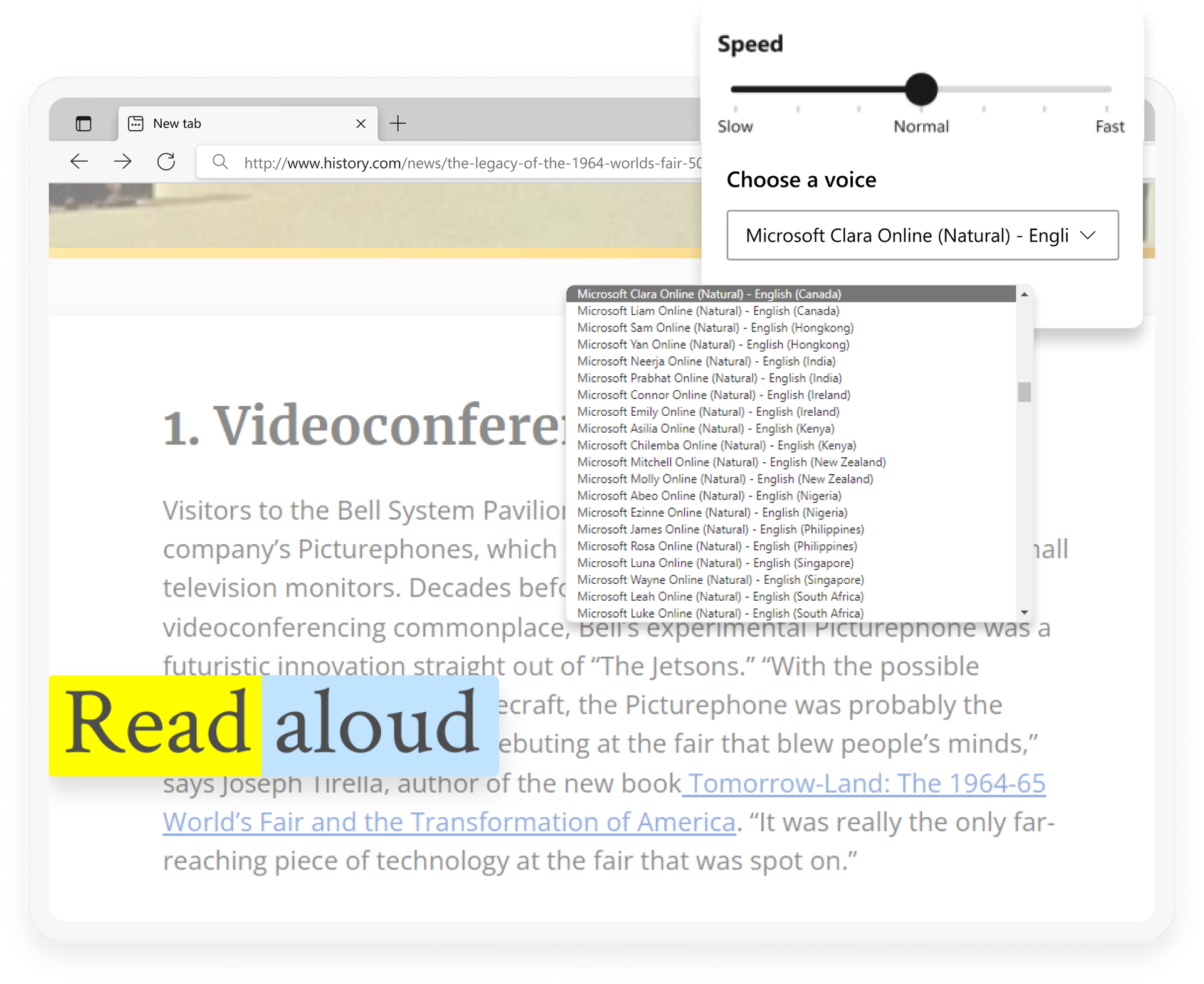
Step away from the screen as you listen to content while performing other tasks or improve your reading comprehension by hearing content at your own pace, in your desired language. Available in a variety of natural-sounding voices and accents.
Feature
Read aloud
Step away from the screen as you listen to content while performing other tasks or improve your reading comprehension by hearing content at your own pace, in your desired language. Available in a variety of natural-sounding voices and accents.
tips
Tips and Tricks
faq
Frequently asked questions
- * Feature availability and functionality may vary by device type, market, and browser version.