

Website Typo Protection
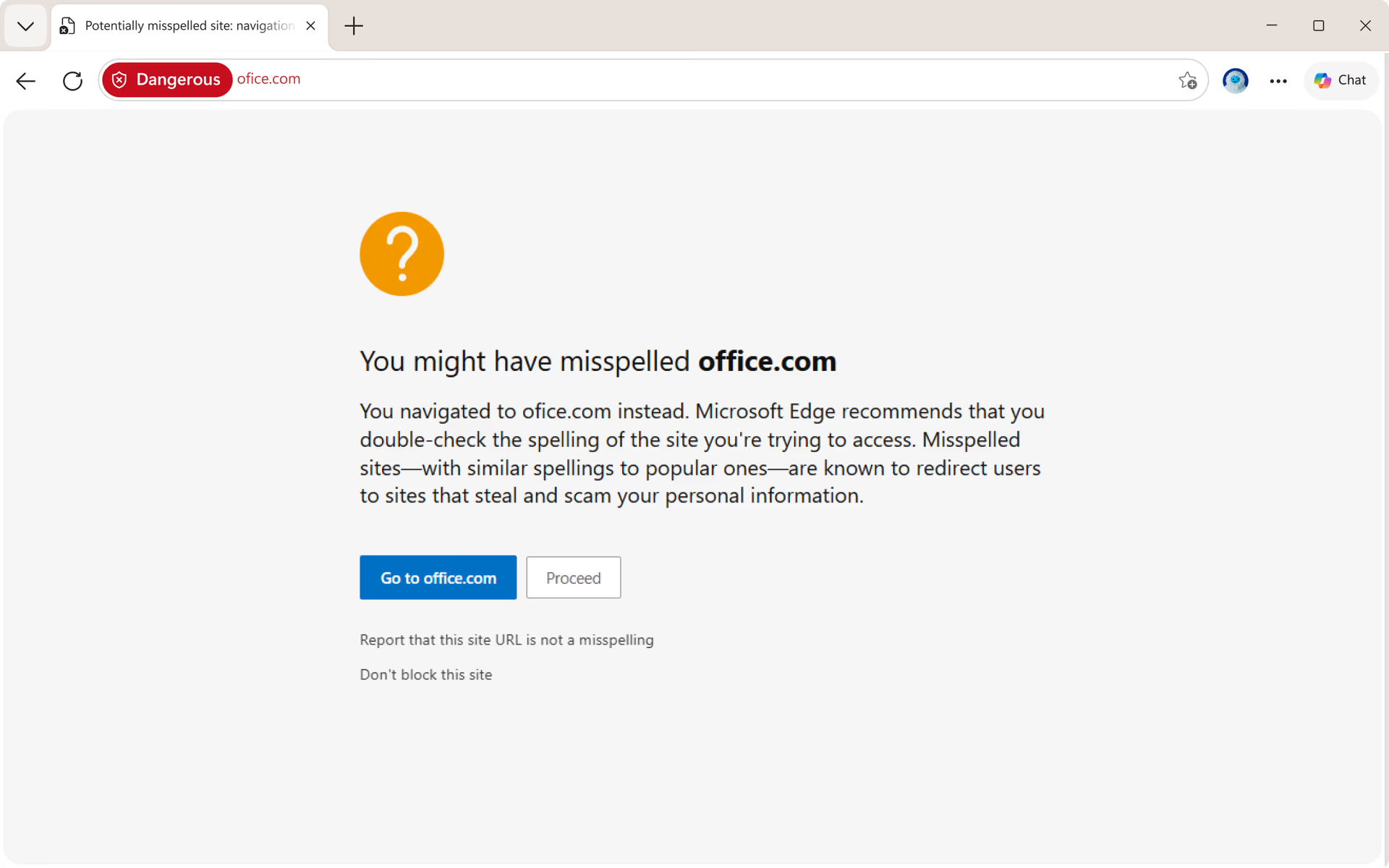
Stay one step ahead of scams. Website Typo Protection in Microsoft Edge helps you avoid malicious lookalike sites by automatically detecting and correcting common URL mistakes.
Feature
Website Typo Protection
Stay one step ahead of scams. Website Typo Protection in Microsoft Edge helps you avoid malicious lookalike sites by automatically detecting and correcting common URL mistakes.
tips
Tips and Tricks
faq
Frequently asked questions
- * Feature availability and functionality may vary by device type, market, and browser version.
- * The content on this page may have been translated using AI.