
What is MongoDB Atlas?
MongoDB Atlas is a multi-cloud database service by the same people that build MongoDB. Atlas simplifies deploying and managing your databases while offering the versatility you need to build resilient and performant global applications on the cloud providers of your choice.
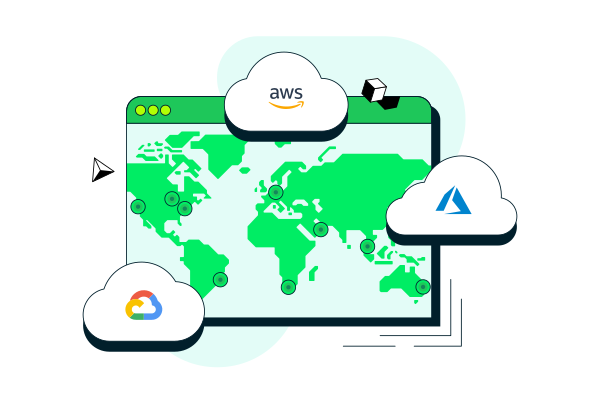
Build with MongoDB on AWS, Azure, and Google Cloud
MongoDB Atlas makes it easy to deploy and manage databases on-demand when and where you need them.
Choose a cluster type.
Play around with a free cluster, launch a Flex cluster, or define a dedicated cluster configuration for your application.
To choose a deployment type, see Database Deployment Types.
Choose a Cloud Provider and Region
Deploy your database to the same cloud provider and region as your applications to reduce latency and standardize security controls.
To choose a cloud provider and region, see Cloud Providers and Regions.
Customize your cluster.
Enable multi-cloud and multi-region data distribution to expand global coverage, increase fault tolerance, and meet data compliance requirements.
To customize your cluster, see Configure High Availability and Workload Isolation.
Add IP Access List Entries
Define an IP access list for your cluster. Always-on authentication ensures only approved client connections can access your database.
To add IP Access List entries, see Configure IP Access List Entries.
Manage Database Users
Define how your team members and applications authenticate to your database and what data they can access.
To manage database users, see Configure Database Users.
(Optional) Configure Private Network Access
Configure peering connections or private endpoints for your applications to connect to your databases for additional security controls.
To configure peering connections, see Set Up a Network Peering Connection. To configure private endpoints, see Configure Private Endpoints.

Choose a Connection Type
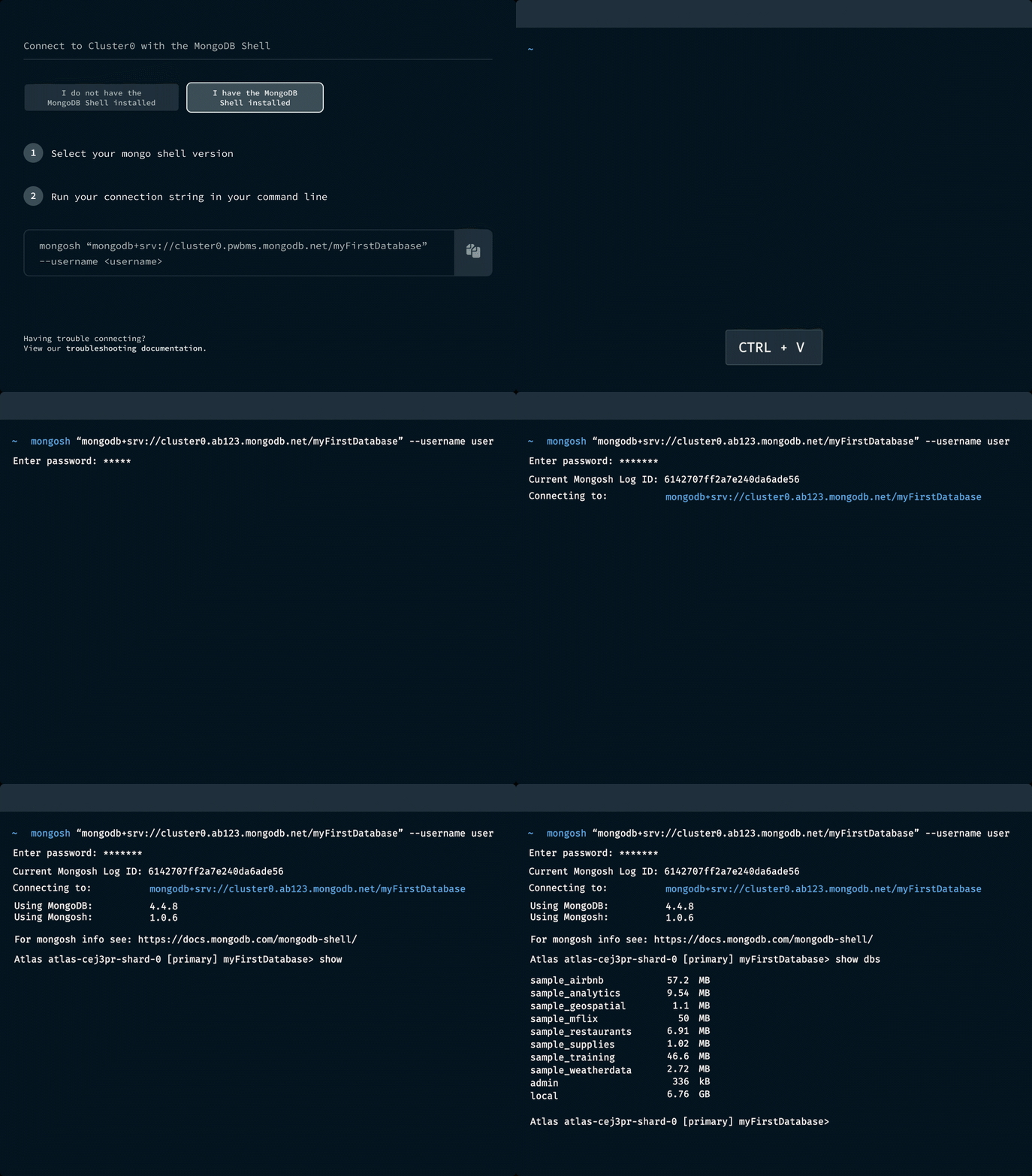
Connect to your database using the MongoDB Shell, one of MongoDB's client libraries, MongoDB Compass, or the MongoDB Connector for BI.
To connect to your database, see Connect to an Atlas Cluster.
Interact with your Data
Use your chosen connection type to view your data, import documents, and run queries.
To insert data, see Insert and View a Document.
Create Custom Alerts
Customize default alerts or create new ones to receive notifications based on events and metrics that you define.
To create custom alerts, see Configure and Resolve Alerts.
Review Index and Schema Suggestions
See on-demand index and schema suggestions for your collections to improve your application's query performance.
To review suggestions, see Analyze Slow Queries and Improve Your Schema.
Automate Archival of Cold Data
Define archival rules to move infrequently accessed data into fully managed cloud object storage while retaining full queryability of that data.
To archive your data, see Online Archive Overview.

Go Further with Atlas
Explore other data services available with Atlas.

