|
VOOZH | about |
|
VOOZH | about |
dotnet add package C1.Xaml.WPF.DateTimeEditors --version 4.6.20261.6
NuGet\Install-Package C1.Xaml.WPF.DateTimeEditors -Version 4.6.20261.6
<PackageReference Include="C1.Xaml.WPF.DateTimeEditors" Version="4.6.20261.6" />
<PackageVersion Include="C1.Xaml.WPF.DateTimeEditors" Version="4.6.20261.6" />Directory.Packages.props
<PackageReference Include="C1.Xaml.WPF.DateTimeEditors" />Project file
paket add C1.Xaml.WPF.DateTimeEditors --version 4.6.20261.6
#r "nuget: C1.Xaml.WPF.DateTimeEditors, 4.6.20261.6"
#:package C1.Xaml.WPF.DateTimeEditors@4.6.20261.6
#addin nuget:?package=C1.Xaml.WPF.DateTimeEditors&version=4.6.20261.6Install as a Cake Addin
#tool nuget:?package=C1.Xaml.WPF.DateTimeEditors&version=4.6.20261.6Install as a Cake Tool
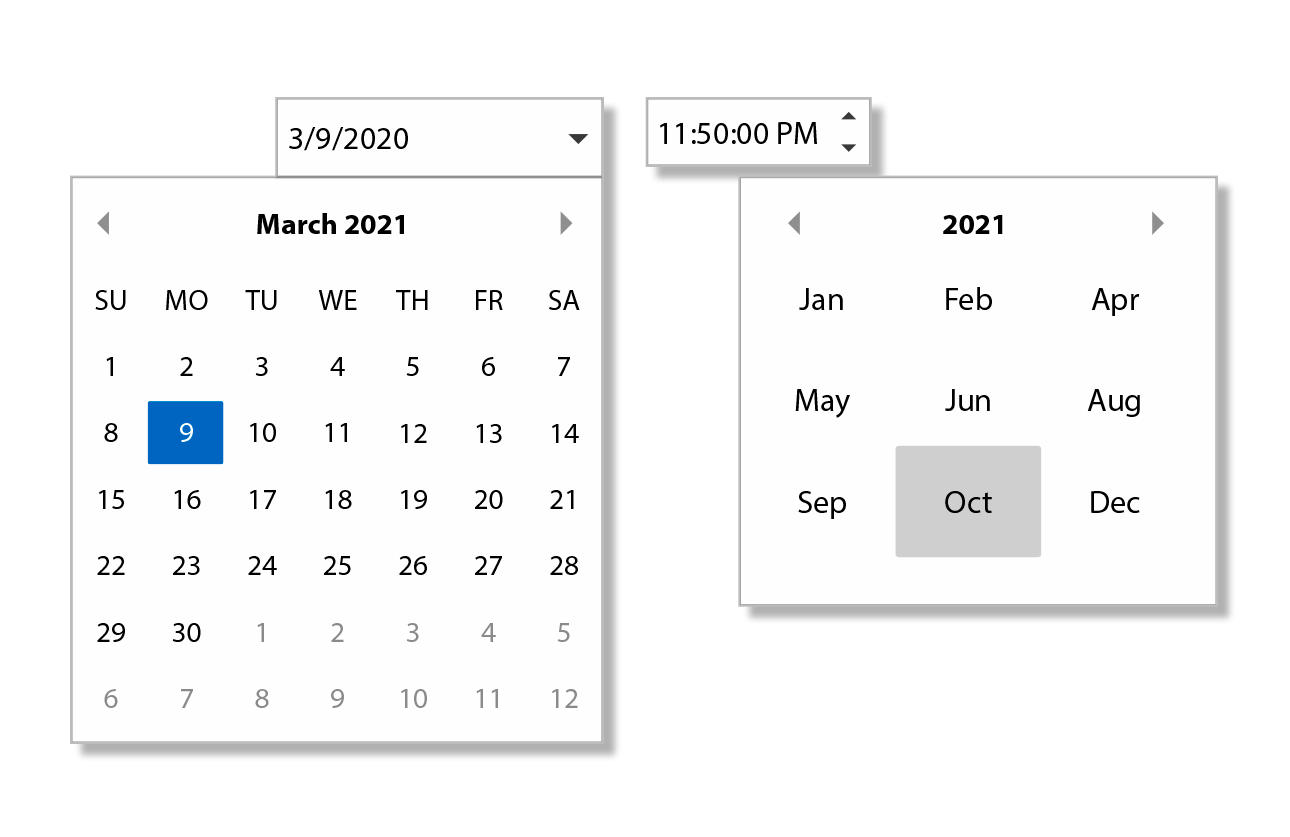
The ComponentOne WPF DateTimeEditors includes several essential input controls for date and time information.
Key Features:
Learn more at developer.mescius.com/componentone/wpf-ui-controls/date-time-editor-control-wpf.
| Product | Versions Compatible and additional computed target framework versions. |
|---|---|
| .NET Framework | net462 net462 is compatible. net463 net463 was computed. net47 net47 was computed. net471 net471 was computed. net472 net472 was computed. net48 net48 was computed. net481 net481 was computed. |
Showing the top 5 NuGet packages that depend on C1.Xaml.WPF.DateTimeEditors:
| Package | Downloads |
|---|---|
|
C1.Xaml.WPF.FlexGridFilter
Provides filtering functionality for ComponentOne FlexGrid for WPF. |
|
|
C1.Xaml.WPF.DataGrid
DataGrid for WPF makes it easy to display, edit, and analyze tabular data. Note that DataGrid is legacy and replaced by FlexGrid. |
|
|
C1.Xaml.WPF.DataGrid.Filters
Provides filtering functionality for ComponentOne DataGrid for WPF. Note that DataGrid is legacy and replaced by FlexGrid. |
|
|
C1.Xaml.WPF.Schedule
ComponentOne Scheduler for WPF includes fully functional Outlook-style schedule and calendar controls that allow users to add, edit, and manage their appointments easily. |
|
|
C1.Xaml.WPF.FlexViewer
FlexViewer for WPF is a document previewing control that can be used to preview different document types such as C1Report, C1FlexReport, SSRS, and PDF documents. |
This package is not used by any popular GitHub repositories.
| Version | Downloads | Last Updated |
|---|---|---|
| 4.6.20261.6 | 201 | 5/29/2026 |
| 4.6.20252.919 | 215 | 3/20/2026 |
| 4.6.20252.915 | 168 | 2/12/2026 |
| 4.6.20252.903 | 137 | 2/12/2026 |
| 4.6.20252.900 | 679 | 12/1/2025 |
| 4.6.20251.887 | 470 | 9/18/2025 |
| 4.6.20251.882 | 308 | 7/11/2025 |
| 4.6.20251.877 | 396 | 5/16/2025 |
| 4.6.20242.870 | 376 | 2/26/2025 |
| 4.6.20242.863 | 368 | 12/27/2024 |
| 4.6.20242.858 | 371 | 11/9/2024 |
| 4.6.20241.853 | 471 | 9/3/2024 |
| 4.6.20241.844 | 428 | 7/8/2024 |
| 4.6.20241.839 | 6,401 | 5/29/2024 |
| 4.6.20233.827 | 365 | 4/1/2024 |
| 4.6.20233.821 | 292 | 3/12/2024 |
| 4.6.20233.804 | 1,027 | 1/19/2024 |
| 4.6.20233.801 | 1,026 | 11/10/2023 |
| 4.6.20232.796 | 3,829 | 9/11/2023 |
| 4.6.20232.790 | 1,350 | 7/17/2023 |