|
VOOZH | about |
|
VOOZH | about |
dotnet add package SautinSoft.Excel --version 2026.6.10
NuGet\Install-Package SautinSoft.Excel -Version 2026.6.10
<PackageReference Include="SautinSoft.Excel" Version="2026.6.10" />
<PackageVersion Include="SautinSoft.Excel" Version="2026.6.10" />Directory.Packages.props
<PackageReference Include="SautinSoft.Excel" />Project file
paket add SautinSoft.Excel --version 2026.6.10
#r "nuget: SautinSoft.Excel, 2026.6.10"
#:package SautinSoft.Excel@2026.6.10
#addin nuget:?package=SautinSoft.Excel&version=2026.6.10Install as a Cake Addin
#tool nuget:?package=SautinSoft.Excel&version=2026.6.10Install as a Cake Tool
👁 Nuget
👁 Nuget
👁 Passed
👁 windows
👁 macOS
👁 linux
👁 docker
👁 aws
👁 microsoftazure
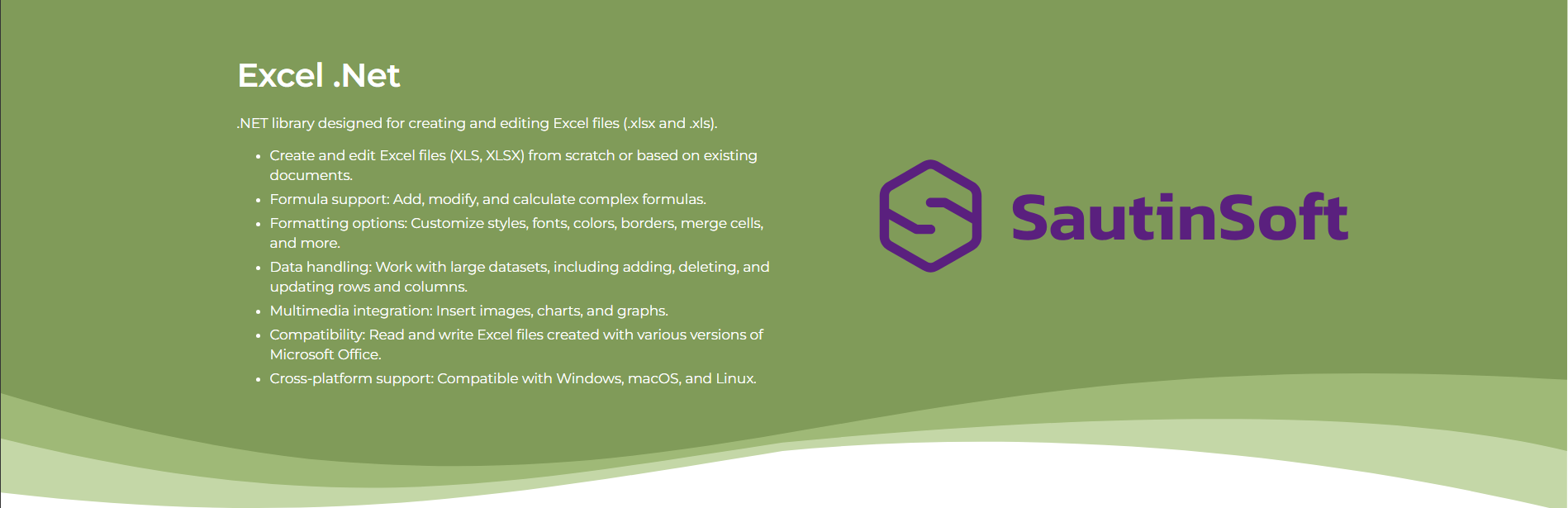
SautinSoft.Excel is a standalone C# assembly which gives you full set of API to manipulate (read, write, edit, convert) with documents in XLSX, XLS, CSV formats.
Are you ready to give Excel .NET a try? Simply execute Install-Package sautinsoft.excel from Package Manager Console in Visual Studio to fetch the NuGet package. If you already have Excel .NET and want to upgrade the version, please execute Update-Package sautinsoft.excel to get the latest version.
string inpFile = @"..\..\..\Example.xlsx";
//string inpFile = @"..\..\..\Example.xls";
string outFile = @"..\..\..\Result.pdf";
ExcelDocument excelDocument = ExcelDocument.Load(inpFile);
excelDocument.Save(outFile, new PdfSaveOptions());
string outFile = @"..\..\..\Result.xlsx";
ExcelDocument excelDocument = new ExcelDocument();
excelDocument.Worksheets.Add("The main worksheet");
excelDocument.Worksheets.Add("Second worksheet");

// Create a variable to address
var worksheet = excelDocument.Worksheets["The main worksheet"];

// Add plain text
worksheet.Cells["A1"].Value = "This is common string";
worksheet.Cells["B1"].Value = "Hello, World! 12345";

// Add the result of the expression
worksheet.Cells["A2"].Value = "This is the result of a mathematical expression in C#";
worksheet.Cells["B2"].Value = 5 + 5;

excelDocument.Save(outFile, new XlsxSaveOptions());
string filePath = @"..\..\..\example.xlsx";
// The file format is detected automatically from the file extension: ".xlsx".
ExcelDocument excel = ExcelDocument.Load(filePath);
 if (excel != null)
Console.WriteLine("Loaded successfully!");
string image = @"..\..\..\cup.jpg";
string outFile = @"..\..\..\Result.xlsx";

ExcelDocument excelDocument = new ExcelDocument();
excelDocument.Worksheets.Add("Page 1");
var worksheet = excelDocument.Worksheets["Page 1"];

// Insert an image
worksheet.Pictures.Add(image, SKRect.Create(1080, 960));

excelDocument.Save(outFile);
| Product | Versions Compatible and additional computed target framework versions. |
|---|---|
| .NET | net6.0 net6.0 is compatible. net6.0-android net6.0-android was computed. net6.0-ios net6.0-ios was computed. net6.0-maccatalyst net6.0-maccatalyst was computed. net6.0-macos net6.0-macos was computed. net6.0-tvos net6.0-tvos was computed. net6.0-windows net6.0-windows was computed. net7.0 net7.0 was computed. net7.0-android net7.0-android was computed. net7.0-ios net7.0-ios was computed. net7.0-maccatalyst net7.0-maccatalyst was computed. net7.0-macos net7.0-macos was computed. net7.0-tvos net7.0-tvos was computed. net7.0-windows net7.0-windows was computed. net8.0 net8.0 is compatible. net8.0-android net8.0-android was computed. net8.0-browser net8.0-browser was computed. net8.0-ios net8.0-ios was computed. net8.0-maccatalyst net8.0-maccatalyst was computed. net8.0-macos net8.0-macos was computed. net8.0-tvos net8.0-tvos was computed. net8.0-windows net8.0-windows was computed. net9.0 net9.0 is compatible. net9.0-android net9.0-android was computed. net9.0-browser net9.0-browser was computed. net9.0-ios net9.0-ios was computed. net9.0-maccatalyst net9.0-maccatalyst was computed. net9.0-macos net9.0-macos was computed. net9.0-tvos net9.0-tvos was computed. net9.0-windows net9.0-windows was computed. net10.0 net10.0 is compatible. net10.0-android net10.0-android was computed. net10.0-browser net10.0-browser was computed. net10.0-ios net10.0-ios was computed. net10.0-maccatalyst net10.0-maccatalyst was computed. net10.0-macos net10.0-macos was computed. net10.0-tvos net10.0-tvos was computed. net10.0-windows net10.0-windows was computed. |
| .NET Framework | net462 net462 is compatible. net463 net463 was computed. net47 net47 was computed. net471 net471 is compatible. net472 net472 is compatible. net48 net48 is compatible. net481 net481 was computed. |
Showing the top 1 NuGet packages that depend on SautinSoft.Excel:
| Package | Downloads |
|---|---|
|
SautinSoft.Bundle
SautinSoft.Bundle is a package of .NET components for processing WORD, EXCEL, PDF, HTML, Text. With our components you get fast and reliable results in an easy–to–use format. Only the .NET is required, so you can deploy your application easily without having to think about other licenses. |
This package is not used by any popular GitHub repositories.
| Version | Downloads | Last Updated |
|---|---|---|
| 2026.6.10 | 95 | 6/10/2026 |
| 2026.5.19 | 432 | 5/20/2026 |
| 2026.5.5 | 109 | 5/5/2026 |
| 2026.4.22 | 363 | 4/22/2026 |
| 2026.4.2 | 175 | 4/3/2026 |
| 2026.3.5 | 187 | 3/5/2026 |
| 2026.2.19 | 239 | 2/20/2026 |
| 2026.2.3 | 151 | 2/4/2026 |
| 2026.1.20 | 165 | 1/20/2026 |
| 2025.11.10 | 556 | 11/10/2025 |
| 2025.10.17 | 359 | 10/17/2025 |
| 2025.9.8 | 555 | 9/8/2025 |
| 2025.8.25 | 573 | 8/25/2025 |
| 2025.8.12 | 477 | 8/12/2025 |
| 2025.8.4 | 464 | 8/4/2025 |
| 2025.6.20-hotfix | 2,349 | 6/20/2025 |
| 2025.6.5 | 3,717 | 6/5/2025 |
| 2025.4.23 | 23,707 | 4/23/2025 |
| 2025.2.6 | 8,501 | 2/5/2025 |
What's new in the version Excel .Net 2026.6: https://sautinsoft.com/products/excel/help/net/release-notes/