|
VOOZH | about |
|
VOOZH | about |
dotnet add package SideScroll.Tabs --version 0.20.0
NuGet\Install-Package SideScroll.Tabs -Version 0.20.0
<PackageReference Include="SideScroll.Tabs" Version="0.20.0" />
<PackageVersion Include="SideScroll.Tabs" Version="0.20.0" />Directory.Packages.props
<PackageReference Include="SideScroll.Tabs" />Project file
paket add SideScroll.Tabs --version 0.20.0
#r "nuget: SideScroll.Tabs, 0.20.0"
#:package SideScroll.Tabs@0.20.0
#addin nuget:?package=SideScroll.Tabs&version=0.20.0Install as a Cake Addin
#tool nuget:?package=SideScroll.Tabs&version=0.20.0Install as a Cake Tool
👁 Live Demo
👁 NuGet
👁 License
👁 .NET
👁 Avalonia
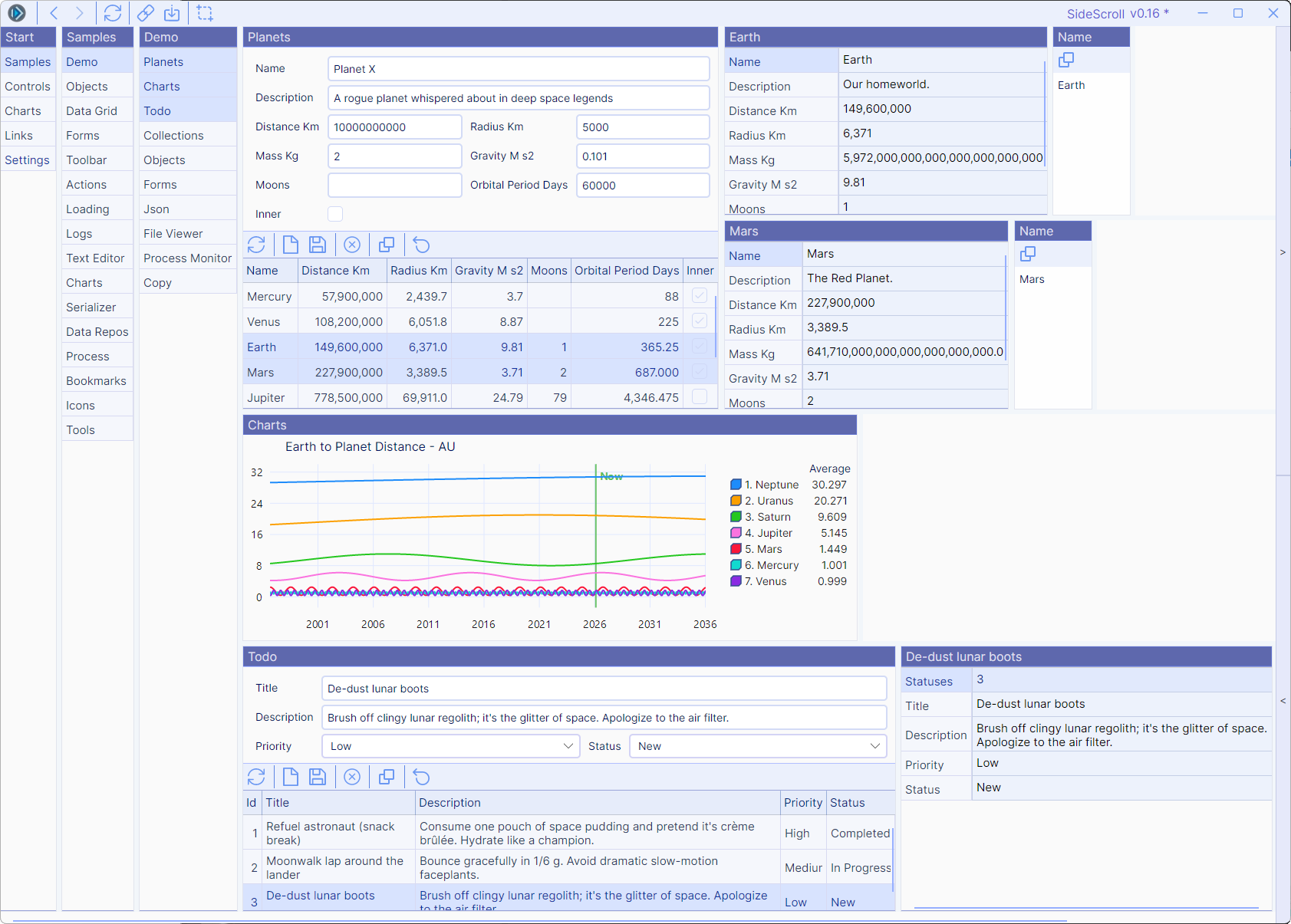
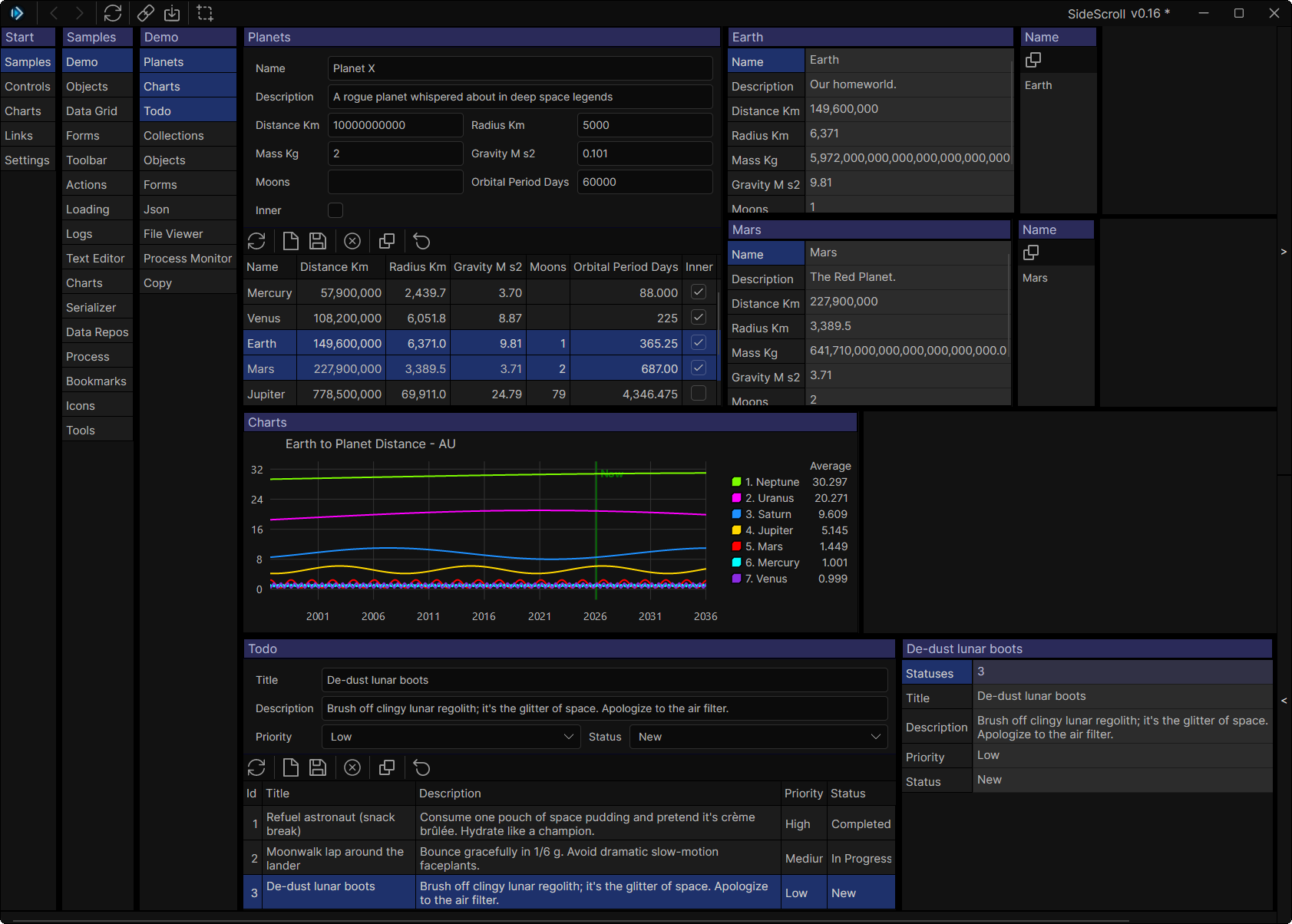
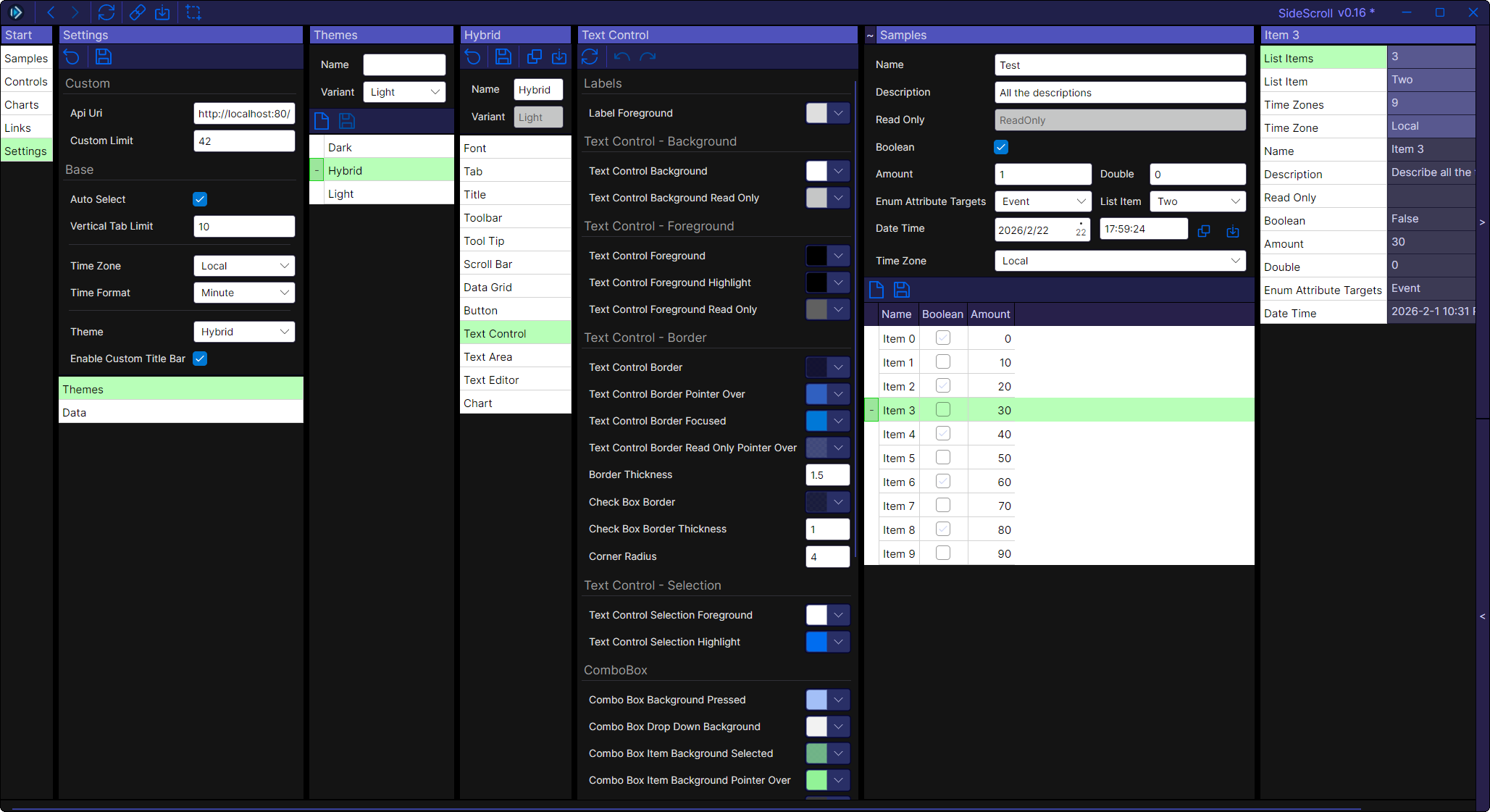
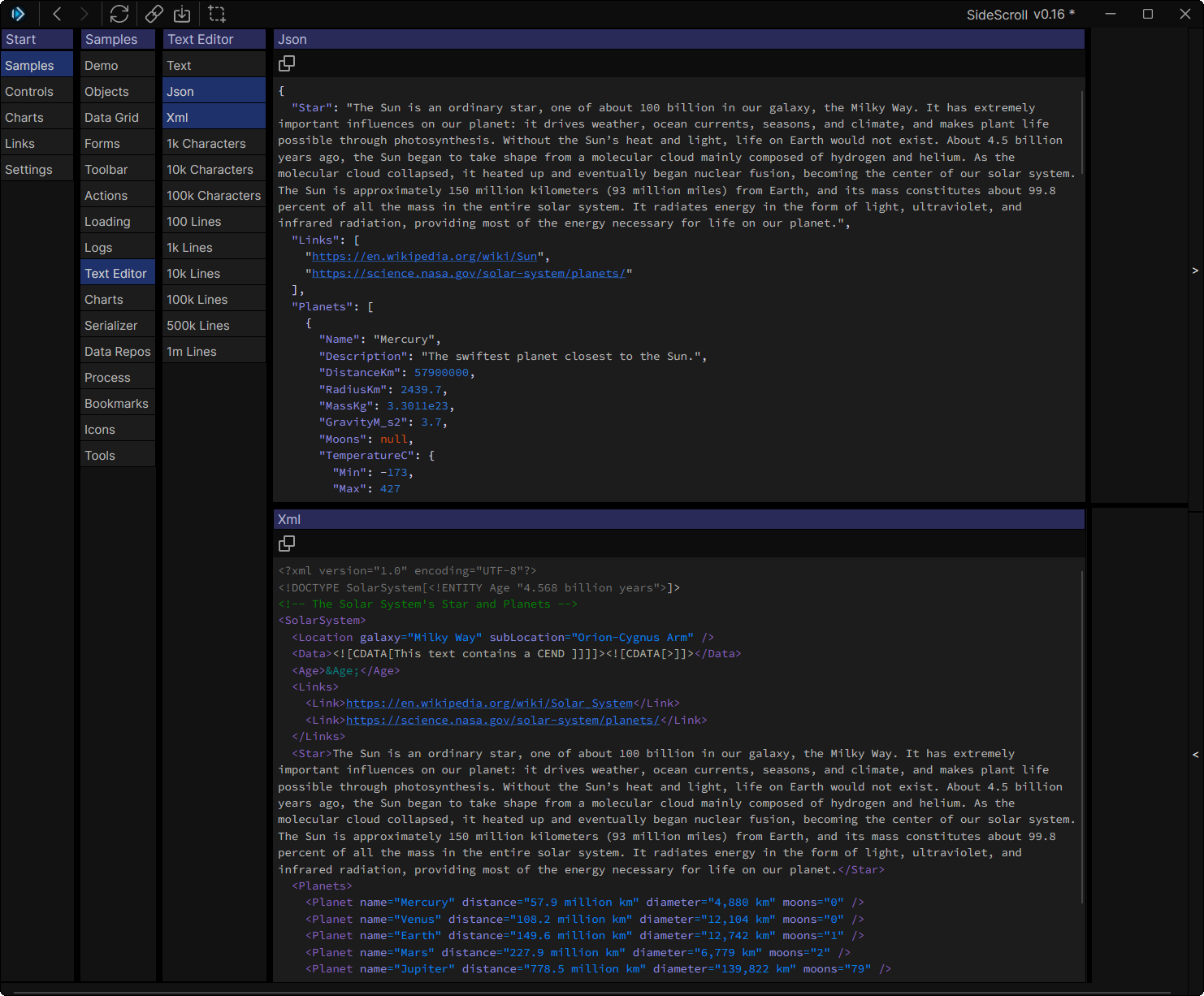
A cross-platform Avalonia UI framework for building fast, navigable, data-driven applications with automatically generated forms and smart tab navigation.
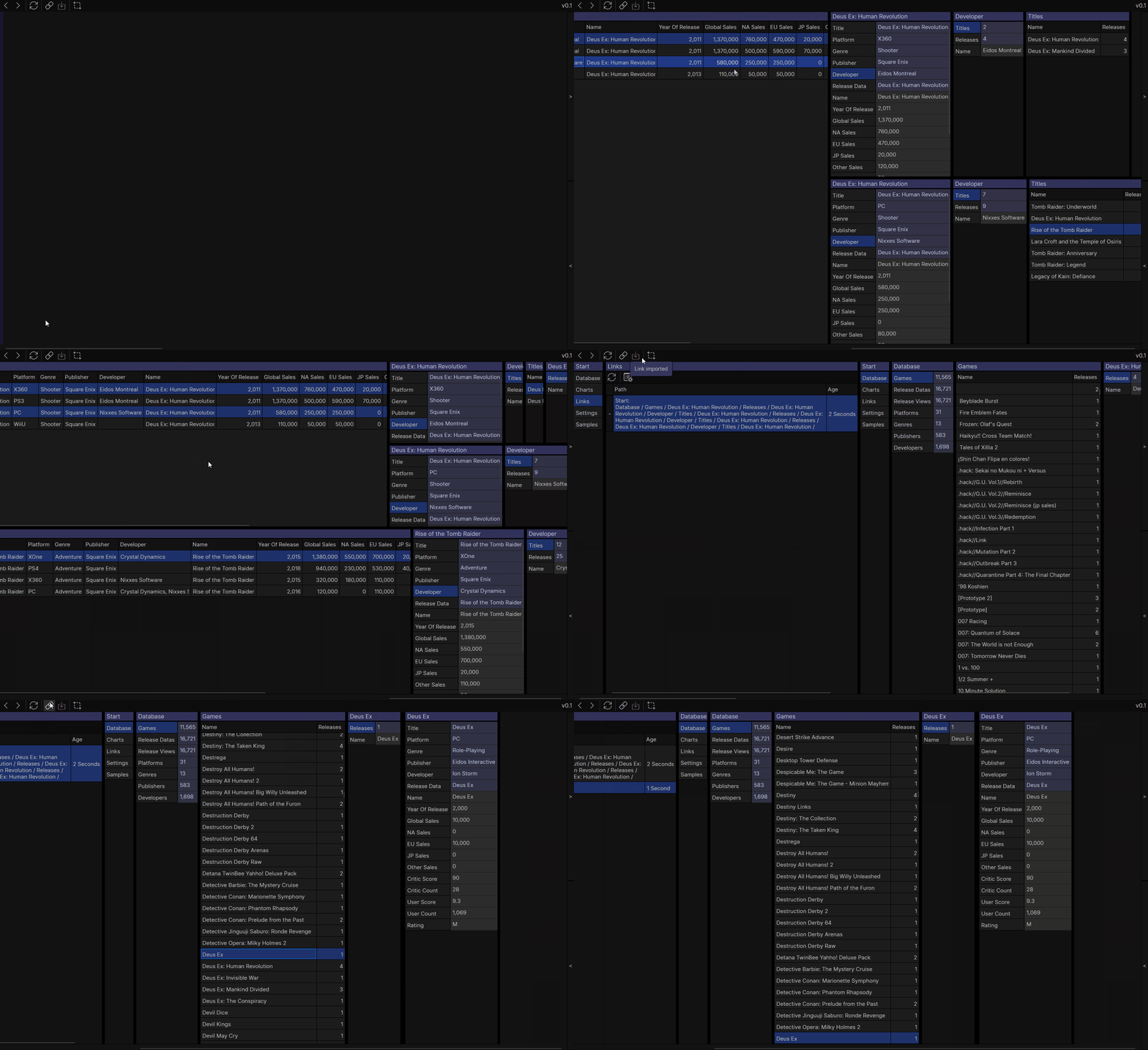
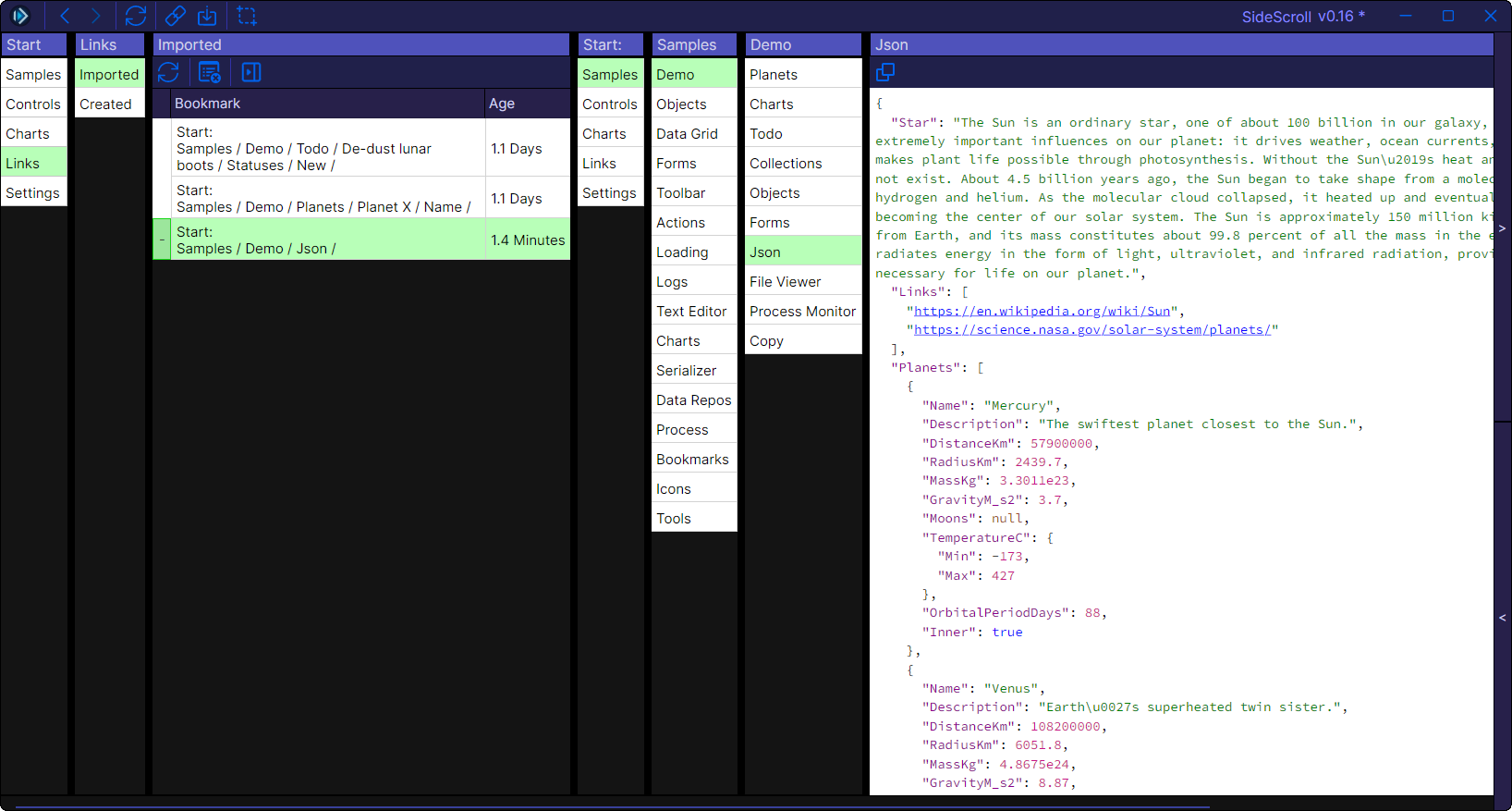
SideScroll is designed for navigating complex data hierarchies with speed and developer productivity in mind. It automatically selects the most likely next tabs as you navigate, allowing you to drill down 20, 30, or even 50 levels deep with ease. Every view can be saved as a shareable link, and any object can be instantly displayed or edited with auto-generated controls.
Try SideScroll in your browser: https://sidescrollui.github.io/SideScroll/
Try the VideoGamesDB sample: https://sidescrollui.github.io/VideoGamesDB/
The demos run entirely in WebAssembly using Avalonia's browser support—no installation required!
Note: The browser version is experimental. For the best performance and full features, use the desktop application.
Install SideScroll templates
dotnet new install SideScroll.Templates
Create a new SideScroll application
dotnet new sidescroll.app -o MyApp
Or create a solution with library and program projects:
dotnet new sidescroll.sln -o MyApp
Run your new app
cd MyApp
dotnet run
This project is licensed under the MIT License - see the LICENSE file for details.
| Product | Versions Compatible and additional computed target framework versions. |
|---|---|
| .NET | net8.0 net8.0 is compatible. net8.0-android net8.0-android was computed. net8.0-browser net8.0-browser was computed. net8.0-ios net8.0-ios was computed. net8.0-maccatalyst net8.0-maccatalyst was computed. net8.0-macos net8.0-macos was computed. net8.0-tvos net8.0-tvos was computed. net8.0-windows net8.0-windows was computed. net9.0 net9.0 was computed. net9.0-android net9.0-android was computed. net9.0-browser net9.0-browser was computed. net9.0-ios net9.0-ios was computed. net9.0-maccatalyst net9.0-maccatalyst was computed. net9.0-macos net9.0-macos was computed. net9.0-tvos net9.0-tvos was computed. net9.0-windows net9.0-windows was computed. net10.0 net10.0 was computed. net10.0-android net10.0-android was computed. net10.0-browser net10.0-browser was computed. net10.0-ios net10.0-ios was computed. net10.0-maccatalyst net10.0-maccatalyst was computed. net10.0-macos net10.0-macos was computed. net10.0-tvos net10.0-tvos was computed. net10.0-windows net10.0-windows was computed. |
Showing the top 1 NuGet packages that depend on SideScroll.Tabs:
| Package | Downloads |
|---|---|
|
SideScroll.Tabs.Tools
SideScroll is a cross platform Avalonia UI framework designed for quickly navigating through a tree of tabs. Every tab that shows will automatically select the next most likely tabs, and the next, until you need to start scrolling. Navigate 20 or even 50 tabs deep, and create links to save or share with others. |
This package is not used by any popular GitHub repositories.
| Version | Downloads | Last Updated |
|---|---|---|
| 0.20.0 | 188 | 6/9/2026 |
| 0.19.0 | 198 | 5/21/2026 |
| 0.18.0 | 204 | 5/13/2026 |
| 0.17.0 | 213 | 4/19/2026 |
| 0.16.0 | 185 | 3/4/2026 |
| 0.15.0 | 192 | 1/26/2026 |
| 0.14.0 | 556 | 12/10/2025 |
| 0.13.0 | 412 | 11/11/2025 |
| 0.12.0 | 289 | 10/16/2025 |
| 0.11.0 | 311 | 9/23/2025 |
| 0.10.0 | 293 | 9/3/2025 |
| 0.9.10 | 266 | 8/11/2025 |
| 0.9.9 | 280 | 7/1/2025 |
| 0.9.8 | 274 | 6/4/2025 |
| 0.9.7 | 315 | 4/22/2025 |
| 0.9.6 | 303 | 4/8/2025 |
| 0.9.5 | 308 | 3/20/2025 |
| 0.9.4 | 248 | 2/10/2025 |
| 0.9.3 | 245 | 2/4/2025 |
| 0.9.2 | 237 | 1/23/2025 |
- https://github.com/SideScrollUI/SideScroll/releases
- See Changelog for more