|
VOOZH | about |
|
VOOZH | about |
dotnet add package Syncfusion.Presentation.Net.Core --version 33.2.13
NuGet\Install-Package Syncfusion.Presentation.Net.Core -Version 33.2.13
<PackageReference Include="Syncfusion.Presentation.Net.Core" Version="33.2.13" />
<PackageVersion Include="Syncfusion.Presentation.Net.Core" Version="33.2.13" />Directory.Packages.props
<PackageReference Include="Syncfusion.Presentation.Net.Core" />Project file
paket add Syncfusion.Presentation.Net.Core --version 33.2.13
#r "nuget: Syncfusion.Presentation.Net.Core, 33.2.13"
#:package Syncfusion.Presentation.Net.Core@33.2.13
#addin nuget:?package=Syncfusion.Presentation.Net.Core&version=33.2.13Install as a Cake Addin
#tool nuget:?package=Syncfusion.Presentation.Net.Core&version=33.2.13Install as a Cake Tool
The Syncfusion® .NET Core PowerPoint library (Essential® Presentation) is a feature-rich and high-performance .NET PowerPoint library that is used to create, read, edit and convert PowerPoint presentation programmatically.
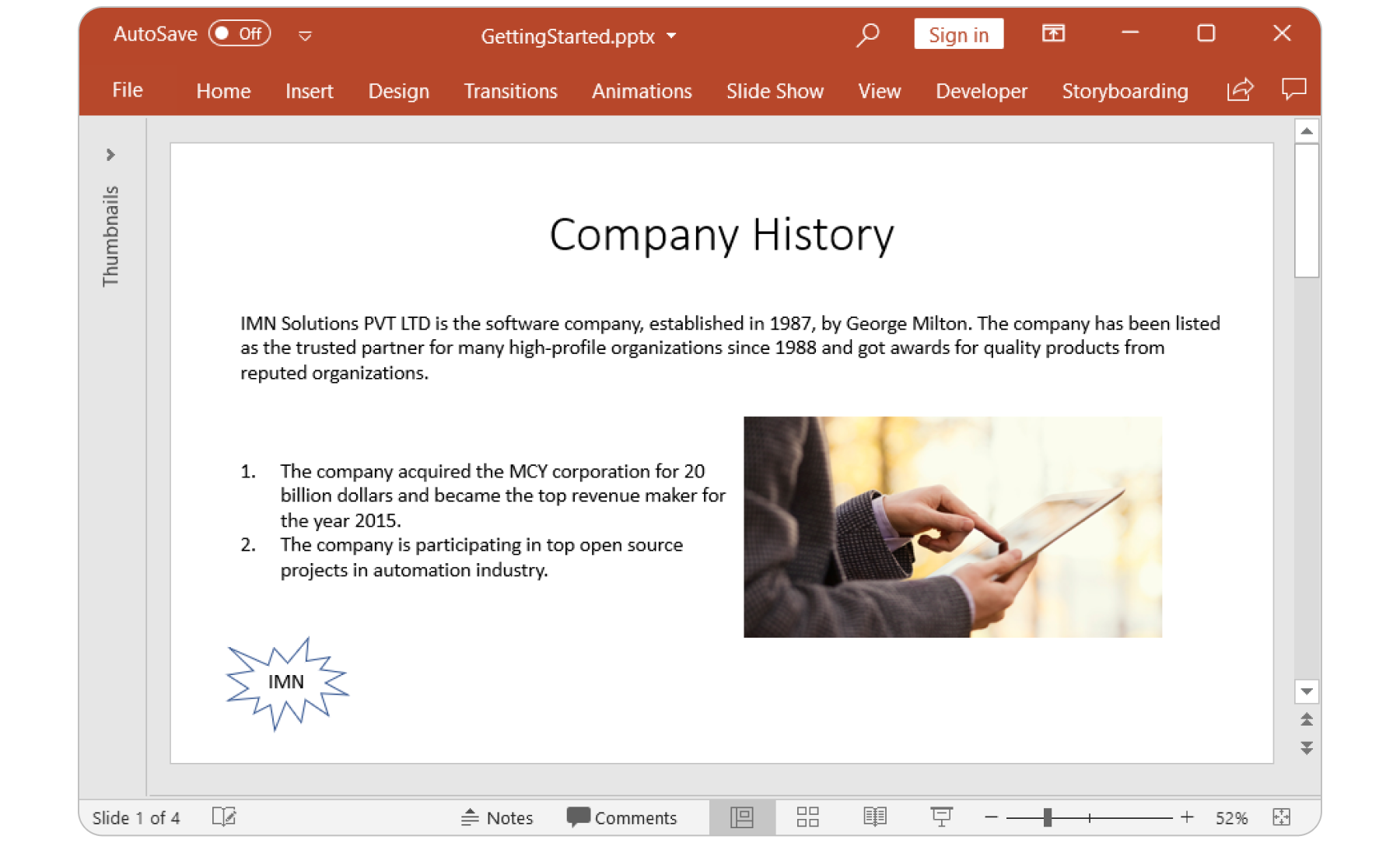
👁 ASP.NET Core PowerPoint library
Features overview | Docs | API Reference | Online Demo | GitHub Examples | Blogs | Support | Forums | Feedback
You can fetch the Syncfusion® .NET Core PowerPoint library NuGet by simply running the command Install-Package Syncfusion.Presentation.Net.Core from the Package Manager Console in Visual Studio.
Try the following code example to create a hello world PowerPoint Presentation.
//Namespaces to create PowerPoint
using Syncfusion.Presentation;

//Creates a new instance of PowerPoint presentation.
using (IPresentation pptxDoc = Presentation.Create())
{
	//Adds a slide to the PowerPoint Presentation.
	ISlide firstSlide = pptxDoc.Slides.Add(SlideLayoutType.Blank);
	//Adds a textbox in a slide by specifying its position and size.
	IShape textShape = firstSlide.AddTextBox(100, 75, 756, 200);
	//Adds a new paragraph with text.
	textShape.TextBody.AddParagraph("Hello World");
	//Creates an instance of memory stream.
	using (MemoryStream stream = new MemoryStream())
	{
	 //Saves the Presentation to stream.
	 pptxDoc.Save(stream);
	}
}
For more information to get started, refer to our Getting Started Documentation page.
This is a commercial product and requires a paid license for possession or use. Syncfusion’s licensed software, including this component, is subject to the terms and conditions of Syncfusion's EULA. You can purchase a license here or start a free 30-day trial here.
Founded in 2001 and headquartered in Research Triangle Park, N.C., Syncfusion® has more than 29,000 customers and more than 1 million users, including large financial institutions, Fortune 500 companies, and global IT consultancies.
Today, we provide 1800+ components and frameworks for web (Blazor, Flutter, ASP.NET Core, ASP.NET MVC, ASP.NET Web Forms, JavaScript, Angular, React, Vue, and jQuery), mobile (.NET MAUI (Preview), Flutter, Xamarin, UWP, and JavaScript), and desktop development (WinForms, WPF, WinUI, .NET MAUI (Preview), Flutter, Xamarin, and UWP). We provide ready-to-deploy enterprise software for dashboards, reports, data integration, and big data processing. Many customers have saved millions in licensing fees by deploying our software.
| www.syncfusion.com | Toll Free: 1-888-9 DOTNET
| Product | Versions Compatible and additional computed target framework versions. |
|---|---|
| .NET | net5.0 net5.0 was computed. net5.0-windows net5.0-windows was computed. net6.0 net6.0 was computed. net6.0-android net6.0-android was computed. net6.0-ios net6.0-ios was computed. net6.0-maccatalyst net6.0-maccatalyst was computed. net6.0-macos net6.0-macos was computed. net6.0-tvos net6.0-tvos was computed. net6.0-windows net6.0-windows was computed. net7.0 net7.0 was computed. net7.0-android net7.0-android was computed. net7.0-ios net7.0-ios was computed. net7.0-maccatalyst net7.0-maccatalyst was computed. net7.0-macos net7.0-macos was computed. net7.0-tvos net7.0-tvos was computed. net7.0-windows net7.0-windows was computed. net8.0 net8.0 is compatible. net8.0-android net8.0-android was computed. net8.0-browser net8.0-browser was computed. net8.0-ios net8.0-ios was computed. net8.0-maccatalyst net8.0-maccatalyst was computed. net8.0-macos net8.0-macos was computed. net8.0-tvos net8.0-tvos was computed. net8.0-windows net8.0-windows was computed. net9.0 net9.0 is compatible. net9.0-android net9.0-android was computed. net9.0-browser net9.0-browser was computed. net9.0-ios net9.0-ios was computed. net9.0-maccatalyst net9.0-maccatalyst was computed. net9.0-macos net9.0-macos was computed. net9.0-tvos net9.0-tvos was computed. net9.0-windows net9.0-windows was computed. net10.0 net10.0 is compatible. net10.0-android net10.0-android was computed. net10.0-browser net10.0-browser was computed. net10.0-ios net10.0-ios was computed. net10.0-maccatalyst net10.0-maccatalyst was computed. net10.0-macos net10.0-macos was computed. net10.0-tvos net10.0-tvos was computed. net10.0-windows net10.0-windows was computed. |
| .NET Core | netcoreapp2.0 netcoreapp2.0 was computed. netcoreapp2.1 netcoreapp2.1 was computed. netcoreapp2.2 netcoreapp2.2 was computed. netcoreapp3.0 netcoreapp3.0 was computed. netcoreapp3.1 netcoreapp3.1 was computed. |
| .NET Standard | netstandard2.0 netstandard2.0 is compatible. netstandard2.1 netstandard2.1 was computed. |
| .NET Framework | net461 net461 was computed. net462 net462 was computed. net463 net463 was computed. net47 net47 was computed. net471 net471 was computed. net472 net472 was computed. net48 net48 was computed. net481 net481 was computed. |
| MonoAndroid | monoandroid monoandroid was computed. |
| MonoMac | monomac monomac was computed. |
| MonoTouch | monotouch monotouch was computed. |
| Tizen | tizen40 tizen40 was computed. tizen60 tizen60 was computed. |
| Xamarin.iOS | xamarinios xamarinios was computed. |
| Xamarin.Mac | xamarinmac xamarinmac was computed. |
| Xamarin.TVOS | xamarintvos xamarintvos was computed. |
| Xamarin.WatchOS | xamarinwatchos xamarinwatchos was computed. |
Showing the top 5 NuGet packages that depend on Syncfusion.Presentation.Net.Core:
| Package | Downloads |
|---|---|
|
Syncfusion.PresentationRenderer.Net.Core
Syncfusion® PowerPoint library is feature-rich and high-performance .NET PowerPoint library that allows you to create, manipulate and convert PowerPoint documents (PPTX, PPTM, POTX and POTM). |
|
|
BoldReports.Net.Core
Syncfusion Bold Reports for ASP.NET Core is a server-side helper package used to build ASP.NET Core Web API services. Key features: • Users can interactively provide report parameter inputs at run time to display reports based on the parameter. • SQL Server RDL specification expressions are supported. • Built-in SQL Query designer with a convenient user interface to create and view relationships between tables easily. • A rich selection of built-in report items, including charts, grids, pivot grids, subreports, textboxes, images, lines, and rectangles for better visual representation of data. • Report viewer supports multilevel grouping and sorting in data regions of report items such as tablixes, matrices and lists. • Interactive features in RDL specification like drill through, hyperlink, and interactive sorting to work with report at runtime. • Preview the report in print layout prior to printing. Page settings can be modified using page setup dialog. • All static texts within the report viewer and report designer can be localized to any desired language. • Displayed reports can be exported to popular file formats: PDF, Word, Excel, and HTML. Learn more: https://www.boldreports.com/features?utm_source=nuget&utm_medium=listing Documentation: https://help.boldreports.com/embedded-reporting/aspnet-core-reporting?utm_source=nuget&utm_medium=listing Support Questions: mailto:support@boldreports.com?utm_source=nuget&utm_medium=listing This is a commercial product and requires a paid subscription license for possession or use. Syncfusion’s Bold Reports services, including this component, is subject to the terms and conditions of Syncfusion's Bold Reports Software License Agreement and Terms of Service (https://www.boldreports.com/terms-of-use/?utm_source=nuget&utm_medium=listing). To acquire a license, you can start a subscription or start a free 15-day trial here (https://www.boldreports.com/pricing/?utm_source=nuget&utm_medium=listing). This server-side helper package provides services to the following components and libraries: • ASP.NET Core Report Viewer: https://www.boldreports.com/embedded-reporting/aspnet-core-report-viewer?utm_source=nuget&utm_medium=listing • ASP.NET Core Report Designer: https://www.boldreports.com/embedded-reporting/aspnet-core-report-designer?utm_source=nuget&utm_medium=listing • ASP.NET Core Report Writer: https://www.boldreports.com/embedded-reporting/aspnet-core-report-writer?utm_source=nuget&utm_medium=listing • Blazor Report Viewer: https://www.boldreports.com/embedded-reporting/blazor-report-viewer?utm_source=nuget&utm_medium=listing • Blazor Report Designer: https://www.boldreports.com/embedded-reporting/blazor-report-designer?utm_source=nuget&utm_medium=listing • Angular Report Viewer: https://www.boldreports.com/embedded-reporting/angular-report-viewer?utm_source=nuget&utm_medium=listing • Angular Report Designer: https://www.boldreports.com/embedded-reporting/angular-report-designer?utm_source=nuget&utm_medium=listing • JavaScript Report Viewer: https://www.boldreports.com/embedded-reporting/javascript-report-viewer?utm_source=nuget&utm_medium=listing • JavaScript Report Designer: https://www.boldreports.com/embedded-reporting/javascript-report-designer?utm_source=nuget&utm_medium=listing © Copyright 2026 Syncfusion, Inc. All Rights Reserved. The Syncfusion Bold Reports license and copyright applies to this distribution. |
|
|
Verify.Syncfusion
Extends Verify (https://github.com/VerifyTests/Verify) to allow verification via Syncfusion. |
|
|
Cayaqui.MPS.Reports
Template-based report generation for .NET 10 using Syncfusion File Formats (OpenXML compliant). Supports Excel (XlsIO), Word (DocIO), PowerPoint (Presentation) templates with MailMerge / template markers / placeholder replacement, native chart generation, and PDF conversion. Templates are loaded from Cayaqui.MPS.Storage. Proprietary — requires a commercial agreement with Cayaqui. |
|
|
Cayaqui.MPS.PptExport
Programmatic PowerPoint slide sections for EVM reporting. Each IPptSlideSection adds a slide to a Syncfusion.Presentation IPresentation. Pairs with Cayaqui.MPS.ExcelExport and Cayaqui.MPS.ReportModels. |
This package is not used by any popular GitHub repositories.
| Version | Downloads | Last Updated |
|---|---|---|
| 33.2.13 | 429 | 6/16/2026 |
| 33.2.12 | 2,785 | 6/9/2026 |
| 33.2.10 | 1,807 | 6/2/2026 |
| 33.2.8 | 1,633 | 5/26/2026 |
| 33.2.7 | 1,159 | 5/19/2026 |
| 33.2.6 | 1,771 | 5/12/2026 |
| 33.2.5 | 2,095 | 5/4/2026 |
| 33.2.4 | 2,641 | 4/27/2026 |
| 33.2.3 | 4,809 | 4/21/2026 |
| 33.1.49 | 6,016 | 4/13/2026 |
| 33.1.47 | 7,204 | 4/6/2026 |
| 33.1.46 | 109,230 | 3/30/2026 |
| 33.1.45 | 4,528 | 3/23/2026 |
| 33.1.44 | 3,782 | 3/16/2026 |
| 32.2.9 | 2,094 | 3/9/2026 |
| 32.2.8 | 39,105 | 3/2/2026 |
| 32.2.7 | 2,210 | 2/23/2026 |
| 32.2.5 | 3,223 | 2/16/2026 |
| 32.2.4 | 1,265 | 2/10/2026 |
| 32.2.3 | 5,891 | 2/5/2026 |