Aloha, Plexians! Hoping this blog post finds you well. We have a few things to discuss. Some of them may be controversial; but most are (hopefully) informative.
First of all, starting next week, we’ll be exclusive on the Epic Games Store.
(Just kidding. Too soon?)
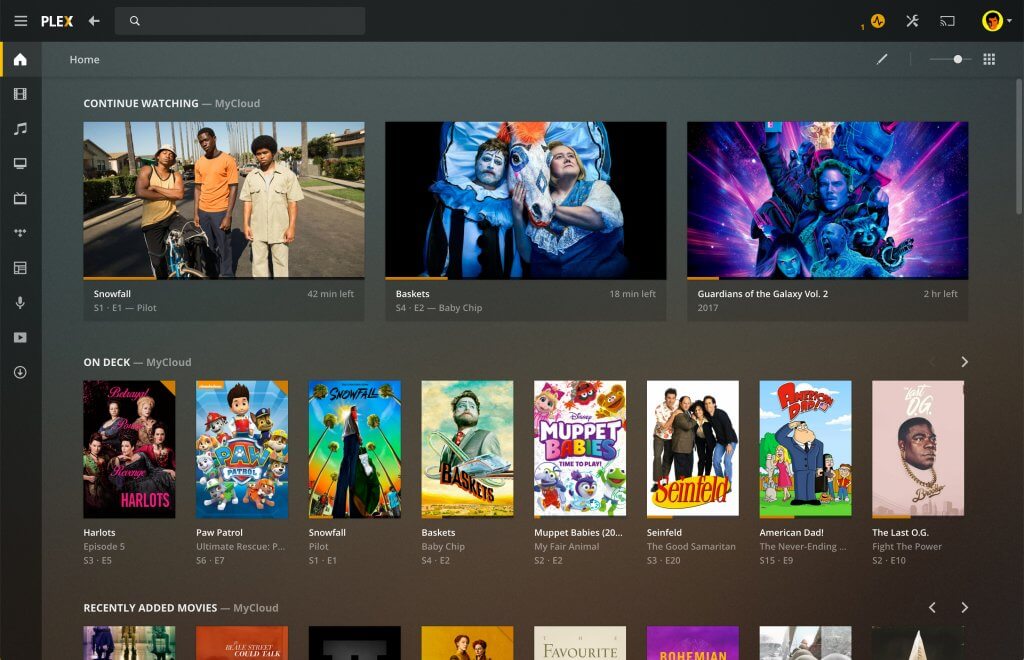
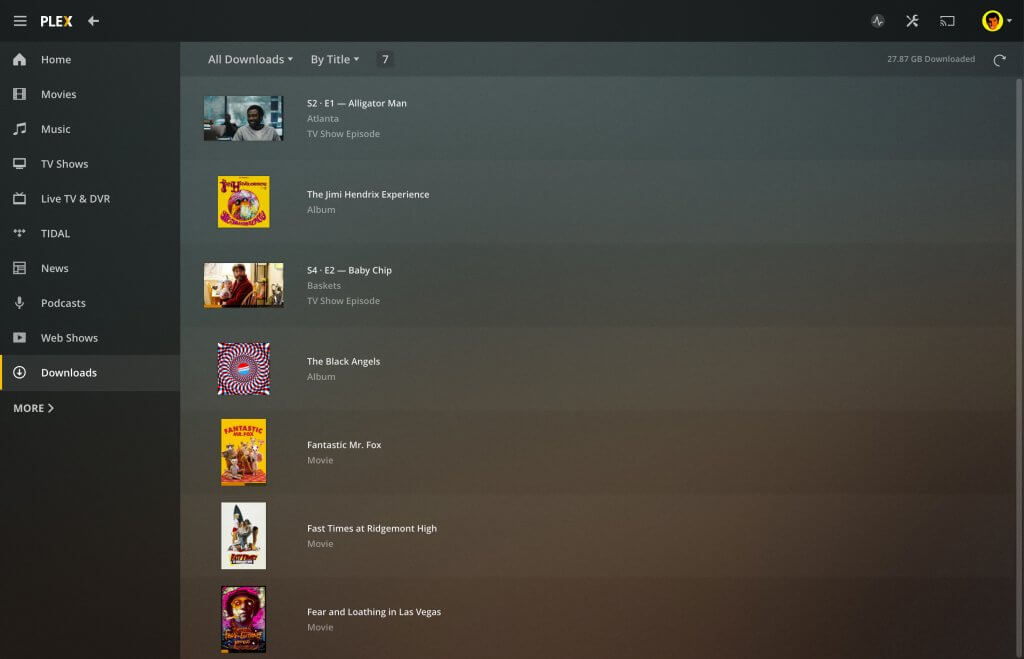
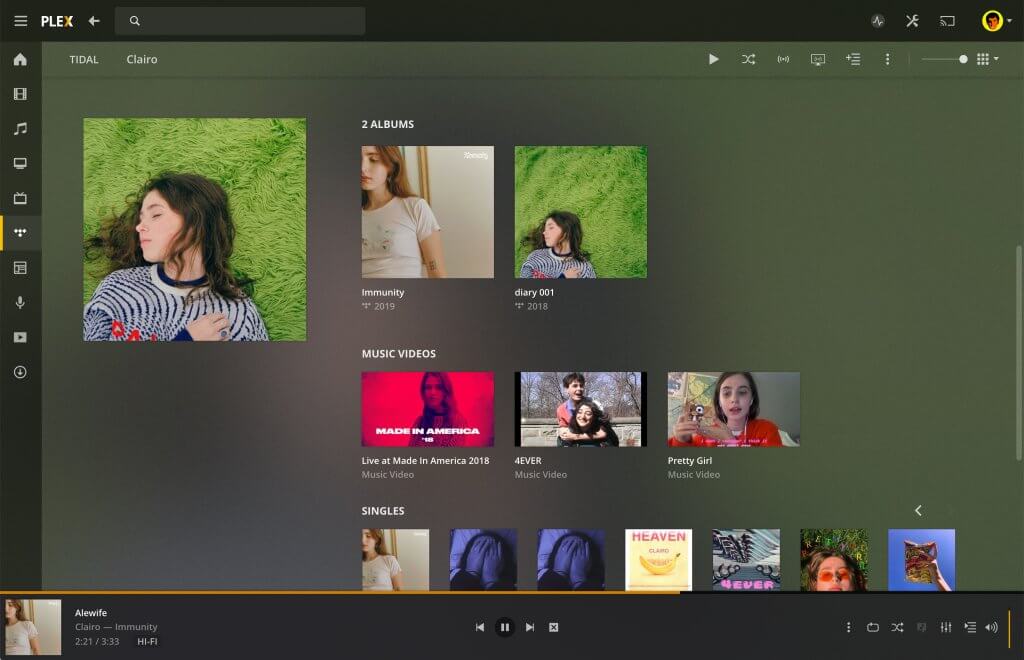
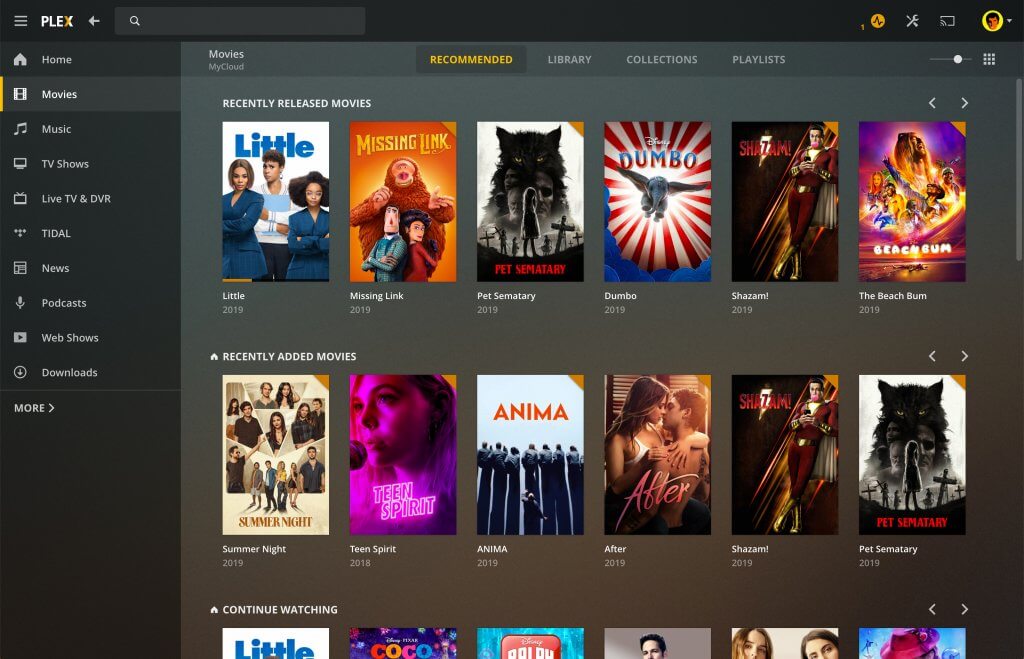
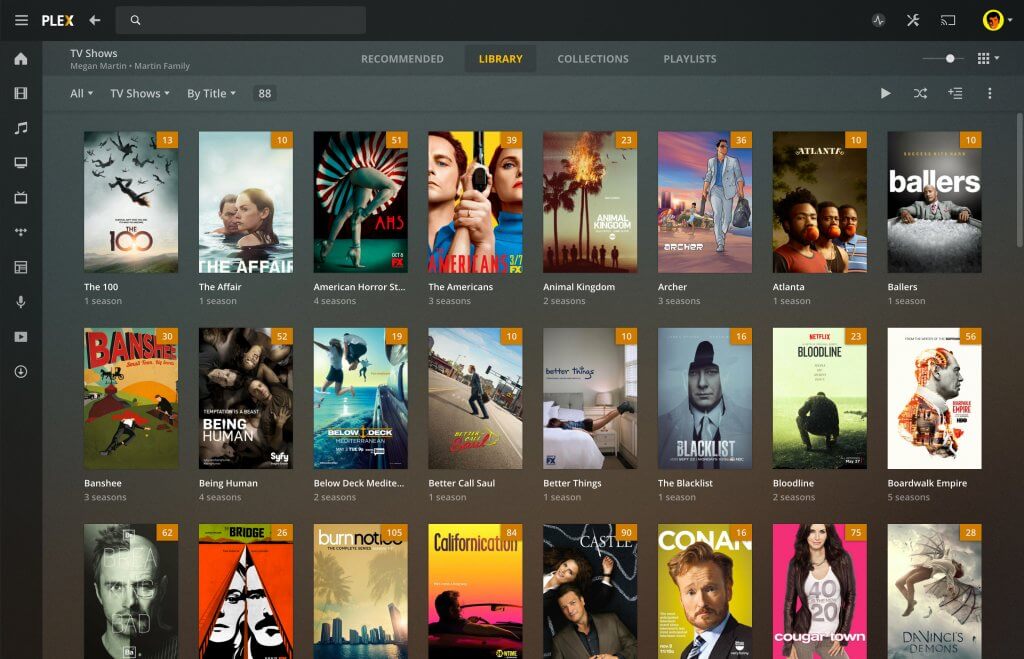
But for real: We have a brand new desktop app that we’re excited to show off! It has all the glorious player capability of Plex Media Player, plus an exciting new offline capability. We used to call it “Sync”, but now it’s just “Downloads” — a friendlier term that means it’s just a single click to take your favorite media with you, and you can find it all in one predictable place. It’s also built on a much simpler and more reliable mechanism, so downloads start quickly, and give clearer feedback along the way. It’s a bit of a sneak peek at the direction we’re headed with offline media across the board (including the mobile apps), so check it out and let us know how it works for you!
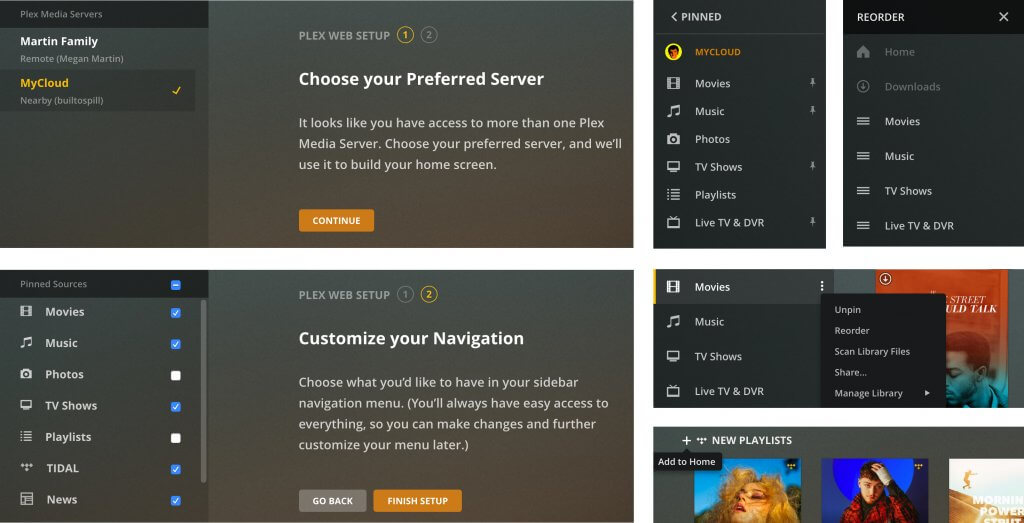
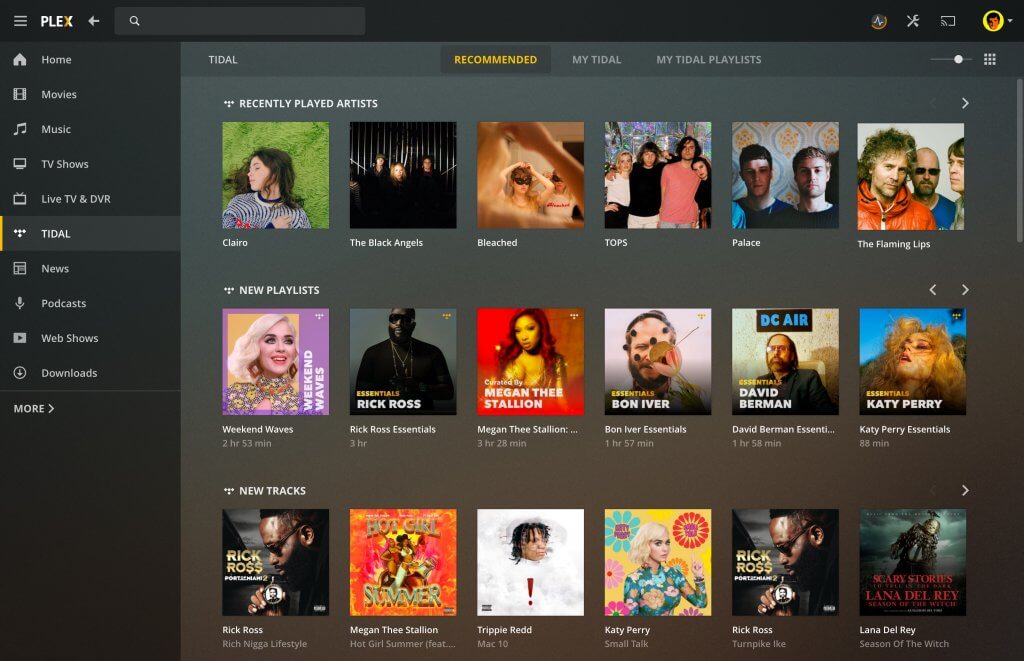
This new app is just called “Plex” — it’s the macOS and Windows equivalent of our other apps: your window to media greatness (even though this one’s supercharged with all the same server and library management capabilities of our web app). You can download the new Plex desktop app here.
It’s almost midnight, a few hours before this post goes live, but we already hear you asking: What does this mean for the Windows Store app? Whither Plex Media Player? Whoa, whoa, slow down. Let’s take this one at a time. Also no one says “whither” anymore (even though it’s a super useful adverb… just sayin’).
First, the Windows Store app. It’s been a little broken for a while now. Back when we first started developing Windows apps, it made a ton of sense to embrace the ecosystem, but over time (👋 Windows Phone 💀) it made less and less sense to keep investing dedicated development resources to the Metro [sic] platform. We’d much rather invest the effort on a cross-platform app with a best-in-class player engine under the hood, so as of today we’re taking our Windows app out of the store. The new desktop app which replaces it has a much more capable player stack, support for all modern features, and finally a proper replacement for Sync. Just “Download” the media you want to keep available offline. The app itself is free for everyone, though offline (download) support still requires the server owner to have an active Plex Pass. Go forth and defenestrate!
EDIT: So, this next section used to talk about how we were ending support for Plex Media Player in six months, and with it, effectively ending support for HTPCs as a platform. We planned this with the best intentions. tl;dr, modern streaming devices provide a better experience for most people (the vast majority of you have already switched), and not spending energy maintaining PMP would mean we can focus more on making that experience better for everyone. Well, let’s just say that although their numbers are few, the PMP army speaks loudly, in mostly civilized voices, with the occasional conspiracy theory peppered in. So, we hear you, and we’re adjusting our plans a bit:
- We will keep PMP in TV mode working as it is today and will fix serious issues which impact the product for the foreseeable future.
- We will continue to invest in our player technology on streaming devices both to increase media compatibility, as well as to bring more “HTPC” features there (e.g. video zoom modes). We will also do a better job at communicating their capabilities, as it’s pretty hard to get an accurate picture of that. Look for more information on that soon!
- We are now actively investigating the best way to continue supporting HTPCs as a platform.
Thanks for all your feedback, and for being awesome! Now on to the pithy conclusion of this blog post…
So, in a nutshell: brand new desktop app that includes offline capability! End to the confusion around the Windows App Store app (💀). (Gradual) end to the TV layout in PMP. And a gentle reintroduction to the word “whither.” Seriously though, take the next six months to pick up a connected device that fits your needs, wallet, and ecosystem of your choice.
In the next blog, we’ll cover topics such as “how hard the Epic Games Store blows, as told by angry Redditors,” “how we learned to stop worrying and love the connected device,” and a gentle reintroduction to word “whence.”
Frequent questions
What about a Linux version?
Right now, we’re focusing our resources on macOS and Windows to ensure they receive the best experience they can. It’s certainly possible that we could expand to support Linux in the future, but for now it’ll be Windows and macOS.
Will you publish the app in the Microsoft Store?
We don’t have any immediate plans to bring the new app to the Microsoft Store. That said, we’ve also definitely not ruled out that possibility. For now, the app is available from our Downloads page as a standard, Windows EXE installer.
Why is the interface scale really small/wrong on my Windows setup?
On Windows systems with non-standard scaling of the display, you may need to go manually adjust the Display Scale for the app. We have a support article with instructions. We’re also working to improve that experience for users out of the box, to help avoid needing to do manual adjustments when possible.
Stay tuned. Barkley is on the edge of his proverbial seat.
👁 Image