|
VOOZH | about |
|
VOOZH | about |
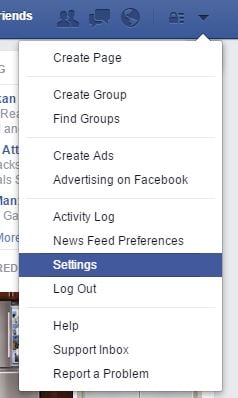
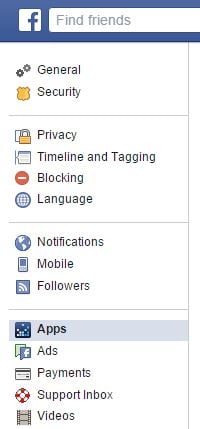
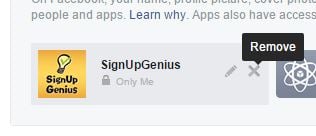
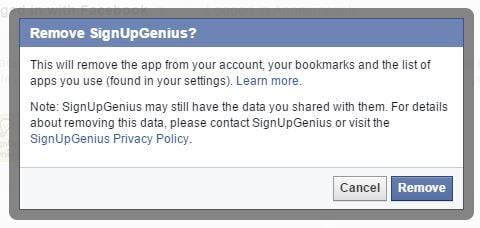
To login via Facebook, your email address is required. Your email address is what connects your Facebook account with SignUpGenius. To re-try this process, you must complete the following steps:
After you have completed the above steps, you may close this dialog window. You may then re-try the login via Facebook process. If you need further assistance, please contact our support team.