-
Intuitive Hosting Panel That Saves Time
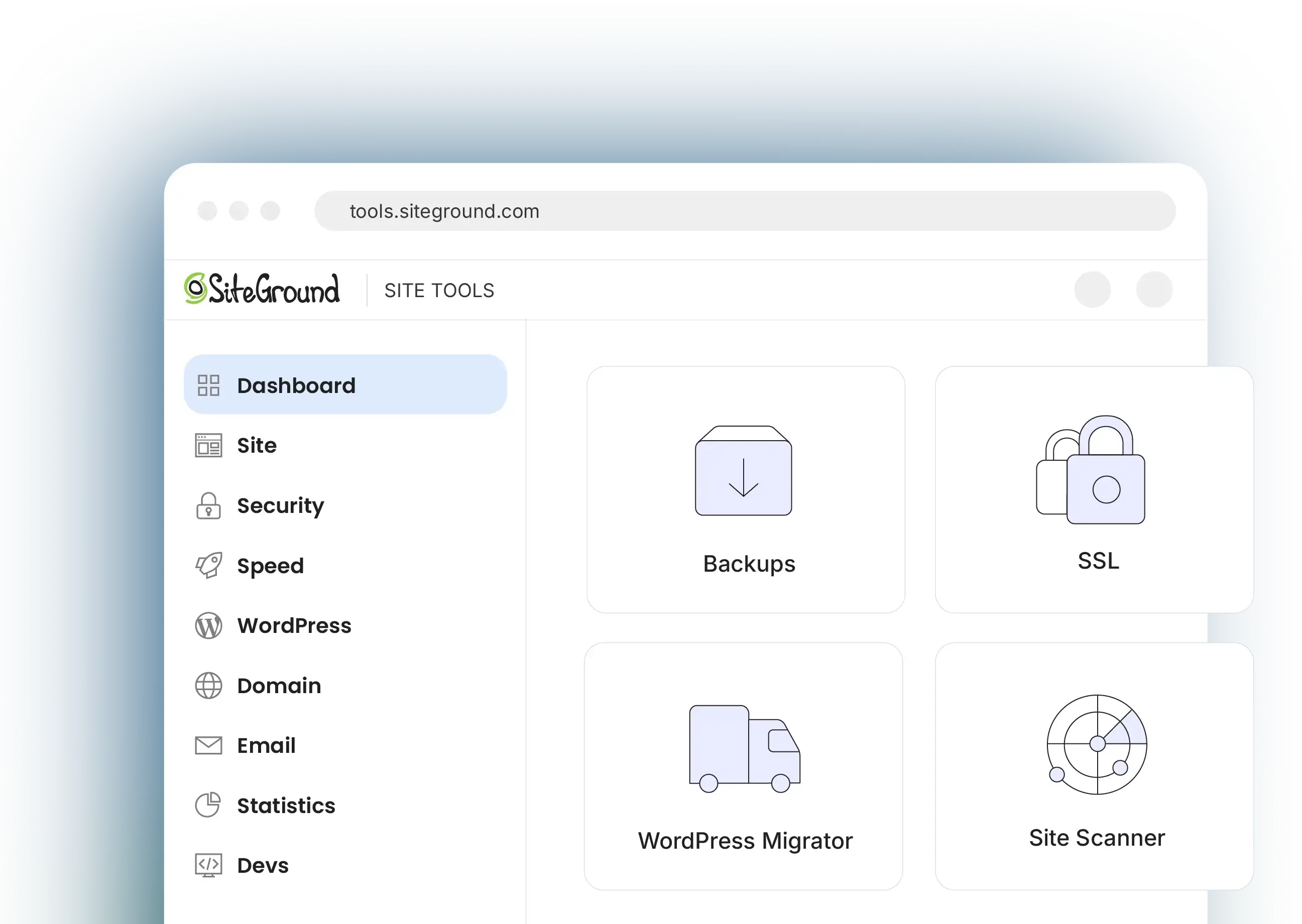
Site Tools is the one place where all hosting and website tools you’ll need reside. It is built to simplify website management with 1 click app installs, database creation, FTP setup, PHP version control, and more.
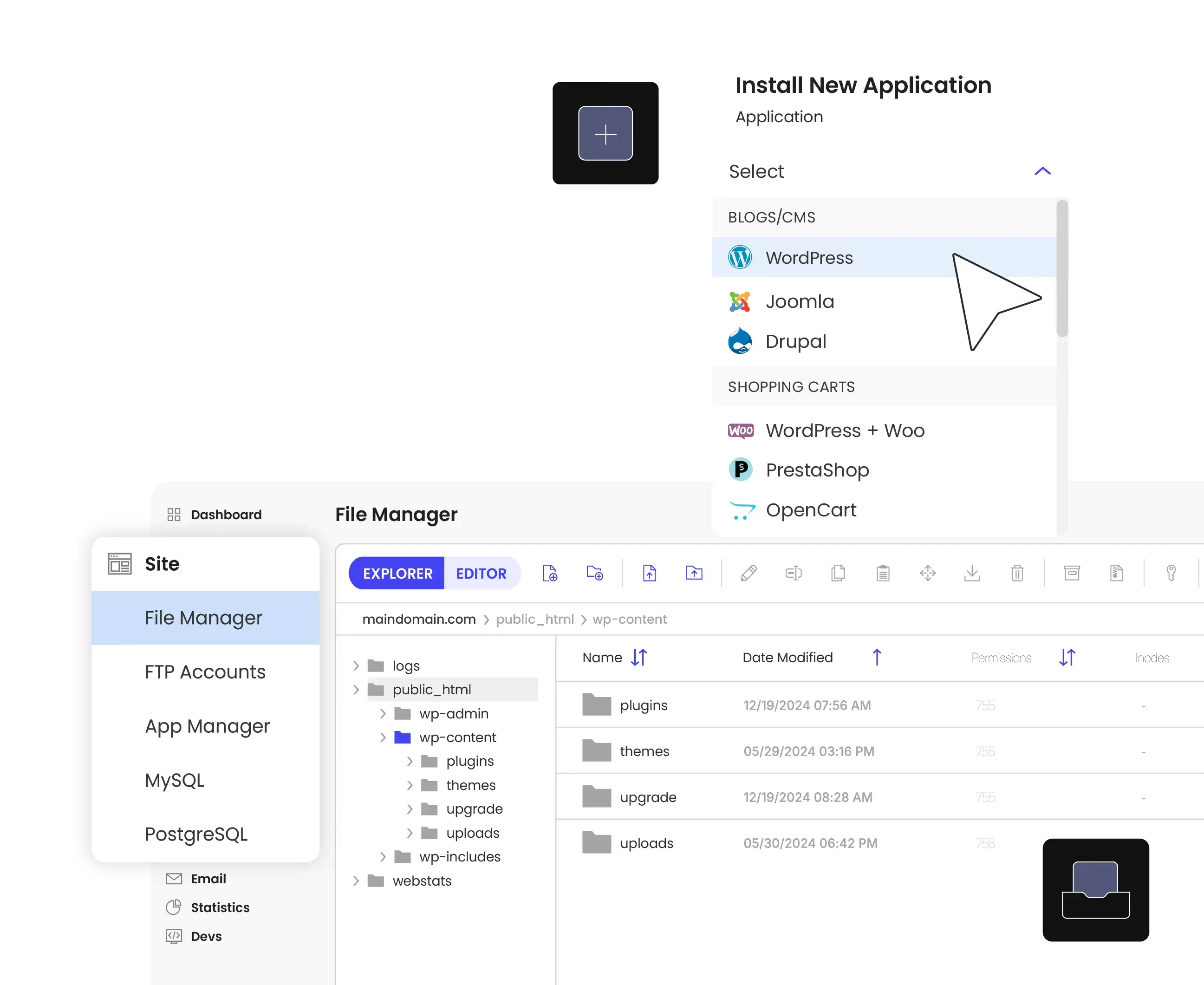
👁 Easy one-click application installation and file management within the SiteGround dashboard for WordPress and beyond.
-
WordPress Management Simplified
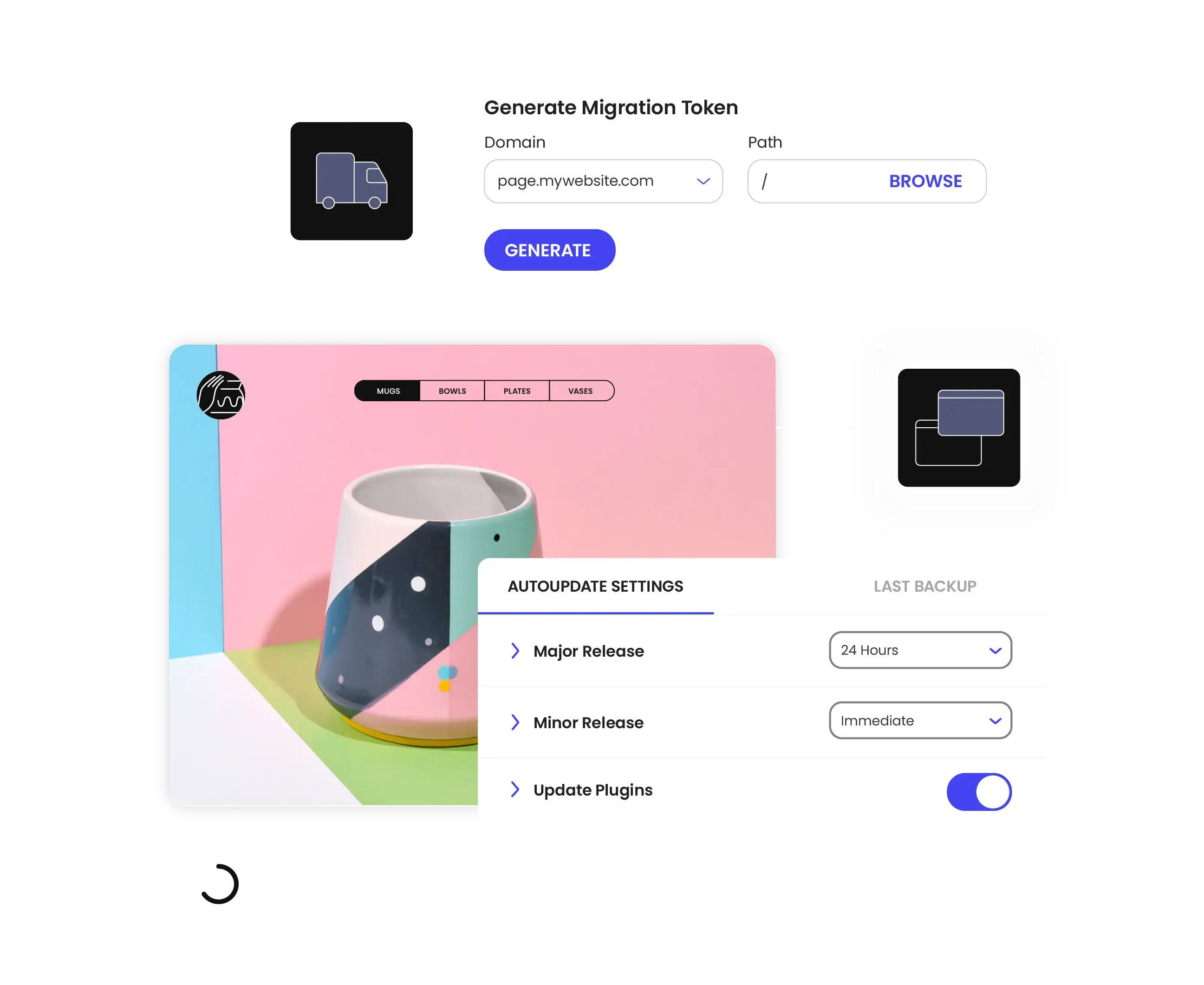
Site Tools enables powerful WordPress management without complexity, handling the heavy lifting behind the scenes so you can stage sites with one click, automate updates, migrate WordPress instantly, and more.
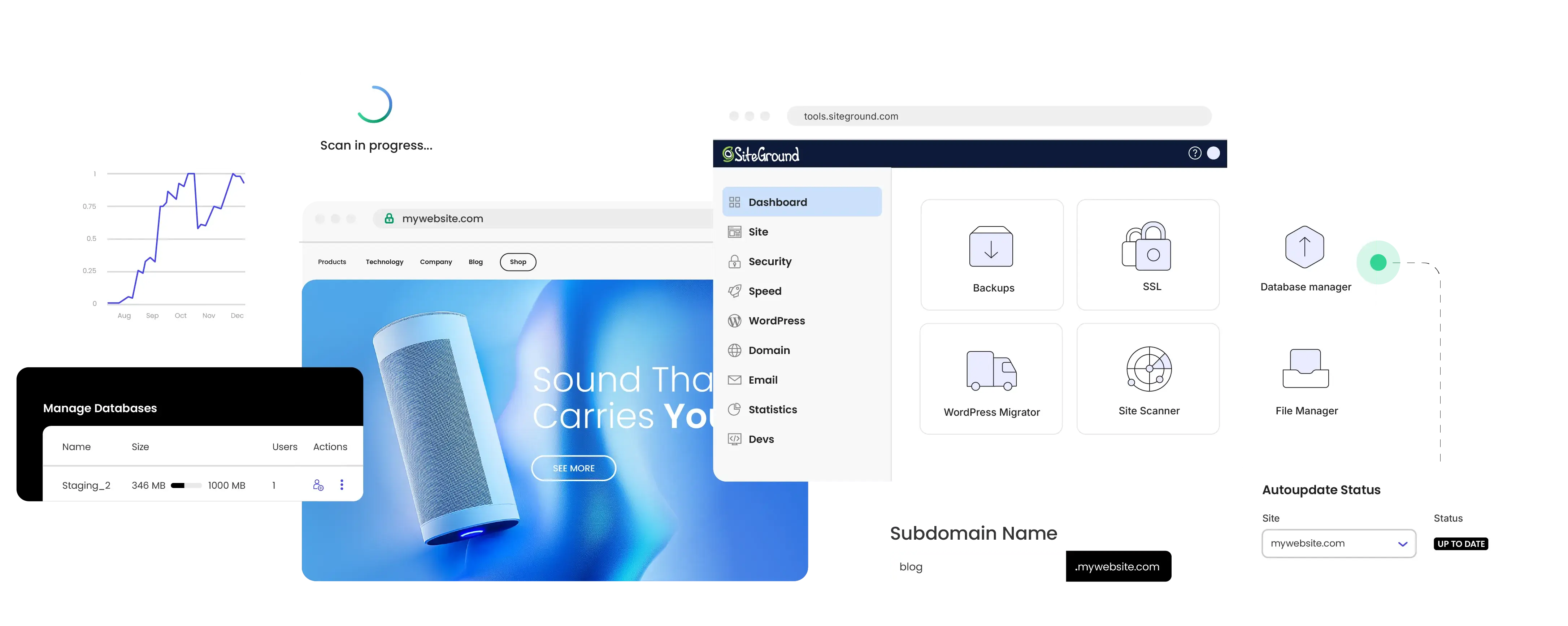
👁 Stress-free website maintenance with SiteGround’s automated update settings and seamless migration tools.
-
Built To Manage Multiple Sites Easily
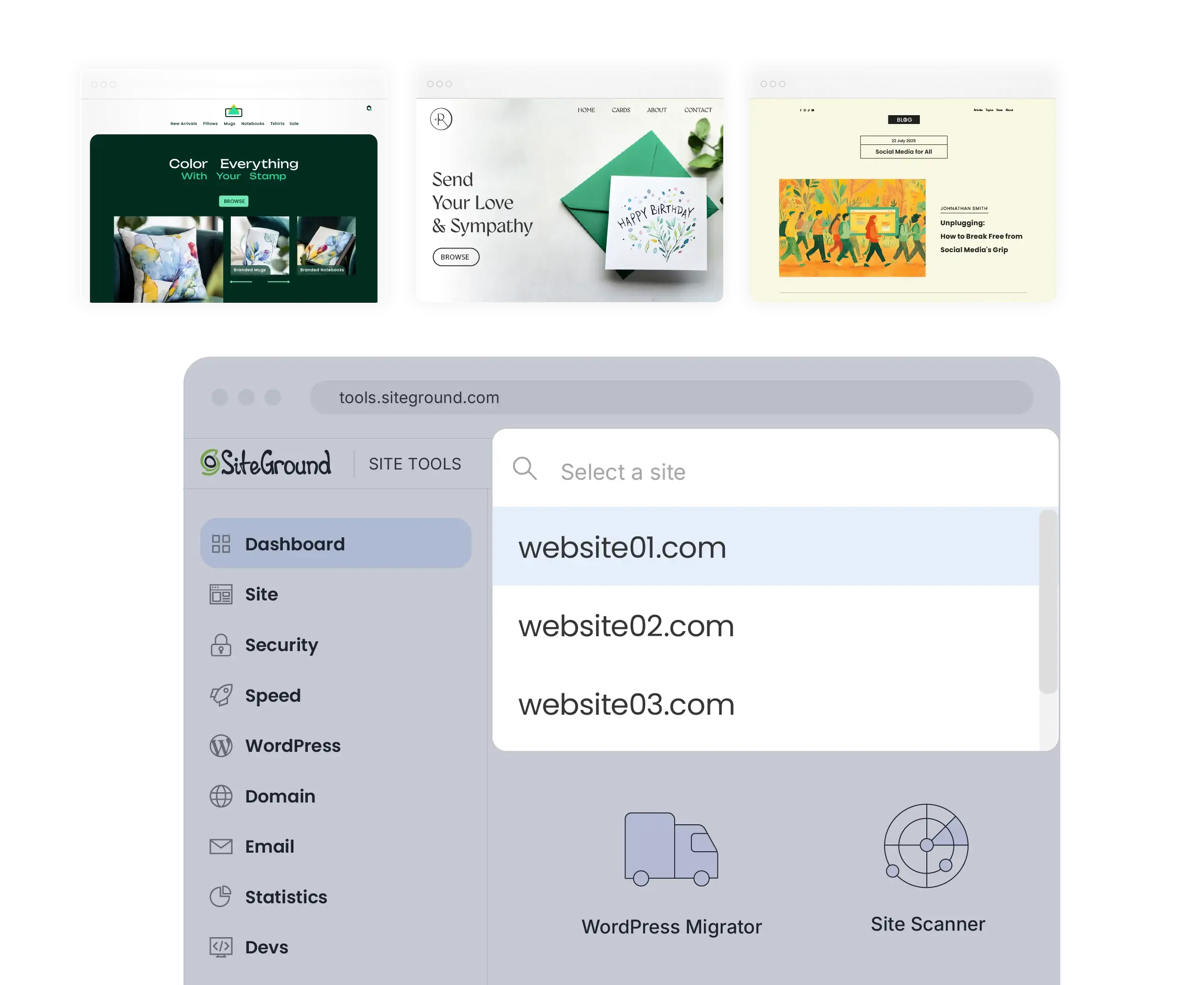
From the Site Tools panel you can instantly switch between all sites, created in all your SiteGround hosting accounts for fast and efficient task management. Unlike other hosting control panels that create hierarchy between sites and limit your management options, Site Tools is website-focused and gives equal privileges to all.
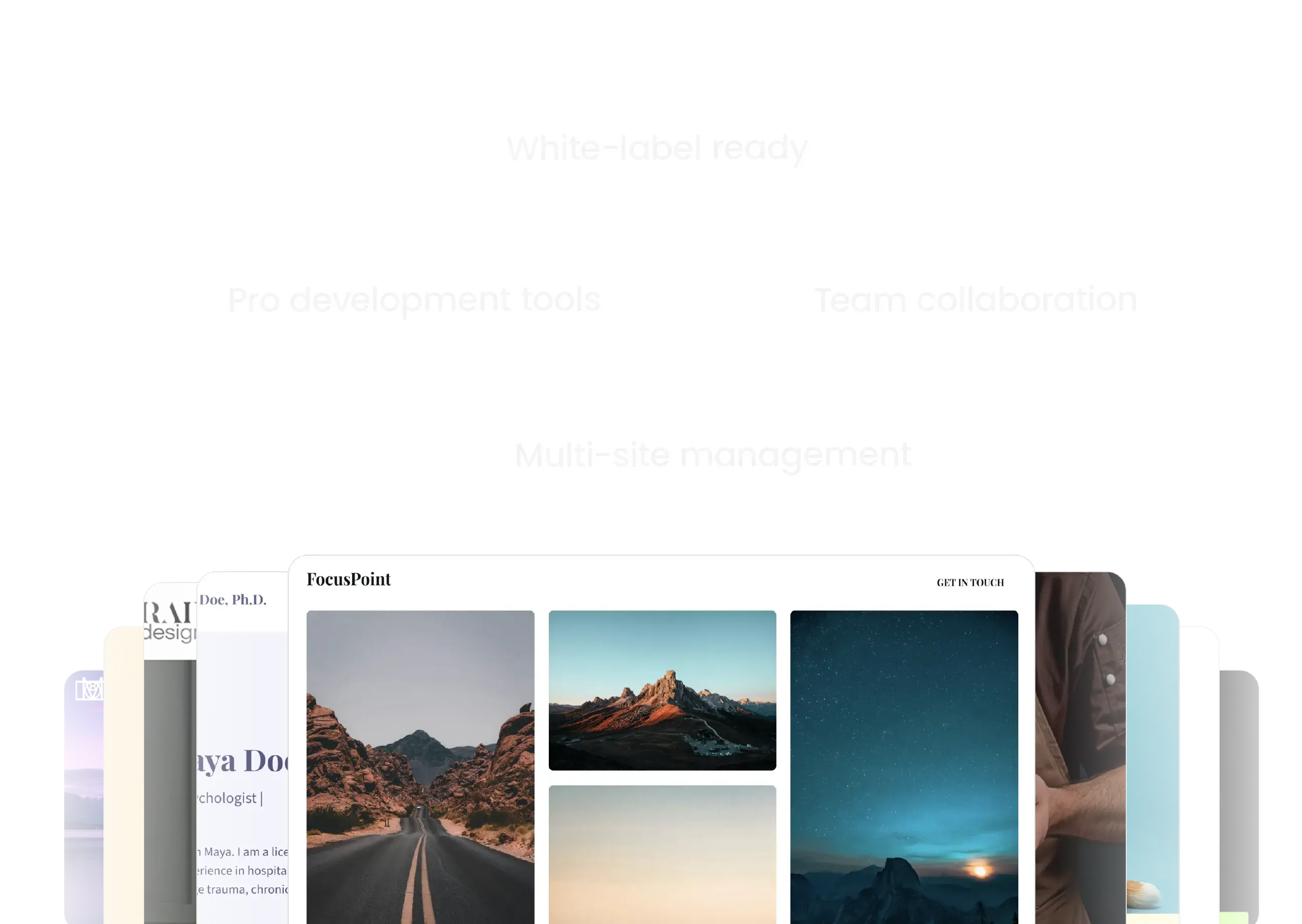
👁 SiteGround Site Tools dashboard demonstrating effortless multi-site management and diverse website designs.
-
👁 Easy one-click application installation and file management within the SiteGround dashboard for WordPress and beyond.
-
👁 Stress-free website maintenance with SiteGround’s automated update settings and seamless migration tools.
-
👁 SiteGround Site Tools dashboard demonstrating effortless multi-site management and diverse website designs.