VOOZH about

URL: https://www.slido.com/microsoft-teams-polling

⇱ Advanced Live Polling and Q&A for Microsoft Teams | Slido - Audience Interaction Made Easy


Skip to main content

What users said about Slido

👁 Microsoft Teams and Slido logo.

Run more effective
Teams meetings

Slido is an easy-to-use polling app for Microsoft Teams that will help you engage your
colleagues, hear their feedback and make everyone feel connected.

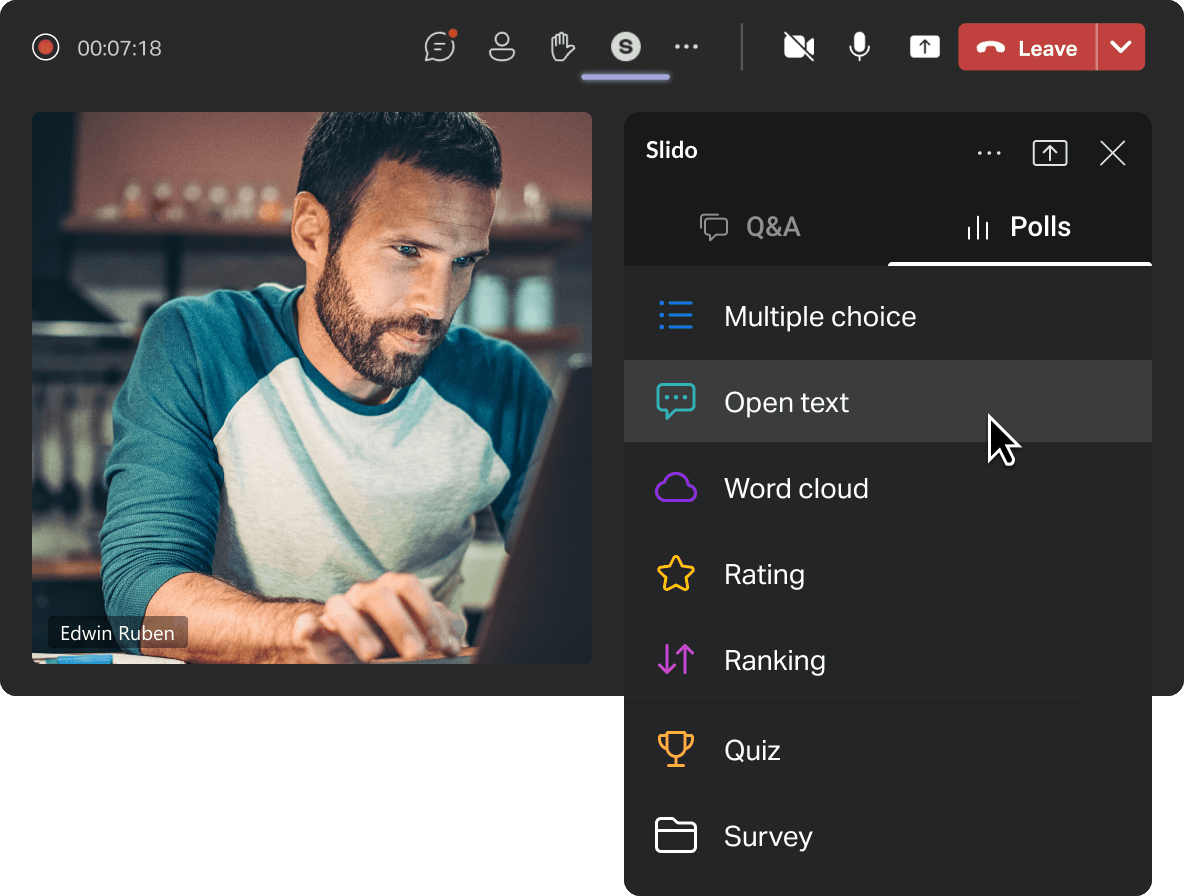
Create polls in advance

Break the ice with a word cloud, get feedback via survey or run a quiz to check
knowledge. With Slido in Teams, you can run your polls and crowdsource questions
from a single place.

How it works

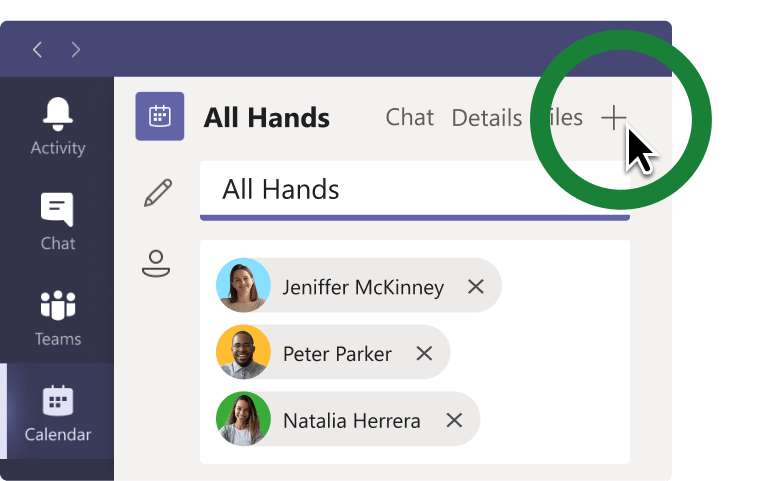
1. Add Slido to your meeting

Edit your existing meeting in the Teams calendar and add Slido via the + button.

2. Create your interactions

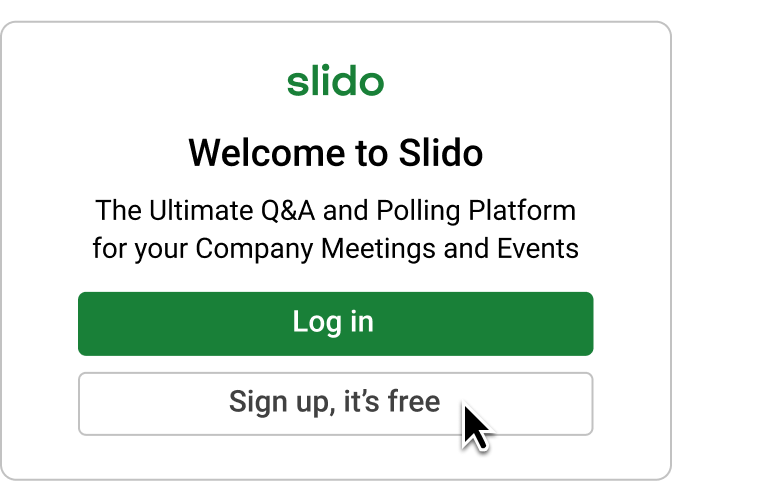
Sign up or log in to Slido and prepare your interactions directly in Teams.

3. Manage Slido live

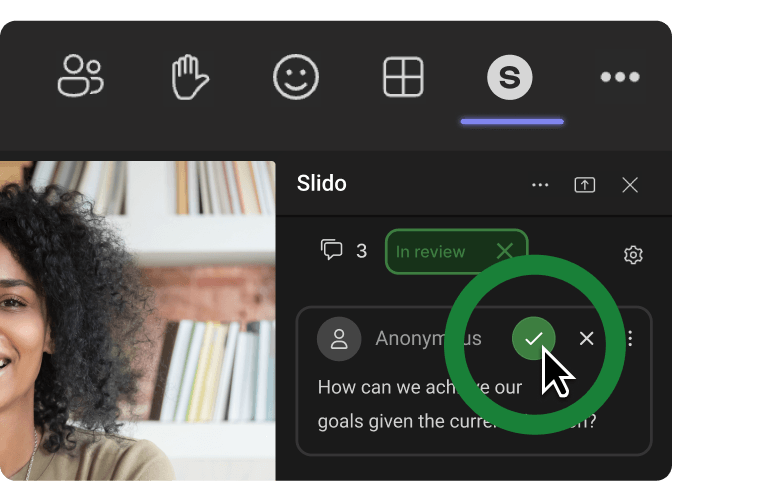
Start your meeting as usual and run polls or Q&A directly from your meeting window.

What our customers say

👁 Suntory Logo.
The biggest value of Slido for us is having more lively, interactive meetings. Without Slido, it would just be the executives talking one way.
Norito Yonezawa, Corporate Strategy Planner
👁 A1 Garage logo.
Thanks to Slido, our employees pay more attention during online meetings and have a better understanding of the material. As a result, we now get 90% participation.
Brian Davenport, VP of Service
👁 BPI Logo.
The biggest value of Slido is the ability to collect live votes and announce the winners instantly. It was fun and easy, despite having participants spread from Britain to Bulgaria.
Johanna Reiss, Learning Consultant

What you can do with Slido

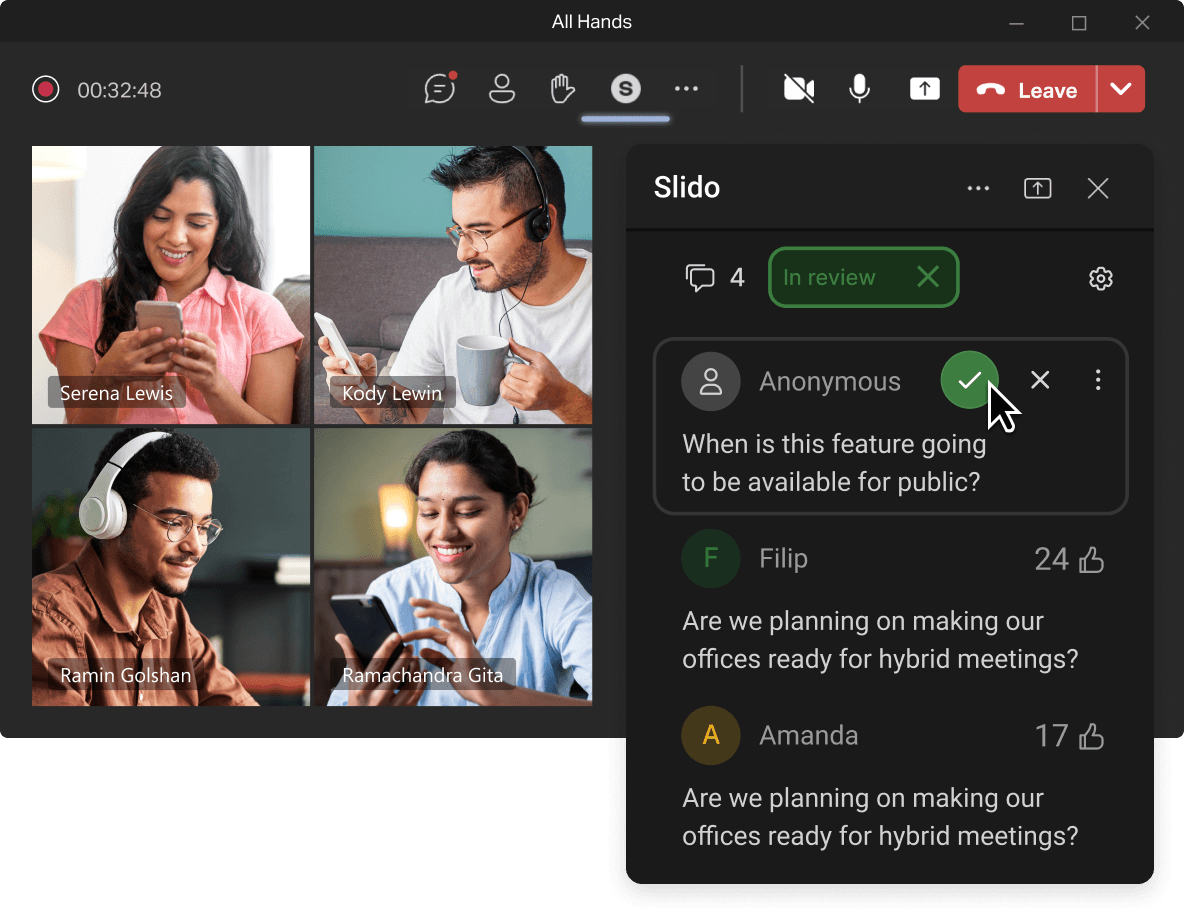
Run inclusive Q&As

Let everyone submit questions anonymously or with a name for the leadership Q&A.

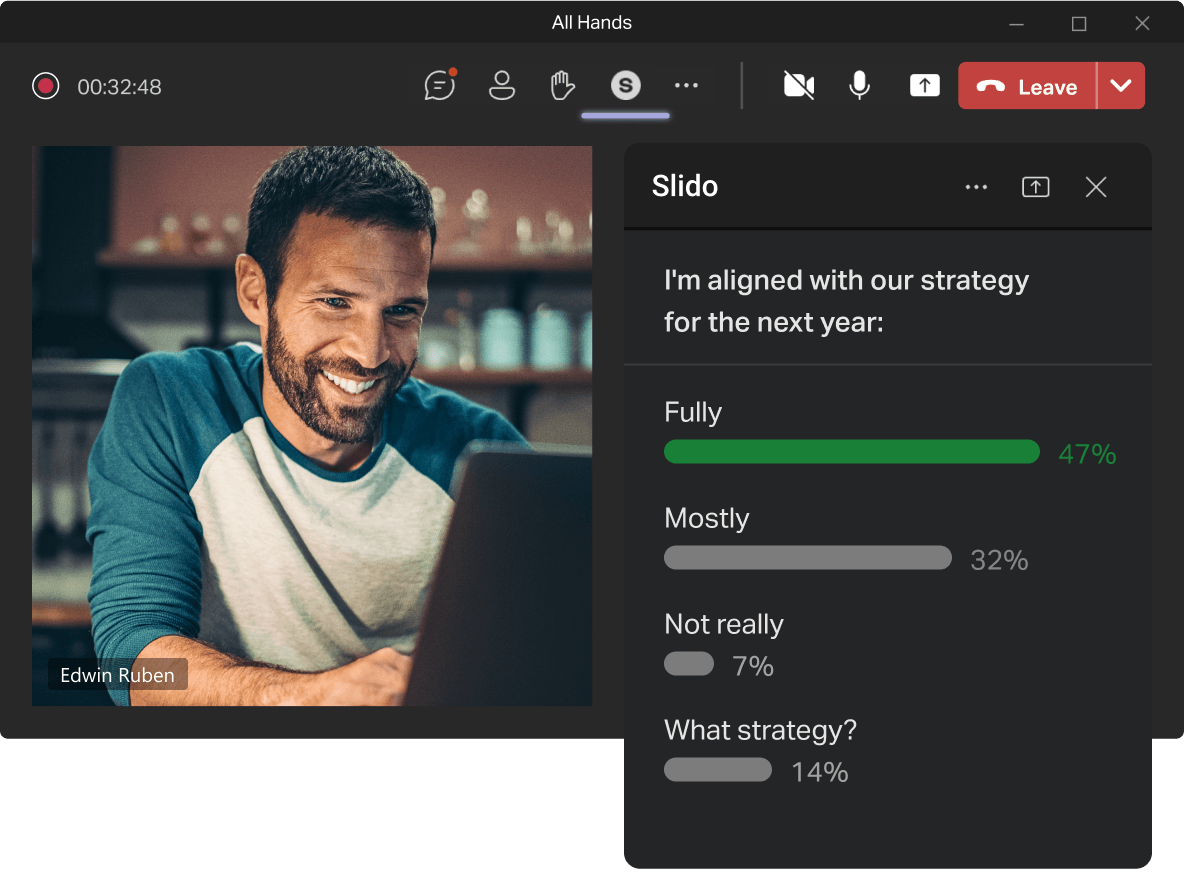
Get everyone on the same page

Make sure you're all aligned by doing quick pulse checks during your meeting.

Test knowledge in quizzes

Host a fun trivia or check people's knowledge in an interactive quiz.

Collect instant feedback

Find out how people felt about your meeting by running a short survey at the end.

Make your training effective

Make people part of their learning by giving them quiz questions or creative exercises.

Brainstorm in real-time

Collect and curate the best ideas together with your team.