Product Features
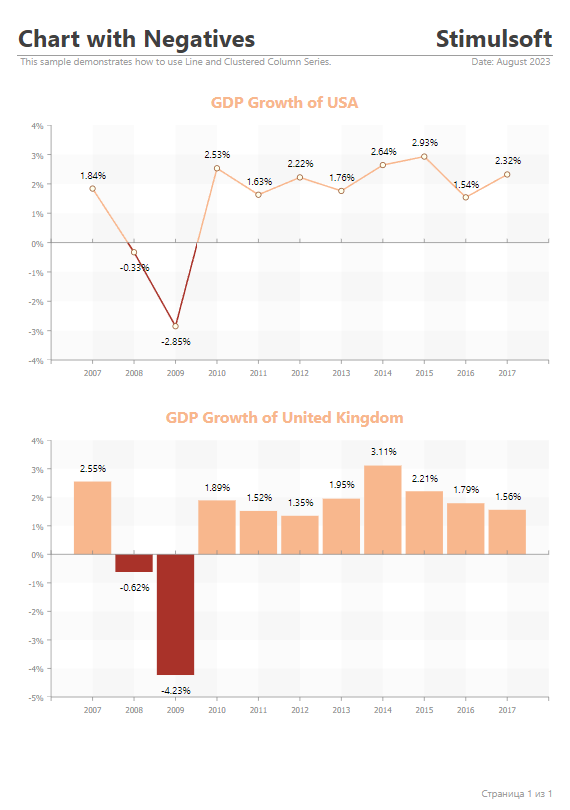
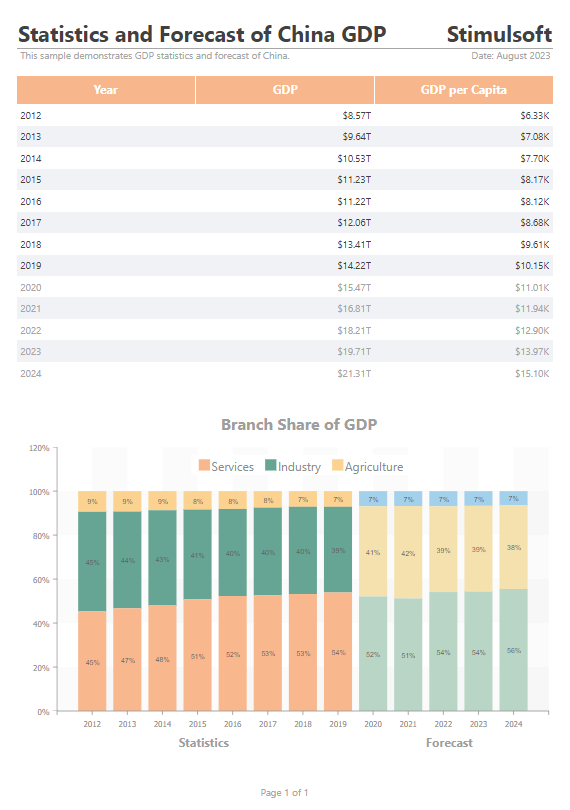
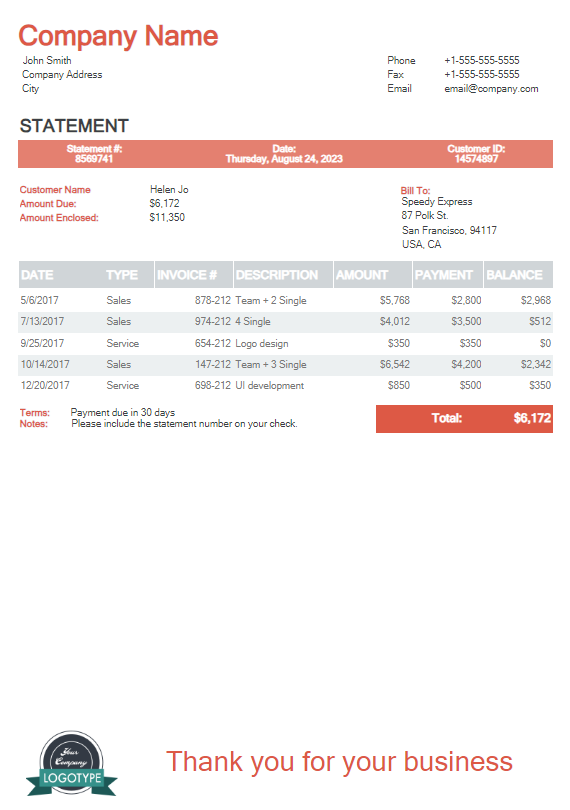
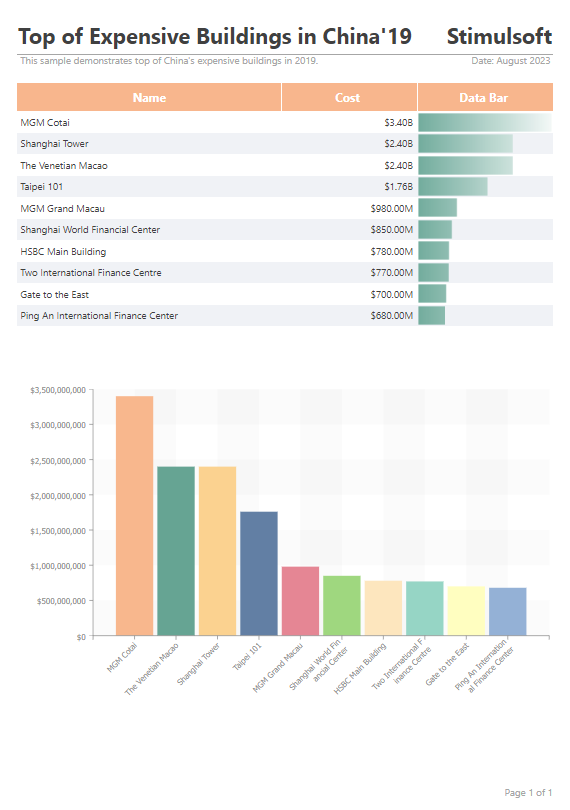
Avalonia UI is a .NET-based framework utilized for developing cross-platform user interfaces. Avalonia employs a universal API for constructing applications, providing support for all major platforms and runtimes, and boasting its distinctive interface. Thanks to these attributes, Avalonia UI facilitates the creation of scalable applications with native performance, a consistent interface, and abundant functionality. These attributes extend to the components used for report management within Avalonia UI applications, offering extensive capabilities, an appealing aesthetic, and customizable options to align with your business objectives.
Report Viewer
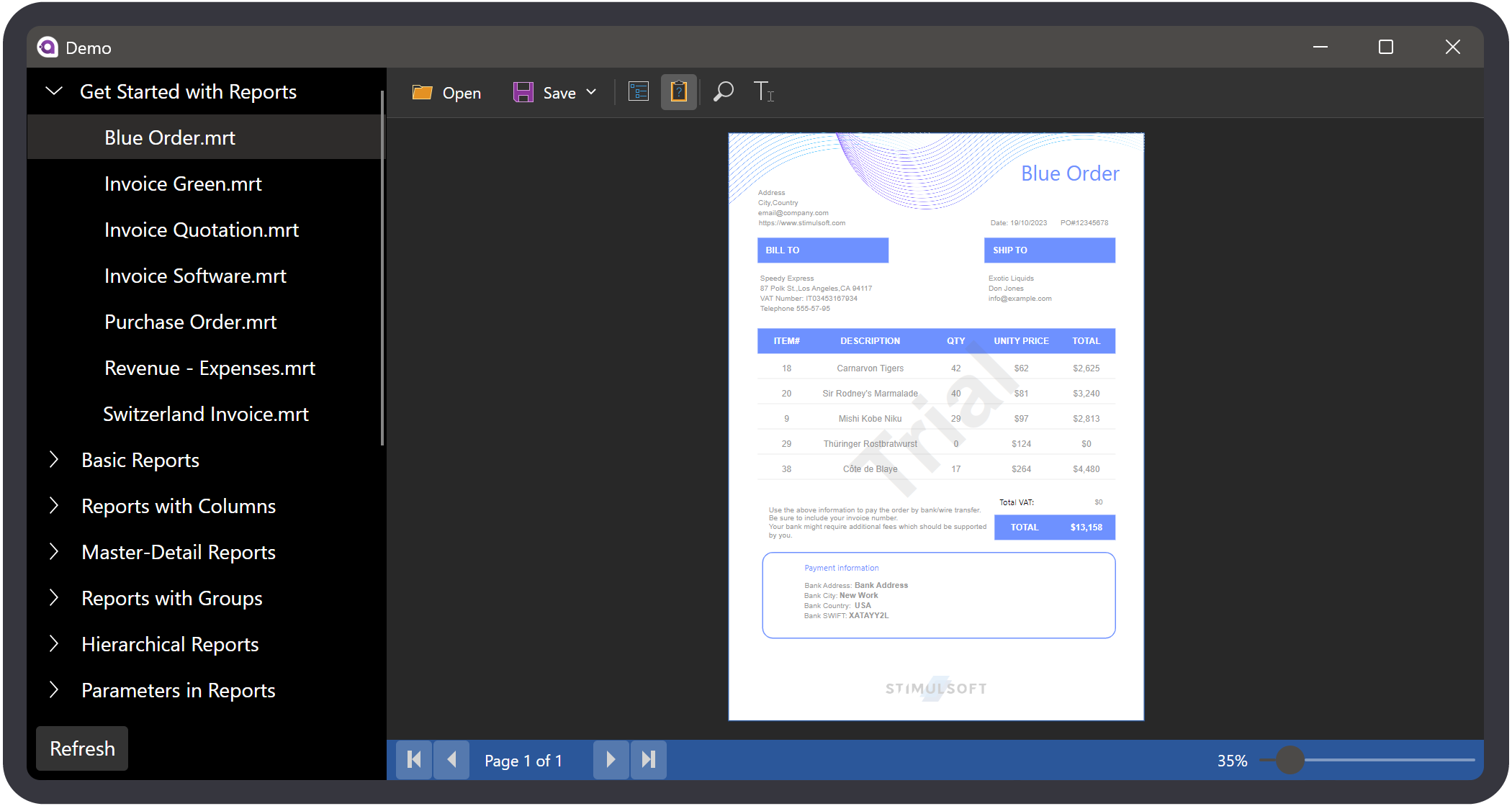
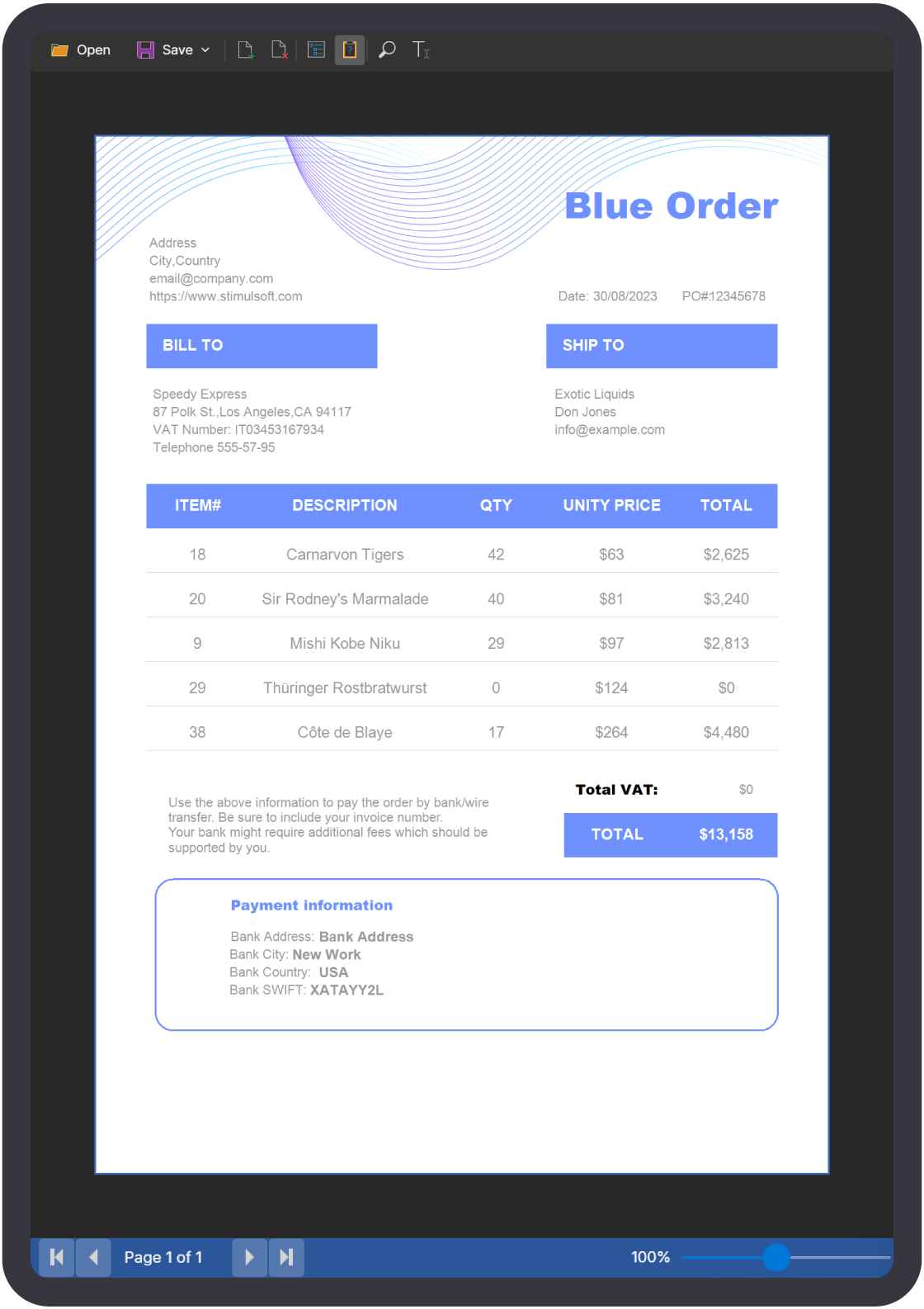
The report viewer serves as a specialized component designed for report visualization. Typically, the act of viewing a report occurs far more frequently than its creation or editing. Hence, the report viewer must exhibit qualities of speed, convenience, and comprehensive customization. Our component excels in its capacity to handle parameters, multi-level drill-downs, interactive reports, as well as resource viewing and preservation, among other features. To integrate into projects, we provide a multitude of options to tailor the application's functionality according to your specific requirements.
👁 report viewer👁 report viewer
The perfect solution for cross-platform applications
Stimulsoft Reports.AVALONIA is an exceptional solution for report creation and viewing within projects and services built upon the .NET Core, Avalonia UI, .NET 6, .NET 7, .NET 8, .NET 9, and .NET 10 platforms.
Stimulsoft Reports.AVALONIA is well-suited for your project if:
- you are developing a product on modern platforms such as .NET Core, Avalonia UI, .NET 6 and later;
- you seek the rapid achievement of your desired outcome – select from a myriad of pre-designed solutions and use them to meet your specifications;
- your requirements encompass tight integration of reporting tools within your application, offering flexible component settings and visual design;
- you aim to have full control over user interactions and all stages of report creation, construction, and export;
- your solution should combine two critical dimensions: maximum functionality and high speed.
Data for reports
Our reporting tools extend support across numerous data connection methods, accessible through both the report designer's functionality and programmable code. We provide an extensive roster of compatible data servers, including MS SQL, Firebird, MySQL, PostgreSQL, and etc. In addition, we provide support for all standard OData protocol types. Moreover, data extraction from sources such as XML, JSON, Excel, and various file formats is also facilitated.
Furthermore, our offerings encompass preliminary data preparation and transformation, the creation of virtual data sources, and the option to directly incorporate data into the report template as resources. These capabilities constitute only a fraction of what the Stimulsoft reporting tool can accomplish with data.
Integration
Stimulsoft Reports.AVALONIA is designed for integration into Avalonia UI projects. Through our components, you gain the ability to export, print, and view reports within your application. Furthermore, every manipulation with reports can be executed using C# code, and for enhanced “cohesion”, an array of properties and events are available in both the components and the report writer. Additionally, a dedicated component is used for viewing reports within Avalonia UI applications.
We have prioritized simplicity in the integration of our product into your projects. Merely download a dedicated, complimentary extension for Visual Studio or JetBrains Rider. Our product maintains compatibility with .NET 6, .NET 7, .NET 8, .NET 9, and .NET 10.
What's next?
We have prepared hundreds of reports and dashboards templates grouped by spheres of use. You can immediately use them by connecting your data or change according to your requirements. Our lessons and technical documentation will help make your work effective! Moreover, you can request the training courses from our technical specialists, subscribe to our YouTube channel to always get new videos, and receive all your answers in our online documentation.
👁 Training Courses
Training courses
Are you faced with difficulties when creating reports and dashboards? This is not a problem! and request for training - our specialists are ready to help.
👁 Documentation
Documentation
Our online user guides describe both the general functionality of the product and provide advice and suggestions for the report design and hints of setting components for reporting.