
Vi has been around for a long, developed around 1976, it offered users traditional yet powerful features such as an effective editing interface, terminal control, and many more.
However, it lacked certain captivating features for example multiple screens, syntax highlighting, multiple undo functionality, and so on, that many Unix/Linux users were looking for in a complete text editor.
Therefore, Vim (Vi Improved) was developed to bring users a fully-featured, advanced, and complete text editor. Vim is a powerful, highly configurable, cross-platform, and popular text editor that runs on Unix-like systems such as Linux, OS X, Solaris, *BSD, and MS-Windows.
It is feature-rich and highly extensible as well, using several community-developed plugins, you can turn Vim into more than a simple text editor using vim tricks and tips.
Vim Features
A number of its notable features include:
- A new Vim9 script to improve performance.
- Persistent, multi-level undo tree.
- Supports multiple screens.
- Highly extensible using multiple plugins.
- Offers users a powerful and reliable search tool.
- Supports several programming languages and file formats.
- Supports and integrates with numerous tools and many more.
After many years of gradual improvement, Vim now takes a significant step with a major Vim 9.0 release, which comes with some important improvements, several bug fixes, and new features as listed on the release announcement page.
[ You might also like: 8 Interesting Vim Editor Tips and Tricks for Linux Users ]
How To Install Vim 9.0 Editor in Linux Systems
In most modern Linux distributions, you can install Vim editor from the default repositories using the package manager, but the available version you will get is a little older.
$ sudo apt install vim [On Debian, Ubuntu, and Mint]
$ sudo dnf install vim [On RHEL, CentOS and Fedora]
$ sudo pacman -S vim [On Arch Linux and Manjaro]
$ sudo zypper install vim [On OpenSuse]
Although Vim 9.0 is out, it will take a good amount of time before it gets into official software repositories for the different Linux distributions.
Luckily, users of Ubuntu and Mint and its derivatives can use the unofficial and untrusted PPA to install it as shown.
$ sudo add-apt-repository ppa:jonathonf/vim
$ sudo apt update
$ sudo apt install vim
After installation, you can launch vim from the command line and view information about it as shown:
$ vim
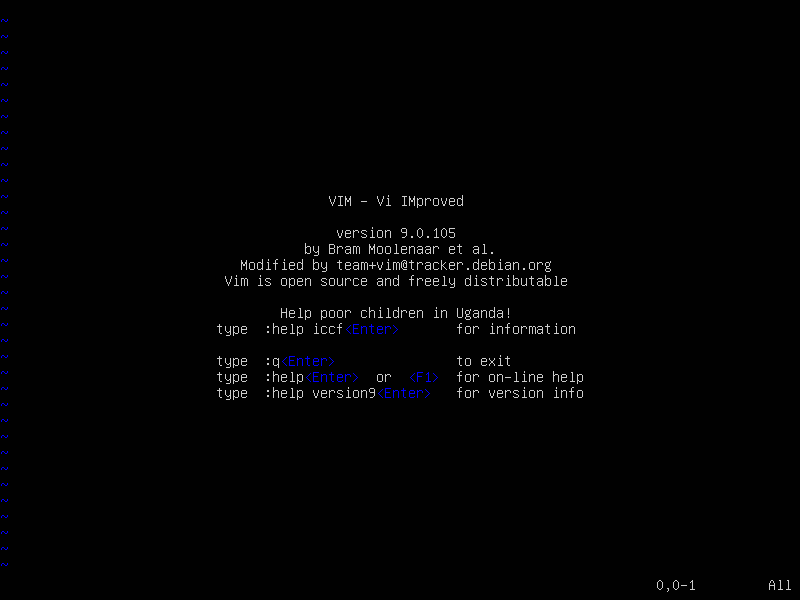
To uninstall it and move back to the older version in the Ubuntu repository, run the following commands to purge the PPA:
$ sudo apt install ppa-purge
$ sudo ppa-purge ppa:jonathonf/vim
Arch users can install the latest Vim using the pacman command as shown:
# pacman -S vim
Compiling Vim 9.0 from Sources in Linux
For other Linux distributions, it will take some time to include it in official software repositories, but you can try the latest Vim 9.0 by compiling it from the source on your own as shown.
# git clone https://github.com/vim/vim.git
# cd vim/src
# make
# make test
# make install
# vim
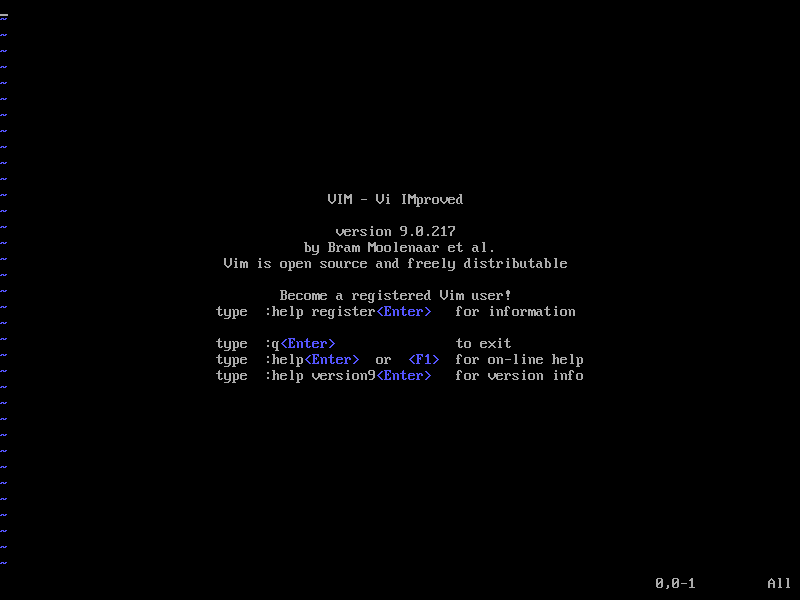
There is also a Vim Appimage which is built daily and runs on many Linux systems.
Last but not least, if you have installed Vim, try it out and get back to us by using the feedback section below. Make any suggestions or share your experience with us and much more. We shall be delighted to get vital remarks from you.
If this article helped you solve a problem, consider buying a coffee. It helps keep TecMint free, supports the authors, and keeps the project going.


Got Something to Say? Join the Discussion... Cancel reply