
The Elgato Stream Deck was a revolution when it first launched, bringing customizable LED-backed buttons to control livestreaming functions for self-broadcasting simplicity. It's gone through some changes over the years, most notably to the software but also to different form factors and things like the new XLR dock that enables better microphones for stream use. It's easily one of the best peripherals for any PC or Mac user, and an indispensable one for anyone who owns a capture card. But they're not just for streamers, and you can set those customizable buttons to a ton of terrific tools or functions.

Elgato Stream Deck Neo review: A simple accessory with keys to unlock a more efficient workflow
A glorified macro pad that could be a productivity game changer
10 Home Assistant
Control your smart home with LCD goodness
What's better than controlling your smart home with voice commands? Not having to remember those commands at all, of course! That's exactly what you can do with the Home Assistant plugin for the Stream Deck, where you can put any of your HA devices on easily controllable buttons, or have the Stream Deck show sensor data on the LCD buttons, so you don't even need to ask your voice assistant of choice what temperature the A/C is set to, or what it's like outside.

5 cool things you can do with Home Assistant
Home Assistant is the best way to control all your smart home devices, but it can be so much more if you use a little imagination.
9 Setting Slack status
Don't walk away from your desk unpressed👁 slack-on-macbook
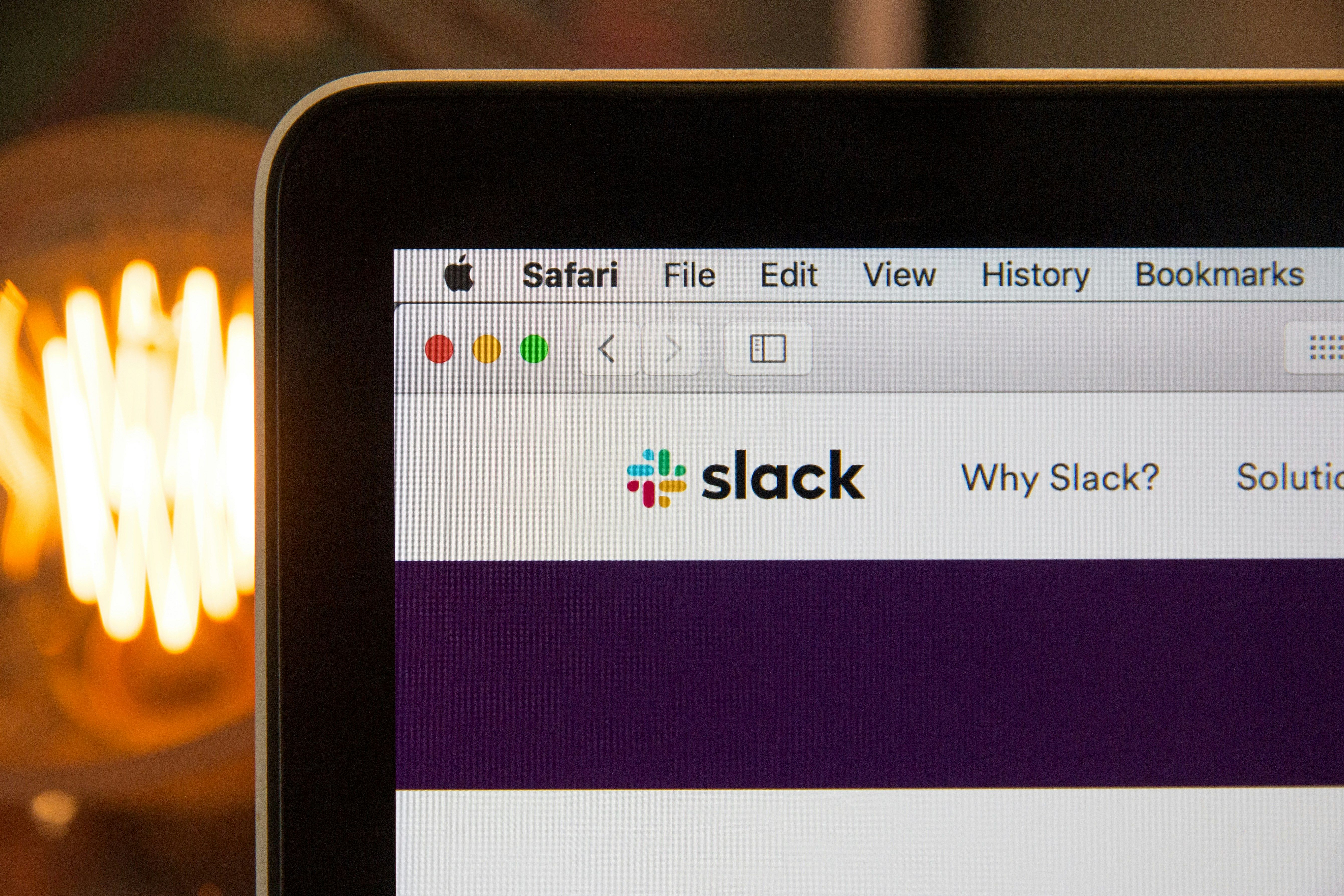
We've all walked away from our desks and forgotten to change our Slack status, leading to the eventual stream of "where are you" messages that you sit back down to once you've finished your IRL tasks. That's annoying enough, so it's fantastic that there's a plugin for the Stream Deck to change your status when the relevant button is pressed. Also, the official Slack plugin is pretty good, too, with the ability to make sense of your cluttered DMs, go straight to a set channel, or bring Slack into focus at the same time, and the all-important mute button for notifications.

7 reasons Slack is better than Teams
When looking for a communications tool for your team, you have plenty of options. Here are some reasons to consider Slack instead of Microsoft Teams.
8 Control your music
Media controls never looked this good
Windows is pretty restrictive these days about having media controls not showing up on your taskbar or other places, so it's always welcome when you can add them to macro keys. The best part about using any Stream Deck for music controls is that they can show more than just the control icons, with some plugins showing the thumbnail and artist, or the time remaining, alongside the usual media keys for playback and volume control.

The Stream Deck turned out to be an ultimate productivity companion I didn't know I needed
How I streamline my workflow for productivity with this accessory
7 Take control of video calls
Whatever your teleconference solution, physical buttons make it better
👁 Presenter Overlay on macOS Sonoma with a video call.
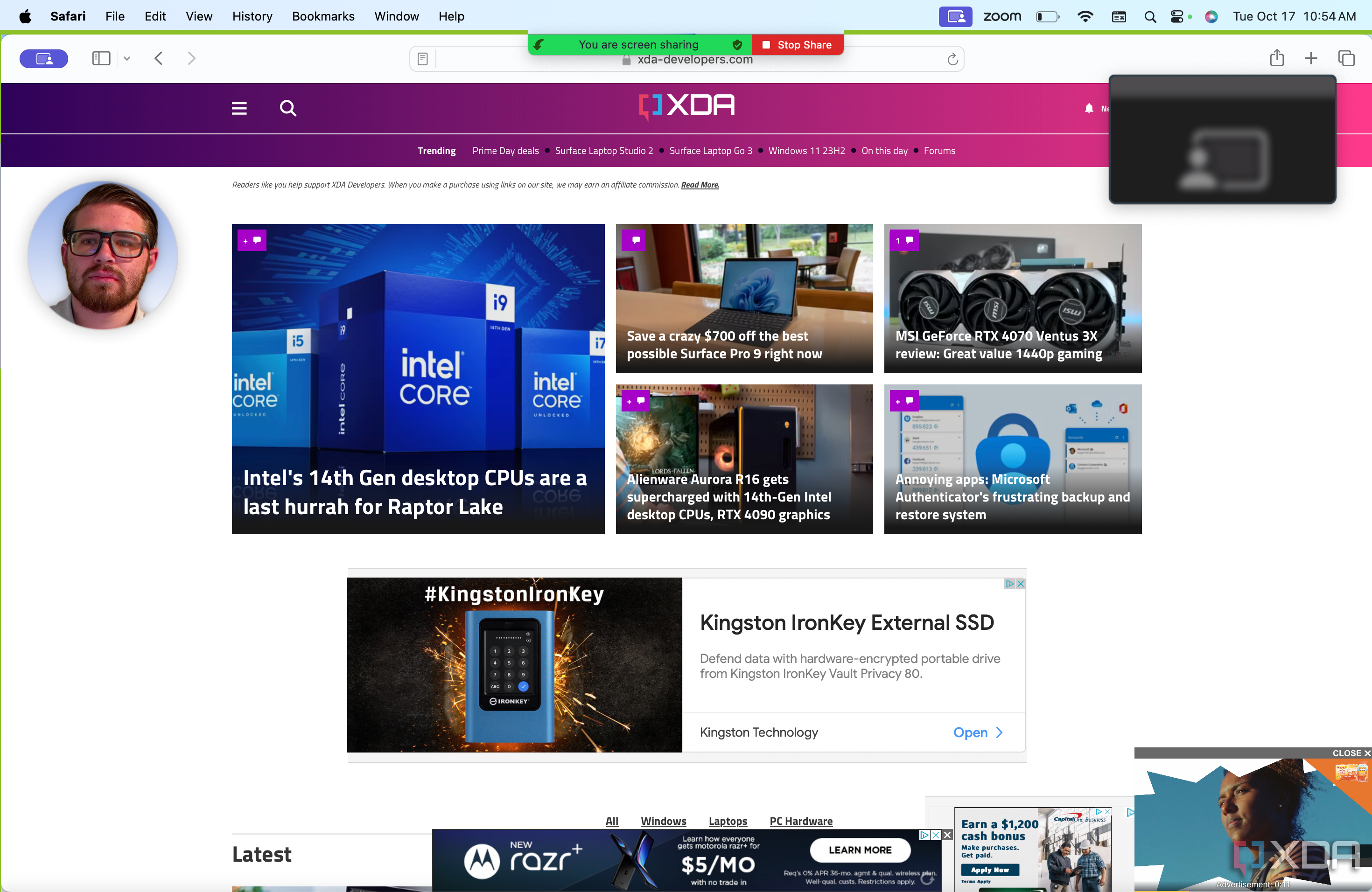
We all spend more time on video calls than we used to, but that generates a new problem in how to control our mics, video, and other in-call functions. Yes, I know they're all handily attached to keyboard shortcuts but it's so much easier when there are custom-set physical buttons to press instead. I mean, you might reach to turn off your video and accidentally unmute your mic, leading to some choice off-camera audio clips. But with a Stream Deck, you can easily see huge icons to tap so you don't have to remember key combinations that might lead to a run-in with HR.

4 reasons macOS Sonoma is the best OS for video calls
Video conference calls have become ubiquitous in 2023, and there's no OS better at them than macOS Sonoma.
6 As an application dock
This is easily the best use for the Stream Deck
While you can turn your Stream Deck into a productivity monster with macros and chains of commands, I prefer to use mine for simpler things. I don't like having my taskbar with tons of apps pinned to it, and the same goes for my Start menu. I have rows of app icons on my Stream Deck instead, so I can open my most used programs at a tap. I'll generally have the productivity tools I use daily, plus links to the one or two games I'm playing at the time, so I don't get distracted by the long list of other unplayed games in my Steam library when I want to unwind.

Best productivity apps for Windows
Boost your efficiency on Windows with these top productivity apps
5 To run macros and scripts
Supercharge your Windows productivity
While it's not my preferred way of using the Stream Deck, the deep customization inside the software lends itself to some really complex complications and chains of events if you want to use it for them. Things like having a button to open your web browser with a pre-selected group of tabs open, while at the same time opening Apple Music to your latest playlist, changing the output device to your speakers, and setting them to a productivity-friendly volume level. Think of how much time you'll save if your daily workspace was set up at a button press, instead of having to hunt for icons, website links, and the like.

I use a macro pad as a Stream Deck alternative to streamline my workflow on my Mac, and here's how you can do it too
All you need is a simple macro pad and the zeal to customize and set up shortcuts
4 Activate Mac Shortcuts
macOS users have their own macro tools👁 An image showing the Stream Deck Neo displaying productivity shortcuts.
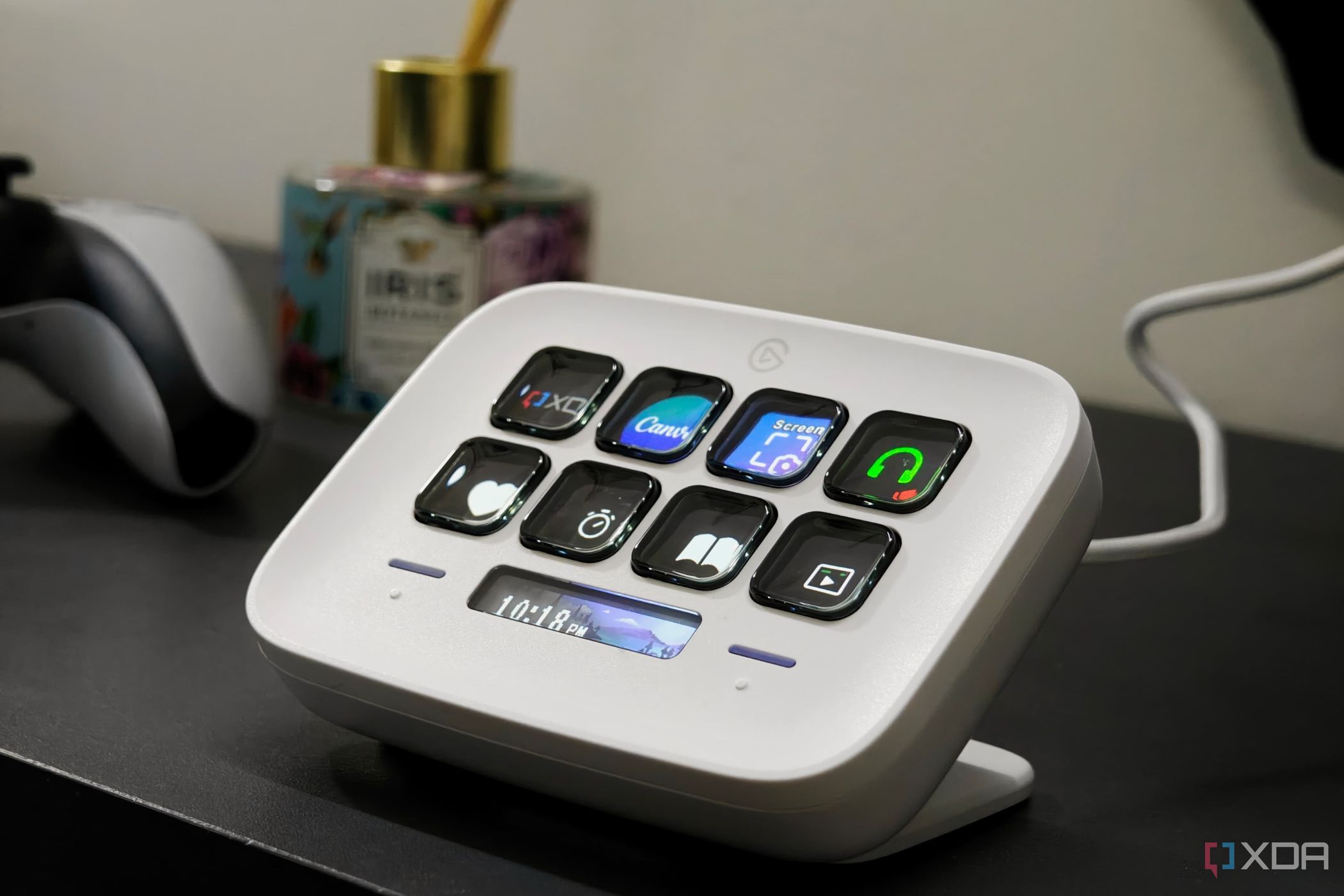
Mac users are often more deeply aware of the many keyboard shortcuts that can be used than Windows users. The thing is, most of them need some sprightly fingers to enable because they often need four or more buttons pressed at once. Why not offload that stretching and have the Stream Deck deal with things like screenshots, or switching between audio outputs?
You can further extend this by creating macros in the Shortcuts app and connecting them to Elgato's software with the Shortcuts plugin. That way, you have physical buttons, so you don't have to call Siri to do anything, and you know exactly which task you're triggering.

Complete guide to the Shortcuts app on macOS
Building powerful shortcuts can save you time down the road!
3 Track your hours
Take the sting out of freelance life
If you've ever lived the freelancer life, you know the pain of trying to remember how many hours you worked for each client. Well, with a Stream Deck, you can link into popular time-tracking software, toggl, and accurately track your hours with a few taps. It won't help you remember to press the button, however, so that one's on you.

7 productivity apps you can take off my Mac when you pry it from my cold, dead fingers
Of all the apps I have installed on my Mac, these are the ones you won't delete without a fight.
2 Open a set of browser tabs
Start your day organized with one press of a button
Chances are, you have a set of browser tabs you open in the morning, no matter what day it is. While it might be comforting to go through the same routine every day, you're wasting precious seconds by manually opening those tabs, not to mention the ever-present danger you might get distracted partway through. Link those tabs to a single Stream Deck button, however, and you can be ready for your day in a flash. While you're at it, why not add some other programs to the chain, so you have everything you normally would use for work open and ready for action.

4 browsers that are great Google Chrome alternatives
For those looking to de-Chrome, there's a heap of great options, each with their own strengths.
1 Manage your Destiny 2 loot
Inventory management is terrible, but DIM makes it better
Every fan of the not-quite-MMO FPS shooter Destiny 2 knows the pain of inventory management. Even with an official companion app, for years, we had to rely on third-party tools like Destiny Item Manager (DIM) to make up for the shortfalls of the in-game UI. While the game now has some improvements, including the ability to grab items from the vault at any time, it's still easier to use DIM. There's even a fantastic Stream Deck plugin that lets you interact with your gear, toggle solo mode, and copy checkpoints so you never have to alt-tab out of the game or do annoyingly complex button presses.
Destiny Item Manager
DIM is the best inventory management tool for Destiny 2, and it's even better on the Stream Deck.
The Stream Deck isn't just for streamers
These are just a small selection of the many, many things you can do with the Elgato Stream Deck. It's not just plugins for hundreds of apps or tools you can add, but icon packs, custom profiles, new sound effects, and even custom screensavers to run under the LCD buttons when you're not actively using them. It's one of the most versatile computer peripherals of recent years, and every desk should have one.