
Summary
- Integrated graphics in a CPU are not necessary for gaming PCs with dedicated GPUs.
- CPUs without integrated graphics require a dedicated GPU to be connected at all times.
- Having integrated graphics in a CPU can serve as a backup and make it easier to diagnose GPU problems.
While building my new gaming PC last year, I was left with an important decision that I hadn't considered before. That was whether I needed integrated graphics in the GPU. Normally, I wouldn't even consider a CPU without integrated graphics, but I came across a fantastic deal.
The key component for any gamer building a computer is the GPU, which means there isn't a need for graphics built into the CPU. Because I was building a gaming computer, integrated graphics certainly didn't seem important. However, I've learned a lot in the last year, and I would never buy another CPU with integrated graphics again.
Integrated vs. dedicated graphics overview
A CPU with integrated graphics doesn't require a separate GPU
Before we get into the problems with CPUs without integrated graphics, let's take a quick look at the differences between integrated and dedicated graphics. Integrated graphics refer to the onboard video processing capabilities built into most processors. Nearly all pre-built computers, especially laptops, have integrated graphics, as most don't even have a GPU. However, some users, like gamers, need more video processing power than a CPU can handle, which is where dedicated graphics come into play. Dedicated graphics cards, or GPUs, connect to a PCIe slot inside a computer.
This is where things get confusing because computers can have both integrated and dedicated graphics, but you can only use one output at a time. Of course, you'll want to use dedicated graphics most of the time, but you can always switch back to the processor's integrated graphics. A CPU without integrated graphics requires a GPU to be connected at all times. Additionally, the HDMI or DisplayPort on the motherboard won't function.
Why I purchased a CPU without integrated graphics
I made a mistake after reading about a performance boost
👁 A close-up image of a CPU core i5, docked on a motherboard with the background blurred

I bought a Ryzen 7 5700X simply because it matched the rough specs I was looking for when building a PC. I had a basic idea of what I wanted, including a Ryzen 7 processor, and the 5700X offered sufficient speeds. More importantly, it was on sale at a great price despite the ongoing chip shortage. Obviously, this is no longer a problem, but when I built my computer a year and a half ago, components were still very difficult and expensive to acquire.
I was also enticed by the specs on the 5700X, which were slightly better than the Ryzen 7 5700G, which has integrated graphics. I figured a GPU would always be connected since it was a gaming computer and that it made sense to opt for a boost in performance.
However, I soon found out that there was very little performance improvement. On paper, there was minimal improvement since the unused cores weren't consuming power or creating additional heat. However, it failed to consider that the graphics cores on a CPU are not used if a dedicated GPU is connected.
The problems with forgoing integrated graphics
CPUs without integrated graphics can present a few hurdles down the road
After using a CPU without integrated graphics for over a year, I encountered a number of problems.
No backup for a dead GPU👁 MSI Nvidia GeForce GTX 760 graphics card
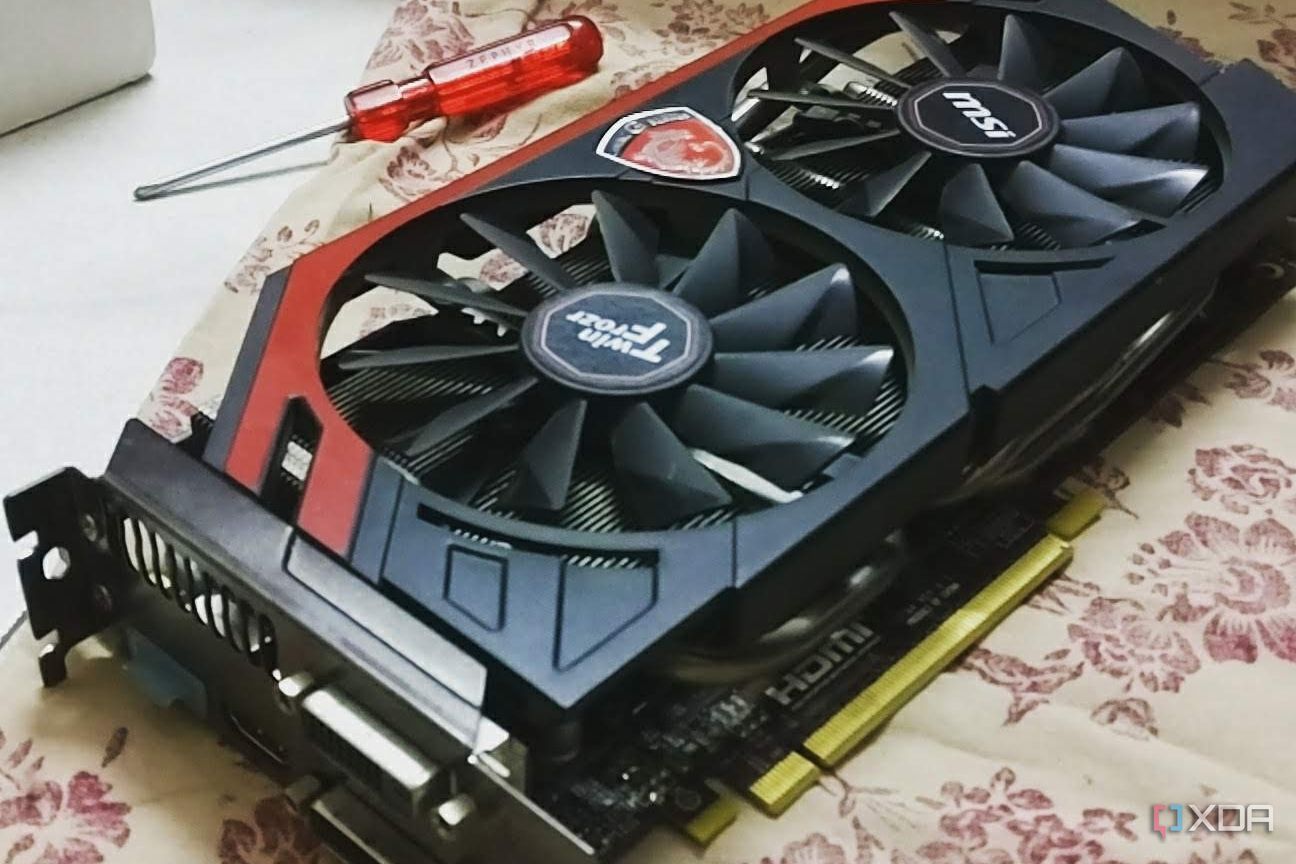
I quickly realized my mistake after purchasing a CPU without integrated graphics. Because GPUs were so difficult to get, I had to wait weeks before mine would arrive and I could finally assemble my new computer. Had I bought a Ryzen 7 5700G, I could have put the computer together right away and at least started getting some use out of it for basic tasks.
As mentioned, I quickly realized that having a CPU with built-in graphics is vital if you don't have a GPU. But I have also found out that it can serve as very cheap insurance in the event that a GPU fails. In general, GPUs are pretty reliable, but it's still possible for one to die suddenly. If you use your computer for other tasks like work or school, then having integrated graphics is a must because it will allow you to continue using the computer while you wait for a new GPU. If you already own a CPU without integrated graphics, then I highly recommend purchasing a cheap GPU in case yours fails.
Difficult to diagnose problems👁 An open pc case, with a Gigabyte graphics card installed next to an AMD CPU heatsink and a Samsung SSD
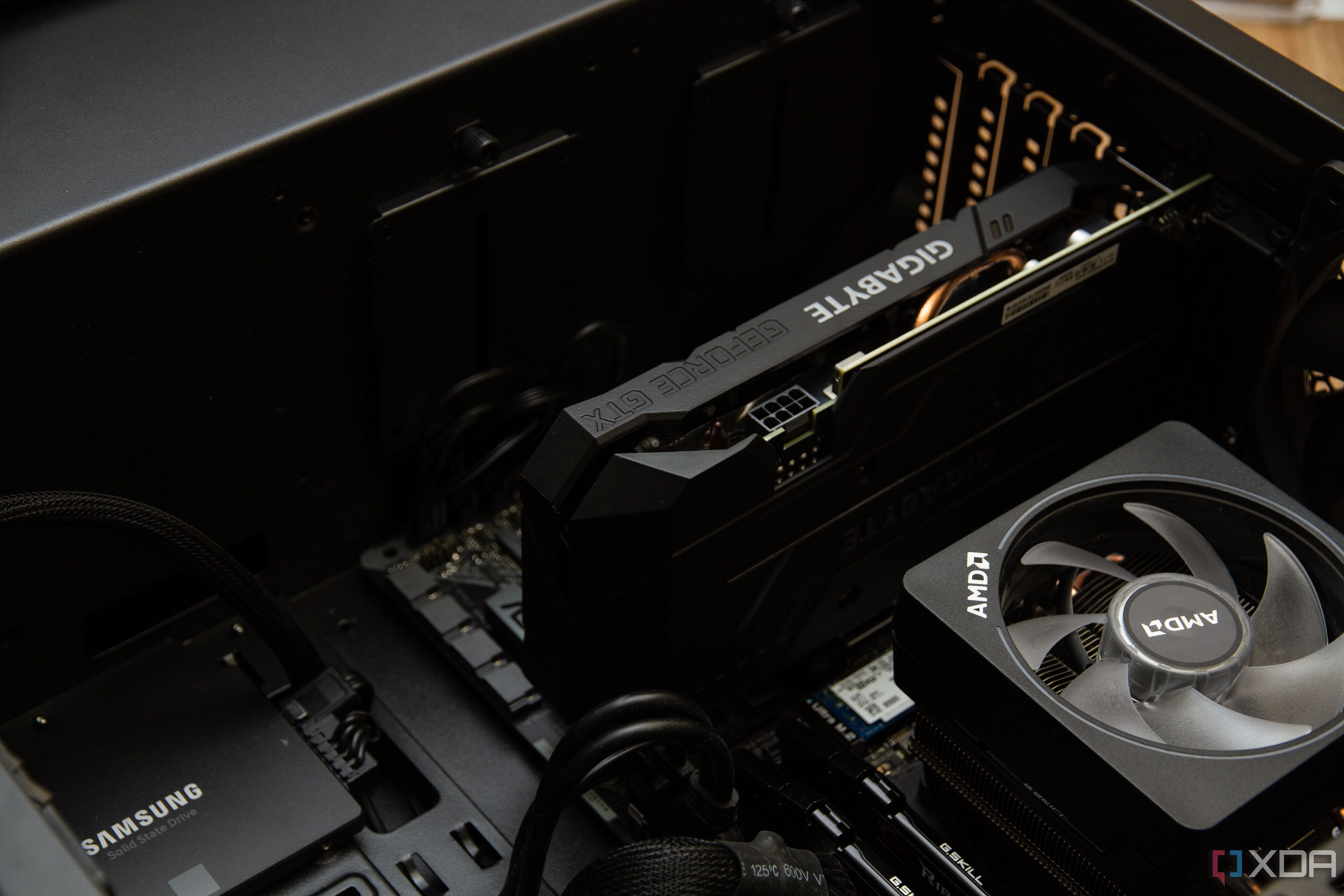
Another problem I recently discovered is that it's a little tricky to test and diagnose GPU problems without integrated graphics. If you have integrated graphics, then it is always possible to switch back to them and bypass your GPU. This is an invaluable way to determine if your issues lie with the GPU or something else on the computer.
Additionally, if a setting gets changed that affects the GPU, and you can't access the screen, it will be difficult to make further changes. In most cases, you can get the screen back by booting into Safe Mode and diagnosing problems from there, but in the worst situations, you'll have to completely restore the computer just to get the graphics working again.
Performance and price differences are negligible
Finally, the performance boost that you may hope for will likely disappoint. Nearly all CPUs use the same dies regardless of whether they have integrated graphics or not. This means that the portion that holds the graphics cores simply goes unused.
Benchmark data shows that the 5700X only performed about 3% better than the 5700G. When overclocking, that goes down even lower to a mere 2%. Performance stats also vary dramatically by the processor, with the Ryzen 5 5600X seeing a 6% bump in performance over the 5600G.
While AMD processors commonly see some small bumps in performance when you forego integrated graphics, Intel processors typically don't. For instance, there is no difference in performance between the Core i5-13600K and 13600KF. In many cases, the price difference between CPUs with and without integrated graphics is less than $50, with some less than $25. That isn't much, considering the headaches that having integrated graphics may save later.
What I'm buying next time
While I don't plan on buying another CPU for a couple of years, the next one I purchase will certainly have integrated graphics. I now understand the problems that can arise when you don't have a CPU with integrated graphics and that the performance bump is non-existent on most processors.
Things have also changed a lot since I bought my CPU. The chip shortage is now over, so it is much easier to find components, which are certainly cheaper. Additionally, some great new CPUs work really well for gaming. While these CPUs won't remove the need for a dedicated graphics card, some of them do have advanced graphics processing, which will let you play more games without a GPU.