
Summary
- Raspberry Pi units offer affordable opportunities to explore old software like the Macintosh 128K. MicroMac now lets you emulate it for $7.
- Matt Evans achieved the feat of bringing the Macintosh 128K to Raspberry Pi, detailing the challenges on his Axio.ms blog.
- The MicroMac project offers VGA output, USB support, and a read-only disk image for a tiny piece of computing history.
Raspberry Pi units may not be the epitome of computing power, but their small size and decent specs make them the perfect way to re-explore old software. We've previously covered ways you can turn a Raspberry Pi into a retro gaming beast, but we haven't touched on old operating systems. Fortunately, someone has stepped up to the plate and released the MicroMac, and now you can emulate a Macintosh 128K on hardware that only costs $7 in total.
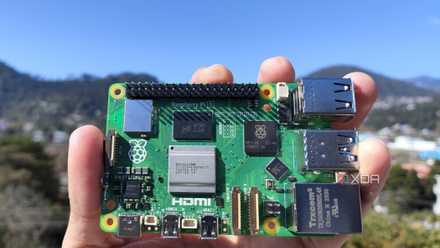
Raspberry Pi 5 review: The holy grail of DIY projects got even better (and rarer)
The Raspberry Pi 5 is one of the most powerful consumer-grade SBCs out there. Sadly, its limited stock means you'll have a hard time finding one.
The MicroMac brings the Macintosh 128K to the Raspberry Pi
As spotted by Tom's Hardware, the Macintosh 128K enthusiast Matt Evans posted how he achieved this feat on his Axio.ms blog. The blog post details the trials and tribulations that went into squeezing the Macintosh 128k into a Raspberry Pi Pico, including lacking the memory to boot up MacPaint. However, for hardware that costs less than a good coffee, we think Matt Evans did an amazing job bringing computing history to the tiny hardware.
You can check out everything Matt used on his GitHub page for the MicroMac, which he boasts that it provides "the worst Macintosh in a cheap, portable form factor." It also states that the project can output at 640x480 over VGA, comes with USB mouse and keyboard support, and sports a read-only disk image. You'll need to pick out some specific resistors and do some wiring to get the project up and running, but everything you need to do is laid out in full within the GitHub instructions.
And sure, you could just emulate a Macintosh 128K on your PC, but you know you want to build a teeny-tiny Mac after reading this. After all, if someone made a miniature 286 PC complete with an SD card slot where the floppy disks went, then surely someone can figure something out for Apple's iconic hardware.