
Summary
- Teams users can now enjoy an updated Copilot experience with improved prompts and access to the Copilot Lab for browsing prompts.
- Teams Rooms on Android now offer advanced meeting protection features like end-to-end encryption and sensitivity labels with a Teams Premium license.
- Teams admins can configure private lines for select users, and various devices have been made compatible with SIP Gateway for added flexibility.
Microsoft Teams frequently gets new features, with the Redmond tech firm capitalizing on the online collaboration and communication tool's popularity in this era of hybrid work. Microsoft regularly publishes a recap of all the capabilities it added to Teams at the end of each month too, and now, it has done the same for February 2024. Teams received 37 features last month, with the headliner being an updated Copilot experience.
What's new in chat, collaboration, and meetings?
If you work in an organization which has paid for Copilot licenses, you should see a Copilot app above your chats. Microsoft says that this piece of software offers more advantages over Microsoft 365 Chat, including improved prompts tailored to your content, the ability to view chat history, and access to the Copilot Lab where you can browse a library of prompts.
When it comes to the activity feed, items can be removed and notification settings can be modified, allowing you to focus on the content you care the most about. Additionally, there's a new layout for Together Mode too where all the participants are shown in a horizontal pane at the bottom of the video with a shared background.
What improvements have been made to Teams hardware experiences?
Teams Rooms on Android customers can now leverage advanced meeting protection capabilities such as end-to-end encrypted meetings and sensitivity labels. However, you need to have a Teams Premium license in order to access these features. The same Teams SKU also has a new calendar view showing you schedules for today and tomorrow, along with customizable meeting views, and configurable daily maintenance restart windows. You can use a Windows PC to control Teams Rooms too and take advantage of all the features made available for Teams Room on Android 2024 Update 1 release.
Notably, the following devices are now Teams-certified:
-
Teams Rooms devices
- AudioCodes RXV81B10
- Teams Biamp Devio SCX
-
Personal devices
- Yealink BH70
- EPOS IMPACT 700
- EPOS IMPACT 860T
Teams Phone customers haven't been left out in the cold either. Teams admins can now configure a private line to bypass certain restrictions for select users, distinguished by a unique notification and ringtone. Moreover, the following devices have also been made compatible with SIP Gateway:
- Snom D735 IP Phone
- Snom D717 IP Phone
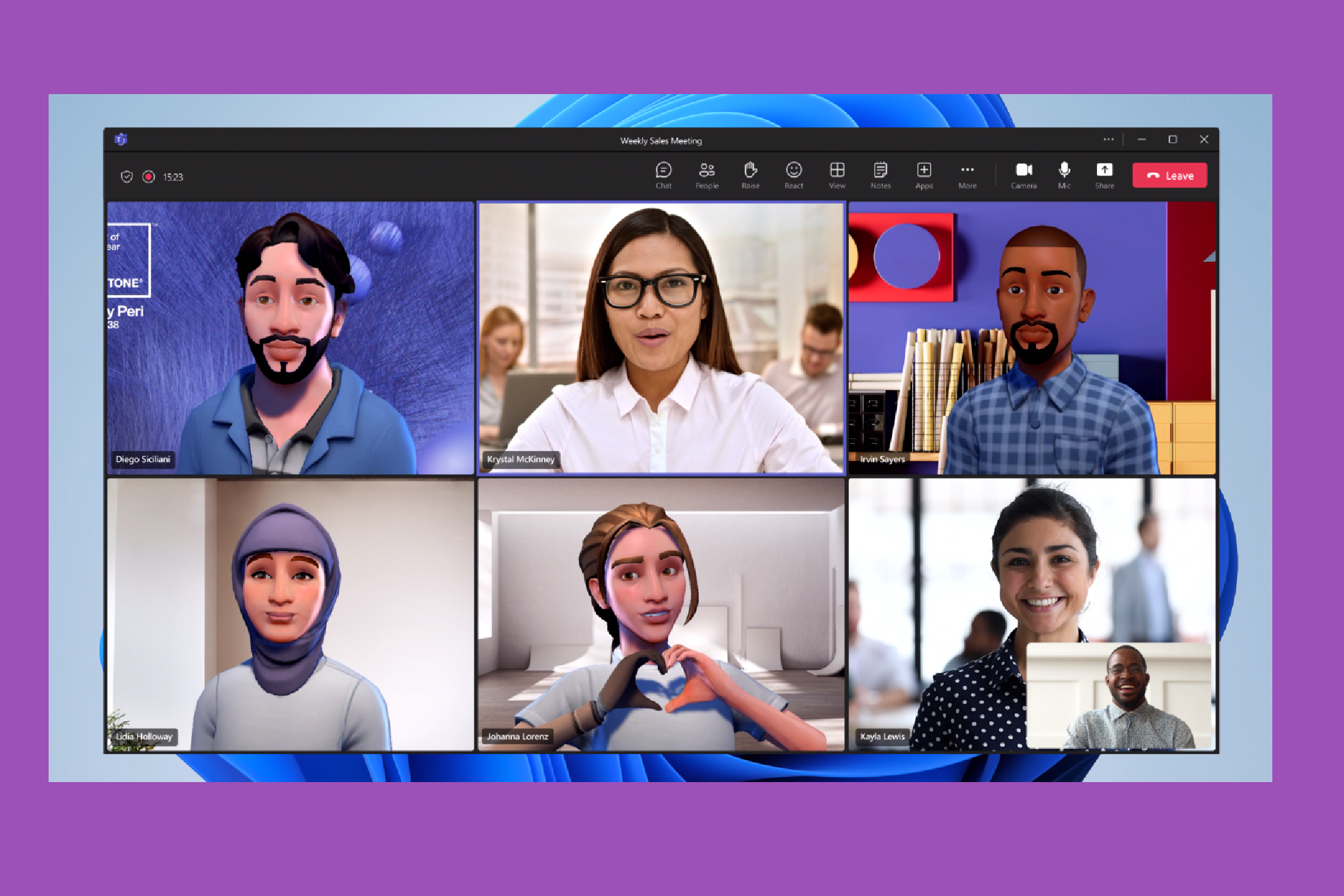
👁 Teams avatars
What's new for webinars, town halls, and mobile?
Over on the Teams webinars and town halls side of the fence, organizers can configure meeting options via an inline window in the scheduling form for Teams. In the same vein, the fields in the registration form for webinars can now be reordered according to the organizer's preferences. Meanwhile, mobile customers can enjoy official support for Android Auto, sensitivity labels for Teams meetings, and pin Teams apps shortcuts on their Android home screen.
What can I expect when it comes to Teams apps and software solutions?
The following vendor apps are now available directly in Teams as of February 2024:
- AI Assist
- Bigtincan for Microsoft Teams
- Culture Amp
- EY Catalyst Connect
- SAP Sales and Service Cloud
- Smart Connect for Jira
- Teladoc Health Condition Management
- Workpath
- Zoho CRM for team collaboration
Meanwhile, admins managing frontline worker solutions on Teams can deploy operational hierarchies via the Teams admin center and configure automated targeted announcements based on frontline roles. Finally, the Microsoft Graph API can now be used to program SMS notifications in virtual appointments in the United States, United Kingdom, and Canada. However, if you want to find out more details about this implementation along with all the aforementioned features, do check out Microsoft's dedicated blog post here.