
When most people think of PC gaming, they think of large desktop computers that can power the latest games at over 120 frames per second. Laptops have been around since the 1980s, but they haven’t had the horsepower to match gaming desktops until this century. Laptops started making leaps and bounds in graphical performance, and then the Steam Deck went and stole their thunder. While you can bring laptops virtually anywhere, the Steam Deck is even more portable. But is it the better choice for your gaming needs?

5 reasons the Steam Deck OLED is already the best gaming handheld
The best PC gaming handheld is now a better deal than ever before
The Steam Deck is cheaper for a reason👁 A person holding the Steam Deck OLED.
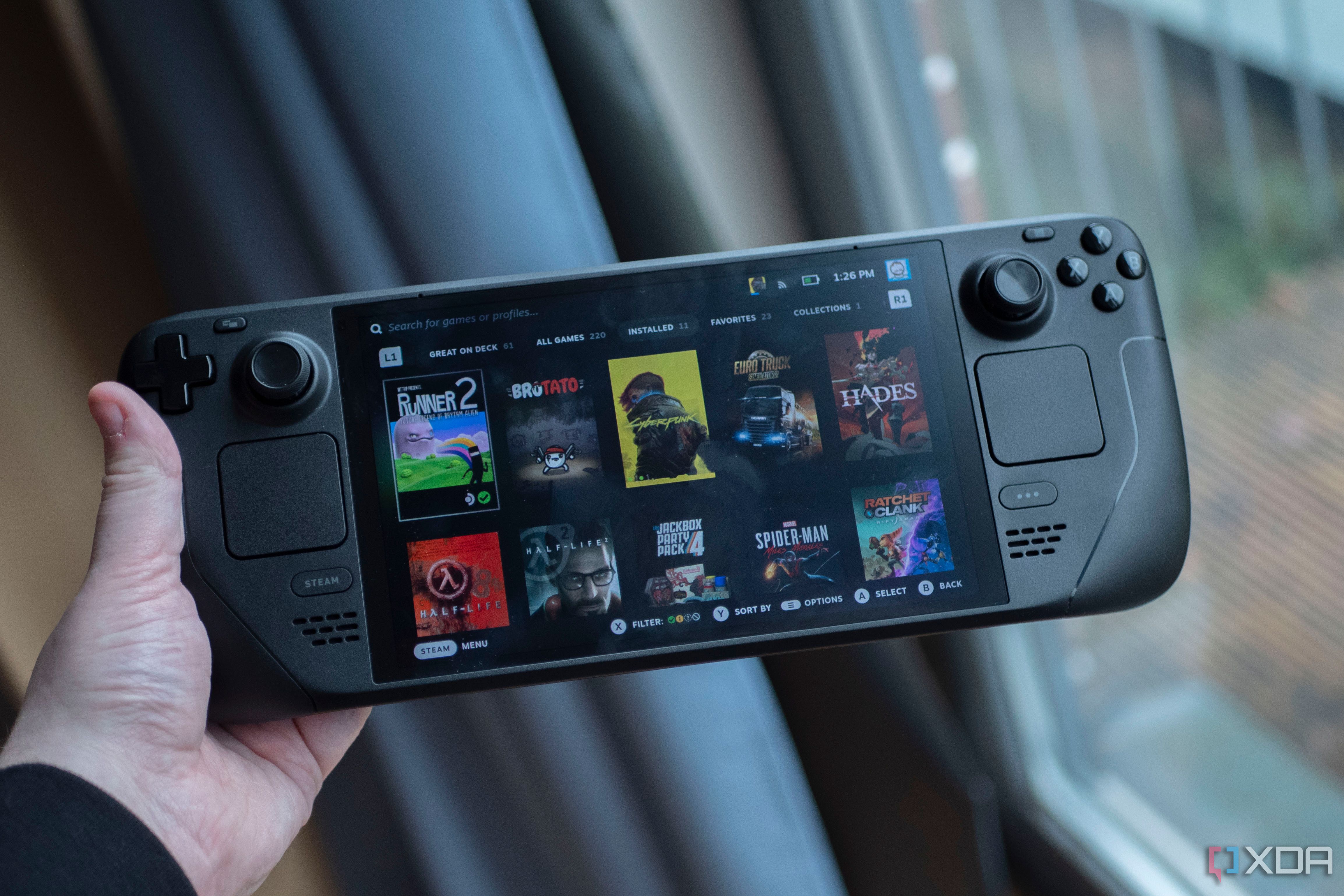
At their core, the Steam Deck and gaming laptops are portable gaming PCs. However, they are constructed in two completely different ways, greatly impacting their prices and capabilities.
While the Steam Deck is shaped like a Nintendo Switch, they are still functionally pre-built PCs. As such, you can pick from several component combos, but these only affect the storage and display screens. Valves sells three versions of the Steam Deck ranging from $399 to $649 – the more expensive the version, the more games it can store. However, no matter how much you spend on a Steam Deck, it will always pack the same GPU that is analogous to the NVIDIA GTX 1050. That graphics processor isn’t a slouch, but it isn’t exactly a powerhouse, either, since it doesn’t support ray tracing.
Comparatively, gaming laptops offer far more variety. You can buy these computers from manufacturers such as Acer, Dell, MSI, Asus, and Razer. Each company personalizes its products with unique chassis and iconography (and occasionally licensing deals), but the main meat lies inside. Unlike Valve, laptop manufacturers sell various hardware builds, some of which you can personalize online. If you're looking at modern hardware, a gaming laptop will almost always beat a Steam Deck in terms of graphical performance and storage.
However, this superior technology comes with a sizable price tag. For a “decent” gaming laptop, you will need to spend at least $1000, sometimes up to $3000 or $4000. One of the most expensive gaming laptops ever produced, the Acer Predator 21X, cost around $9000, but that was more of a luxury item.
Essentially, the Steam Deck is the budget gaming laptop of budget gaming laptops. The Steam Deck’s graphical potential will never exceed true gaming laptops unless Valve updates the handheld with a more powerful GPU. But that isn’t the point of the Steam Deck.
Steam Decks are more portable than laptops
In a previous article, when we compared the Steam Deck to the Switch, we noted these devices shared similar dimensions, right down to the screen size. This comparison demonstrates that when companies have similar product ideas, their designs tend to look the same. It’s sort of like artificial convergent evolution.
Much like the Nintendo Switch (and the ASUS ROG Ally and Lenovo Legion Go), the Steam Deck is designed with portability in mind. The handheld weighs around 1.41 pounds and sports a 7.4-inch screen (7-inch for LCD versions). This downright diminutive form factor means you can take and play the Steam Deck anywhere. Gaming laptops don’t have this boon. Laptops weigh at least three times as much as a Steam Deck to house all their expensive components and take up significantly more space. A crowded bus is nothing for a Steam Deck, but whipping out a gaming laptop in the same location is far less feasible and comfortable.
Steam Decks also have the advantage of battery power. Since their GPUs and CPUs are comparatively weaker, Steam Decks don’t require as much electricity and can stay powered on for several hours. The original Steam Deck can run up to seven hours on a single charge, while the OLED version can last 12 hours. However, the total amount of playtime depends on the game and settings. When PCGamer tested the OG Steam Deck, the reviewer squeezed seven hours out of FTL: Faster than Light, whereas The Witcher 3 and Grand Theft Auto 5 drained the handheld’s batteries in four hours and three and a half hours, respectively.
Likewise, the battery lives of gaming laptops fluctuate depending on the title and settings, but since laptop hardware is significantly more powerful, playing games on these platforms guzzles battery power even faster. While many people buy gaming laptops to play games during trips, they generally only play when they can plug their computers into outlets and get the most out of their GPUs. Gaming laptop batteries are best reserved for activities such as writing Word documents on a train.
Steam Decks have one final design advantage: cooling systems. While Steam Decks get hot while playing games on high settings, so long as you keep your hands on the buttons and analog sticks, you will stay clear of the hot zones. Laptops, meanwhile, are designed differently. When under heavy loads, their undersides heat up. Not to dangerous levels, just to the point of making it uncomfortable to sit laptops on your lap. This is especially true when playing games, whether or not you use a power outlet or built-in battery.
Given the ever-evolving state of video games, we can only hope that Valve maintains the Steam Deck’s superior portability when the company inevitably releases an upgraded version capable of delivering better game performance.
Steam Decks are meant for portability, not versatility
While Steam Decks are technically Linux computers, their storefronts are very console-like since you can only buy and install games Valve sells through Steam. Officially, anyway. You can download and install digital distribution platforms such as Epic Games Store and GOG and download their games onto the Steam Deck, but only if you know how to mod the device. Not only is this process difficult, but it's always possible things will stop working properly. Meanwhile, these programs work natively on gaming laptops. If you want to play Fortnite or Genshin Impact, download the Epic Games Store and install those titles – far easier and less time-consuming. But that’s not the Steam Deck’s only library-limiting flaw.
If you visited a game’s Steam page after the Steam Deck’s release, you probably noticed the new “Steam Deck Compatibility” tab. This addition files Steam games into four categories: “Verified,” “Playable,” “Unsupported,” and “Unknown.” Any verified game (e.g., Baldur’s Gate 3) will work on the handheld with no problem. Titles rated as “Playable” (e.g., Grand Theft Auto 4) might encounter hiccups such as displaying the wrong button prompts or rendering text too small to read. “Unsupported” titles (e.g., Starfield), meanwhile, just won’t run on the Steam Deck, usually because the device doesn’t meet the system requirements.
As for games that are considered “Unknown,” Valve hasn’t tested them yet. While these ratings could potentially lock your Steam Deck out of games you already own, they carry no weight with gaming laptops. So long as your computer meets the minimum hardware requirements, you can usually play the game.
You might be unlucky and encounter compatibility issues, but Steam forums offer plenty of solutions. If your laptop is powerful enough, you can even play VR titles like Half-Life: Alyx. You can’t do that with the Steam Deck since it doesn’t support VR games.
Steam Decks have a similar Achilles’ heel regarding non-gaming programs. To install any non-game program, you have to use the device’s somewhat hidden desktop mode. In gaming laptops, installation is as easy as, well, installing Steam. Moreover, some apps, such as recording software, require additional add-ons to work on the Steam Deck. To record footage, you need to plug your handheld into a capture card and another PC. But gaming laptop livestreaming is self-contained; download the program, run it, and press “Record” or “Stream.” A capture card can help, but it isn’t necessary on most computers.
While you can use a Steam Deck to flaunt your Fortnite skills on Twitch, it’s just plain easier to do so using a gaming laptop. You won’t have to jump through confusing hoops to set up the requisite programs.
Steam Decks are an alternative to gaming laptops, not a replacement
👁 The controls of the Steam Deck OLED
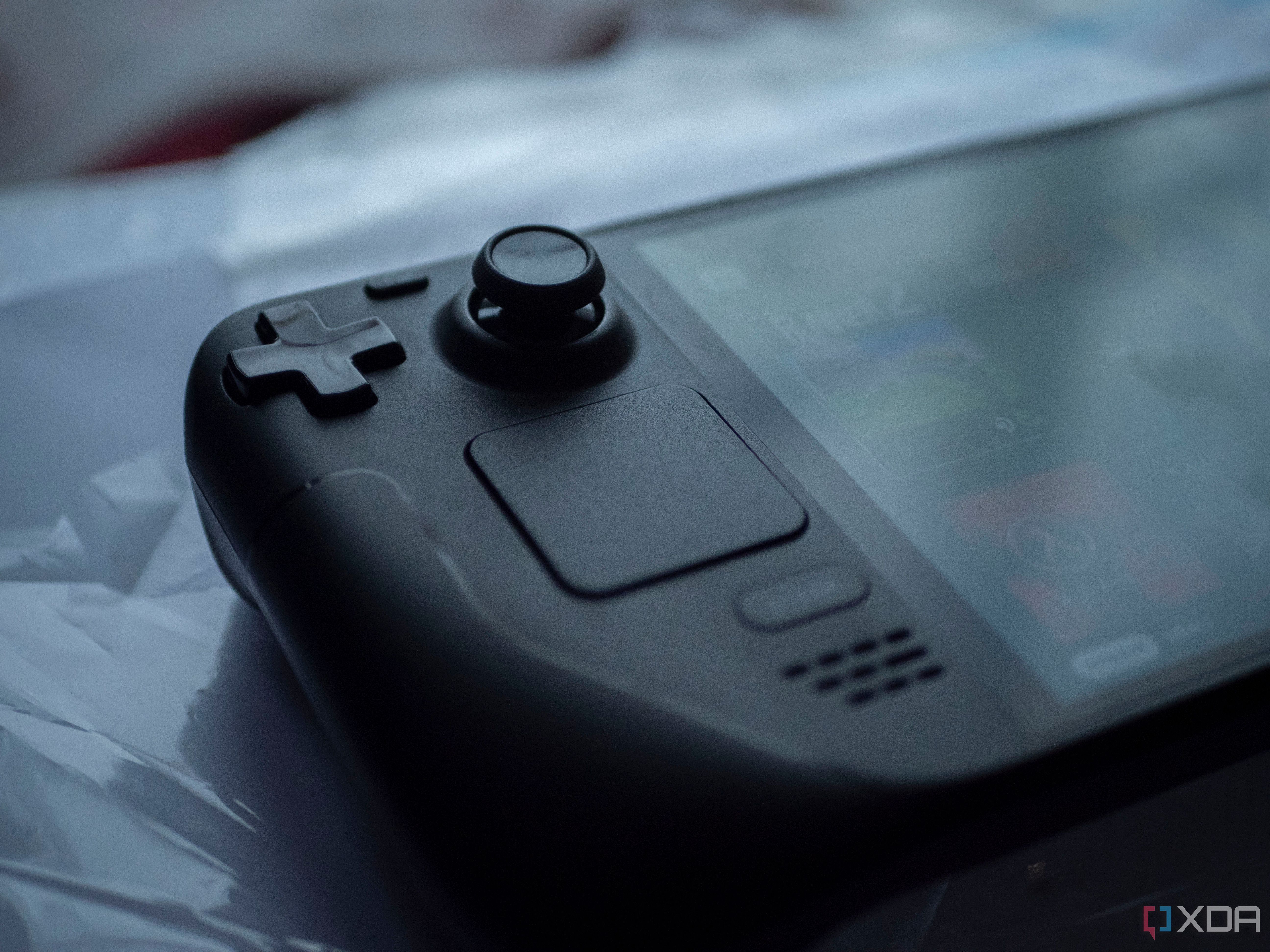
While a Steam Deck can play PC games like a gaming laptop, when compared to PCs, the handheld is restricted by weaker components, smaller screens, and a more limited library. But if those were problems, the Nintendo Switch would have been a commercial bomb. Yes, gaming laptops provide portability to gaming libraries without sacrificing (too much) graphical performance, but the Steam Deck increases that portability by a factor of 10 while also decreasing the requisite monetary investment.
Steam Deck OLED
- Brand
- Valve
- Screen
- 7.4-inch OLED 1280x800 RGB with HDR support
- Storage
- Steam Deck 512GB NVMe SSD Steam Deck 1TB NVMe SSD. Both include high-speed microSD card slot
- CPU
- 6 nm AMD APU CPU: Zen 2 4c/8t, 2.4-3.5GHz (up to 448 GFlops FP32) GPU: 8 RDNA 2 CUs, 1.6GHz (1.6 TFlops FP32) APU power: 4-15W
- Battery
- 50Whr battery, 3-12 hours of use (content dependent)
- Connectivity
- Tri-band Wi-Fi 6E radio, 2.4GHz, 5GHz, and 6GHz 2 x 2 MIMO, IEEE 802.11a/b/g/n/ac/ax Bluetooth 5.3 (support for controllers, accessories and audio) Dedicated Bluetooth antenna Display port over Type C; up to 8K @60Hz or 4K @120Hz, USB3 gen 2
Play your favorite games just about anywhere; just don't expect it to be at the same level as a gaming laptop. Still, gaming on the go never looked so good on this OLED display. And with HDR support, higher refresh rate, and better battery life, what's not to love about the Steam Deck OLED?
If you can’t look past the Steam Deck’s weaker graphics and a smaller list of compatible games (unless you mod the device), there’s nothing wrong with that. Ultimately, the Steam Deck and gaming laptops are two sides of the same portable PC gaming coin. You can compare the two, but neither is superior to the other. Every advantage of one platform is balanced out by the benefits of the other. It’s apples and oranges all the way down.
Lenovo Legion 9i (2023)
- Operating System
- Windows 11 Home
- CPU
- Intel 13th Gen Core i9-13980HX
- GPU
- Up to Nvidia GeForce RTX 4090
- RAM
- Up to 64GB DDR5 5600 MHz
- Storage
- Up to 2TB M.2 NVMe Gen4 SSD
- Battery
- 99.99Wh with Super Rapid Charge
If you're going the gaming laptop route, the Lenovo Legion 9i (2023) is the way to do it. With a powerful 24-core processor and Nvidia GeForce RTX 4090 laptop GPU, the performance is unlike any other on the market. Of course, that kind of performance comes with a higher price tag.