
Installing a CPU on a motherboard is easy, but it's incomplete without a heatsink or CPU cooler. Installing a CPU cooler is necessary to maintain the CPU's thermal output. Otherwise, it will just overheat and give up before you even boot the operating system. Thankfully, mounting a cooler — be it a fan cooler or a liquid cooler — is fairly simple and won't take you more than a few minutes. The fan coolers, in particular, are very easy to install as they have fewer parts to worry about overall. If this is your first time installing a fan cooler or you need a little refresh, here's what you need to know/
Which way should you install CPU fans on a stock cooler?👁 An image showing a CPU fan being screwed onto a motherboard.
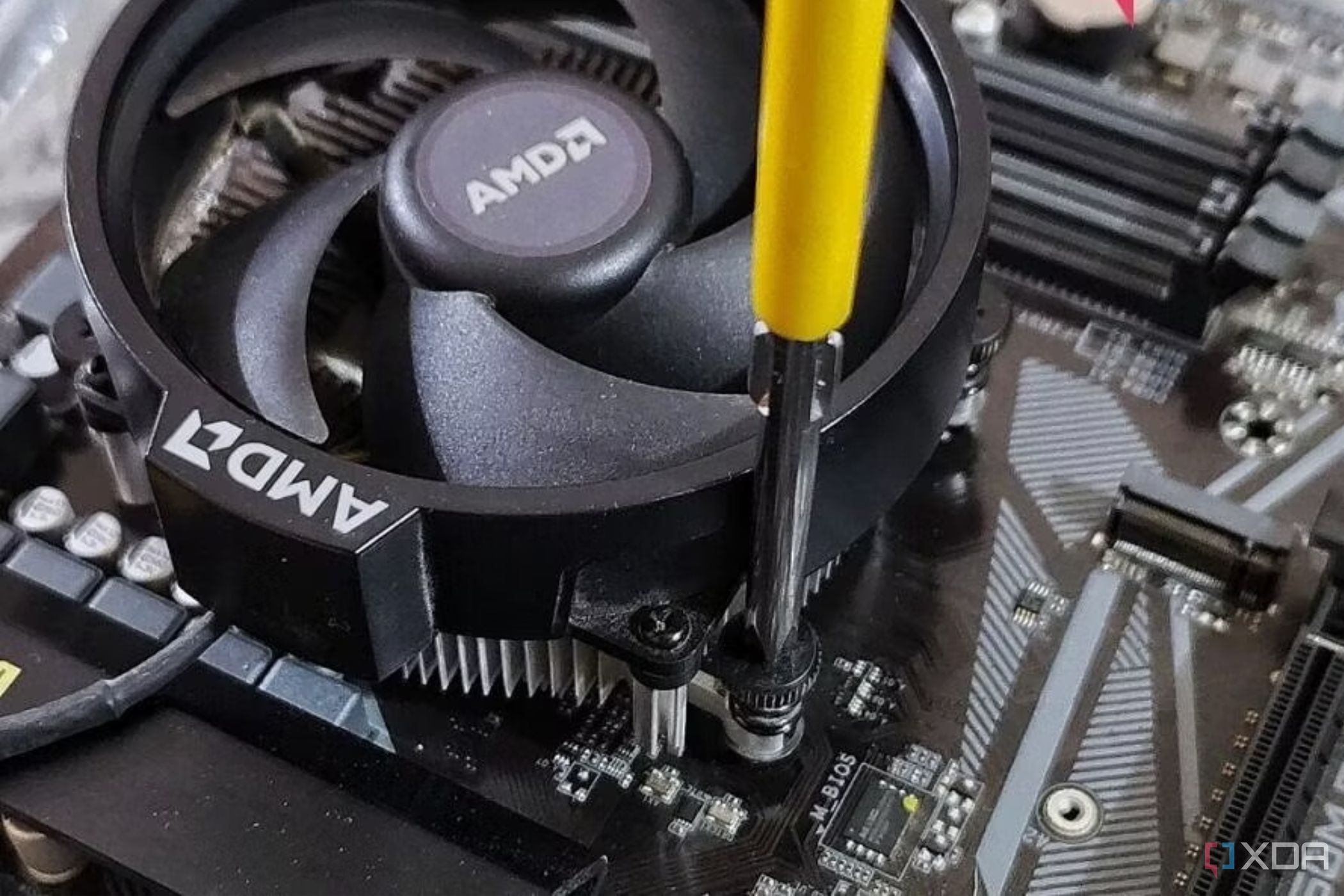
Those using a stock CPU fan cooler bundled with the CPU don't have much to worry about because there's only one way to install a bundled cooler, which is with the fan facing upward. However, for additional support, the process is outlined below in a few simple steps.
- Hold the fan on top of the heatsink and carefully line it up with the holes or standoffs on the board or heatsink.
- If you're installing the heatsink and the cooler together, work your way through the screws diagonally to ensure you create even pressure on the processor, thereby spreading the thermal paste evenly on its surface.
Which way should you install CPU fans on a third-party tower cooler?
Those installing a fan cooling tower have to ensure they're getting the direction of the fans right for optimum thermal performance, in addition to mounting the heatsink on the motherboard. The correct way to install a CPU fan is to ensure it's moving air in the same general direction as the fans installed in your PC case. Below are a few images that illustrate CPU fans facing the proper direction to move the heat away from the heatsink.
If you're unsure of your fan's airflow, remember that fan faces suck in air, meaning the front of your fan will suck air to push it out the back. This moves air through the heatsink/finstack, cooling it in the process. The number of fans used to cool the heatsink depends on the fan cooler's make and model. A sophisticated, high-performance cooler like the Noctua NH-D15 has two fans, whereas relatively inexpensive coolers with a simpler design tend to have a single fan. Just make sure all the fans installed as a part of your CPU cooler move air in the same direction for the best results.
Do right by your CPU
That's all there is to know regarding CPU fan installation. Stock cooler fans, as previously mentioned, can only be installed in one way: upward. It's only in the case of third-party tower coolers that you need to ensure the fans face the right direction for optimum airflow in the case.