

Meet ZoomMate,
your AI teammate
ZoomMate analyzes, learns, and acts on your conversations to complete your work.

Find what you need
Finds decisions and details buried in your conversations and apps.


Capabilities that move work forward
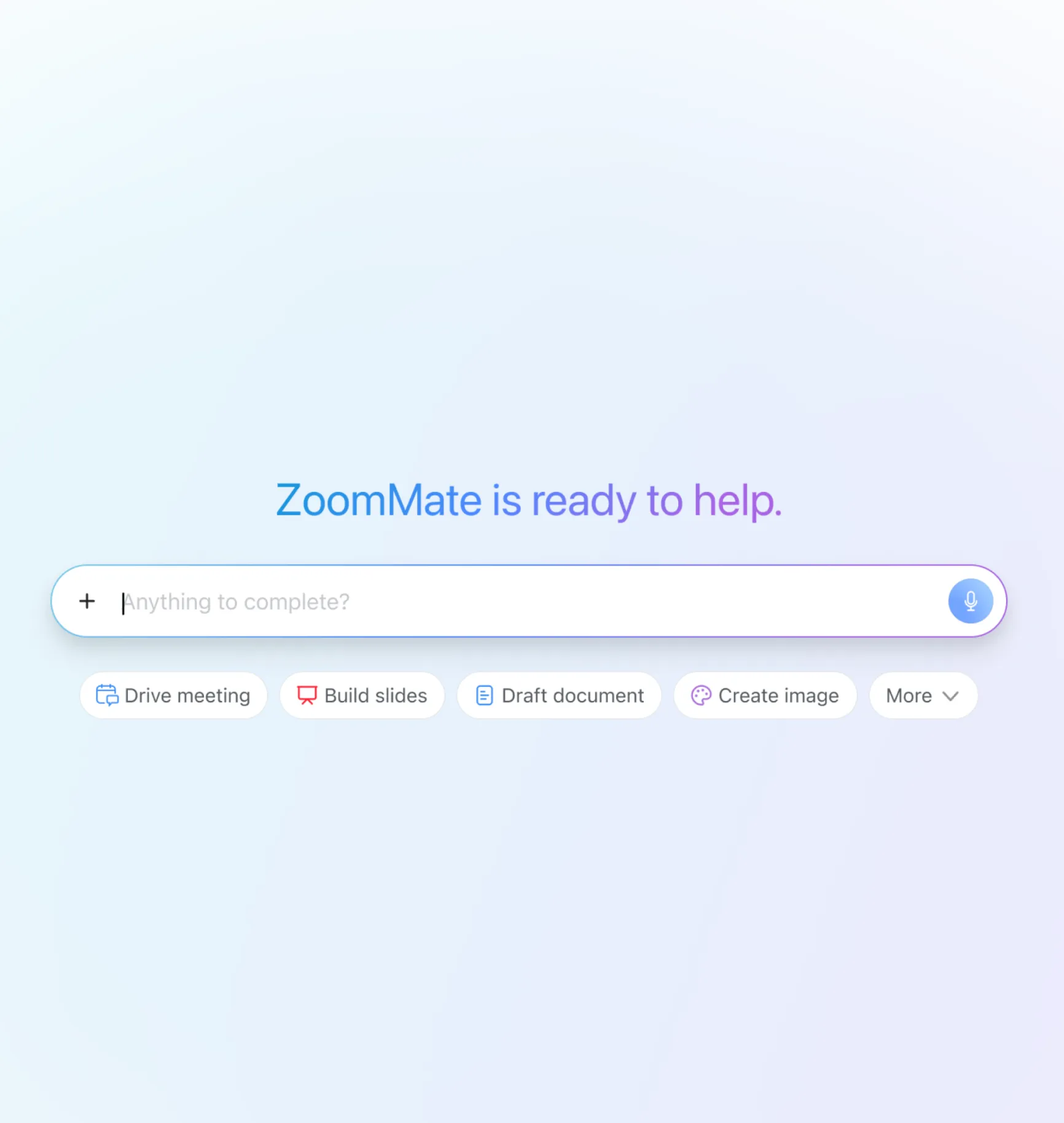
Structure a meeting agenda, build a slide deck, generate a document, send follow-ups, and even conduct research.
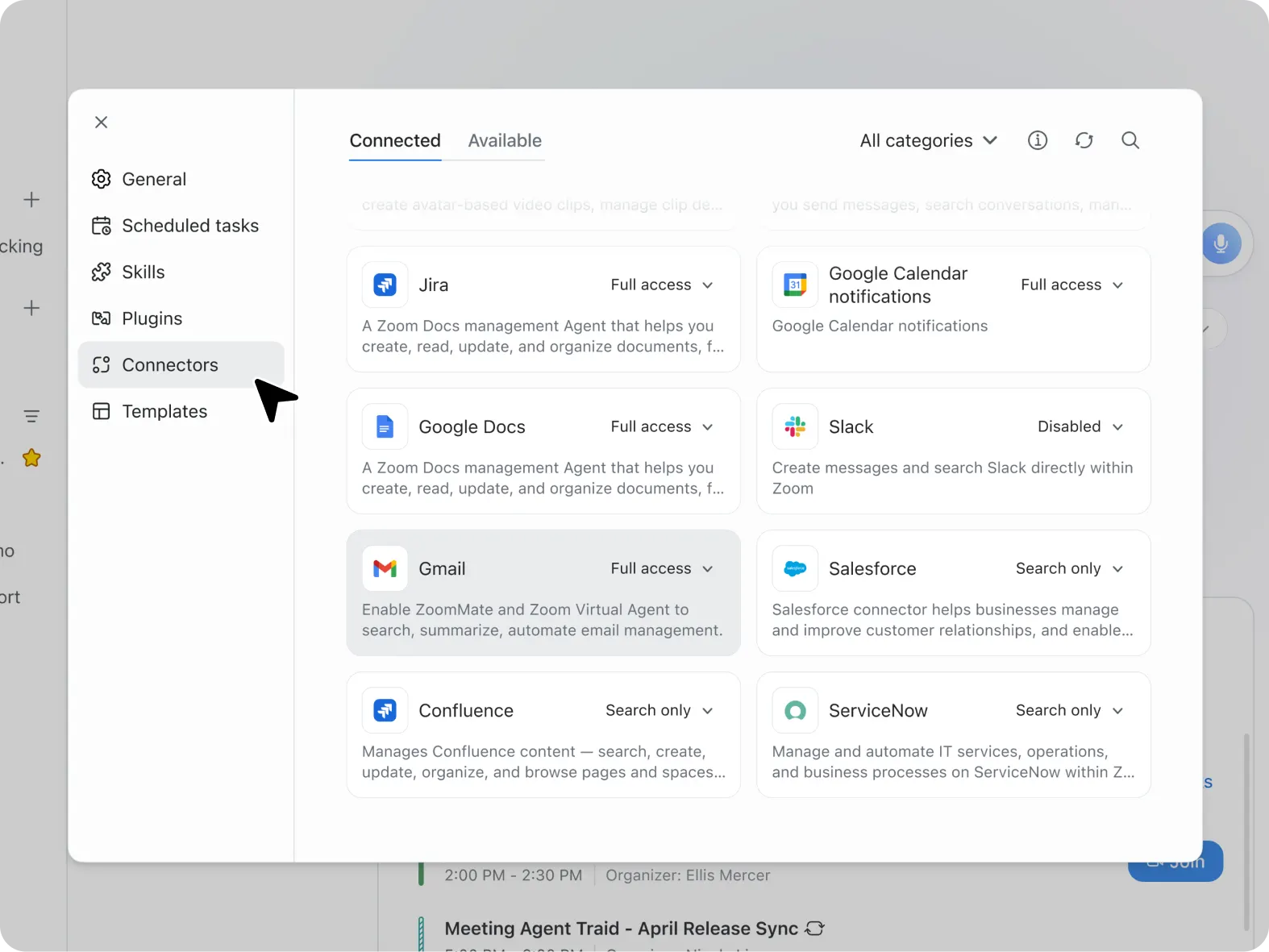
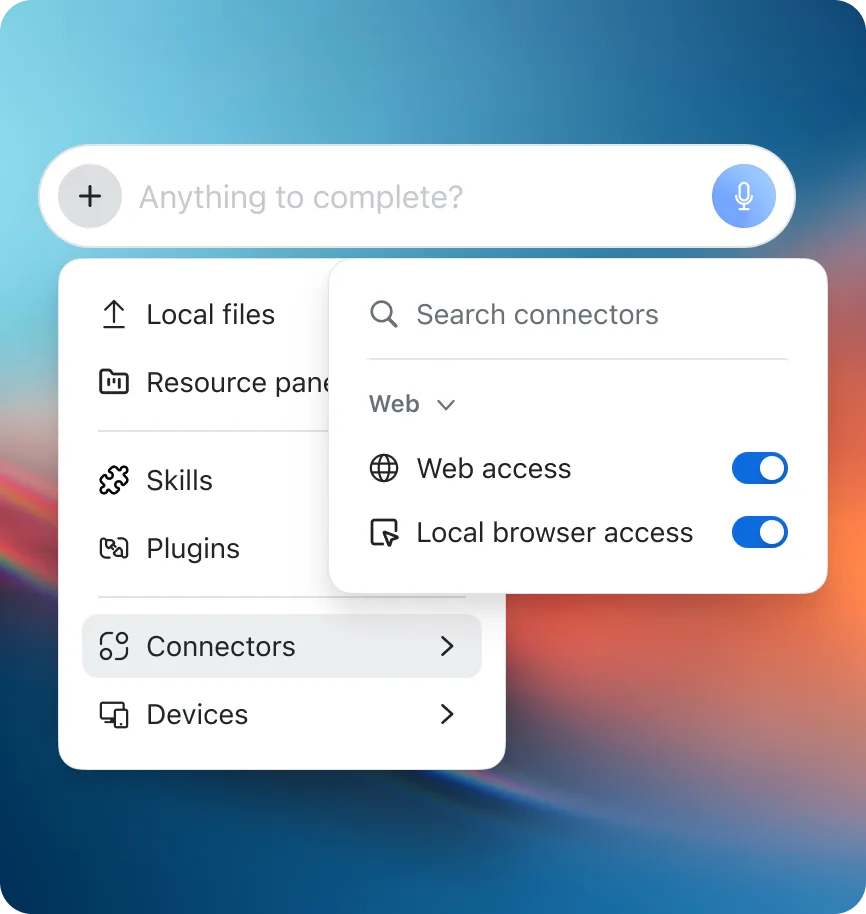
Connect third-party integrations like Salesforce, Jira, Google Drive, and OneDrive to help ZoomMate act on your work's context.
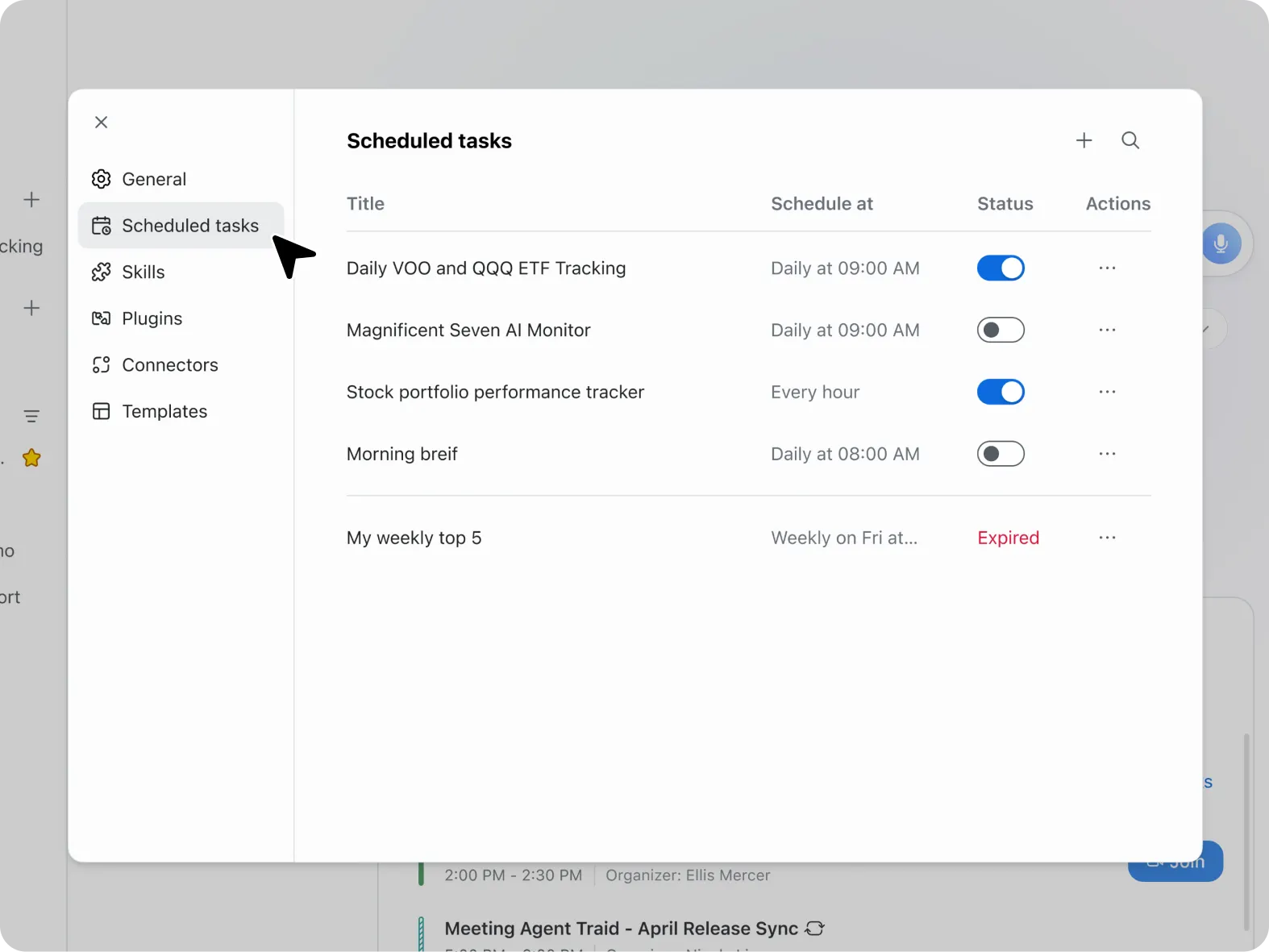
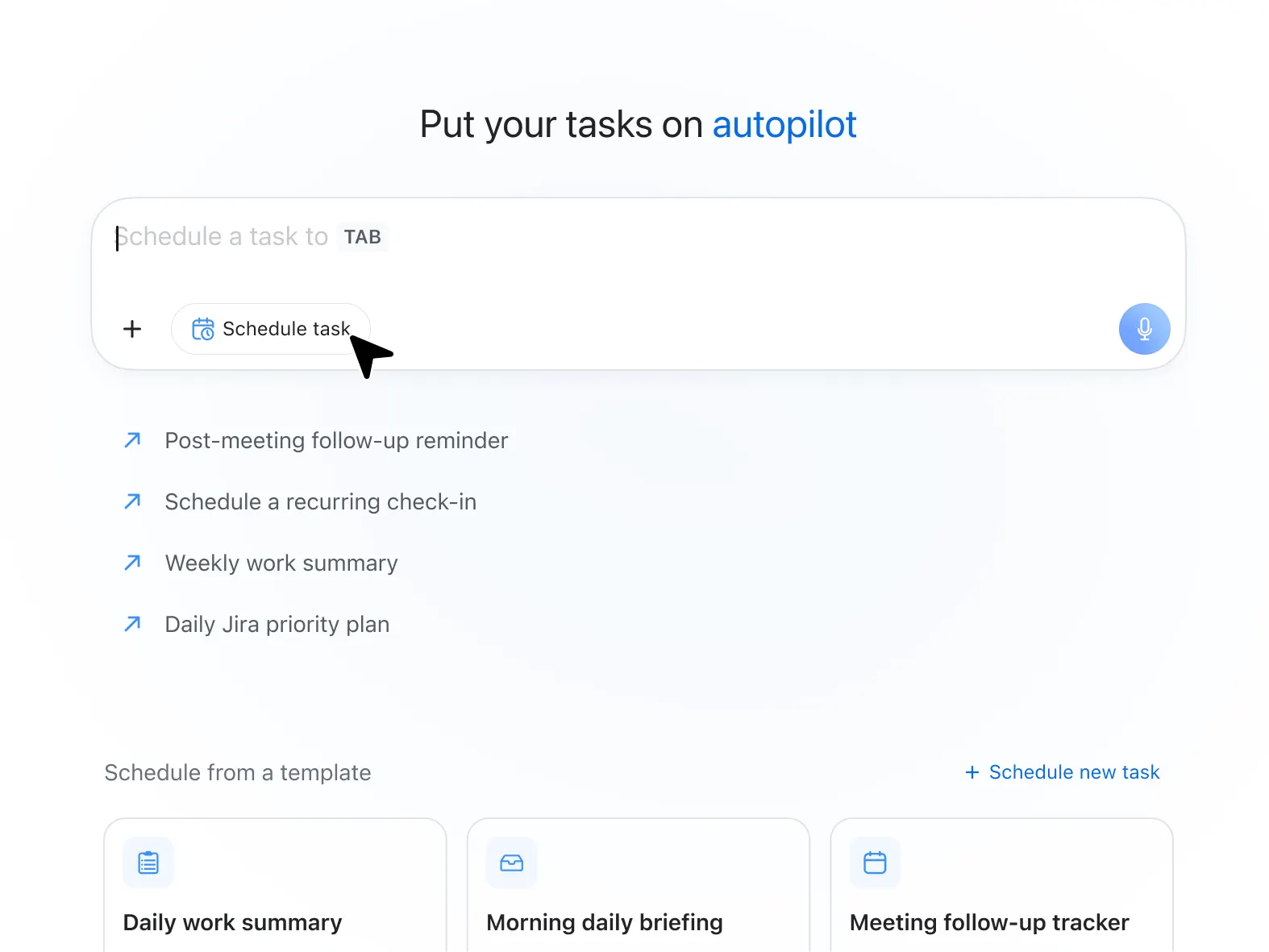
Schedule recurring automations like daily briefings, weekly action items, or meeting prep summaries.
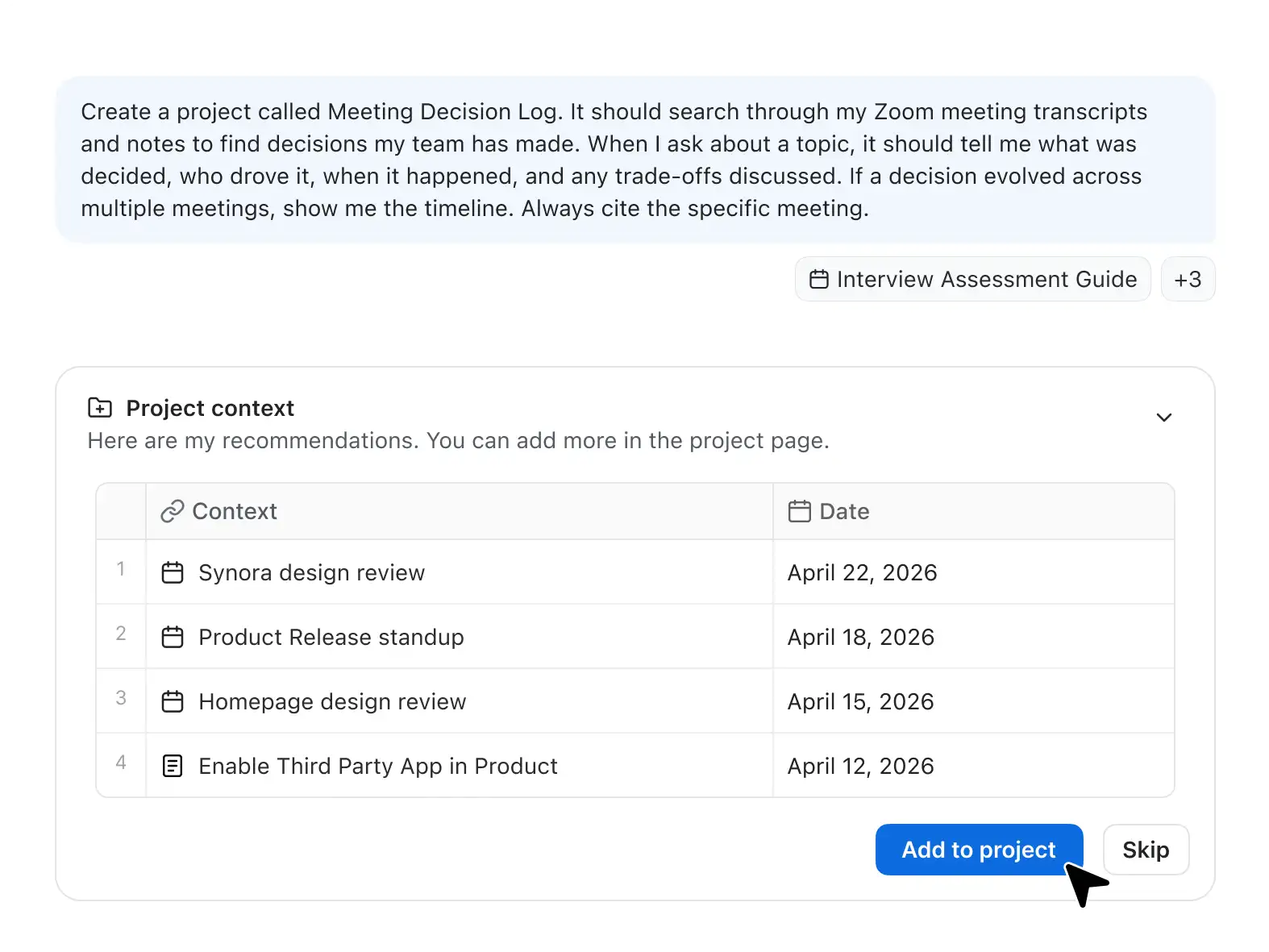
ZoomMate follows your work with a memory layer designed to make its responses relevant every time, without extensive prompting.
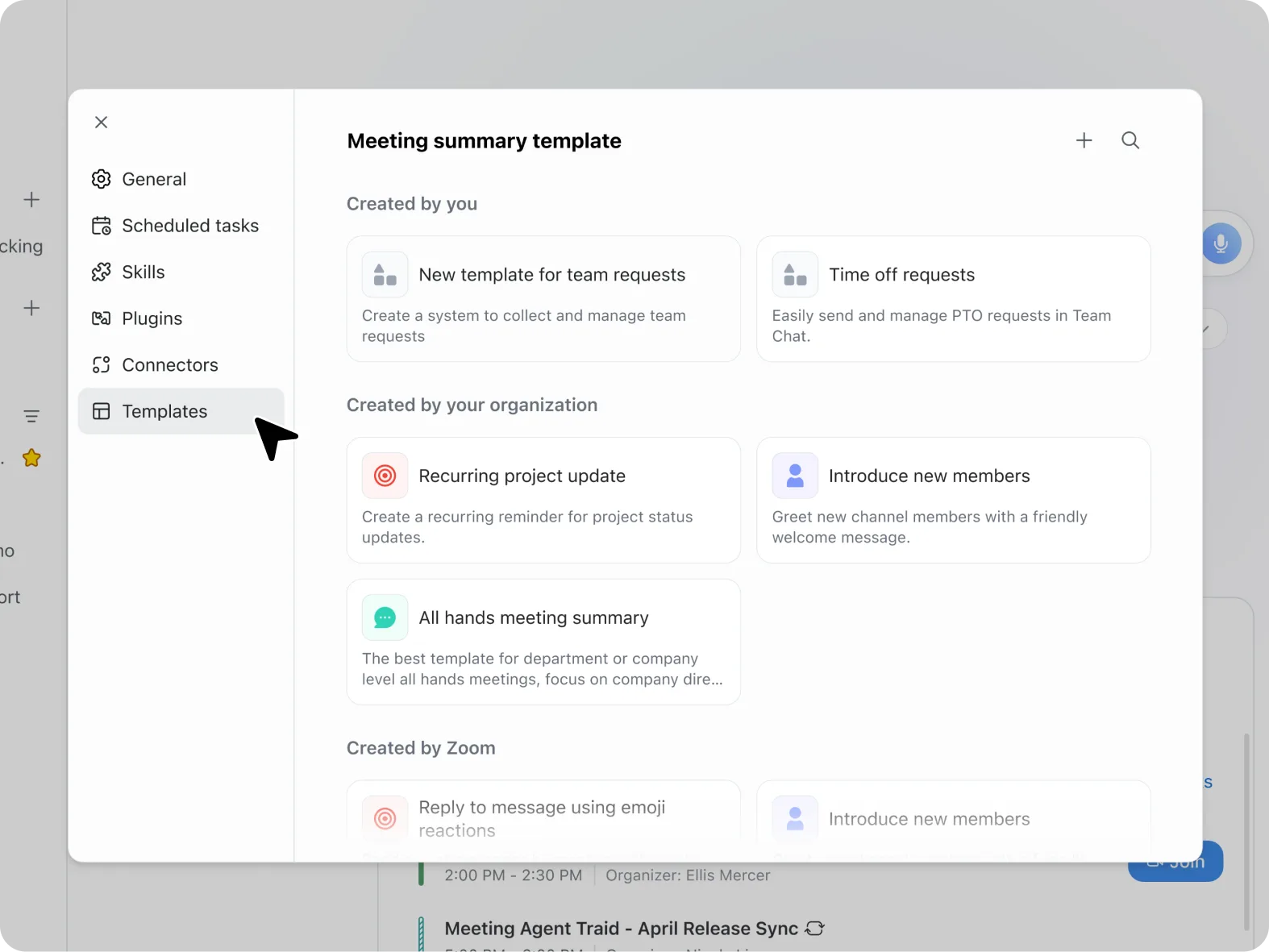
Need a specific structure or level of detail for meeting summaries? Create your own formats, and ZoomMate will follow for recaps.
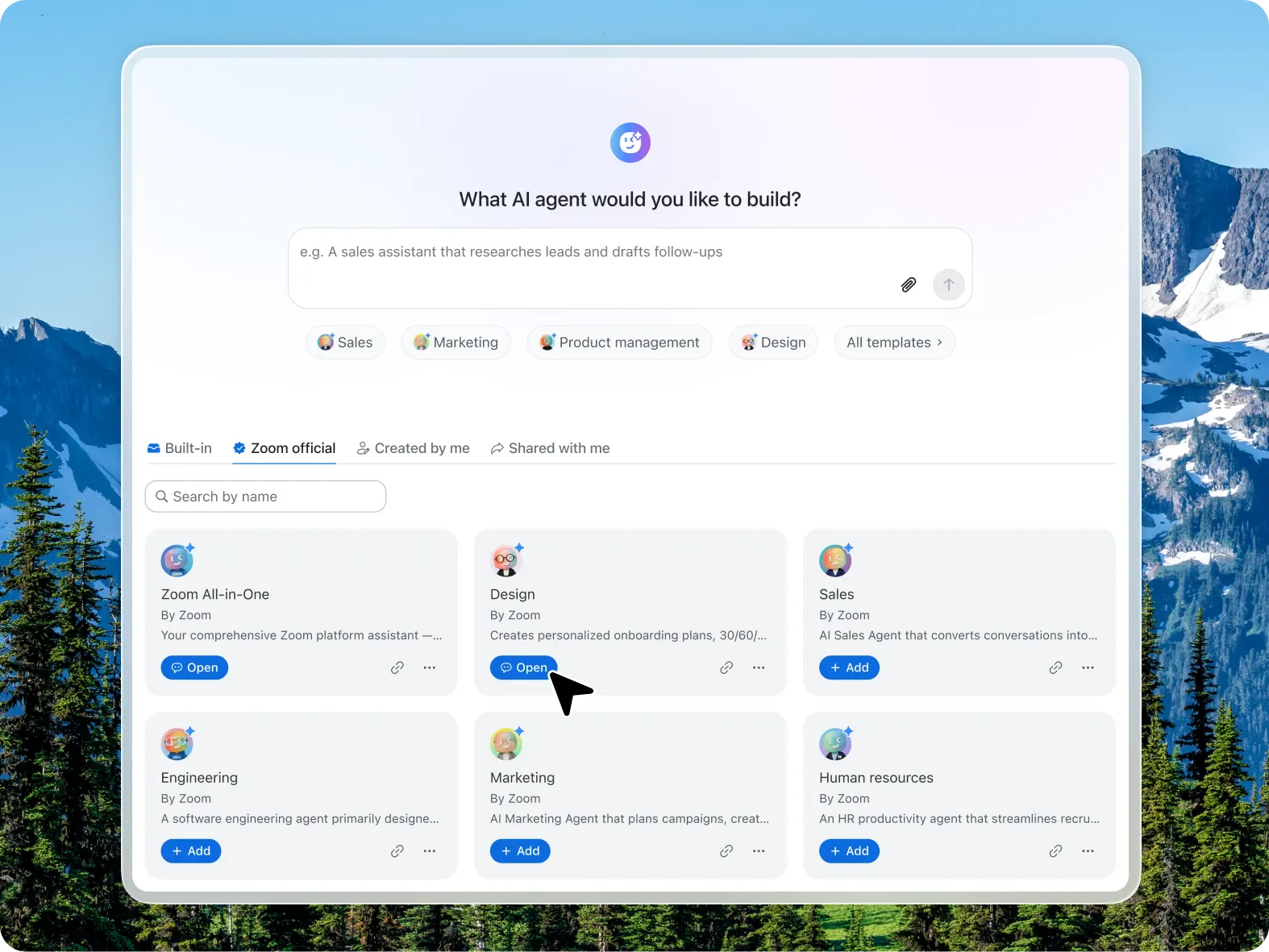
Customize agent skills and actions with instructions, knowledge source and zoom apps or third party app connectors.
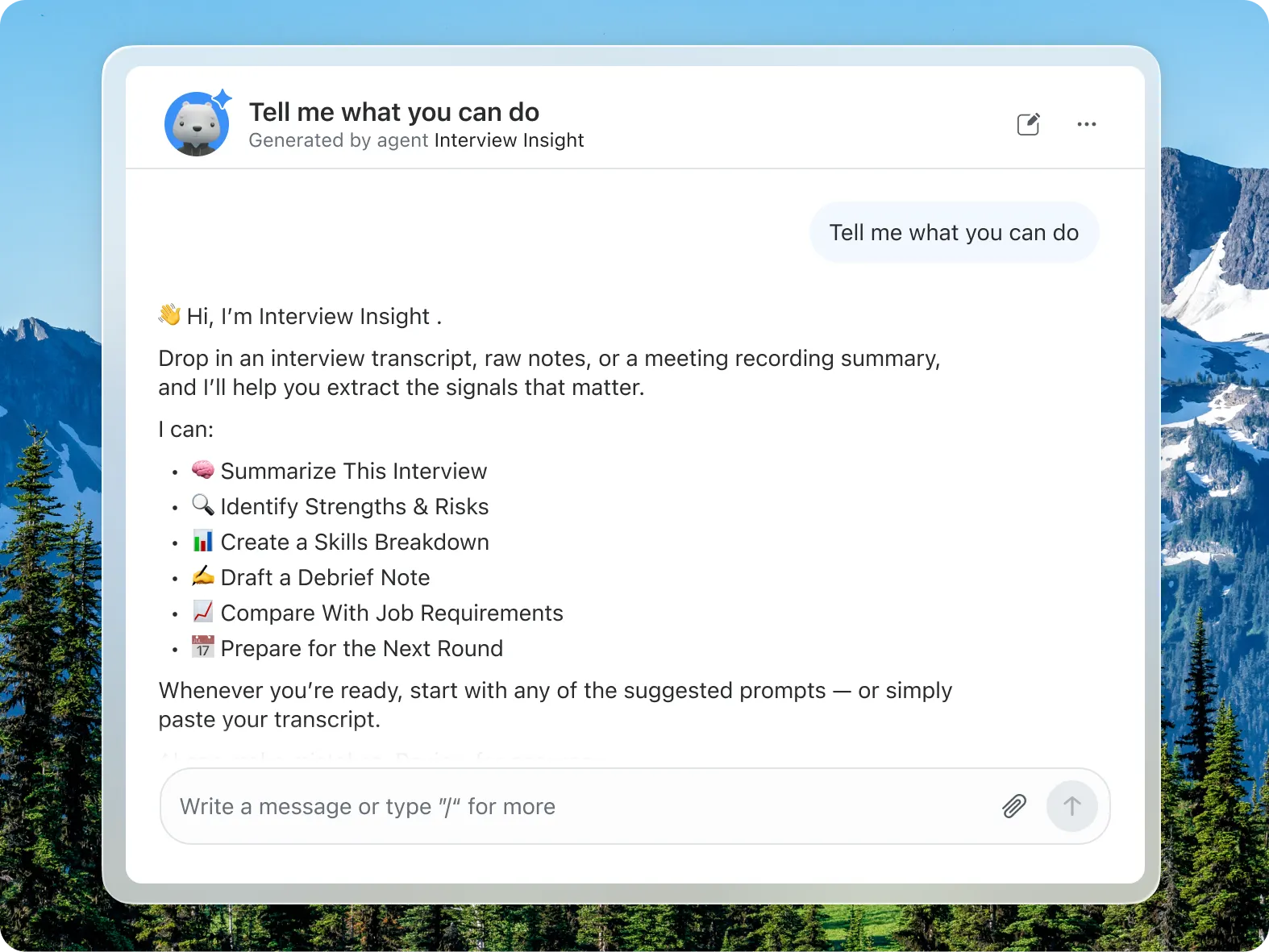
Interact directly with AI agents in Zoom Chat for assistance. Grant agents access to your calendar, chat messages, or uploaded files.
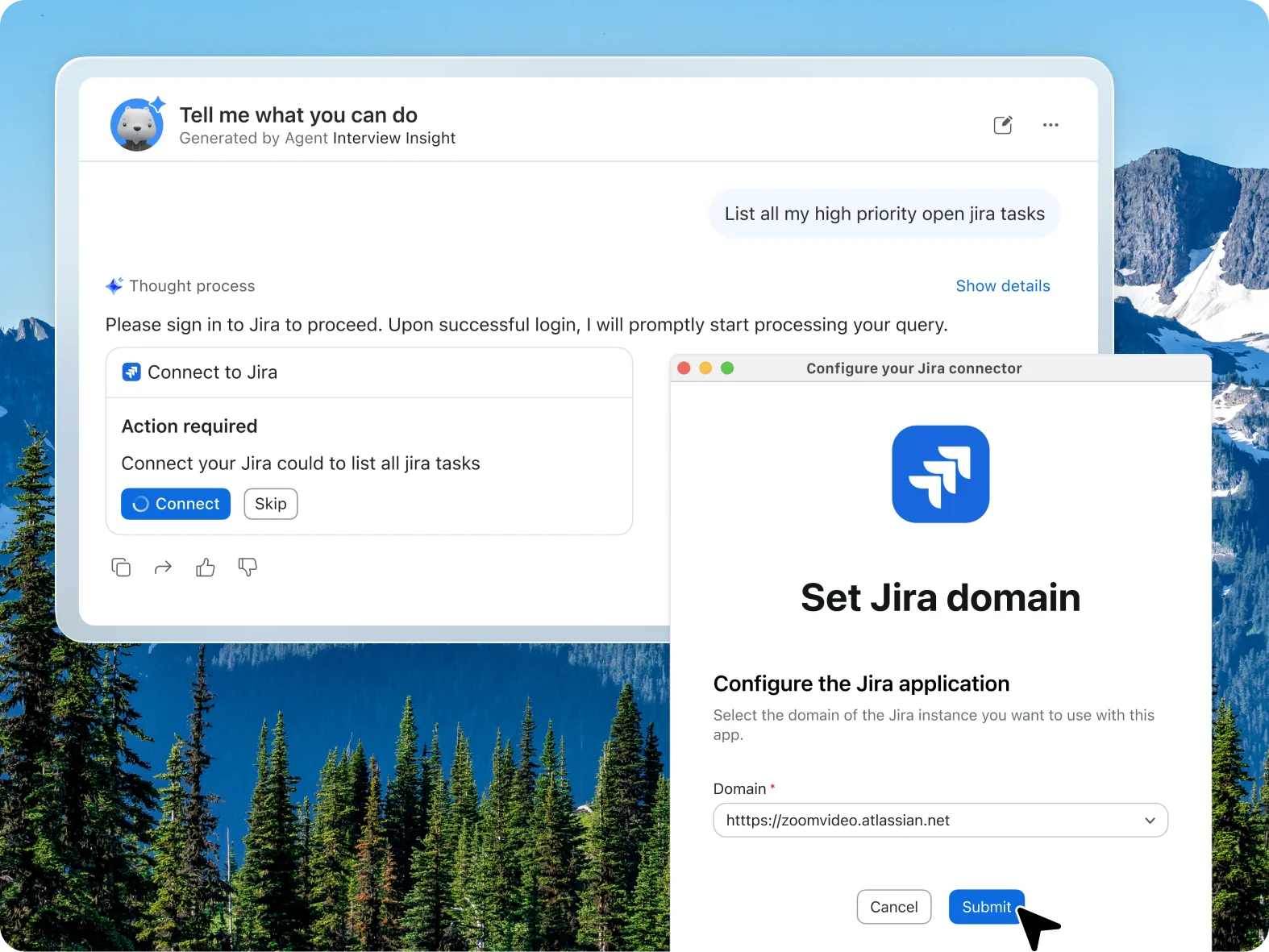
@Mention agents in chats and channels to get context-aware responses from conversations, documents, and connected apps. Use @(public) and /(private) to invoke agent. Agents have both capabilities.
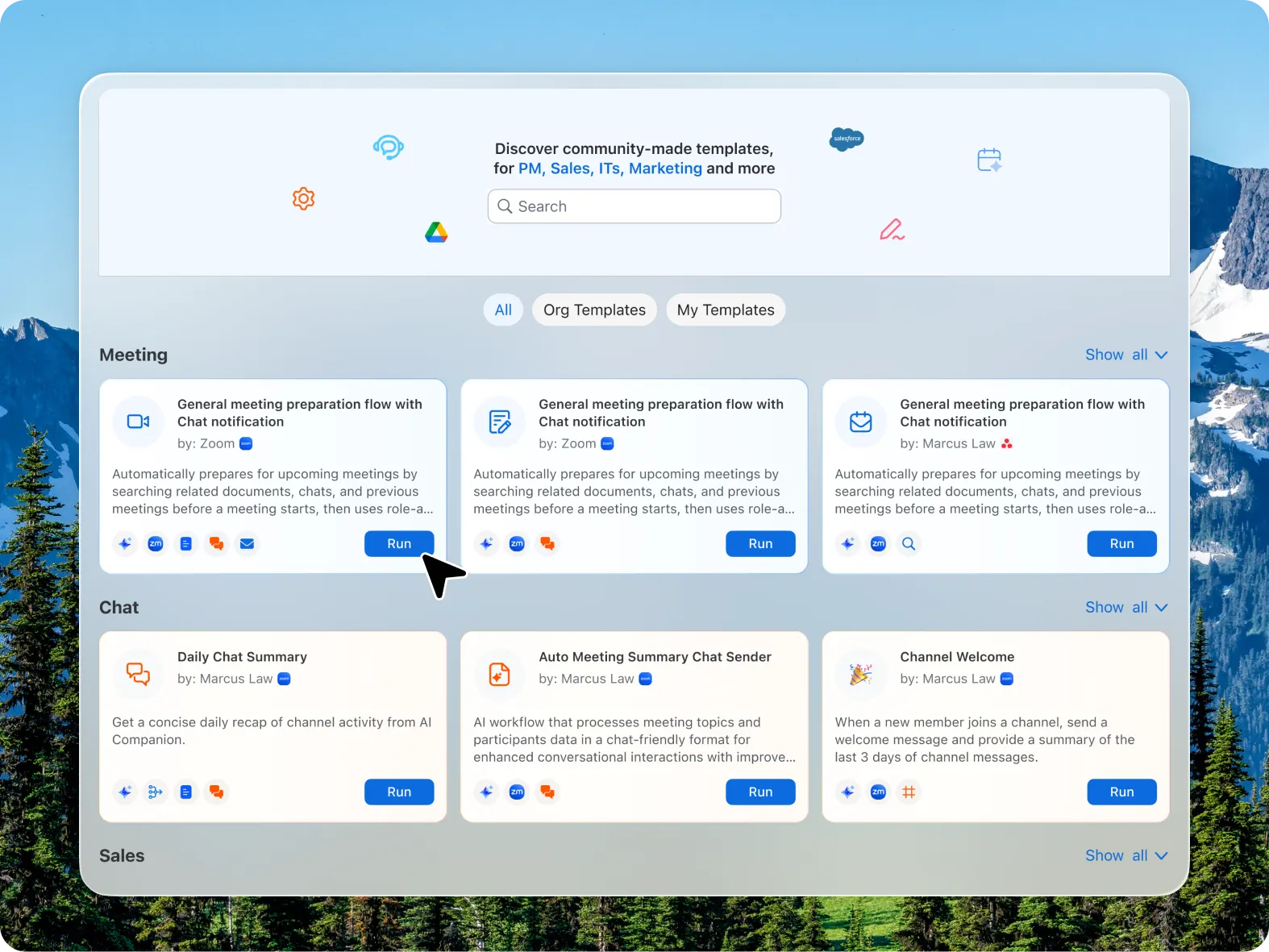
Browse and add dozens of pre-built workflow templates like weekly status report generation, meeting follow-ups, and approval routing.
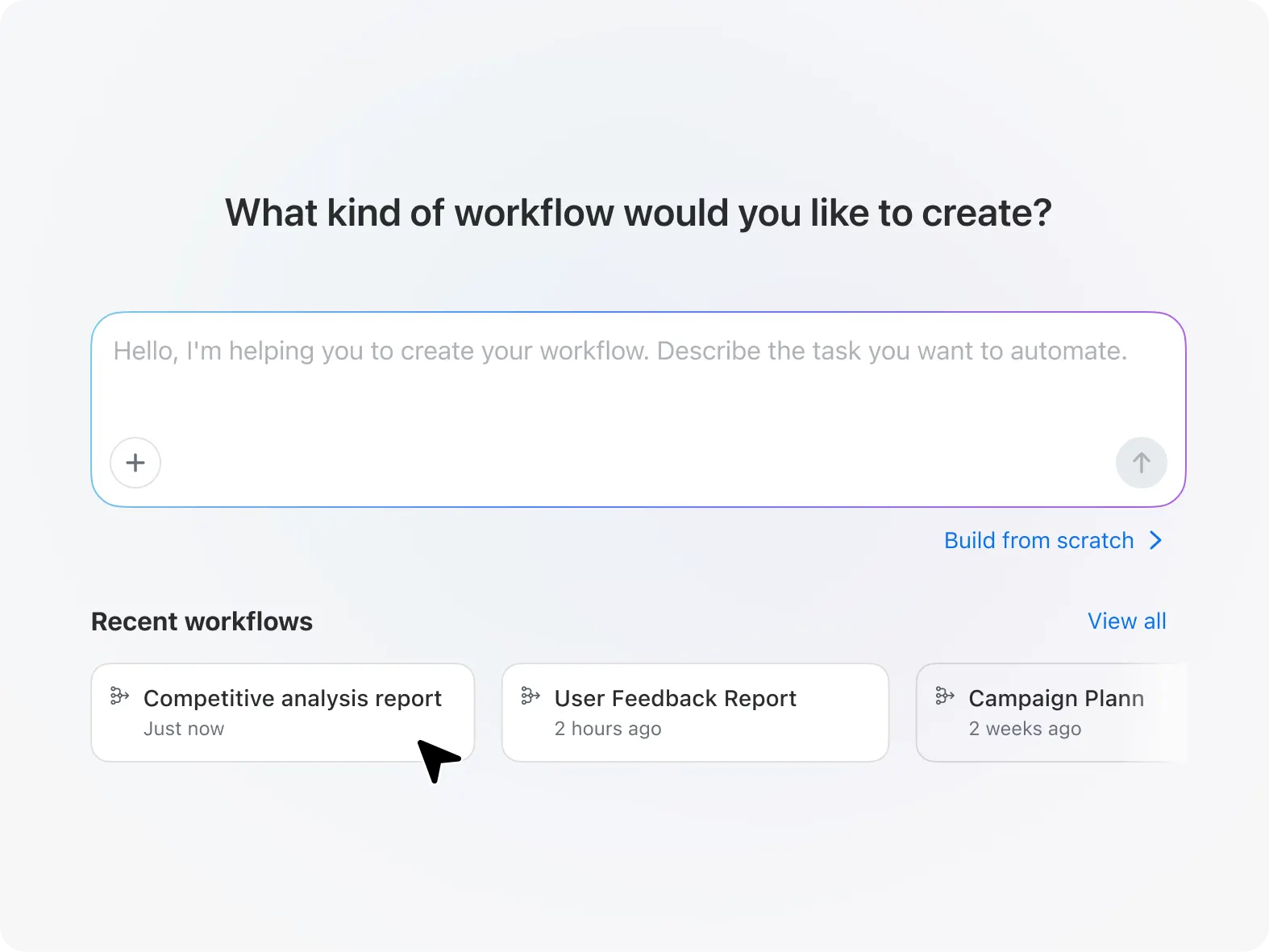
Tell ZoomMate what you need your new workflow to do in Workflow builder, and accelerate your day-to-day tasks.

Trigger actions from events, schedules, or messages—update records, send emails, or generate daily to-do lists automatically.
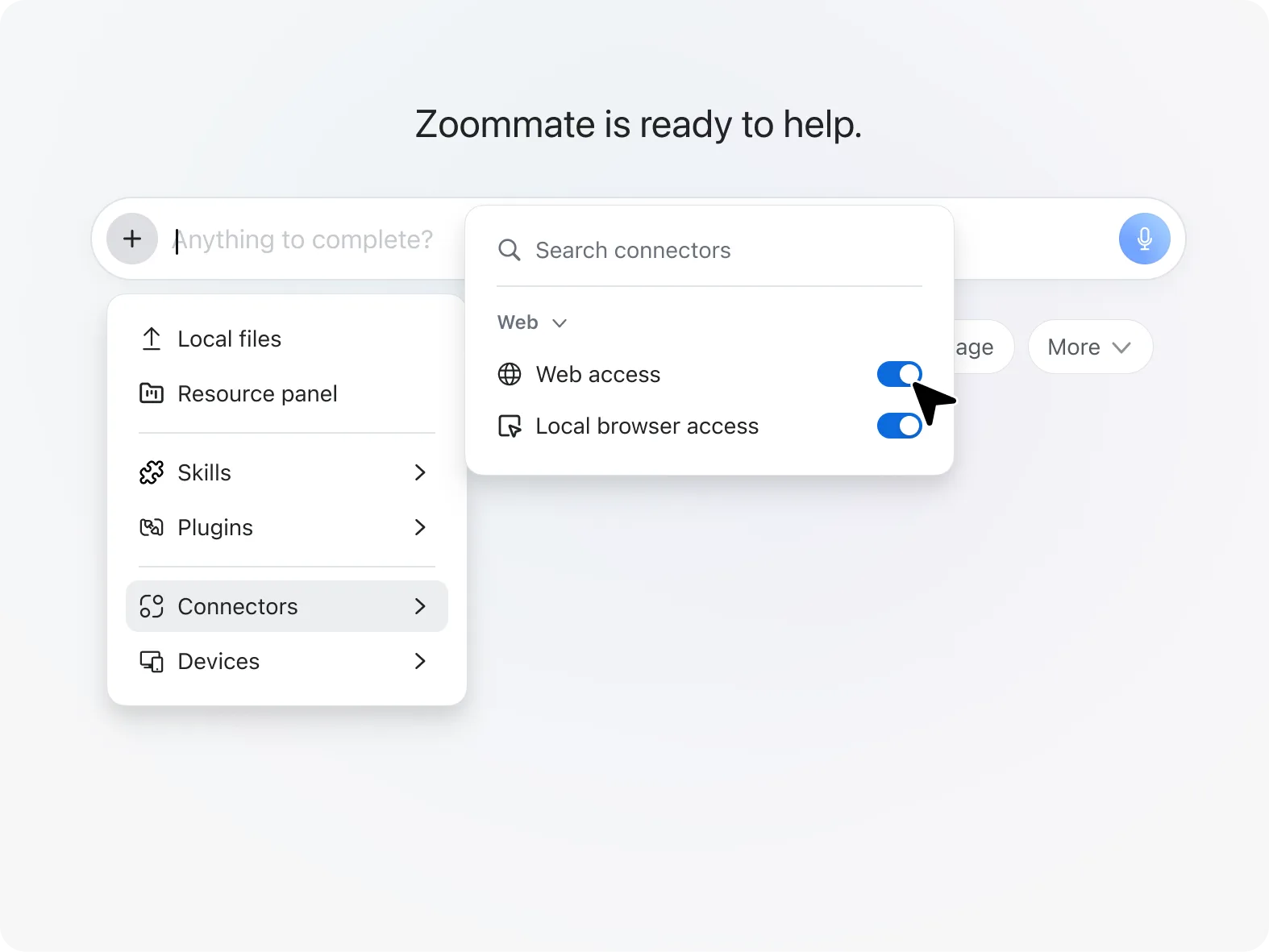
ZoomMate searches the web for real-time info, news, and research—right from your workspace.
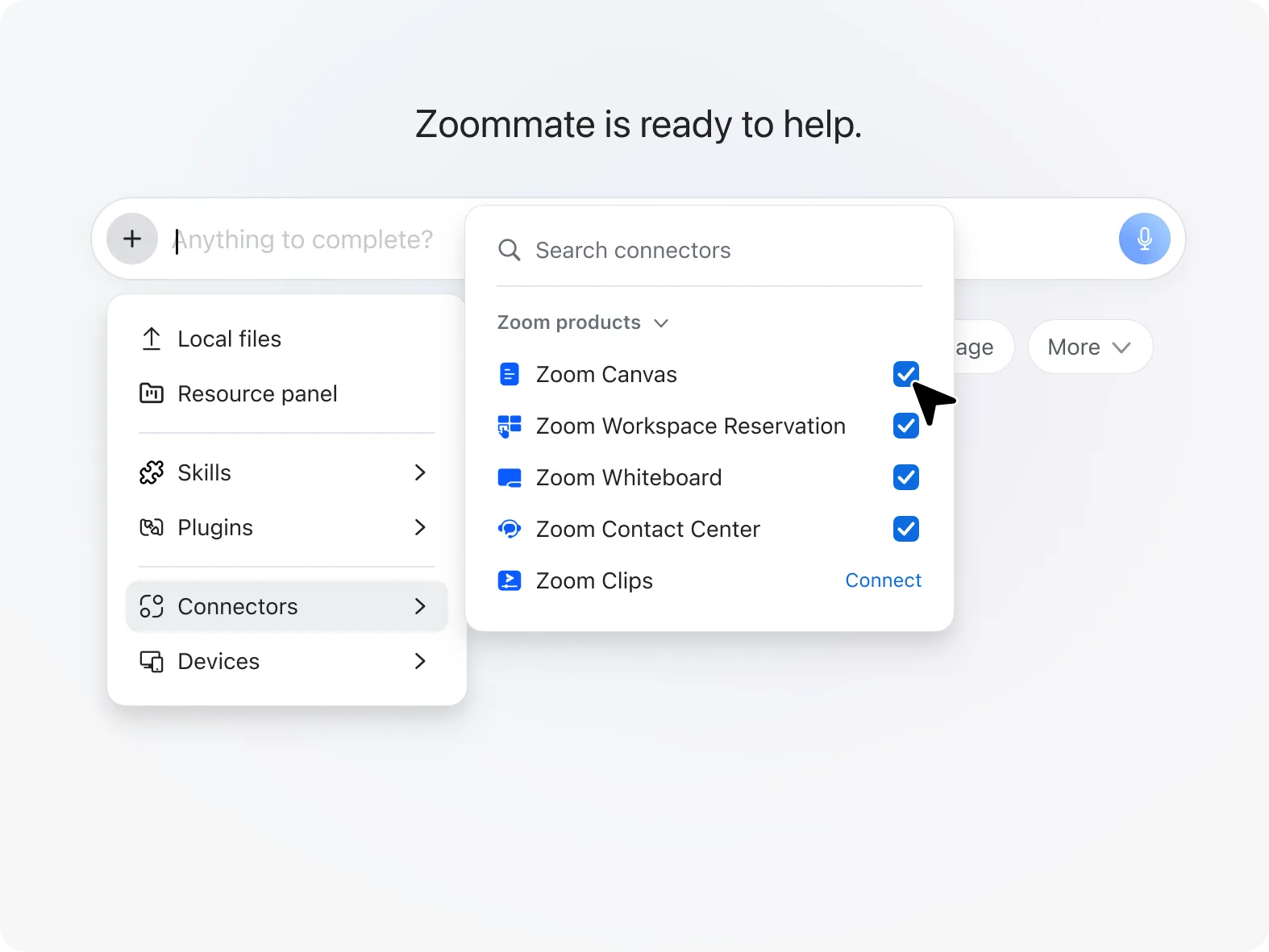
Search transcripts, chats, docs, contacts, and other Zoom content to quickly find past conversations and insights.
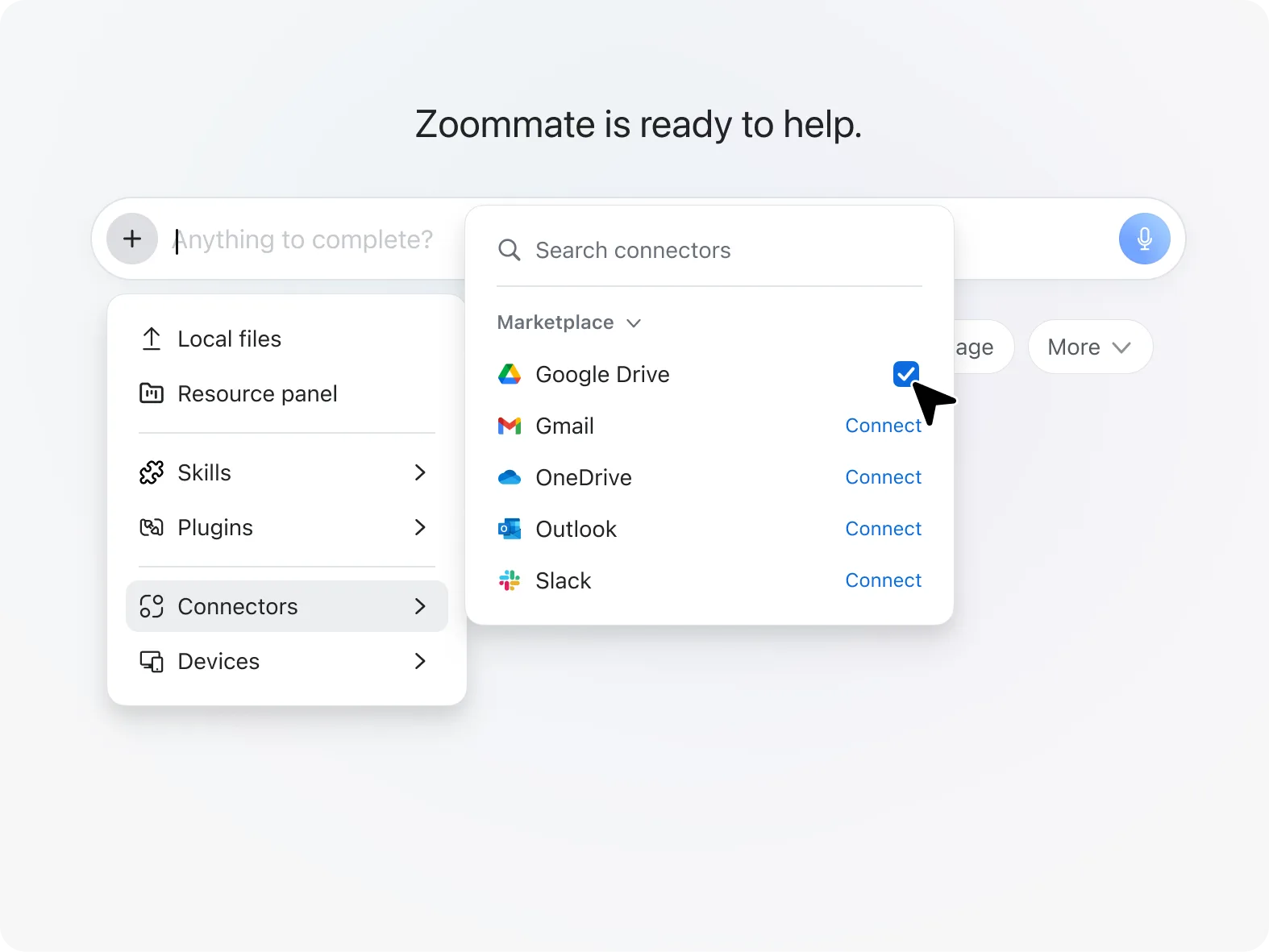
Agentic search links conversational context with enterprise data so AI can reason across organizational knowledge.
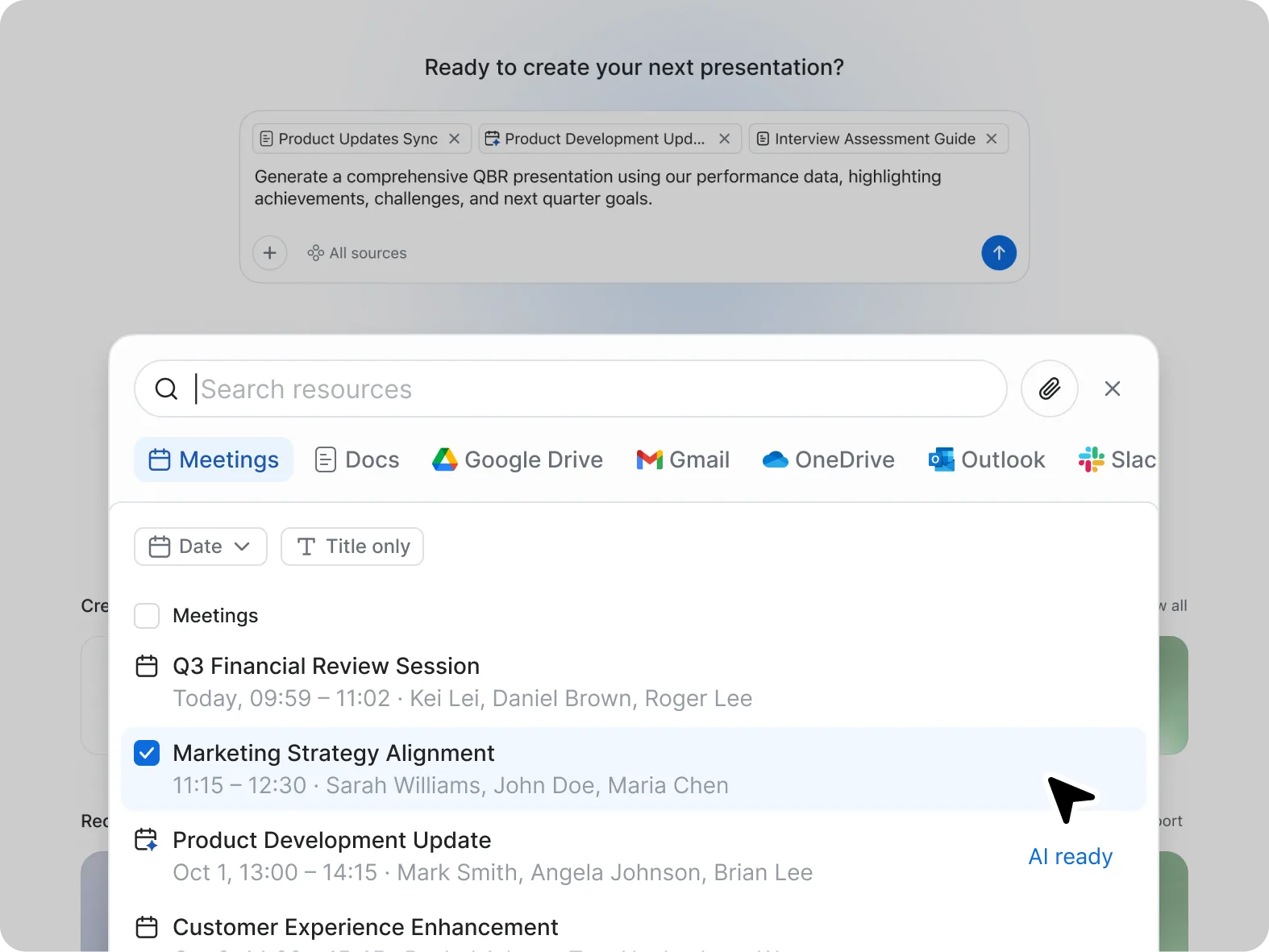
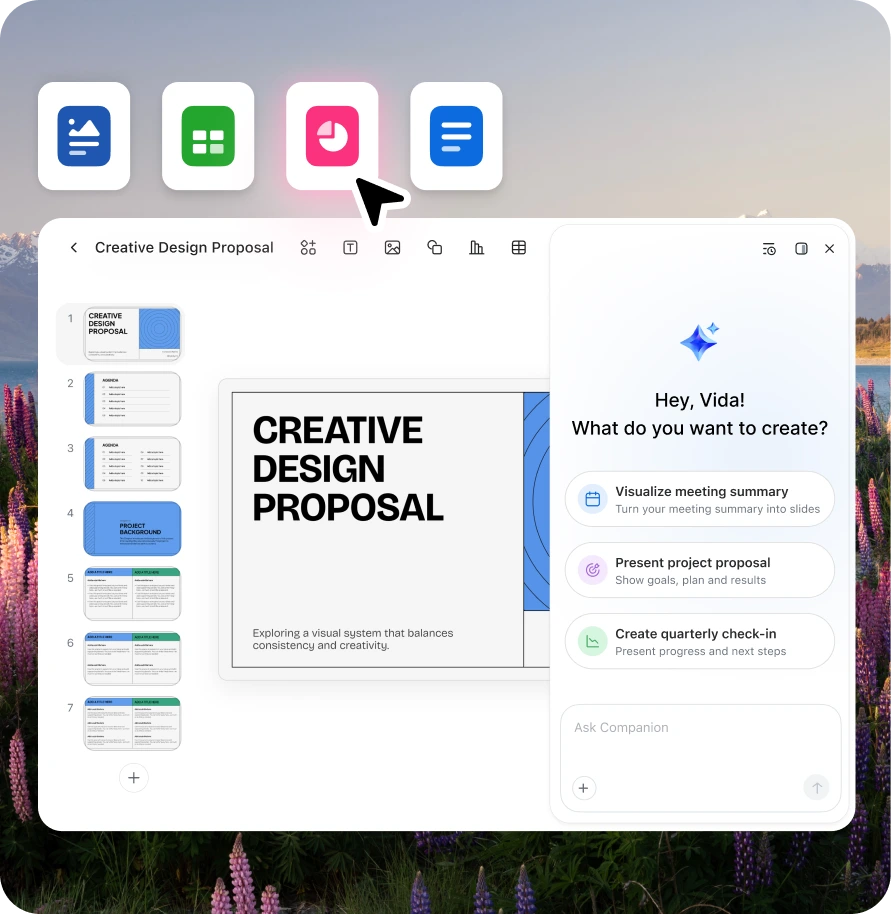
Zoom Slides uses AI to turn conversations into polished presentations for pitches, campaigns, training, and more.
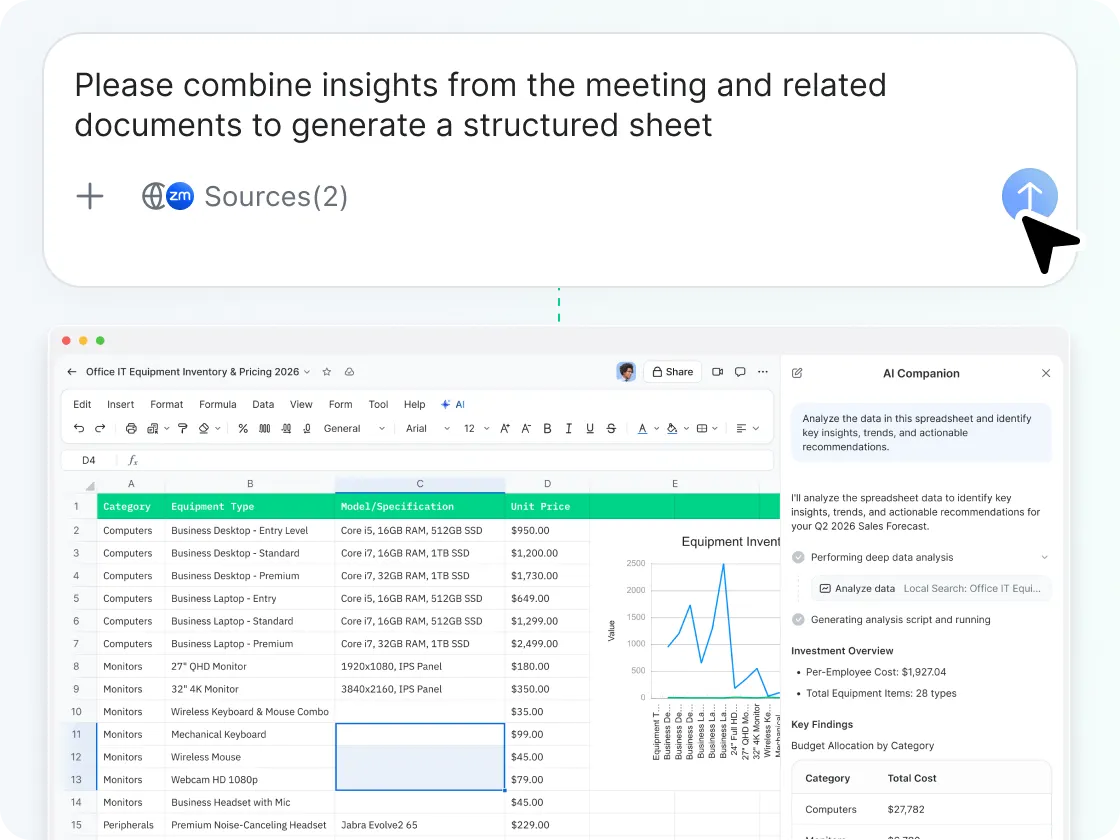
Zoom Sheets turns meetings and Zoom data into AI-powered spreadsheets for tracking, forecasting, and more.
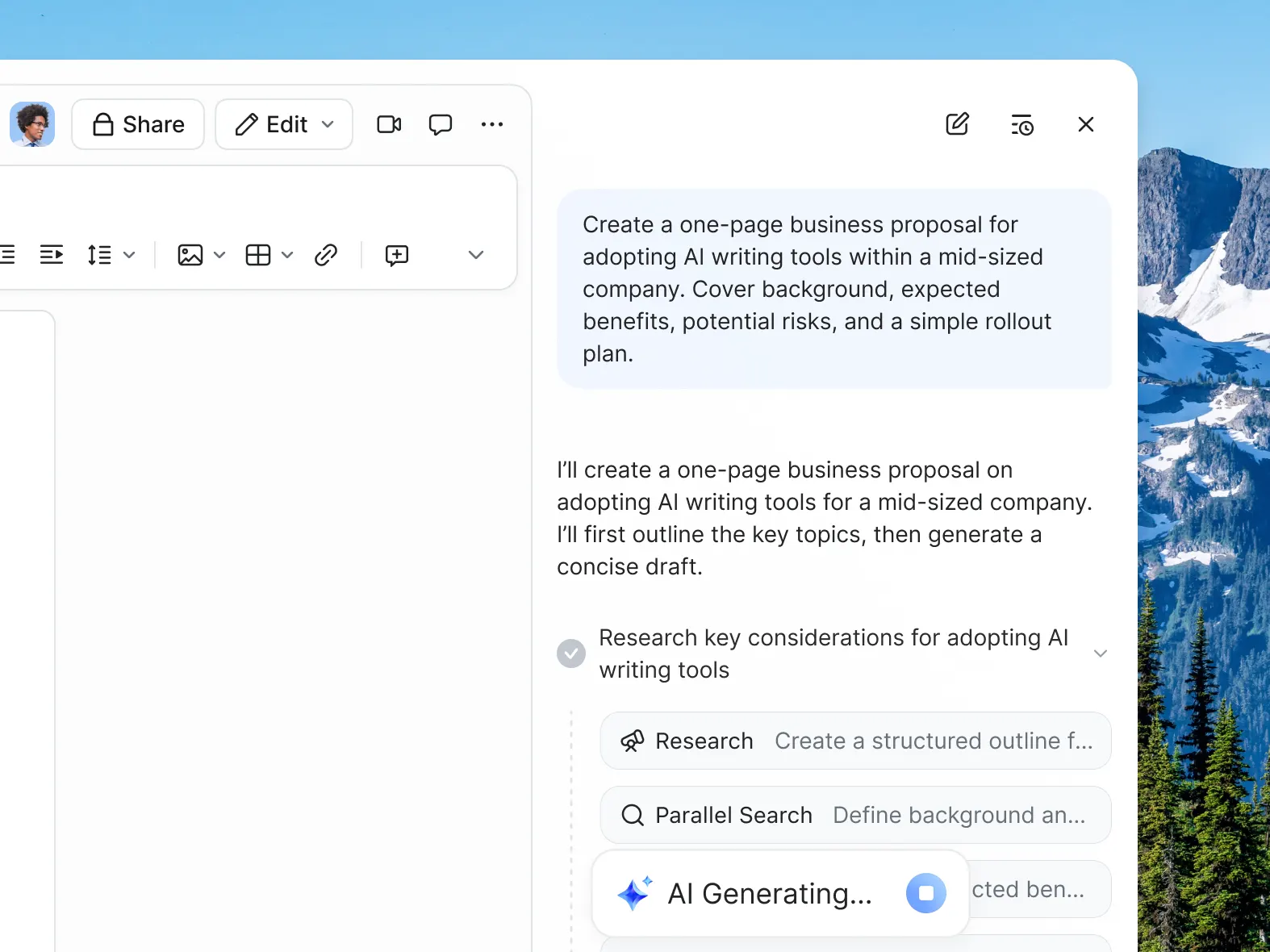
Zoom Paper turns meetings and knowledge into Microsoft Word–ready documents like reports, policies, and white papers.
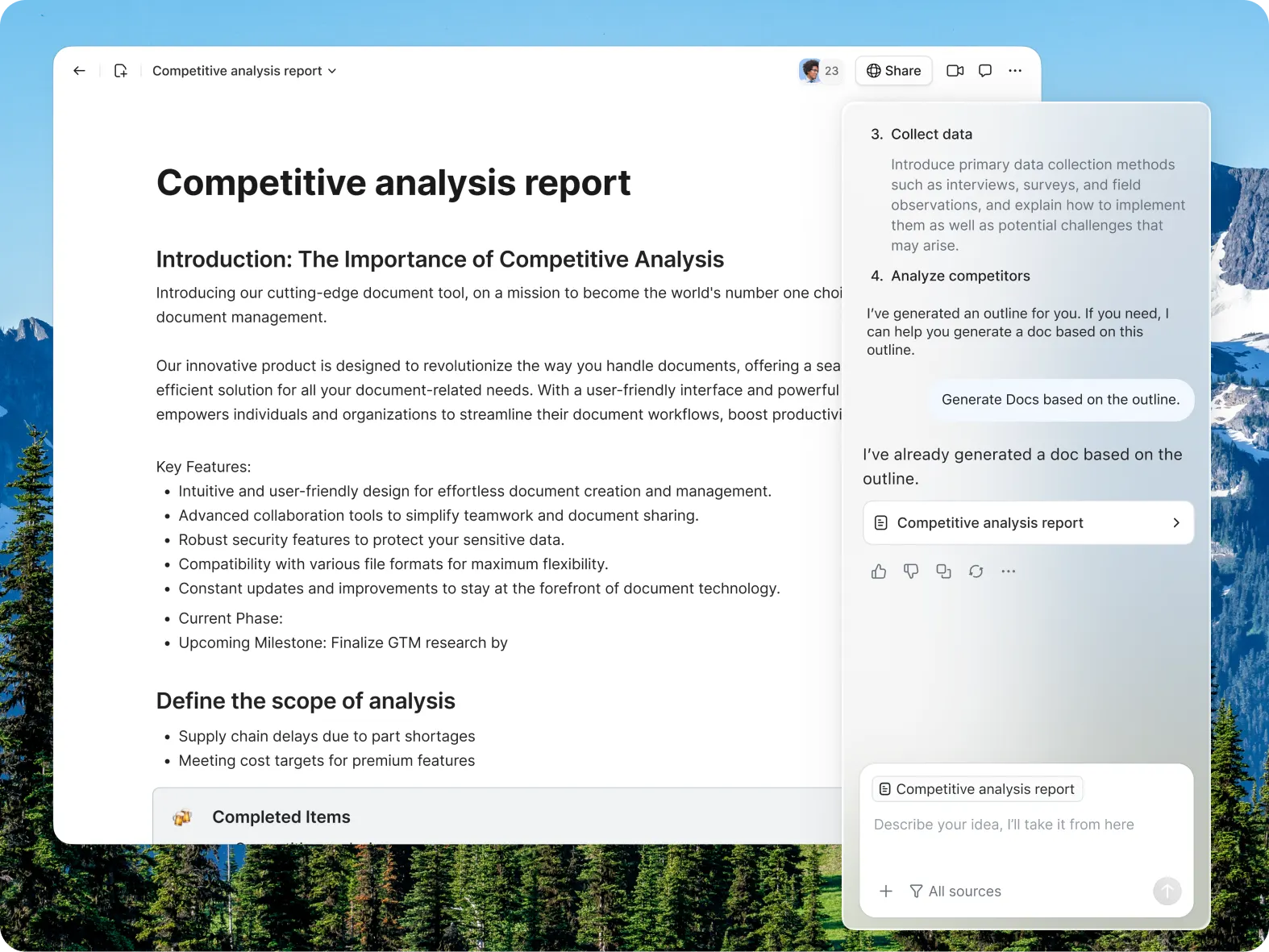
Zoom Canvas turns meeting recaps into flexible, AI-powered documents for creating, organizing, and sharing content.
Execute with an AI that evolves alongside you

Capture meeting momentum
- Before the meeting: ZoomMate creates agendas and gathers prep materials from past interactions.
- During the meeting: My Notes captures meeting content and context automatically.
- After the meeting: ZoomMate automates meeting tasks like Salesforce updates, follow-up emails, and drafting decks.

Show up prepared for the day
- Catch up: Each morning ZoomMate provides you a summary of key projects since you last checked in, and industry news.
- Organize your time: ZoomMate drops a to-do list based on your schedule, chats, and latest news into Zoom Chat.
- Get to work: ZoomMate starts action items like sending chats, scheduling meetings, and drafting outlines.

Resolve issues faster
with instant context
- Prioritize fast: Ask ZoomMate questions like “What incidents need attention?” and get answers without digging through dashboards.
- Get the complete picture: ZoomMate pulls from ServiceNow, Google Drive, transcripts, and chats to deliver cited, permission-aware answers.
- Move on to the next: Ask ZoomMate to draft incident updates using ticket history, actions, and company guidelines.

Keep projects on track
- Capture the kickoff meeting: My Notes gathers context for a new project based on the discussion.
- Keep stakeholders current: Ask ZoomMate to create a status update deck based on what you discussed in the kickoff meeting.
- Stay in sync: Set up a ZoomMate project agent to track progress, share updates, and manage tasks.
Learn more about ZoomMate
Get support Get support-
Getting started with ZoomMate
Everything you need to start using ZoomMate: notes, search, workflows, and AI tools — all in Zoom Workplace.
-
Managing Zoom AI credits
Understand how AI Credits work, and how to track, manage, and maximize them across your team.
-
Turn any meeting into finished work with Zoom
Connect your meetings, notes, and apps to automatically turn conversations into finished deliverables.
-
ZoomMate: built to finish what your meetings start
Meet ZoomMate — the AI workspace built into Zoom Workplace that uses agentic retrieval, orchestration, and creation to move work from conversation to completion.
-
Support: Using ZoomMate
Learn how to get started with ZoomMate to help perform tasks, answer questions, and streamline workflows across Zoom Workplace.


Explore ZoomMate plans and pricing
-
AI features
- Meeting summaries (for 3 hosted meetings per month)
- In meeting questions (for 3 hosted meetings per month)
- AI note-taking (My Notes) for Zoom and third-party meeting platforms (3 uses per month)
- AI queries (20 per month)
- Agentic search (10 total files and 3 meetings)
- Workflows running in Zoom applications only (10 runs per month)
AI Productivity Suite
- Limited AI capabilities
- AI help me write (Canvas) (3 docs per month)
-
Meetings
- 40 minutes per meeting
- 100 participants per meeting
See how ZoomMate fits into your organization
Got questions? We’ve got answers.
- First, it means reasoning — the ability to analyze situations, make decisions, and figure out the best way forward. For example, when prepping for a meeting, it can pull information from across your connected data and identify the most relevant topics to focus on.
- Second, it has memory — using your past interactions to determine what matters most to you and who you’re working with, helping to surface the right context when you need it.
- Third, it takes task actions — not just identifying what needs to be done, but actually carrying out the work, like drafting content or sending messages with the right context.
- And finally, it provides orchestration — coordinating across different skills, tools, and even other AI agents to manage complex workflows end-to-end.
In short, this is AI that doesn’t just lighten the load — it drives real outcomes, helping us get more done, with less effort, in less time.
- ZoomMate goes beyond traditional AI assistants in several key ways:
- Context awareness: Unlike regular AI assistants that respond to isolated prompts, ZoomMate can understand your work context by connecting to your meetings, documents, chats, and integrated apps like Salesforce, Google Drive, and Jira.
- Proactive execution: Rather than just answering questions, ZoomMate can actively execute tasks and workflows — from generating complete documents and slide decks to updating CRM records and routing approvals.
- Memory and learning: ZoomMate remembers your preferences, team dynamics, and project history over time, allowing it to provide increasingly personalized and relevant assistance.
- Agentic capabilities: It features reasoning (analyzing situations to determine the best approach), memory (learning from past interactions), task actions (carrying out work autonomously), and orchestration (coordinating across multiple tools and AI agents).
- Custom agents and workflows: You can create specialized AI agents for specific roles (sales, IT, marketing) and build custom workflows that automate multi-step processes across your tech stack.
- Unified workspace: ZoomMate provides a centralized work surface where your content, meetings, and projects live together, giving it the context to turn conversations into finished deliverables.
- Context awareness: Unlike regular AI assistants that respond to isolated prompts, ZoomMate can understand your work context by connecting to your meetings, documents, chats, and integrated apps like Salesforce, Google Drive, and Jira.
In essence, ZoomMate isn't just a chatbot. It's your chief of staff — it lightens the load, yes, but it also helps drive real outcomes by understanding your work, anticipating needs, and completing tasks end-to-end.
- Get a ZoomMate license: You’ll need an active ZoomMate license to unlock access to advanced AI capabilities within ZoomMate.
- Understand credit usage: ZoomMate operates on a credit-based system, allowing your organization to manage and allocate AI activity based on usage needs. Learn more about how credits work here.
- Use ZoomMate's included capabilities: Some ZoomMate features are available without using credits, so you can start benefiting from AI assistance right away.
- Explore plans: Visit the ZoomMate pricing page to review plan options and purchase a license. https://zoom.us/pricing/aic