

Pricing
$29.00/month + usage
🔥 Linkedin Companies & Profiles Bulk Scraper
Companies & Profiles Linkedin scraper. Get comprehensive profiles of individuals and companies based on your keywords and filters. Unleash the power of data! 🌐🔍
Pricing
$29.00/month + usage
Rating
2.5
(46)
Developer

Actor stats
349
Bookmarked
15K
Total users
75
Monthly active users
17 days
Issues response
5 days ago
Last modified
Categories
Share
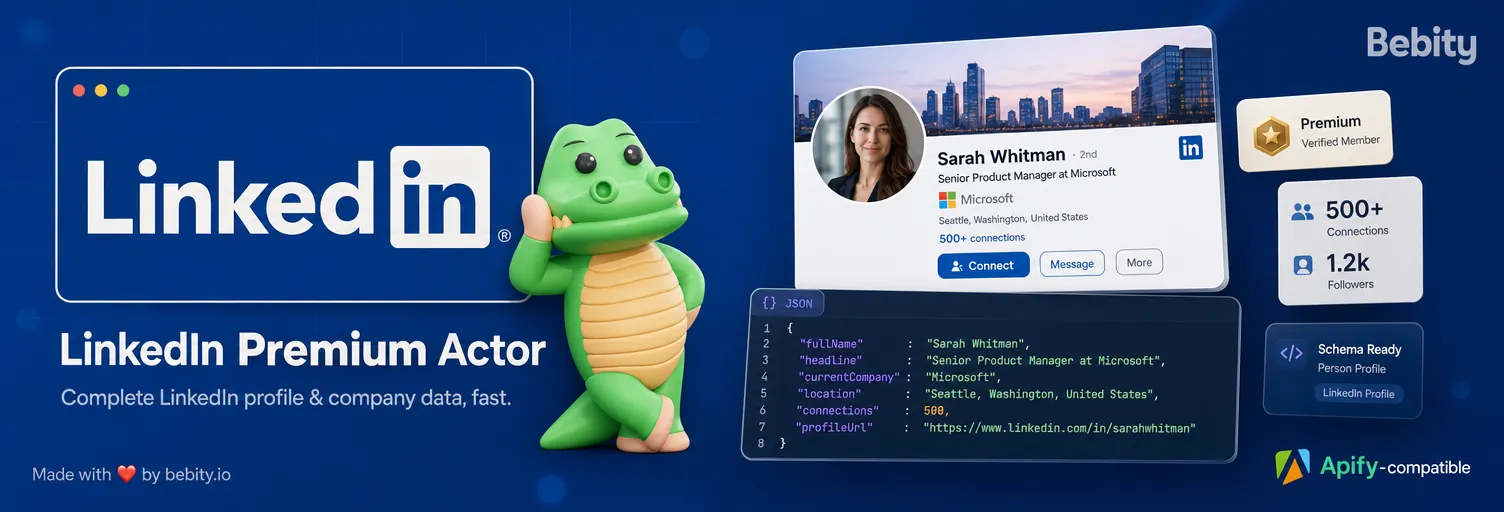
👁 LinkedIn Premium Actor — by Bebity
🔁 Version 10 — Rebuilt 100% from scratch · June 2026
The entire scraper has been rewritten from A to Z. This is the tenth major version of Bebity's LinkedIn scraper — the whole scraping engine was thrown away and rebuilt from the ground up to talk directly to LinkedIn's modern interface (no brittle HTML scraping, no legacy glue). It is faster, far more reliable, and returns more complete data than any previous version.
This rebuild is final — done for good. The architecture is stable; from here we only add data and polish on top of it.
LinkedIn Premium Actor extracts complete, structured data from LinkedIn — both people profiles and company pages — from a simple list of search terms, names, or URLs. Give it keywords ("growth marketer"), full names ("Jane Doe"), or direct LinkedIn URLs, and get clean JSON back: identity, experience, education, skills, certifications, company size, locations, and more.
It is built for recruiters, sales teams, marketers, and data analysts who need reliable LinkedIn data at scale, without maintaining a scraper themselves.
What can LinkedIn Premium Actor do?
- 🔍 Search or direct lookup — pass a keyword/name to search, or a LinkedIn URL /
/in/{slug}//company/{slug}to fetch one exact profile or company. - 📚 Bulk input — one list mixing search terms, names, and URLs. Each entry is routed automatically.
- 🌍 Location filter — narrow people searches by one or several locations (typed place names or raw LinkedIn geo IDs).
- 👤🏢 Profiles & companies — switch between people and company pages with a single field.
- 🧩 Pick your sections — choose exactly which profile sections to scrape (about, experience, skills, languages…) for faster, cheaper runs.
- 📦 Clean, consistent JSON — field names are harmonized across profiles and companies, every field documented below.
Together with the Apify platform, you also get scheduling, a full API, integrations (Make, Zapier, n8n…), monitoring, proxy rotation, and storage — all without writing infrastructure code.
What data can LinkedIn Premium Actor extract?
From a LinkedIn profile
| Field | Description |
|---|---|
vanityName, linkedinUrl, urn | Public handle, canonical URL, and stable member URN |
firstName, lastName, headline | Identity and professional headline |
location, industry | Location and industry |
summary | The "About" section |
profilePictureUrl, coverImageUrl | Profile photo and background/cover image |
followersCount, connectionsCount | Audience size |
experience[] | Roles: title, company, type, dates, duration, location, description |
education[] | Schools, degrees, fields of study, dates |
certifications[] | Licenses & certifications with issuer and date |
skills[], languages[] | Skills list and languages with proficiency |
volunteer[], honors[], organizations[], projects[] | Additional sections when present |
From a LinkedIn company
| Field | Description |
|---|---|
vanityName, linkedinUrl, companyId | Handle, URL, numeric ID |
name, tagline, description | Company name, tagline, "About" text |
industry, foundedYear | Industry and founding year |
employeeCount, employeeCountRange | Staff size (exact and/or bracket) |
followersCount | Company-page followers |
websiteUrl, phone, callToAction | Contact and CTA button |
specialities[], hashtags[] | Focus areas and page hashtags |
headquarter, locations[] | HQ and all offices (with lat/long) |
logoUrl, coverImageUrl | Brand images |
pageType, verified, active, jobSearchUrl | Page metadata and jobs link |
How to scrape LinkedIn data — step by step
- Open the actor and pick an Action:
Profiles 👤orCompanies 🏢. - In Search terms, names or URLs, add your entries — e.g.
growth marketer,Jane Doe, orhttps://www.linkedin.com/in/janedoe. - (Optional) Set a Limit per search term, add a Location filter, or restrict Profile data to scrape.
- Click Start ▶️.
- When the run finishes, download your results from the Output / Storage tab as JSON, CSV, Excel, or HTML, or pull them via the Apify API.
Input
The actor takes the following input. Open the Input tab for the interactive form, or pass JSON via the API.
| Field | Key | Type | Description |
|---|---|---|---|
| 🎯 Action | action | string | get-profiles or get-companies. |
| 🔍 Search terms, names or URLs | keywords | string[] | One bulk list. Each entry is a search term (capped by limit) or a direct lookup (full URL, /in/{slug}, /company/{slug} → exactly one result, ignores limit). A bare slug without the /in/ or /company/ marker is treated as a search. |
| 🔢 Limit | limit | integer | Max rows per search term. Ignored for direct URLs/slugs. |
| 🌍 Location | location | string[] | Filter people searches by location (get-profiles only). Type a place name (matched to LinkedIn's autocomplete) or paste a raw geo ID / URN. Multiple = match ANY. |
| 🧩 Profile data to scrape | profileFields | string[] | Which profile sections to fetch (about, experience, languages, skills, honors, projects, organizations). Fewer = faster & cheaper. Empty = everything. Base identity is always returned. |
Input example
Output
You can download the dataset produced by LinkedIn Premium Actor in any format — JSON, CSV, Excel, or HTML — or access it through the Apify API. Every field is documented in the actor's output schema, and the Console shows two clean table views: Profiles and Companies.
Profile output example
The example below is maximal — it shows every field the actor can return for a profile. A real run includes whichever sections the person has actually filled in, and whichever you requested via profileFields.
Company output example
Note on field naming. Field names are now consistent across both output types:
followersCount,coverImageUrl, andindustrymean the same thing on a profile and on a company. Some fields are intentionally distinct because the concepts differ — a person has aprofilePictureUrland asummary, a company has alogoUrland adescription.
How much does it cost to scrape LinkedIn?
Web scraping cost depends on how much data you pull and which sections you request. A few tips to keep runs lean:
- Use the
profileFieldsoption to scrape only the sections you actually need — each section is one extra request, so fewer sections = faster and cheaper runs. - Use direct URLs / slugs when you already know the exact profiles or companies — they skip search entirely.
- Keep
limitsensible:limit × number of search termsis the upper bound on search rows.
Check the actor's pricing tab on Apify Store for the exact, up-to-date rate. You can run small test batches first to estimate the cost of a larger job.
Why run LinkedIn Premium Actor on Apify?
Your scraper plus the Apify platform is the complete package:
- API & integrations — call it from your code, or wire it to Make, Zapier, n8n, Google Sheets, and more.
- Scheduling & monitoring — run it on a cron, get alerts, keep history.
- Proxy rotation built in.
- Storage — datasets in JSON/CSV/Excel, served over API.
FAQ
Is it legal to scrape LinkedIn?
Our scrapers are ethical and do not extract any private user data, such as email addresses, gender, or location. They only extract what the user has chosen to share publicly. We therefore believe that our scrapers, when used for ethical purposes by Apify users, are safe. However, you should be aware that your results could contain personal data. Personal data is protected by the GDPR in the European Union and by other regulations around the world. You should not scrape personal data unless you have a legitimate reason to do so. If you're unsure whether your reason is legitimate, consult your lawyers.
What is the difference between a search and a direct lookup?
A search term (e.g. "growth marketer") returns up to limit results and can be narrowed by location. A direct lookup (a full LinkedIn URL or a /in/{slug} / /company/{slug} path) returns exactly one matching profile or company and ignores limit.
Why did my name get treated as a URL (or vice-versa)?
Entries are routed automatically: anything with a /in/ or /company/ marker (or a full URL) is a direct lookup; everything else is a search. A bare handle without that marker is treated as a search term.
Support & feedback
Your feedback matters — this actor evolves quickly. Want more fields, filters, or locations? Open the Issues tab on the actor's Apify Store page, or reach out to us directly. We ship improvements fast. 🚀
Made with ❤️ by Bebity


