|
VOOZH | about |
|
VOOZH | about |
COMING SOON: Spring 2026 Release Arrives April 15th
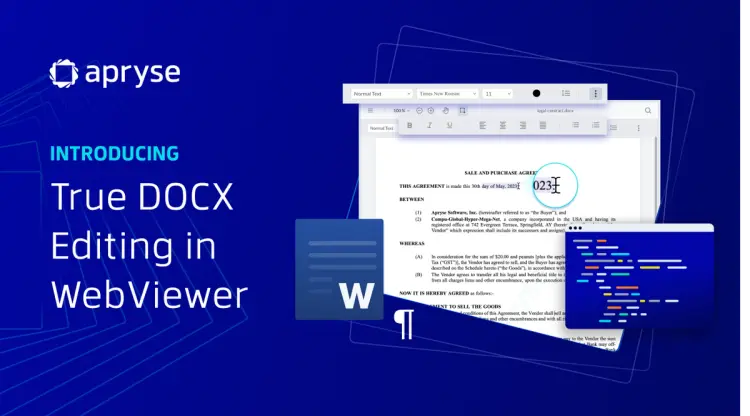
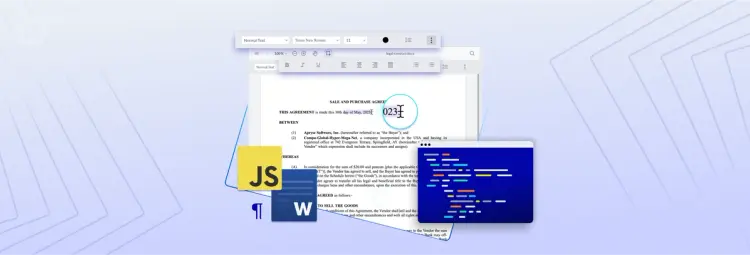
Apryse DOCX Editor lets users work with DOCX files that can be created, edited, and reviewed, just like they would in Microsoft Word.
Provide a secure, reliable way to collaborate on DOCX files by integrating native DOCX editing into your web application. No more switching from Google to Microsoft Office, comparing edits between documents, or manually uploading and storing conflicting versions of files.
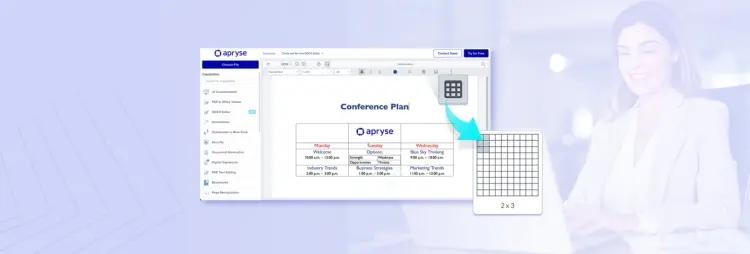
Save your changes in DOCX Editor confidently with ‘what you see is what you get’ word editing, knowing that formatting and styling stays consistent across Word processors. Easily personalize documents by changing font types, styles, sizes, and colors. Adjust text alignment, margins, column widths, line spacing, and standardize headings within your document. Organize ideas with bullet points, numbered lists, or tables, just like in Microsoft Word.
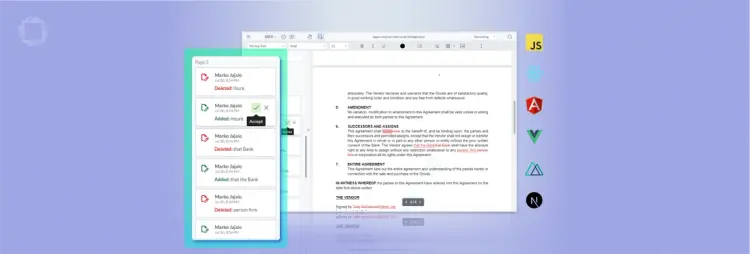
Improve Word processing workflows with centralized viewing, editing, and collaboration capabilities. Open any DOCX file and start writing or modifying content instantly within your web application. View a detailed summary of all text changes, including the timestamp and author of each modification. Accept, reject, or filter document changes to better understand the context behind each edit. Save documents as DOCX or as PDF.
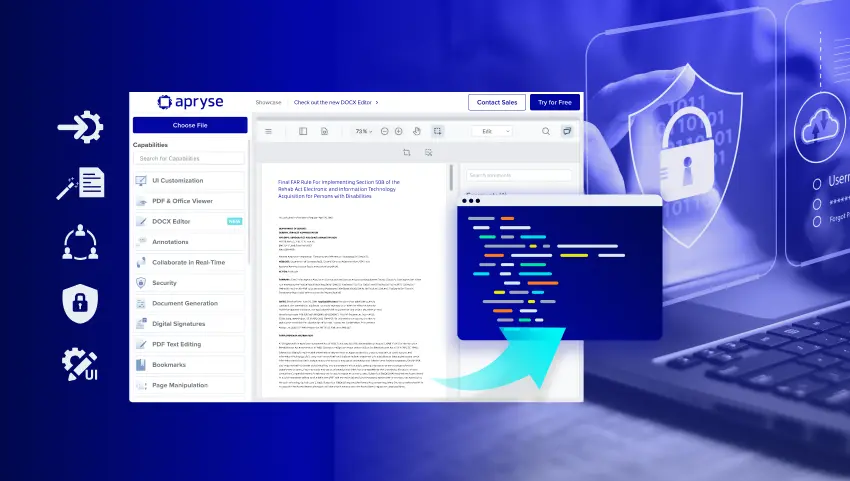
DOCX Editor is secure by design, with rendering and processing fully client-side within your web app. It integrates easily into your low-code application with just a few clicks, allowing users to edit Word Documents without ever leaving Salesforce, Appian or Mendix instances. By keeping documents on the device, it inherently enhances your compliance and data safety.
Legal advisors track document changes to understand what edits were made, who made them, and when, bringing transparency and efficiency to the review process while eliminating the need to reload DOCX files or share changes via insecure methods such as email communications and attachments.
IT teams can reduce or eliminate the need for users to convert documents from one system to another while minimizing document formatting issues, information loss, and security concerns by using a single web application without server-side conversions.
Users exploring document formatting options can use the undo/redo feature to quickly return to an earlier version of content. This ensures that essential details, like entity names, dollar amounts, or legal terms, are preserved and accurate throughout the restructuring or recovery process.
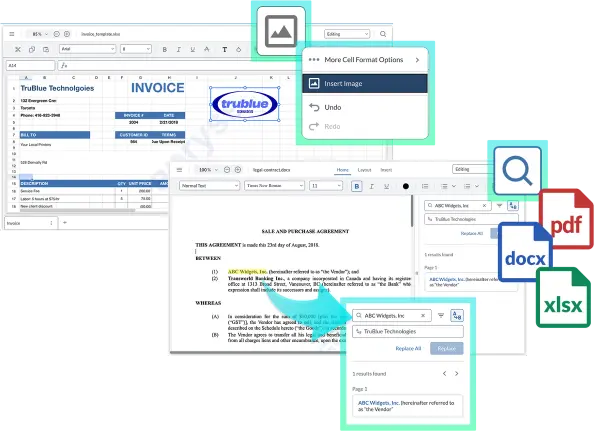
DOCX Editor now offers APIs for programmatic text editing with a new in-editor Search & Replace panel, giving developers the ability to automate bulk updates and end users the ability to make quick, precise changes to content.
WYSIWYG (What You See is What You Get) Word editing means what is viewed in the document editor is how the final file will look. This visual feedback allows users to see formatting, styling, and layout changes as they make them without needing to switch views or preview changes.
Document rendering and processing are fully client-side in your web app, enabling you to edit files without relying on third-party solutions or conversions. Native DOCX editing keeps sensitive data secure by avoiding the use of insecure channels like email for document revisions.
The creation and revision functionality within the Apryse DOCX Editor applies to text, formatting, bulleted lists, images, and tables. Users are able to insert or modify document components in addition to standard text to enhance branding, document navigation, and visual support.
The Apryse DOCX Editor enables users to create and edit Word documents using client-side operations directly in the client's memory. You can load and save DOCX documents from local storage or a URL, like an AWS S3 Bucket. After editing, the document can be reuploaded to your bucket, saved as an updated version, or downloaded as a PDF or DOCX file.
The DOCX Editor can be easily embedded into web applications built with JS frameworks like React, Angular, Vue, Nuxt.js, and Next.js. It can also be quickly added to low-code tools like Salesforce, Appian, Mendix, and more.
By offering both programmatic APIs and in-editor Search & Replace, teams can apply large-scale updates, enforce compliance standards, and still provide document users with the ability to make targeted edits directly in the editor.
2023-11-23
2023-10-06
2023-11-02
2021-07-07
PRODUCTS
Platform Integrations
End User Applications
Popular Content
RESOURCES
© Apryse Software Inc.