|
VOOZH | about |
|
VOOZH | about |
COMING SOON: Spring 2026 Release Arrives April 15th
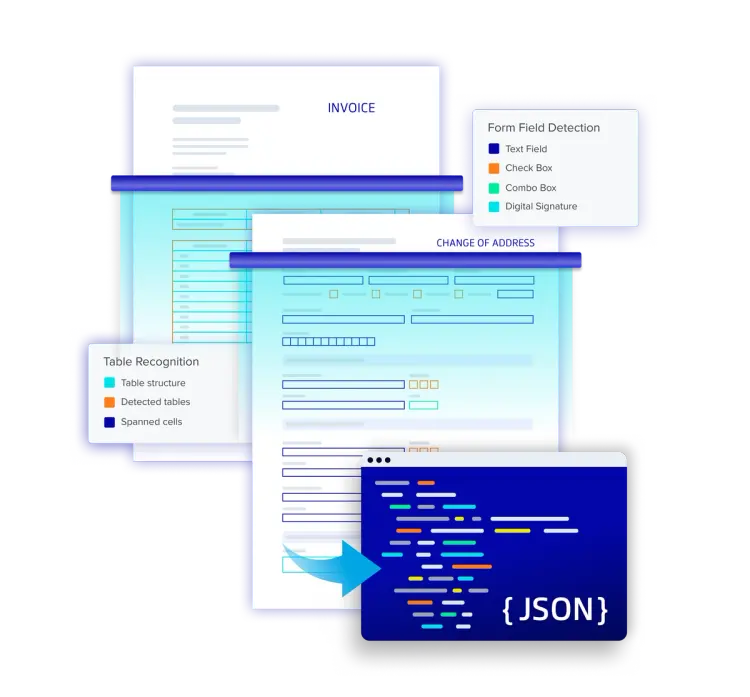
Enable in-platform document editing, digital signing, form handling, annotations, and structured data extraction with a single suite of SDKs designed to handle high-volume use cases and complex PDFs.
Whatever your workflow requires, a single suite of developer tools can make it possible without any third-party dependencies.
Limit your reliance on multiple plug-ins and eliminate broken workflows. Customize the solution to fit your need with a feature-rich, single suite of SDKs.
Keep all forms of digital content secure with no file transmission to servers or external sources. All document processing is done natively within the browser with no server-side dependencies, connectors, or third-party software.
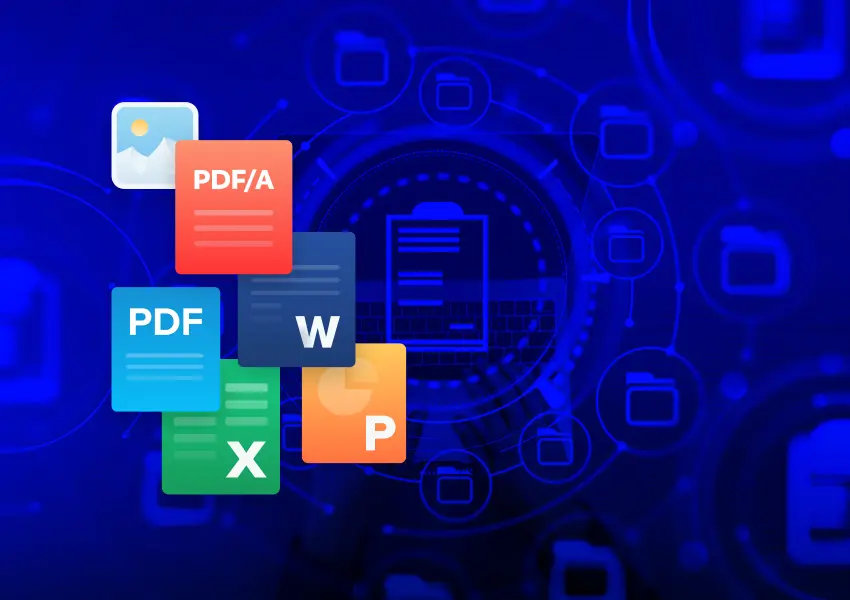
Don’t limit file types to PDFs. Apryse WebViewer supports creation, viewing, editing, and manipulation of Microsoft Office files, audio, video and many more.
Case management involves complex processes across various industries. With documents at the core, interacting with them in Salesforce is crucial. Apryse WebViewer SDK automates workflows and reduces manual tasks with automated merging and programmatic redactions tailored for Salesforce objects.
Enhance Salesforce's native contract management with the WebViewer SDK for template generation, editing, and signing. Reduce reliance on multiple applications and simplify workflows with features like redlining, and workflow automation tied to signing events.
Create a complete, custom onboarding solution, including the ability to generate documents from templates, automate form filling, sign, and much more. Save everyone time and headaches by completing the workflow in Salesforce without relying on external apps and dependencies.
Compatible with all frameworks and browsers, WebViewer delivers the highest quality document rendering, generation, and conversion capabilities through a single, customizable component. Supporting PDF, Office, images, videos, and websites, it's fully featured out of the box, delivering exceptional usability and functionality trusted by thousands.
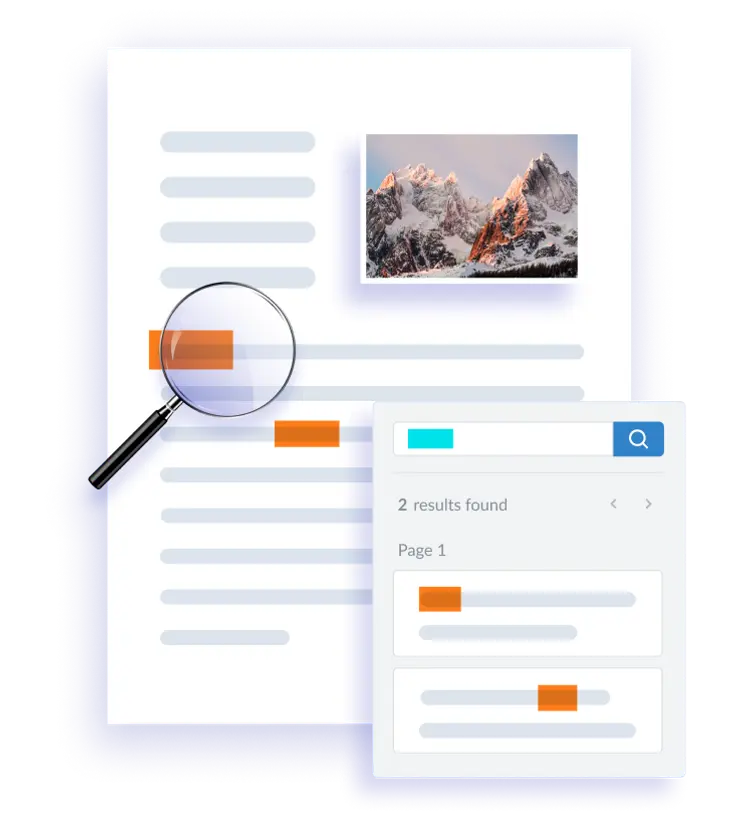
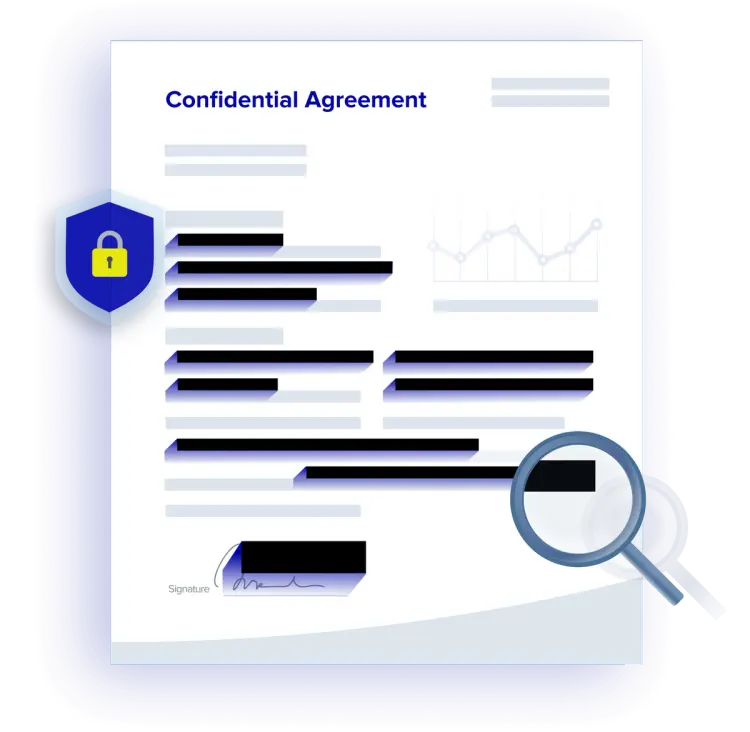
Eliminate confidential information by searching and redacting sensitive keywords, strings, and patterns. Redact areas of images and text, or entire pages.
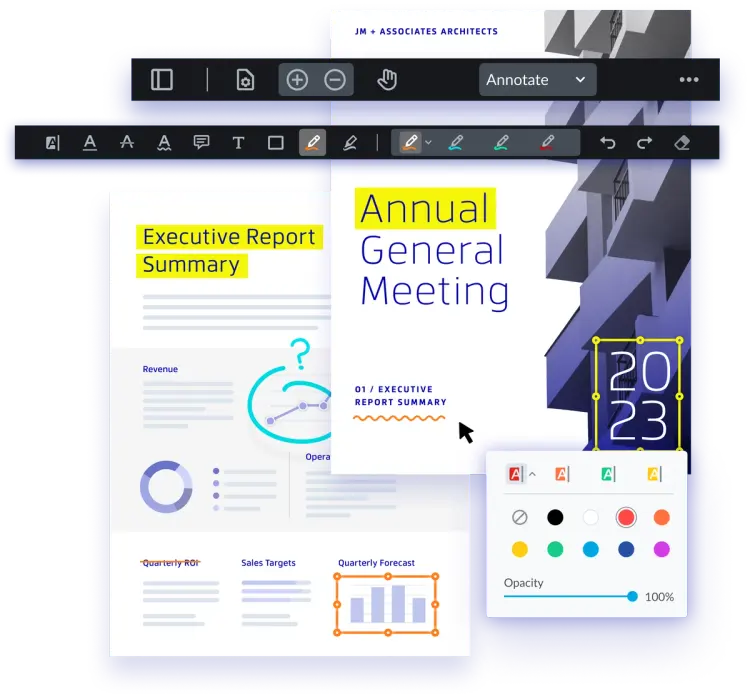
Simplify review and approval processes by enabling your users to edit PDFs and DocX files in your app without the dependency of Microsoft Word. Choose from 35+ annotations or build custom markup tools. Then, leverage out-of-the-box modules to enable real-time collaboration.
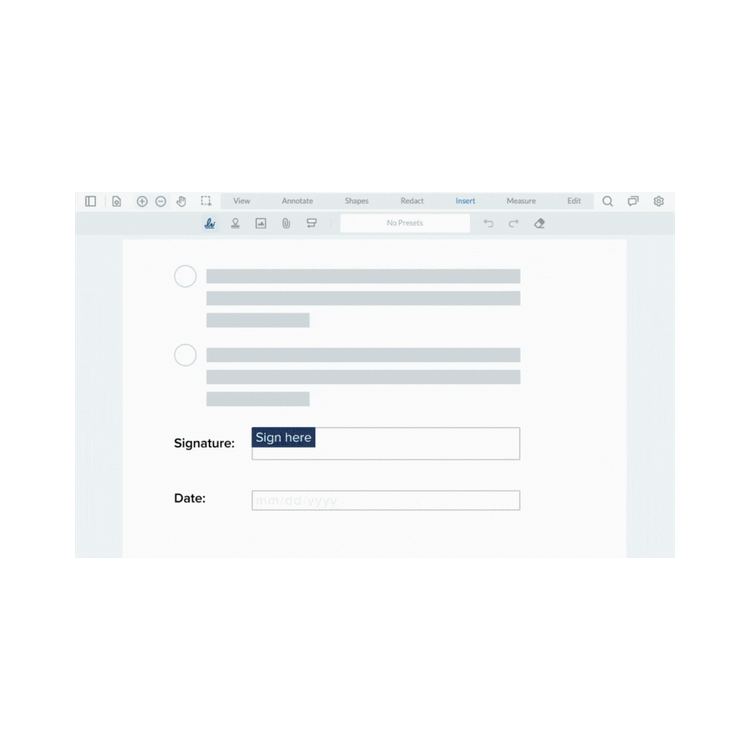
Create complete, custom signing workflows, including signature field assignment, signature creation, collection, and validation.
Simplify form workflows with powerful automation. Easily fill, edit, and create forms while automatically syncing data with your Salesforce records. Populate templates with existing Salesforce data to reduce manual entry and save time.
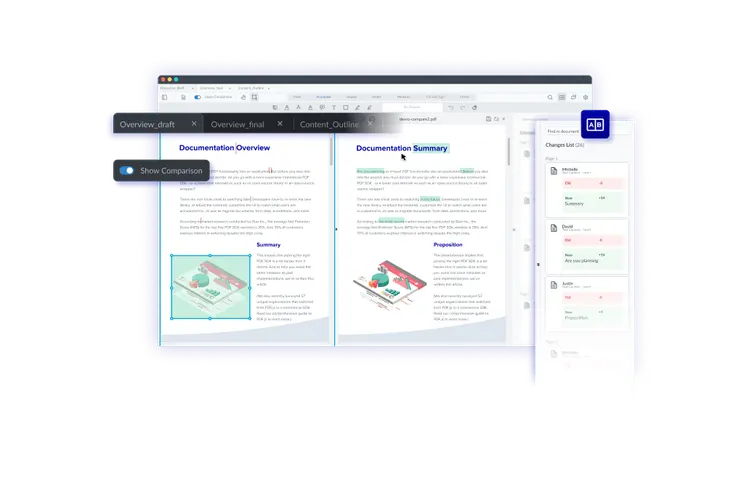
Add custom, intuitive document comparison to an existing application. Compare versions side-by-side or in a single page view mode, and toggle between page view modes. Highlights capture all changes, even in complex documents and even when a change spans two pages, or when an entire page is deleted.
Automating the process of sending forms (PDFs) to customers, prospects, or outside partners enhances efficiency and accuracy. Pre-populating data, such as customer names and addresses, reduces the risk of errors and eliminates the need for manual data entry, saving time and resources. This streamlined approach ensures that all forms are correctly filled out with consistent and accurate information, improving overall productivity.
The Apryse WebViewer SDK takes this a step further by offering a seamless and robust integration with Salesforce. With Apryse's Web SDK, you can effortlessly generate, manipulate, and populate PDFs directly within Salesforce. This not only enhances the accuracy of your data but also ensures that your forms are professional and compliant with industry standards.
When dealing with sensitive information such as PII in a third-party application, only true redaction will do. To achieve true redaction, you need software that can remove the redacted content while leaving the rest of the document intact. Redaction is the process of obscuring or removing sensitive information from documents to prevent unauthorized access or disclosure. It involves selectively marking or deleting specific content, such as personal identification numbers, financial data, or confidential paragraphs while preserving the integrity and structure of the document.
A plugin can be used to edit DOCX files without having to switch back and forth between Microsoft Office and Salesforce. A DOCX Editor allows users to create, edit, and review DOCX files just as they would in Microsoft Word. When choosing a DOCX editor, ensure that the formatting and styling remain consistent when opened in any other word processor. Additionally, you want the ability to fine-tune text formatting by changing text alignment, line spacing, font sizes, and standardize headings for any paragraph or headline in your document. Apryse WebViewer SDK offers a DOCX Editor that integrates easily into Salesforce instance.
For some customers, the maximum file size in Salesforce can be limiting. Apryse WebViewer supports external file storage up to 2 GB from providers such as AWS, GCP, Azure, Dropbox and others.
Integrating the digital signing process with Salesforce enables you to automate signature requests, enhance security, and track the progress of signers within your CRM. Without a native signing solutions, digital signatures require a plug in or custom development. Salesforce offers a few integrations with third party vendors for esignatures via CPQ. Alternatively, Apryse WebViewer SDK, on the other hand, offers a fast development path to customizable signature workflows within Salesforce.
Download our latest eBook and learn how to power full document workflows directly in Salesforce, all without third-party dependencies. What's Inside:
Common challenges with PDFs and templates in Salesforce environments
How AI-powered SDKs solve layout, signing, and extraction issues
How to get started with Apryse WebViewer SDK in Salesforce
PRODUCTS
Platform Integrations
End User Applications
Popular Content
RESOURCES
© Apryse Software Inc.