|
VOOZH | about |
|
VOOZH | about |
If you’ve been in the frontend industry for a while, then you’ve probably come across or used MobX at least once. If not, then today is your lucky day because this article will tell you why MobX remains a relevant force in the frontend world. We’ll look into its core concepts, explore its strengths and weaknesses, and compare it to other state management solutions.
👁 Mobx Adoption Guide: Overview, Examples, And AlternativesWithout further ado, let’s dive in!
The Replay is a weekly newsletter for dev and engineering leaders.
Delivered once a week, it's your curated guide to the most important conversations around frontend dev, emerging AI tools, and the state of modern software.
MobX is a lightweight, boilerplate-free state management library that offers a reactive rather than a functional approach to state management. It helps you track and manage your app’s data without a lot of extra code. When that data changes, MobX automatically updates the parts of your app that need it.
The MobX team developed this solution to address the growing complexity of state management in React applications. While solutions like Redux are more popular, they often require significant boilerplate code, have a steep learning curve, and result in spaghetti code.
MobX provides a more intuitive and less verbose approach to managing state by reducing the amount of boilerplate code and introducing reactive data and automatic updates. It basically makes it impossible to produce an inconsistent state.
At its core, MobX operates on the principle of reactive programming. It uses three main concepts:
This reactive programming model ensures that the UI always reflects the application’s current state without requiring manual synchronization.
MobX uses a virtual dependency tree to track which parts of the state are used by which reactions, ensuring that only the relevant parts of your application update when the state changes.
Obviously, there are many state management options available in the React ecosystem. So, why use MobX?
The truth is, when it comes to state management, MobX takes a smarter approach and is a breath of fresh air compared to most other solutions. Everyone hates tons of extra code just to keep your app’s data and what users see on screen in sync, and refactoring so much code can be time-consuming and draining.
With MobX, you define your app’s data naturally, and MobX will act like a guard, constantly watching that data. Whenever something changes, MobX automatically updates the parts of your screen that need it. You don’t need to perform manual updates or worry about things being out of sync — MobX keeps everything in perfect harmony.
Plus, MobX is flexible and works with different frameworks, so it fits your development style. And even though it’s easy to use, MobX is a performance powerhouse, keeping your app fast and responsive. In a nutshell, MobX makes state management simple and efficient while letting you focus on building the coolest features for your app.
But like all things, MobX has pros and cons, so let’s examine them now.
Pros of MobX include:
Meanwhile, potential drawbacks of using MobX that you should consider include:
In truth, many of MobX’s perceived cons are actually reflections of its core strengths: flexibility, simplicity, and power. While it’s important to consider these factors, MobX’s ability to simplify complex state management, improve code readability, and boost development productivity often outweighs these potential drawbacks.
The key is to evaluate whether MobX’s approach aligns with your project’s needs and your team’s skills.
To show you MobX in action, let’s create a simple counter application using MobX and compare it to a version using just React Hooks. First, let’s look at a counter using React Hooks:
import { useState } from 'react';

function Counter() { const [count, setCount] = useState(0);

 const increment = () => setCount(count + 1);
 const decrement = () => setCount(count - 1);

 return (
 <div>
 <h1>Count: {count}</h1>
 <button onClick={increment}>Increment</button>
 <button onClick={decrement}>Decrement</button>
 </div>
 );
}
This code defines a simple React functional component called Counter that manages the state of a counter using the useState Hook. To replicate this same functionality with MobX, you have to do this:
import { observable, action } from 'mobx';
import { observer } from 'mobx-react';

const counterStore = observable({
 count: 0,
});

const increment = action(() => {
 counterStore.count++;
});

const decrement = action(() => {
 counterStore.count--;
});

const Counter = observer(() => (
 <div>
 <h1>Count: {counterStore.count}</h1>
 <button onClick={increment}>Increment</button>
 <button onClick={decrement}>Decrement</button>
 </div>
));


export default Counter;
Here, instead of using useState, MobX utilizes an observable state object counterStore, which allows multiple parts of your application to access and react to the state changes.
State updates happen through actions like increment and decrement decorated with action. This helps MobX track changes and efficiently update dependent components.
Finally, the observer decorator on the Counter component ensures it automatically re-renders whenever the counterStore changes.
This approach offers benefits like easier state management across components and automatic UI updates based on state changes.
We briefly defined observers, actions, and reactions above. But there’s much more to MobX that you should know! Let’s take a look at some of the standout features that make MobX so great.
Observers are components that track and react to changes in the observable state. They help ensure that the UI stays in sync with the underlying state. In React, you can create an observer component using the observer higher-order component or the useObserver Hook:
import { observer } from 'mobx-react';

const Counter = observer(() => (
 <div>
 <h1>Count: {counterStore.count}</h1>
 <button onClick={increment}>Increment</button>
 <button onClick={decrement}>Decrement</button>
 </div>
));
Actions are functions decorated with @action from MobX, and they represent the authorized ways to modify the MobX state. MobX tracks changes made within actions, ensuring efficient updates and notifying dependent observers:
import { action } from 'mobx';

const increment = action(() => {
 counterStore.count++;
});

const decrement = action(() => {
 counterStore.count--;
});
Derivations (also called reactions) are pure functions that react to changes in the MobX state and return a derived value. Like everything else in MobX, they are computationally efficient and only re-run when the relevant parts of the state change:
const isEven = reaction(
 () => counterStore.count % 2 === 0,
 (isEven) => {
 console.log("Count is even:", isEven);
 }
);
Stores are central locations for managing application state. They serve as the single source of truth for the state and encapsulate observables, actions, and other MobX concepts, promoting maintainability.
Selectors are functions that derive data from the state. They’re similar to computed values but are used more for component-level computations.
Let’s take an example where you structure your store and component. First, let’s define the store with a selector to filter active items:
import { makeAutoObservable } from 'mobx';

class Store {
 items = [
 { id: 1, name: 'Item 1', isActive: true },
 { id: 2, name: 'Item 2', isActive: false },
 { id: 3, name: 'Item 3', isActive: true },
 ];

 constructor() {
 makeAutoObservable(this);
 }

 get activeItems() {
 return this.items.filter(item => item.isActive);
 }
}

const store = new Store();
export { store };
In this store, items is an observable array representing the items, and activeItems is a computed value (selector) that filters and returns only the active items. Now, let’s use this selector in the ItemList component:
import React from 'react';
import { observer } from 'mobx-react-lite';
import { store } from './store';

const ItemList = observer(() => {
 return (
 <ul>
 {store.activeItems.map(item => (
 <li key={item.id}>{item.name}</li>
 ))}
 </ul>
 );
});

export default ItemList;
Here, ItemList is an observer component that will automatically re-render whenever activeItems in the store changes. The component itself uses the activeItems selector from the store to render the list of active items.
While MobX supports classes and inheritance, composition with plain objects often proves to be a more efficient and maintainable approach for state management in MobX applications.
MobX allows us to create custom Hooks to encapsulate reusable state management logic. This promotes code reusability and well-structured applications.
MobX is well-suited for a variety of applications, particularly those with complex state management needs:
While MobX offers numerous advantages, it’s not a one-size-fits-all solution. Here are some situations where you might consider alternatives:
Deploying an application that uses MobX follows the same principles as deploying any other frontend project. However, here are some best practices to keep in mind:
Several other state management libraries compete with MobX in the frontend ecosystem. Let’s compare MobX with two popular alternatives: Redux and Zustand:
| MobX | Redux | Zustand | |
|---|---|---|---|
| State management approach | Uses observable state that automatically updates dependent components when it changes | Enforces a unidirectional data flow where actions trigger state updates in a centralized store | Offers minimal state management capabilities. You manually update the state or re-render components depending on changes |
| Performance | Excellent for complex, frequently updating state due to its fine-grained reactivity system | Good overall, but may require optimizations for large apps. Time-travel debugging can be a performance boon for development | Very good, especially for React apps. Its minimal approach leads to efficient updates and renders |
| Supported frameworks/libraries | Works seamlessly with React, Vue, Angular, and plain JavaScript | Primarily used with React, but integrations exist for other frameworks | Designed for React, but can be adapted for other frameworks with effort |
| Community | Large and active | Large, extensive support | Smaller but growing |
| Documentation/resources | Well-documented with comprehensive guides and API reference | Extensive documentation, tutorials, and third-party resources available | Concise documentation, focusing on essential concepts and API |
| Ideal use case | Complex applications with interconnected, frequently changing states where a reactive model is beneficial | Large-scale applications requiring strict state management, predictable state changes, and extensive debugging capabilities | Small to medium React applications needing simple state management with minimal setup and boilerplate |
This comparison table should help you assess these popular solutions and determine which option might best fit your needs.
MobX offers a powerful and flexible approach to state management in frontend applications. Its reactive nature and minimal boilerplate make it an attractive option for developers looking to simplify their state management code while maintaining performance.
While MobX may not be the best fit for every project, its strengths in handling complex, frequently updating state make it an excellent choice for many modern web applications. As with any technology choice, it’s crucial to evaluate MobX against your specific project requirements and team preferences.
There’s no doubt that frontends are getting more complex. As you add new JavaScript libraries and other dependencies to your app, you’ll need more visibility to ensure your users don’t run into unknown issues.
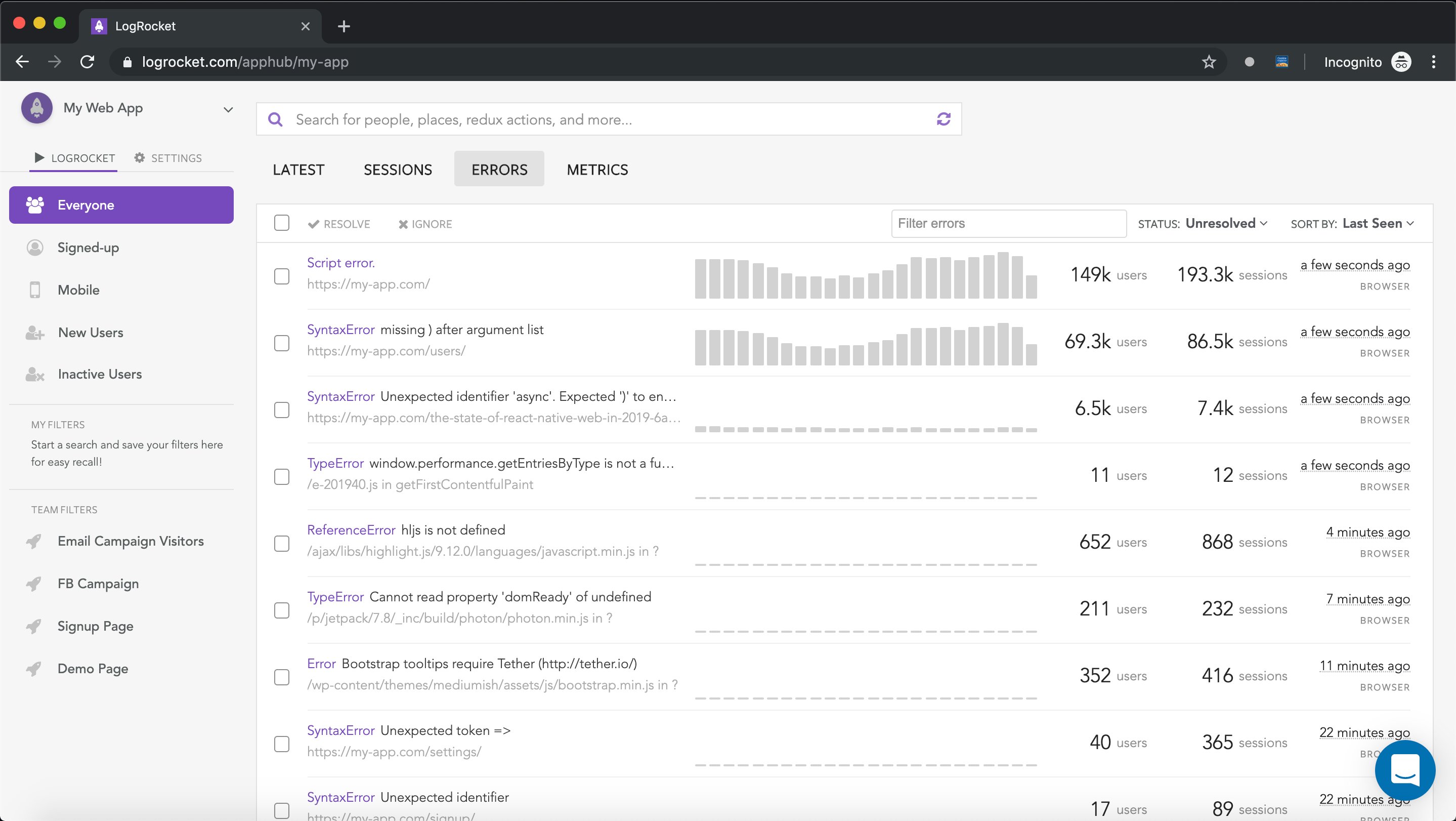
LogRocket is a frontend application monitoring solution that lets you replay JavaScript errors as if they happened in your own browser so you can react to bugs more effectively.
👁 LogRocket Dashboard Free Trial BannerLogRocket works perfectly with any app, regardless of framework, and has plugins to log additional context from Redux, Vuex, and @ngrx/store. Instead of guessing why problems happen, you can aggregate and report on what state your application was in when an issue occurred. LogRocket also monitors your app’s performance, reporting metrics like client CPU load, client memory usage, and more.
Build confidently — start monitoring for free.
Learn how next-browser gives AI agents runtime context for debugging Next.js apps, including React props, hydration, PPR, forms, and performance.
Build dynamic LLM routing in Next.js with OpenRouter, TanStack AI, task classification, model fallbacks, and cost-aware routing.
TSRX adds first-class control flow, conditional hooks, and scoped styles to React via a TypeScript compiler extension — no new framework required.
Learn how to build a full React Native auth system using Better Auth and Expo — with email/password login, Google OAuth, session persistence, and protected routes.
Hey there, want to help make our blog better?
Join LogRocket’s Content Advisory Board. You’ll help inform the type of content we create and get access to exclusive meetups, social accreditation, and swag.
Sign up now