|
VOOZH | about |
|
VOOZH | about |
Run Claude Code in headless mode. Use it to build agents that can grep, edit files, and run tests.
The Claude Code SDK exposes the same agentic harness that powers Claude Code—Anthropic's AI coding assistant that runs in your terminal. This SDK transforms how developers build AI agents by offering autonomy with control, leveraging large context windows, and providing production-ready patterns.
That means you can build simple agents without having to re-implement every single tool call. Just hook it up to a headless Claude Code.
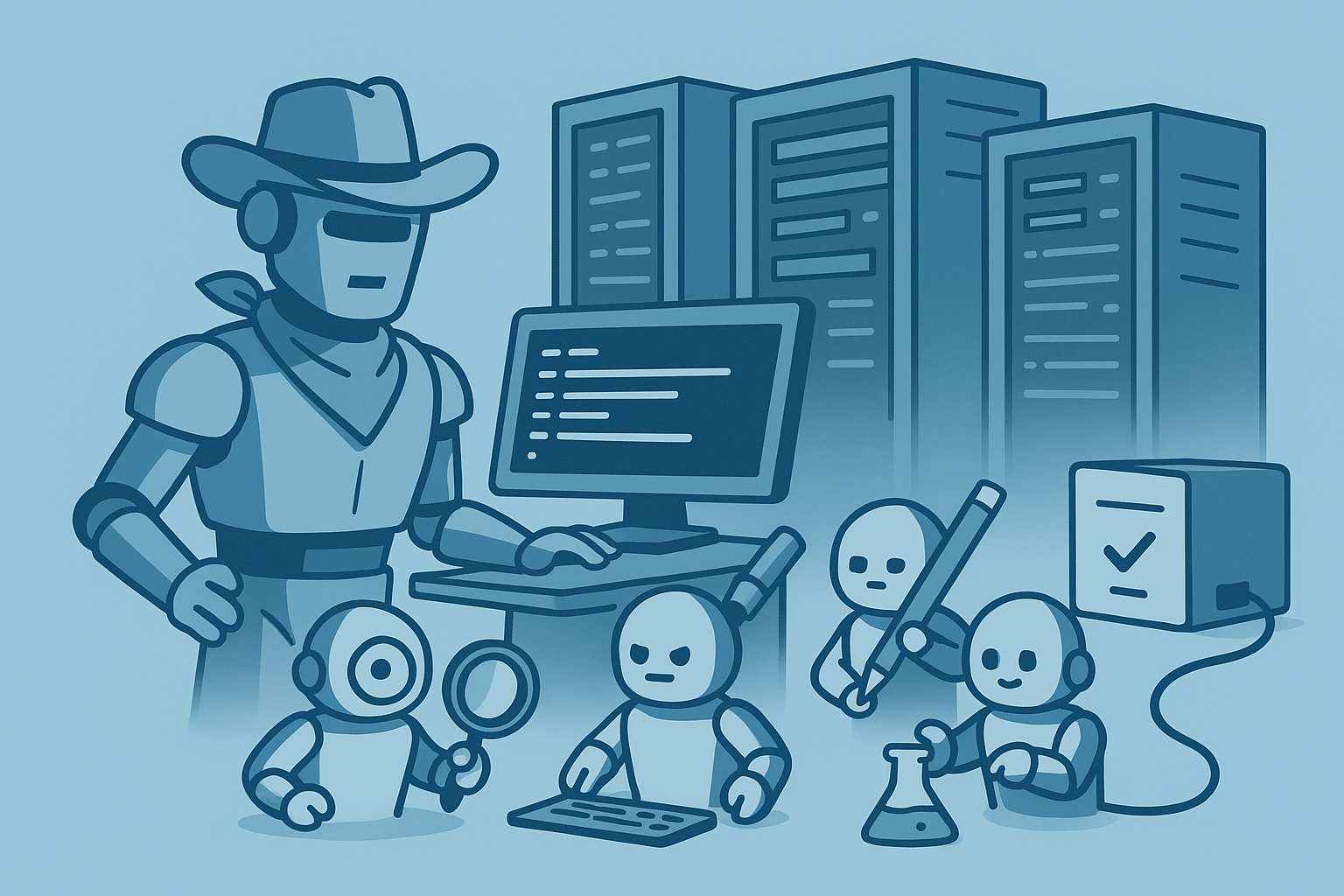
Recently, Latent Space gushed over Claude Code, while Medium reported a compelling case study: a 7-agent documentation pipeline built in mere minutes. The Claude Code SDK let's use build repeatable agents and deployments on top of this technology.
The Claude Code SDK takes a radically different approach from traditional AI coding assistants. Instead of pre-indexing your codebase, it performs agentic search on demand—using grep, find, and glob commands just like a human developer would. No RAG pipeline required (though you can add one via MCP if needed).
The SDK provides real tools that mirror a developer's toolkit:
What sets this apart is the combination of large context windows with automatic context compaction and summarization. Your agent can hold substantial portions of code in mind while the SDK handles token management behind the scenes.
The framework offers autonomy with guardrails—you control permission modes, specify allowed/disallowed tools, and insert hooks for additional safety. This creates reusable patterns instead of hand-rolled LLM chains, complete with prompt caching and streaming support.
Getting started with Claude Code SDK requires minimal setup:
System Requirements:
Install the CLI:
npm install -g @anthropic-ai/claude-code
Alternatively, use the binary installer:
curl -fsSL https://claude.ai/install.sh | bash
After installation, run claude doctor to verify everything is configured correctly. If you're migrating from an older installation, use claude migrate-installer.
Authentication Options:
ANTHROPIC_API_KEY for headless environmentsInstall the SDKs:
pip install claude-code-sdknpm install claude-code-sdkFor a quick sanity check, try a streaming query:
import anyio
from claude_code_sdk import query

async def main():
 async for message in query(prompt="What is 2 + 2?"):
 print(message)

anyio.run(main)
The SDK provides five essential components for building agents:
1. Tools: Choose least-privilege allowed_tools per task. Core tools include file I/O, Bash, web fetch, and code execution. Each tool can be explicitly allowed or denied based on your security requirements.
2. MCP Extensions: The Model Context Protocol enables external servers or fast in-process tools via create_sdk_mcp_server(). Common extensions include database lookups, email search, and vector search capabilities.
3. Subagents: Define specialized agents in .claude/agents using Markdown with YAML frontmatter. Each subagent has:
4. Memory & Project Context: The CLAUDE.md scratchpad file maintains persistent context across sessions. The SDK honors repo-level configurations and subagent definitions automatically.
5. Context Management & Runtime: The SDK handles:
CLINotFoundError, ProcessError)Let's create a functional agent from scratch:
Step 1: Define the Agent's Role
from claude_code_sdk import ClaudeCodeOptions

options = ClaudeCodeOptions(
 system_prompt="You are a Python code reviewer focused on security",
 cwd="/path/to/project"
)
Step 2: Set Operational Options
options = ClaudeCodeOptions(
 allowed_tools=["Read", "Grep"],
 permission_mode="manual", # or "acceptEdits", "acceptAll"
 max_turns=5
)
Step 3: Use the High-Level Interface
async for msg in query("Review main.py for security issues", options=options):
 for block in msg.content:
 if block.type == "text":
 print(block.text)
 elif block.type == "tool_use":
 print(f"Using tool: {block.tool_name}")
Step 4: Create a Persistent Client
from claude_code_sdk import ClaudeSDKClient

async with ClaudeSDKClient(options=options) as client:
 await client.query("Find all SQL queries in the codebase")
 async for response in client.receive_response():
 # Process multi-turn conversation
 pass
Step 5: Add a Custom Tool
from claude_code_sdk import tool, create_sdk_mcp_server

@tool("security_scan", "Scan code for vulnerabilities", args_schema={"file": str})
async def security_scanner(args):
 file_path = args["file"]
 # Custom security logic here
 return {"content": [{"type": "text", "text": f"Scanned {file_path}"}]}

server = create_sdk_mcp_server(
 name="security-tools",
 version="1.0.0",
 tools=[security_scanner]
)

options.mcp_servers = {"security": server}
options.allowed_tools.append("mcp__security__security_scan")
Step 6: Add a Subagent
Create .claude/agents/sql-expert.md:
---
name: sql-expert
description: Analyzes and optimizes SQL queries
allowed_tools: ["Read", "Grep"]
model: claude-3-sonnet
---

You are an SQL optimization expert. Focus on query performance and security.
The main agent will automatically delegate SQL-related tasks to this subagent.
Permission Strategies:
Implement Guardrails with Hooks:
from claude_code_sdk import PreToolUseHook

async def bash_safety_hook(event):
 if "rm -rf" in event.arguments.get("command", ""):
 return {"error": "Dangerous command blocked"}
 return None

options.hooks = [PreToolUseHook(bash_safety_hook, tool_name="Bash")]
Isolation Best Practices:
Reliability Measures:
max_turnsOperational Considerations:
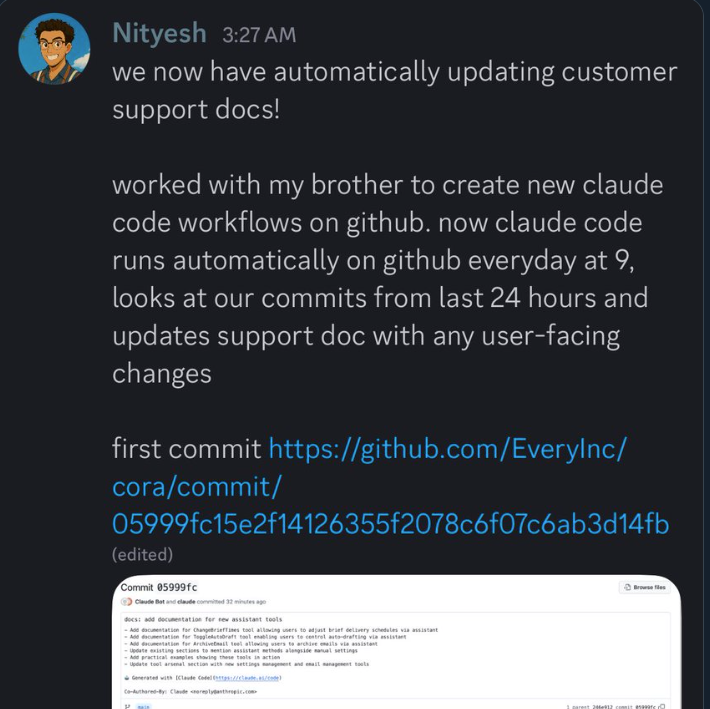
claude doctor regularlyDev Automation: Automate refactors, migrations, test generation, PR reviews, and release notes. GitHub Actions integration enables trigger-based automation.
Multi-Agent Pipelines: Rick Hightower's 7-subagent documentation workflow demonstrates the power of orchestration—one agent extracts diagrams, another generates images, others compile to Word/PDF, with an orchestrator managing the flow.
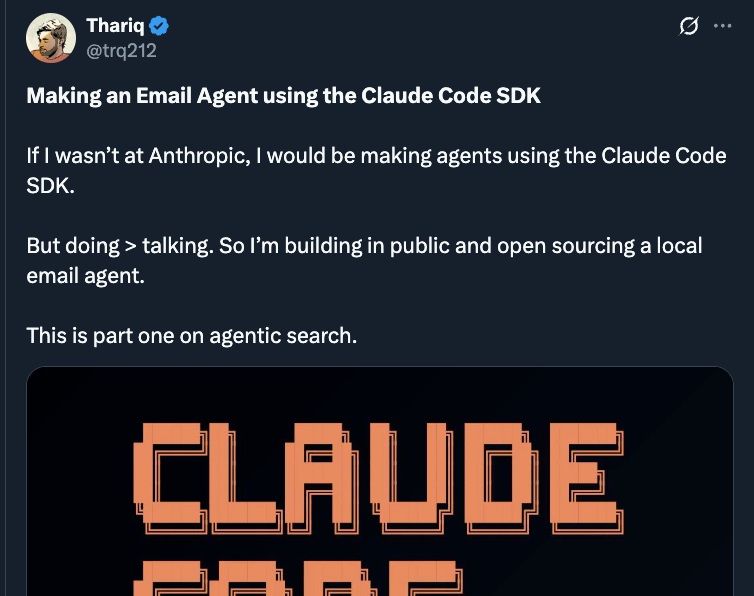
Personal Data Agents: Build email search capabilities that grep logs on demand, constructing context dynamically without maintaining external indexes.
Content Creation: Chain research→draft→edit→visuals workflows. Style guidelines in CLAUDE.md ensure consistency. Users report time reductions from 23 hours to 5 hours for complex content.
Domain Assistants: Create specialized agents for:
Agentic Search vs RAG: Dynamic lookups eliminate the need for constant re-indexing. Add vector search via MCP when semantic understanding is crucial.
Scale Through Parallelism: Run multiple Claude Code instances simultaneously. One engineer described their job as "keeping as many instances of Claude Code busy as possible."
Community Resources: The "Awesome Claude Code Subagents" repository offers 100+ drop-in agents. Shared /commands and MCP integrations accelerate development.
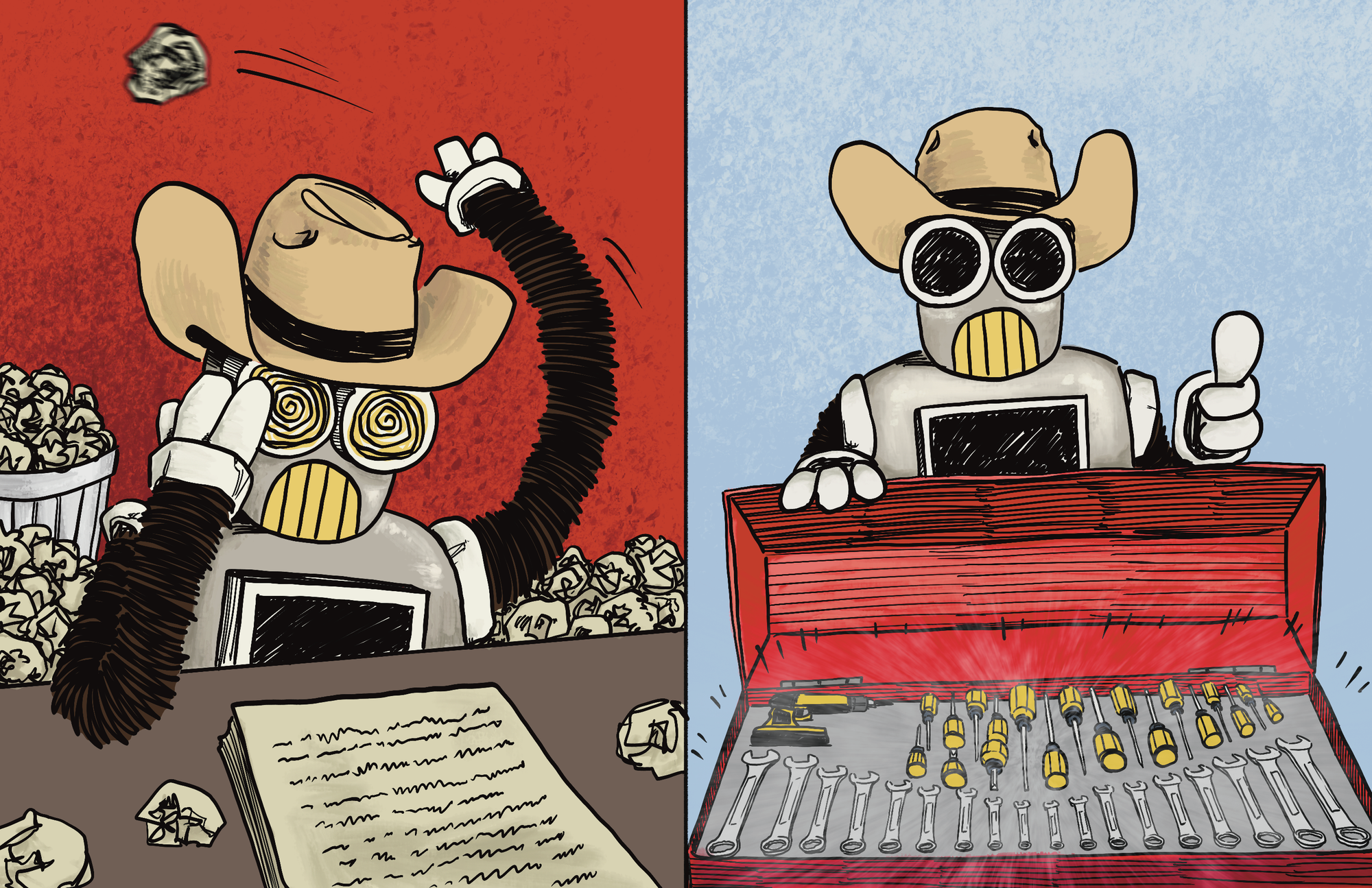
Claude Code SDK is a big deal because it means you don't have to define every single tool call and interaction in your agent. Just define a task and let the agent take as many or as few steps as necessary to solve it.
Stop writing boilerplate. Stop maintaining RAG pipelines. Stop hand-rolling agent loops.
© Copyright 2026 Magniv, Inc. All rights reserved.