|
VOOZH | about |
|
VOOZH | about |
| etc | etc/release: init | |
| config.h | make icircle the default | |
| LICENSE | GPLv3, very important | |
| README.md | fixup! make icircle the default | |
| sxcs.1 | release v1.2.1 | |
| sxcs.c | release v1.2.1 | |
Color picker and magnifier for X11.
will select and print the color to stdout, the output is
TAB separated hex, rgb, and hsl.
will zoom in and out.
Any other mouse button will quit sxcs.
Output format can be chosen via cli argument.
Zoom/magnification can be disabled via --mag-none.
$ sxcs --rgb --mag-none
rgb:	22 158 111
Copying the hex output to clipboard (using xclip):
$ sxcs -o --hex | cut -f 2 | xclip -in -selection clipboard
Color output can be disabled via --color-none, which more or less turns
sxcs into a magnifier.
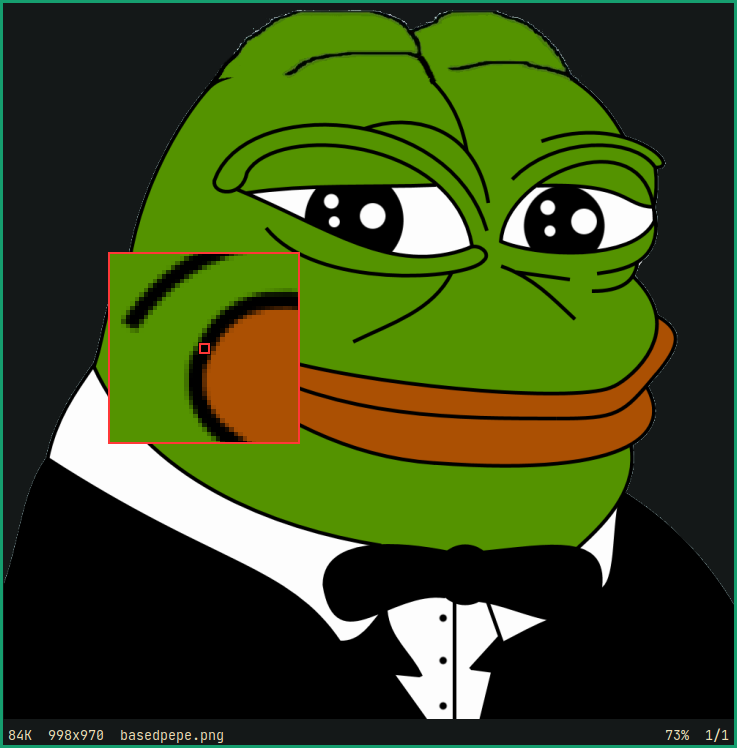
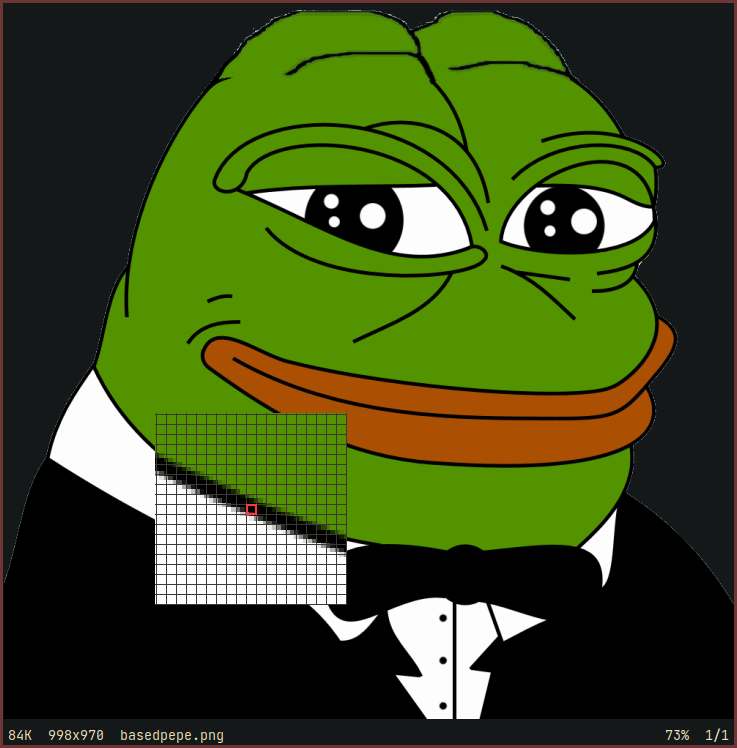
The magnifying window can be customized via using --mag-filters <filter-list>,
where filter-list is a comma separated list of filters to apply. The
filter-list will be applied in order, as given by the user.
The default filter list is the following:
$ sxcs --mag-filters "grid,icircle,xhair"
Following are a couple more examples:
$ sxcs --mag-filters "square,xhair"
$ sxcs --mag-filters "grid,xhair"
Consult the manpage to see a list of all available cli arguments and filters:
$ man sxcs
Build Dependencies:
*-dev
packages to get header files)Runtime Dependencies:
$ cc -o sxcs sxcs.c -O3 -s -l X11 -l Xrender
The above command should also work with gcc, clang or any other C compiler
that has a POSIX compatible cli interface.
gcc (also works with clang):$ gcc -o sxcs sxcs.c -std=c89 -Wall -Wextra -Wpedantic \
-g3 -D DEBUG -O0 -fsanitize=address,undefined -l X11 -l Xrender
$ make -f etc/analyze.mk
Just copy the executable and the man-page to the appropriate location:
# cp sxcs /usr/local/bin
# cp sxcs.1 /usr/local/share/man/man1
Or using the install utility:
# install -Dm755 sxcs /usr/local/bin/sxcs
# install -Dm644 sxcs.1 /usr/local/share/man/man1/sxcs.1
A zsh completion script is also available for zsh users under etc/zsh-completion.
Cursor size bigger than 255x255 causes visual glitches, it seems to be an inherent limitation.
One alternative would be using XComposite and using an override_redirect
window. Which is what was being done (incorrectly) before commit
33490dd.
I suspect doing this correctly would require way too much code, probably above
my self imposed limit of ~800 SLoC for this project.