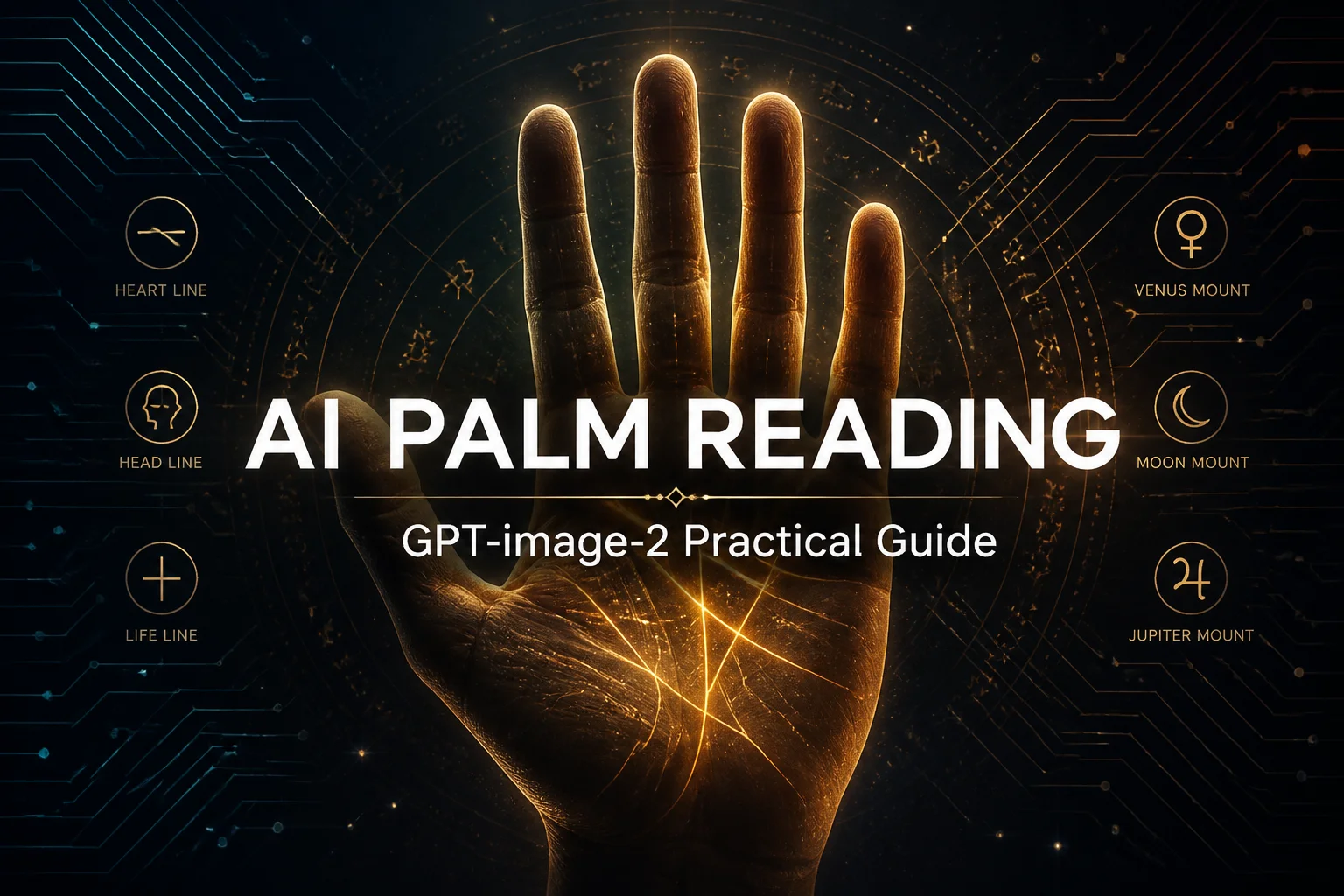
AI Palm Reading with GPT-image-2 — Generate Professional Palmistry Analysis from a Single Photo#
One of the hottest AI trends right now: AI Palm Reading. Upload a photo of your palm, and AI generates a beautiful infographic — annotating the Life Line, Heart Line, Head Line, and more, complete with personality and fortune interpretations.
The secret weapon? OpenAI's GPT-image-2 model. Its text rendering capability is a game-changer — it can generate clear, readable text directly in images, making it perfect for infographic-style outputs.
In this guide, we'll use the Crazyrouter API to call GPT-image-2 and build an AI palm reading generator. Full code included.
Result Preview#
Here's what the API actually generates:
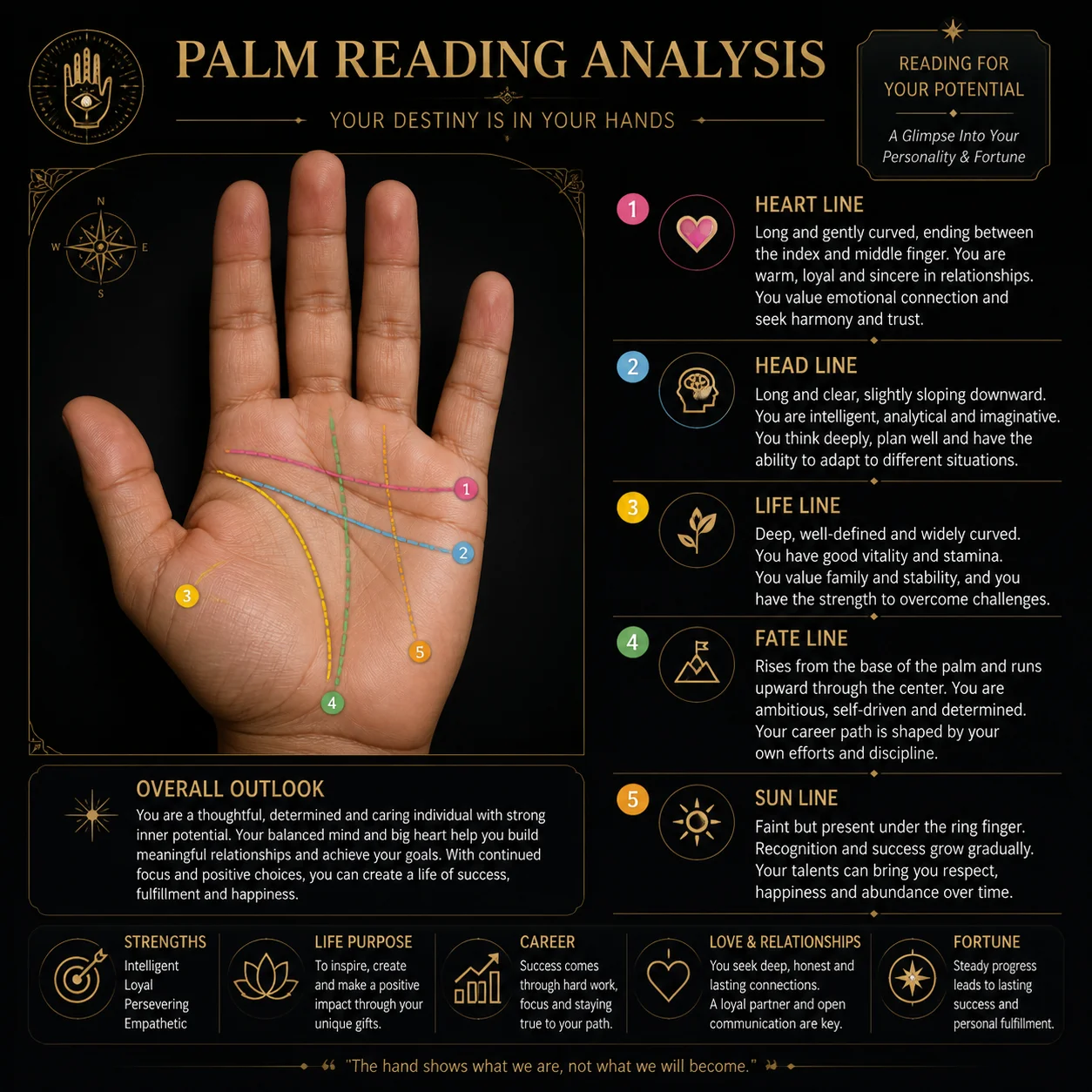
Key highlights:
- Black & gold color scheme — premium look and feel
- Five major palm lines clearly annotated with distinct colors
- Personality readings mapped to each line
- Summary cards at the bottom covering Career, Love, Fortune, and Strengths
- Crystal-clear text rendering — this is where GPT-image-2 truly shines
Getting Started#
Get Your API Key#
We'll use Crazyrouter to access GPT-image-2. One API key gives you access to 600+ models including GPT-image-2, GPT-5.5, Claude Opus 4.7, DeepSeek V4, and more — often at lower prices than official APIs.
Install Dependencies#
pip install openai
Full Code#
Python#
from openai import OpenAI

client = OpenAI(
 api_key="your-crazyrouter-api-key",
 base_url="https://crazyrouter.com/v1"
)

prompt = """
Based on a palm photo, create a professional palm reading analysis infographic.
Style: clean, modern, aesthetic, dark background with golden/warm accent colors.

Include labeled annotations for the major palm lines:
- Life Line
- Heart Line
- Head Line
- Fate Line
- Sun Line

Add brief personality and fortune interpretations next to each line.
Bottom section: summary cards for Strengths, Career, Love, Fortune.
The overall design should look like a premium palm reading consultation report.
"""

response = client.images.generate(
 model="gpt-image-2",
 prompt=prompt,
 size="1024x1024",
 n=1
)

print(f"Image URL: {response.data[0].url}")
curl#
curl -X POST https://crazyrouter.com/v1/images/generations \
 -H "Content-Type: application/json" \
 -H "Authorization: Bearer your-crazyrouter-api-key" \
 -d '{
 "model": "gpt-image-2",
 "prompt": "Create a professional palm reading analysis infographic with dark background and golden accents. Label the major palm lines: Life Line, Heart Line, Head Line, Fate Line, Sun Line. Add personality and fortune interpretations. Bottom section with summary cards. Premium consultation report style.",
 "size": "1024x1024",
 "n": 1
 }'
Node.js#
import OpenAI from "openai";

const client = new OpenAI({
 apiKey: "your-crazyrouter-api-key",
 baseURL: "https://crazyrouter.com/v1",
});

const response = await client.images.generate({
 model: "gpt-image-2",
 prompt: `Create a professional palm reading analysis infographic.
Dark background with golden accent colors.
Label major palm lines: Life Line, Heart Line, Head Line, Fate Line, Sun Line.
Add personality and fortune interpretations next to each line.
Bottom section with summary cards for Strengths, Career, Love, Fortune.
Premium consultation report style.`,
 size: "1024x1024",
 n: 1,
});

console.log("Image URL:", response.data[0].url);
Prompt Engineering Tips#
1. Specify the Design Style#
Keywords like clean, modern, aesthetic push the output toward a polished look.
2. Choose a Color Scheme#
- Premium:
dark background with golden accents - Fresh:
white background with pastel colors - Traditional Chinese:
red and gold traditional Chinese style
3. Structure the Information#
Be explicit about which palm lines to annotate and what interpretation categories to include. The clearer your structure, the better the result.
4. Image Size Options#
GPT-image-2 supports multiple sizes:
1024x1024— square, great for social media1024x1536— portrait, ideal for mobile screens1536x1024— landscape, perfect for blog headers
Cost#
| Size | Cost (via Crazyrouter) |
|---|---|
| 1024×1024 | ~$0.04–0.08 |
| 1024×1536 | ~$0.06–0.10 |
No separate OpenAI API key needed. Sign up at Crazyrouter and start generating.
Disclaimer#
AI palm reading is purely for entertainment. It has no scientific basis and should not be taken seriously. Please be mindful of privacy when uploading palm photos.
What's Next#
This is Part 1 of our GPT-image-2 viral use cases series. Coming up:
- Part 2: AI Face Reading & Personal Color Analysis
- Part 3: AI Action Figure Generator
- Part 4: Ghibli Style Photo Transformation
- Part 5: AI Future Baby Prediction
- Part 6: AI Meme & Coloring Book Generator
🚀 Crazyrouter — One API key, 600+ models. GPT-image-2, GPT-5.5, Claude Opus 4.7, DeepSeek V4, and more.