AI API Gateway for Singapore and Malaysia Developers: One Endpoint for GPT, Claude and Gemini#
Teams in Singapore and Malaysia are shipping AI features into SaaS products, internal tools, ecommerce workflows, fintech operations and customer support systems. In practice, the best model may depend on the task: GPT for general product workflows, Claude for longer reasoning or writing, Gemini for fast experiments or multimodal use cases.
The challenge is keeping the integration clean. If every provider needs a separate SDK, API key and error-handling path, your prototype can become harder to maintain than the feature itself.
Crazyrouter provides an OpenAI-compatible API gateway so you can use one endpoint and one API key, then switch between GPT, Claude and Gemini through the model field.
This guide shows a practical setup for backend developers.
Why this is useful#
A single gateway is helpful when you want to:
- Evaluate multiple models before committing to one provider.
- Keep your application code close to the OpenAI SDK format.
- Centralize API keys and usage visibility.
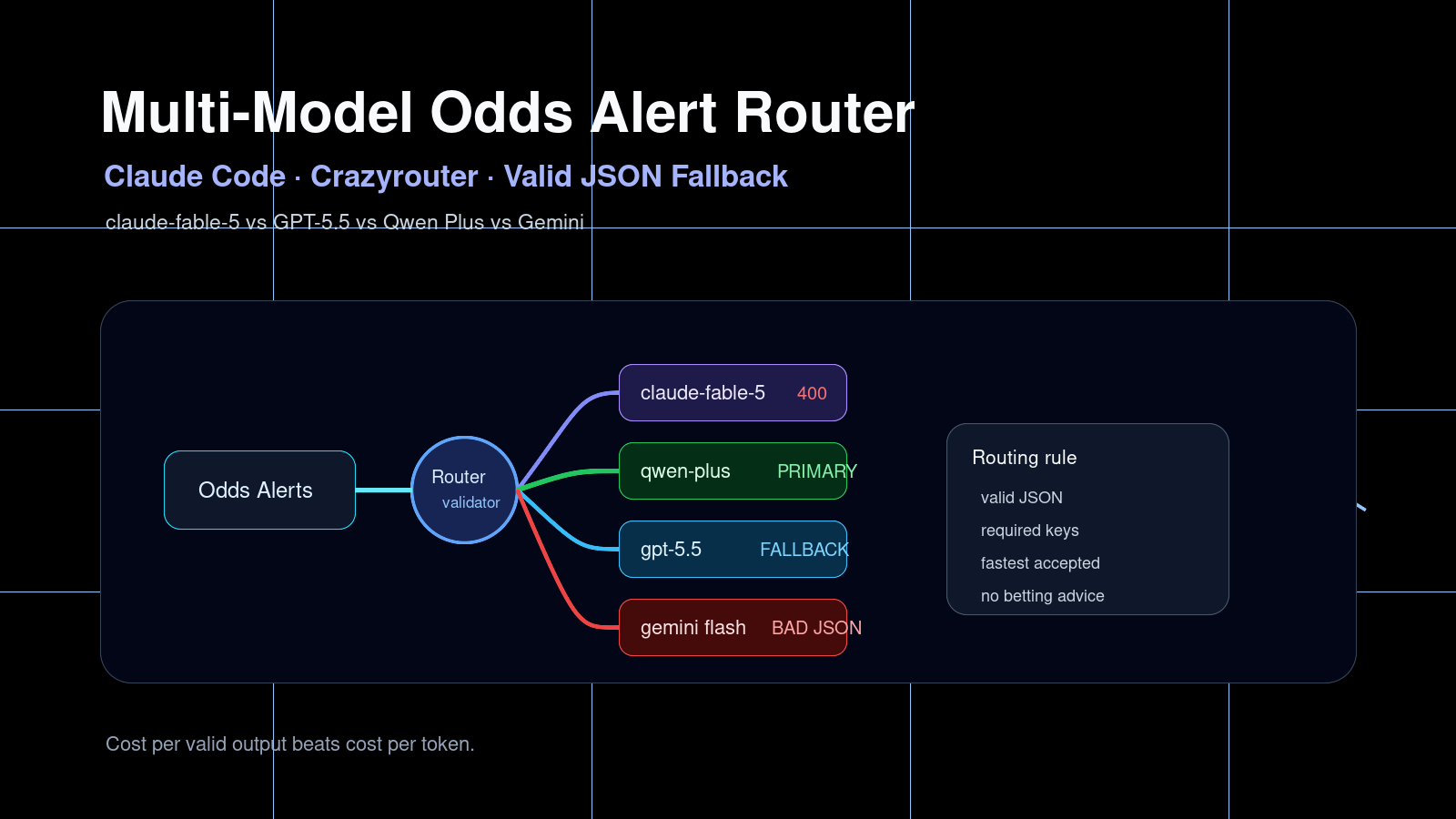
- Add fallback models for production reliability.
- Reduce integration work for regional teams and small startups.
It is not a replacement for good evaluation. It simply makes evaluation and switching easier.
1. Create your key#
Start with the docs intro and quickstart:
- Docs intro: Crazyrouter documentation
- Quickstart: Crazyrouter quickstart
Set your key locally:
export CRAZYROUTER_API_KEY="cr_..."
For deployed apps, use your platform's secret manager. Do not put the key in frontend JavaScript or mobile app bundles.
2. Configure a JavaScript client#
Install the OpenAI SDK:
npm install openai
Then use Crazyrouter as the base URL:
import OpenAI from "openai";

const client = new OpenAI({
 apiKey: process.env.CRAZYROUTER_API_KEY,
 baseURL: "https://crazyrouter.com/v1",
});

const result = await client.chat.completions.create({
 model: "openai/gpt-4o-mini",
 messages: [
 { role: "system", content: "You are a practical assistant for software teams." },
 { role: "user", content: "List three AI use cases for an ecommerce operations team." },
 ],
});

console.log(result.choices[0].message.content);
This keeps the request structure familiar while allowing model routing through the gateway.
3. Compare GPT, Claude and Gemini#
For model evaluation, keep the prompt stable and change only the model ID:
const testPrompt = "Rewrite this support response to sound clearer and more professional: Sorry, your order is late, we are checking.";

const models = [
 "openai/gpt-4o-mini",
 "anthropic/claude-3-5-haiku",
 "google/gemini-1.5-flash",
];

for (const model of models) {
 const completion = await client.chat.completions.create({
 model,
 messages: [{ role: "user", content: testPrompt }],
 });

 console.log(`\n${model}`);
 console.log(completion.choices[0].message.content);
}
This is a simple way to compare tone, latency and output quality using prompts that resemble your real product traffic.
4. Python example#
If your backend is Python-based:
import os
from openai import OpenAI

client = OpenAI(
 api_key=os.environ["CRAZYROUTER_API_KEY"],
 base_url="https://crazyrouter.com/v1",
)

completion = client.chat.completions.create(
 model="google/gemini-1.5-flash",
 messages=[
 {"role": "system", "content": "You help product teams write clear release notes."},
 {"role": "user", "content": "Draft a short release note for a new invoice export feature."},
 ],
)

print(completion.choices[0].message.content)
5. Add a small reliability wrapper#
Before using this in a customer-facing workflow, wrap model calls so every request has logging and error handling:
async function runModel({ model, messages, task }) {
 const startedAt = Date.now();

 try {
 const response = await client.chat.completions.create({ model, messages });
 console.log({ task, model, status: "ok", latencyMs: Date.now() - startedAt });
 return response.choices[0].message.content;
 } catch (error) {
 console.error({ task, model, status: "error", message: error.message });
 throw error;
 }
}
For critical paths, add fallback logic:
async function runWithFallback(messages) {
 for (const model of ["openai/gpt-4o-mini", "anthropic/claude-3-5-haiku"]) {
 try {
 return await runModel({ model, messages, task: "support_reply" });
 } catch (_) {
 // Try the next model.
 }
 }

 throw new Error("No model available");
}
Next step#
Start with one contained workflow: support reply drafting, invoice text extraction, product description generation, lead classification or internal summarisation. Run a small evaluation across GPT, Claude and Gemini, then choose a default model based on your own requirements.
For the full setup flow, follow the Crazyrouter quickstart.