The 7 best AI documentation assistants I tested in 2026


Last edited June 24, 2026

Table of Contents
- What defines the best AI documentation assistant?
- How we picked the best AI documentation assistant
- Finding the best AI documentation assistant in 2026: A quick comparison
- A deep dive into the 7 tools
- How to choose the best AI documentation assistant for your team
- Finding the best AI documentation assistant for your team
Let's be honest. Documentation is the chore on the to-do list that everyone agrees is important, but nobody really wants to do. It’s tedious, takes way too long, and feels like it’s outdated the minute you hit publish. I've been there, spending hours writing guides that only a few people will ever read.
But what if you could offload most of that work? AI promises to do just that, acting as an assistant that can write, organize, and update your knowledge base while you do more important things. The market is full of tools claiming to be the answer, so I rolled up my sleeves and actually put them to the test.
I've spent the last few years helping teams put AI on live support queues at eesel, and the single most common thing I hear is some version of what one customer told us: "Our vast documentation needed to be organised." Scattered docs aren't a writing problem, they're a retrieval problem, and that's exactly where these tools either earn their keep or fall apart.
I reviewed seven of the top AI documentation tools, eesel AI, Mintlify, Notion AI, Scribe, GitBook, Swimm AI, and Document360, to see which ones hold up. This is a real, hands-on look at what works, what doesn’t, and which tool might be the right fit for you.
What defines the best AI documentation assistant?
Simply put, an AI documentation assistant is a tool that uses artificial intelligence to help you create and manage all your company knowledge. Think of it as a tireless teammate that handles the boring parts of documentation, freeing you up to focus on work that actually requires your brain.
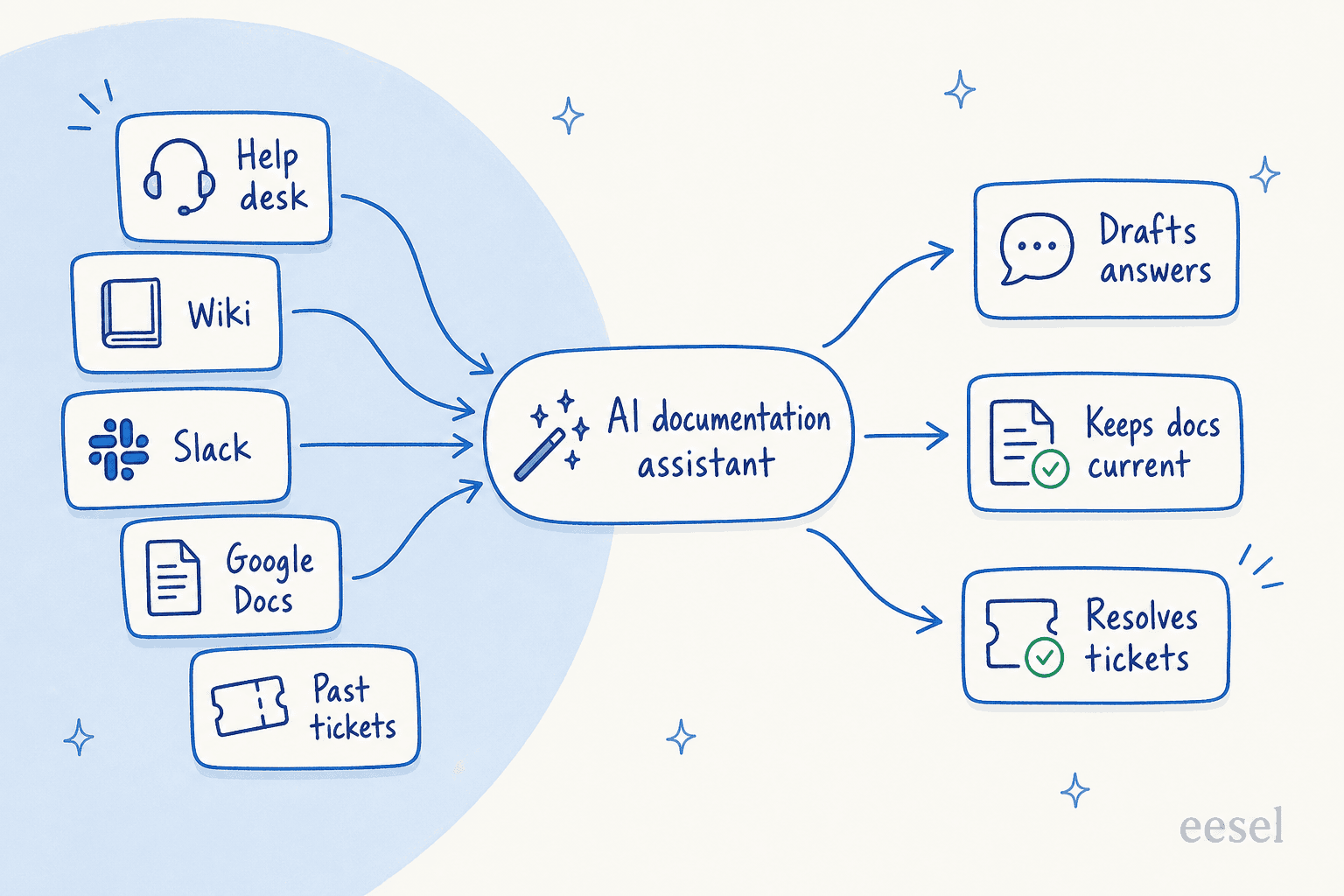
It can do things like draft articles from a simple prompt, summarize long documents, translate content, or even generate step-by-step guides from a screen recording. The really good ones go a step further by connecting to the apps you already use, learning from your existing data, and keeping everything up-to-date automatically. The goal is pretty straightforward: do less manual work, keep information accurate, and help your team and customers find answers fast.
How we picked the best AI documentation assistant
To cut through the marketing noise, I judged each tool against a few practical questions. This isn't about ticking off feature boxes; it's about how these tools actually feel to use in a real work environment.
-
Quick setup: How fast can you get it working? I looked for tools that you could set up in minutes, not months, without having to sit through a lengthy sales call just to get started.
-
Plays well with others: Does it connect to the tools you already use? The best assistants plug into your help desks, wikis, and chat apps without forcing you to change how you work.
-
Actually useful answers: Does the AI give you specific, helpful answers, or just generic nonsense? The aim is to get context-aware information from a real AI agent that understands your business.
-
You're in control: Can you tweak it to fit your needs? I prioritized tools that let you define the AI's tone, control its knowledge sources, and customize what it does.
-
Clear pricing: Are the costs easy to understand? Nobody likes surprise fees, so I looked for straightforward pricing without hidden charges.
Finding the best AI documentation assistant in 2026: A quick comparison
For those who just want the highlights, here’s a quick rundown of the tools I tested. I added a free-tier column because, in 2026, that's often the real difference between "try it this afternoon" and "book a sales call."
| Tool | Best For | Key Integrations | Free Tier | Starting Price | G2 Rating |
|---|---|---|---|---|---|
| eesel AI | Customer service, ITSM & internal knowledge | Zendesk, Slack, Confluence, Google Docs | $50 free usage | Usage-based, from $0.40/ticket | 4.8/5 |
| Mintlify | Developer docs & API references | GitHub, OpenAPI, Vercel | Free Starter plan | Enterprise (custom) | 4.9/5 |
| Notion AI | All-in-one team wikis & project docs | Slack, Jira, GitHub | Free plan (AI trial) | $10/user/mo (Plus) | 4.7/5 |
| Scribe | Step-by-step process guides | Chrome, Edge, Confluence | Free plan | $25/user/mo (Pro) | 4.8/5 |
| GitBook | Technical documentation & courseware | GitHub, GitLab, Slack | Free plan | $65/site/mo + $12/user | 4.6/5 |
| Swimm AI | Keeping code documentation in sync | GitHub, GitLab, VS Code, JetBrains | POC / demo only | Usage-based (custom quote) | 4.7/5 |
| Document360 | Enterprise knowledge bases | Zendesk, Slack, MS Teams | 14-day trial | Available on request | 4.7/5 |
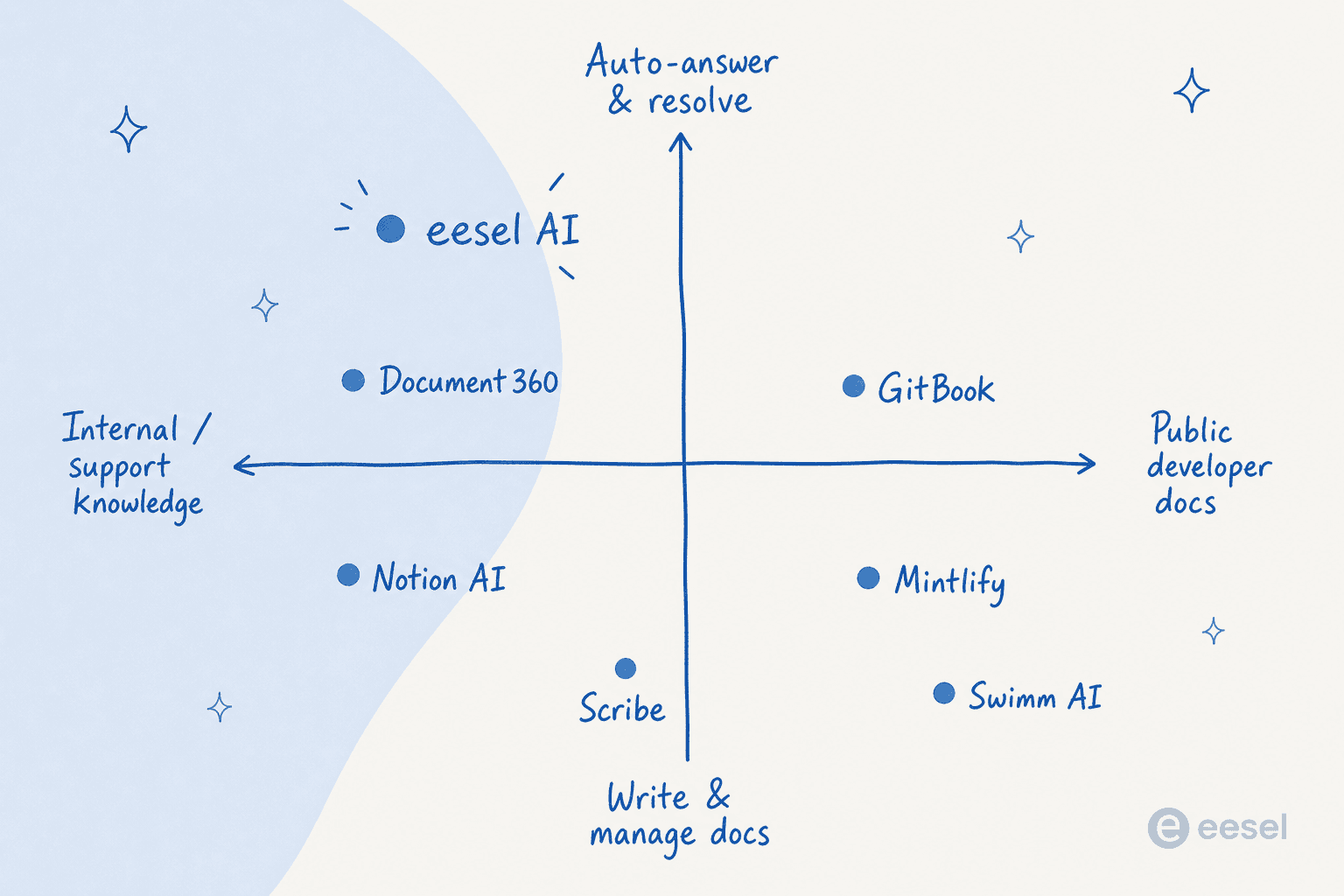
A deep dive into the 7 tools
Alright, let's get into the nitty-gritty. Here’s a closer look at each tool, what it’s good at, where it misses the mark, and what it’ll cost you.
1. eesel AI
eesel AI is built to automate documentation and workflows for customer service, IT, and internal support teams. It plugs straight into your help desk (like Zendesk or Freshdesk), chat tools (like Slack), and all your other scattered knowledge sources to create one central brain that can answer questions, draft replies, and even resolve tickets on its own.

Why it's on the list: While a lot of tools are either generic or built for developers, eesel AI is designed for the messy reality of a support team. What really stood out to me was its incredibly simple, self-serve setup. You can connect it to your tools and have it learning from your team's past support tickets in a matter of minutes. There are no mandatory demos or sales calls just to try it. It also has a powerful simulation mode that lets you test its performance on your old tickets, so you know exactly what your resolution rate will be before you turn it on. That last part matters more than it sounds: I've watched confident-sounding bots quietly give wrong answers, which is precisely why we simulate every rollout against historical tickets first.

Pros:
-
Learns from past tickets: It digs through your historical conversations to understand your business and brand voice from day one, so the answers it gives are genuinely helpful.
-
Powerful simulations: You can test the AI on thousands of your past tickets to see how it would have responded, which gives you a ton of confidence before going live.
-
Connects to everything: It links up with help desks, wikis like Confluence and Google Docs, and chat tools to build one AI knowledge base from your scattered docs.
-
Lots of customization: You get a ton of control. You can define the AI's personality, decide which tickets it should handle, and even create custom actions to do things like look up order info in Shopify or escalate a ticket to a specific person.
Cons:
-
It’s not really built for creating public, long-form developer docs like API references. It shines with internal, operational knowledge.
-
The deepest features, like training on past tickets and custom API actions, need a paid plan once your free usage runs out.
Pricing: eesel moved to fully usage-based pricing in 2026, so there are no per-seat fees and no platform fee.
-
Free trial: $50 of free usage (plus 2 free blog generations), every feature unlocked, no credit card needed.
-
Pay-as-you-go: From $0.40 per ticket or chat the AI handles — you're never charged per reply or per seat. 1,000 tickets a month works out to about $400, and a gradual rollout means you only pay for the tickets you actually route to the AI.
-
Annual commit & Enterprise: Commit to at least $300/month for the year to save 25%, or take the $1,000/month Enterprise plan for SSO, HIPAA, a dedicated solutions engineer, and higher limits.
2. Mintlify
Mintlify is an AI-native platform for creating good-looking, interactive, and smart developer documentation. Its entire reason for being is to make API references and technical guides easy to build and actually enjoyable for developers to use.
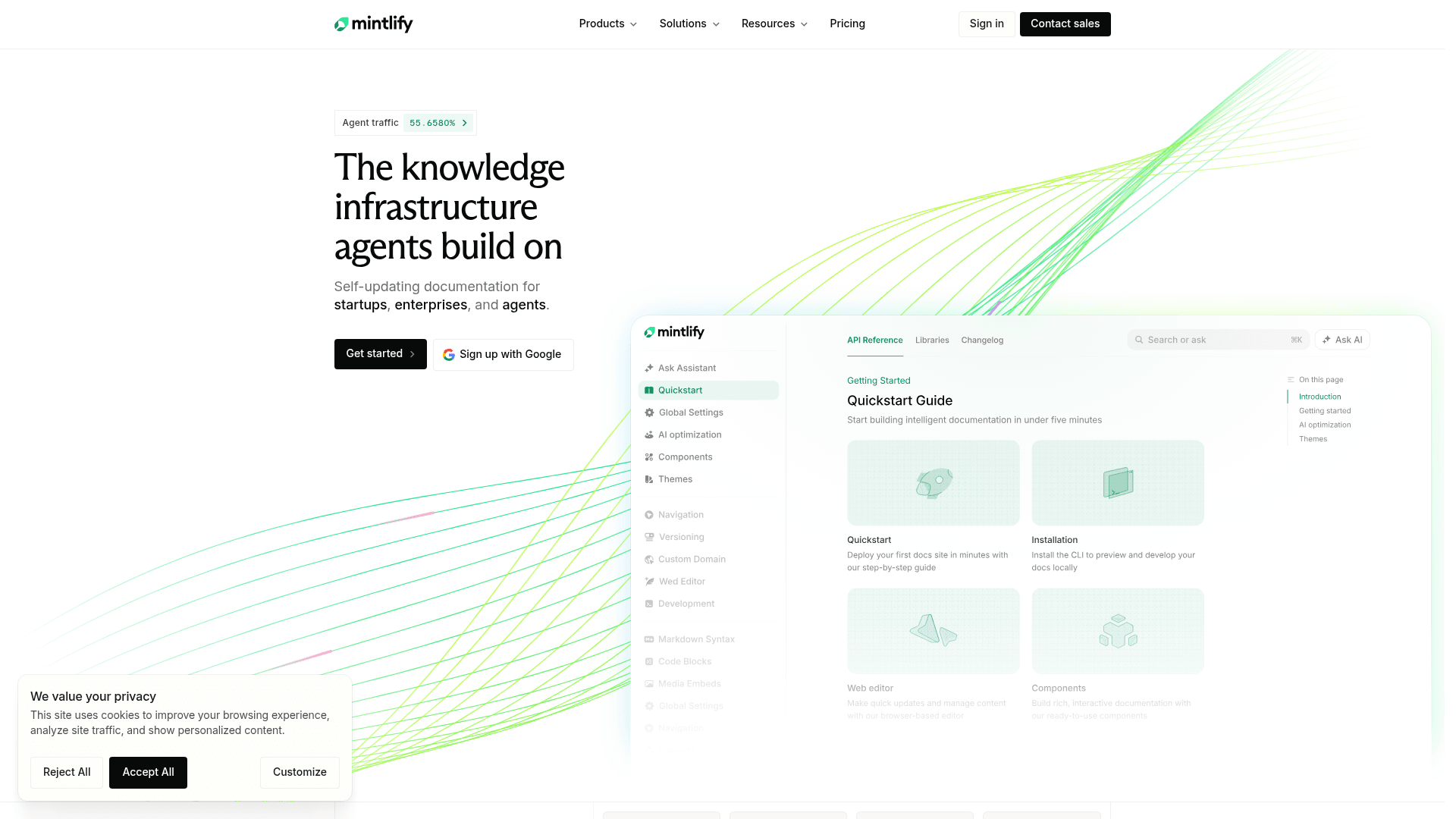
Why it's on the list: Mintlify has become a go-to choice for modern developer portals. The design is clean and professional right out of the box, and its AI features are built from the ground up to help write and maintain technical content. If your audience is developers, this is a very strong contender.
Pros:
-
Beautiful, responsive design that looks great with minimal effort.
-
AI-powered writing and maintenance helps keep technical docs from getting stale.
-
Great for API documentation, with features like interactive code examples.
Cons:
-
It's very specialized. It’s built for developer-facing docs and isn't a great fit for internal team wikis or customer support knowledge bases.
-
For simple projects, its features can feel like more than you need.
Pricing: Mintlify simplified its plans in 2026, dropping the old paid Pro tier.
-
Starter: Free. Includes the full platform, a custom domain, the AI assistant, workflows, and 5,000 credits to start.
-
Enterprise: Custom pricing for role-based permissions, SSO, agent analytics, and security/legal reviews.
3. Notion AI
Notion is that flexible, all-in-one workspace that teams use for pretty much everything, from notes and tasks to complete company wikis. Notion AI is baked right into the platform, letting you summarize meeting notes, draft project plans, and organize content without leaving your page.
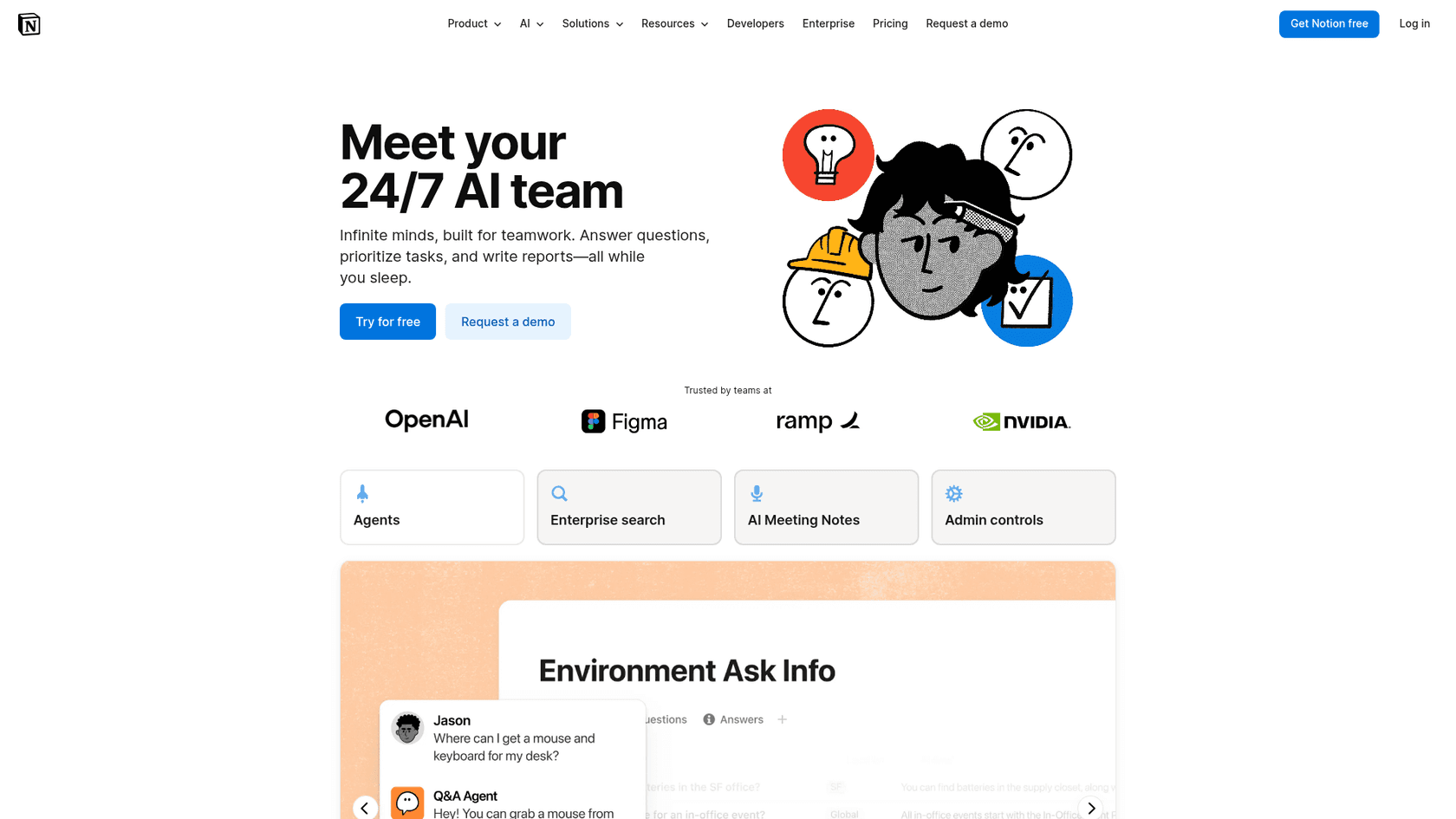
Why it's on the list: For the millions of teams already working in Notion, adding its AI features is a no-brainer. It's incredibly versatile for creating and managing all kinds of internal docs and makes teamwork feel much smoother.
Pros:
-
Perfectly blended into the Notion workspace you already know.
-
Highly flexible for a wide range of documents, like wikis, project specs, and meeting notes.
-
Easy and intuitive to use. If you know how to use Notion, you're all set.
Cons:
-
Its knowledge is trapped inside Notion. It can't learn from other sources like your help desk or Slack without you building custom integrations.
-
It’s not designed for automated support tasks like ticket sorting or providing auto-replies.
-
It doesn't have the direct, one-click connections to support tools that other platforms offer.
Pricing: As of 2026, Notion AI is bundled into the paid plans rather than sold as a separate add-on.
-
Free: $0. Includes a limited trial of Notion AI features.
-
Plus: $10 per user/month. Adds custom sites, unlimited blocks, and basic connections.
-
Business: $20 per user/month. Unlocks the full Notion AI suite, including the Notion Agent and enterprise search across connected apps.
-
Enterprise: Custom pricing, with zero data retention and advanced security controls.
4. Scribe
Scribe does one thing, and it does it exceptionally well. It automatically creates how-to guides by recording your screen as you work. It captures every click and keystroke, then instantly turns it all into a step-by-step guide with annotated screenshots and written instructions.
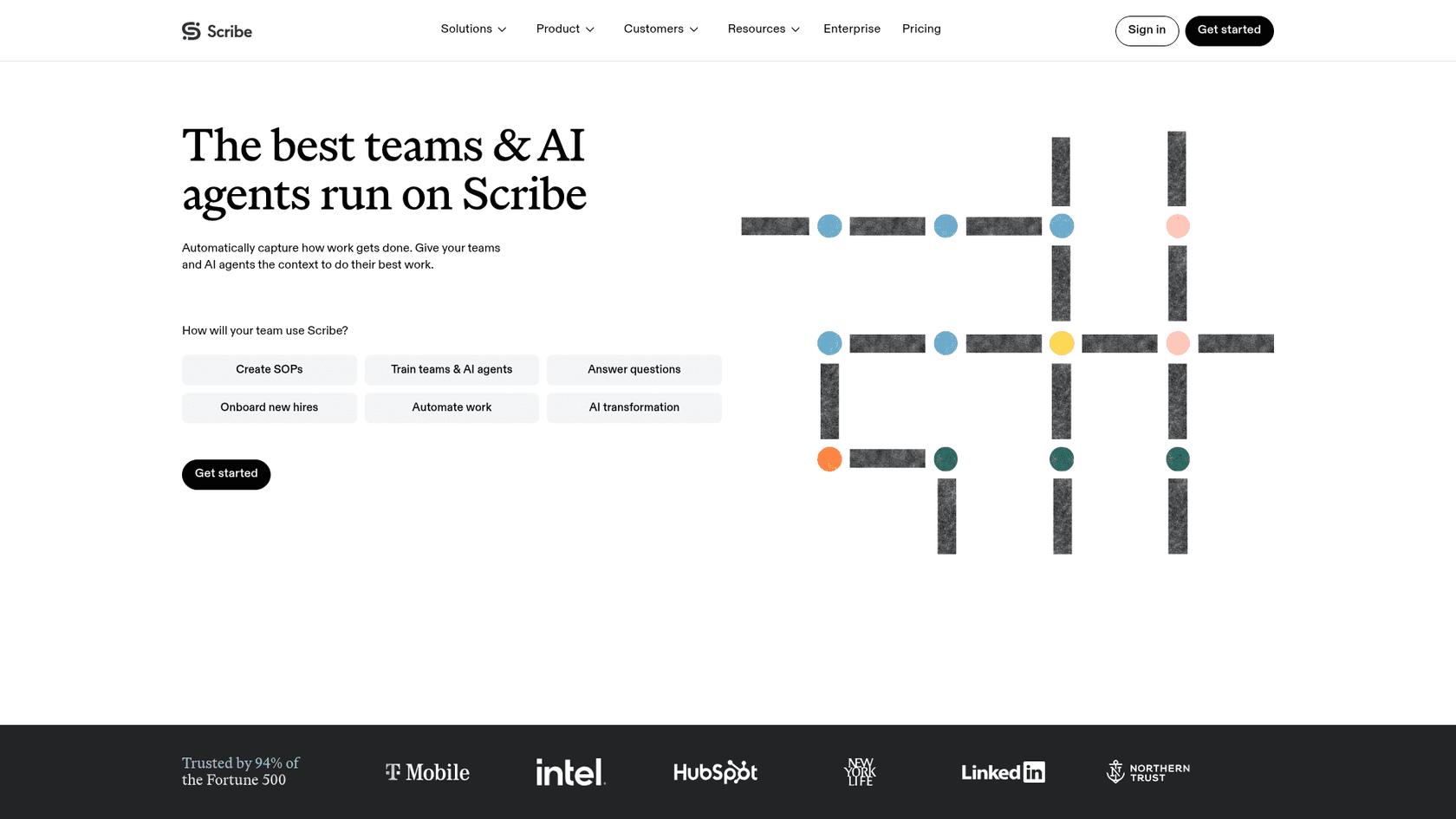
Why it's on the list: It solves a very specific and annoying documentation problem: showing someone how to do something. For creating training materials, standard operating procedures (SOPs), or customer tutorials, it's shockingly fast.
Pros:
-
The absolute fastest way to create visual, step-by-step guides.
-
Perfect for process documentation, employee onboarding, and customer training.
-
Guides can be easily shared with a link or dropped into other knowledge bases.
Cons:
-
It’s a one-trick pony, not meant for general documentation or answering questions.
-
The AI is focused on capturing a process, not on understanding and responding to questions.
Pricing:
-
Basic: Free. Lets you create guides for web apps.
-
Pro Personal: From $25/user/month billed annually ($35 monthly). Adds desktop capture, custom branding, and screenshot editing.
-
Pro Team: From $13/user/month billed annually, for teams that want shared workspaces and branding.
-
Enterprise: Custom pricing for advanced features like auto-redaction and SSO.
5. GitBook
GitBook helps teams create and manage public documentation, from technical guides to knowledge bases and online courses. Its AI features can answer user questions, search for information in your docs, and generate summaries to help readers find what they need more quickly.
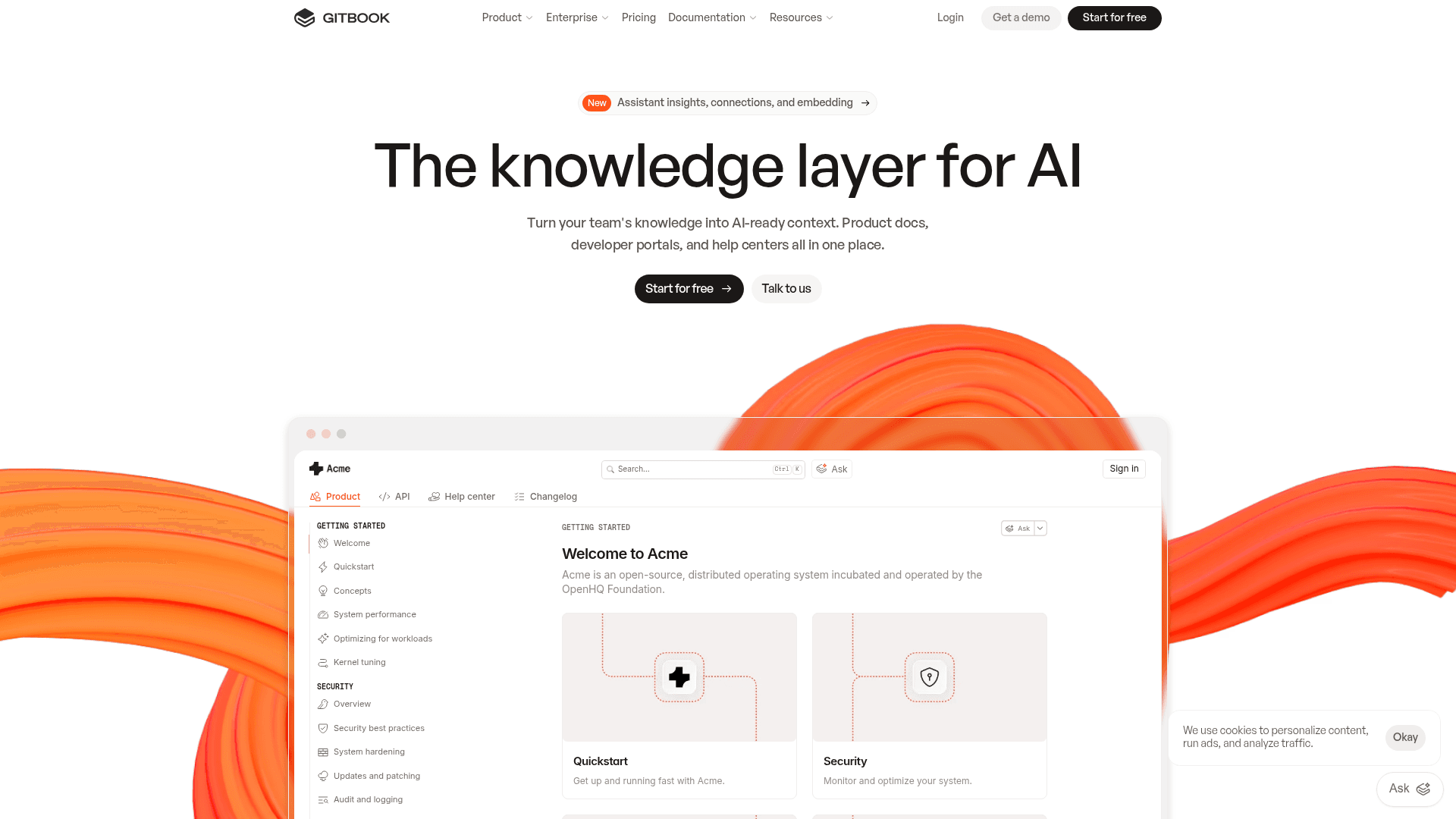
Why it's on the list: GitBook has a solid reputation in the technical writing world for a good reason. It’s a reliable, collaborative platform for creating structured documentation, with a tight Git integration that developers really like. The AI features add a helpful layer of intelligence that makes the reader's experience better.
Pros:
-
Excellent collaboration features, including Git Sync with GitHub and GitLab.
-
AI-powered search helps users get answers without having to read through pages of text.
-
Flexible enough for both internal team docs and external-facing knowledge bases.
Cons:
-
The user interface can feel a bit behind the times compared to newer tools like Mintlify.
-
Its AI is mainly focused on search and summarization, not on creating content or automating workflows.
Pricing:
-
Free: For personal projects and open-source teams.
-
Premium: Starts at $65/site/month + $12/user/month (annually). Includes a custom domain and AI-powered answers.
-
Ultimate: Starts at $249/site/month + $12/user/month (annually). Adds features like authenticated access and an AI Assistant.
6. Swimm AI
Swimm is a documentation platform built to solve the age-old problem of stale docs in software development. It connects directly to your code repository and uses AI to make sure your documentation automatically updates whenever the code it's describing changes. In 2026 it leans heavily into mainframe and legacy-code modernization, helping teams understand and document sprawling COBOL and microservice codebases.
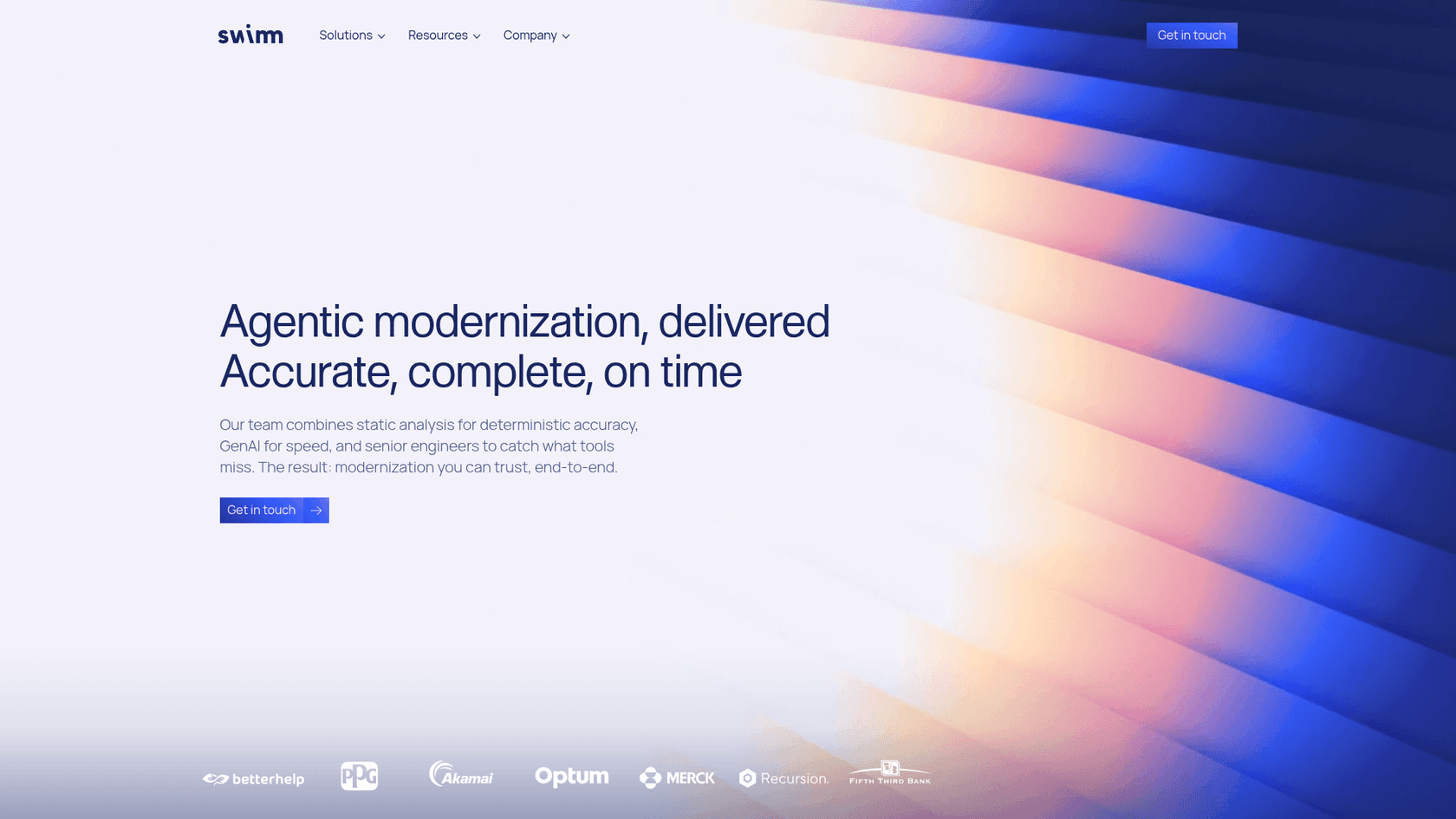
Why it's on the list: It tackles a huge pain point for engineering teams. By tying documentation directly to the code, Swimm makes docs a reliable part of the development process, not just an afterthought that’s always out of date.
Pros:
-
Automatically flags when documentation is out-of-date and helps you fix it.
-
Fits right into the developer's workflow through IDE plugins and CI/CD checks.
-
The "Auto-sync" feature is fantastic for keeping docs and code aligned.
Cons:
-
It's only for code-related documentation. Don't try to use it for your company handbook.
-
The pricing is usage-based on lines of code, which can be hard to predict. You have to talk to their sales team for a quote, making it tough to budget.
Pricing:
- Swimm uses usage-based pricing based on the number of lines of code you want it to analyze. There's no public self-serve free tier anymore — you book a demo or a proof-of-concept to get a custom quote.
7. Document360
Document360 is a heavy-duty platform for building and managing large, formal knowledge bases. Its AI assistant, "Eddy," helps with writing articles, improving existing content, and powering a pretty sophisticated search experience for users.
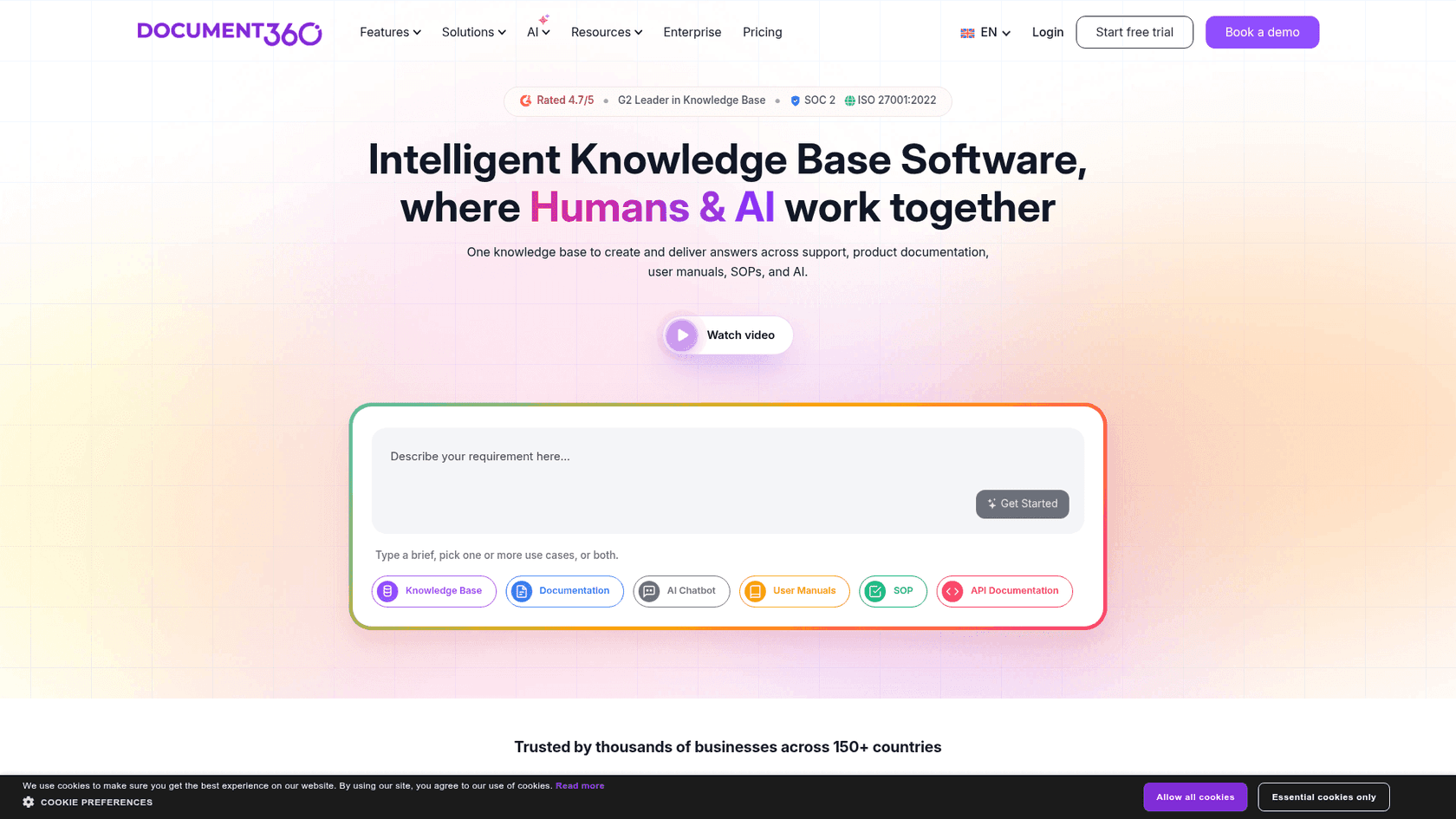
Why it's on the list: For larger companies that need a powerful, scalable solution for their official knowledge base, Document360 is a top choice. It offers robust features for versioning, analytics, and content management that smaller tools just don't have.
Pros:
-
Powerful features for managing huge amounts of documentation, including version control and approval workflows.
-
Advanced analytics to see how your documentation is actually being used.
-
AI features help with both writing new content and helping users find it.
Cons:
-
The platform can be complex and expensive, making it overkill for smaller teams.
-
It's less focused on learning from unstructured places like support tickets or chat messages.
Pricing:
- Document360 no longer lists public prices. All three tiers — Professional, Business, and Enterprise — are quote-based, with a 14-day free trial to start. The AI chatbot ("Eddy") is an add-on on the Business and Enterprise plans.
How to choose the best AI documentation assistant for your team
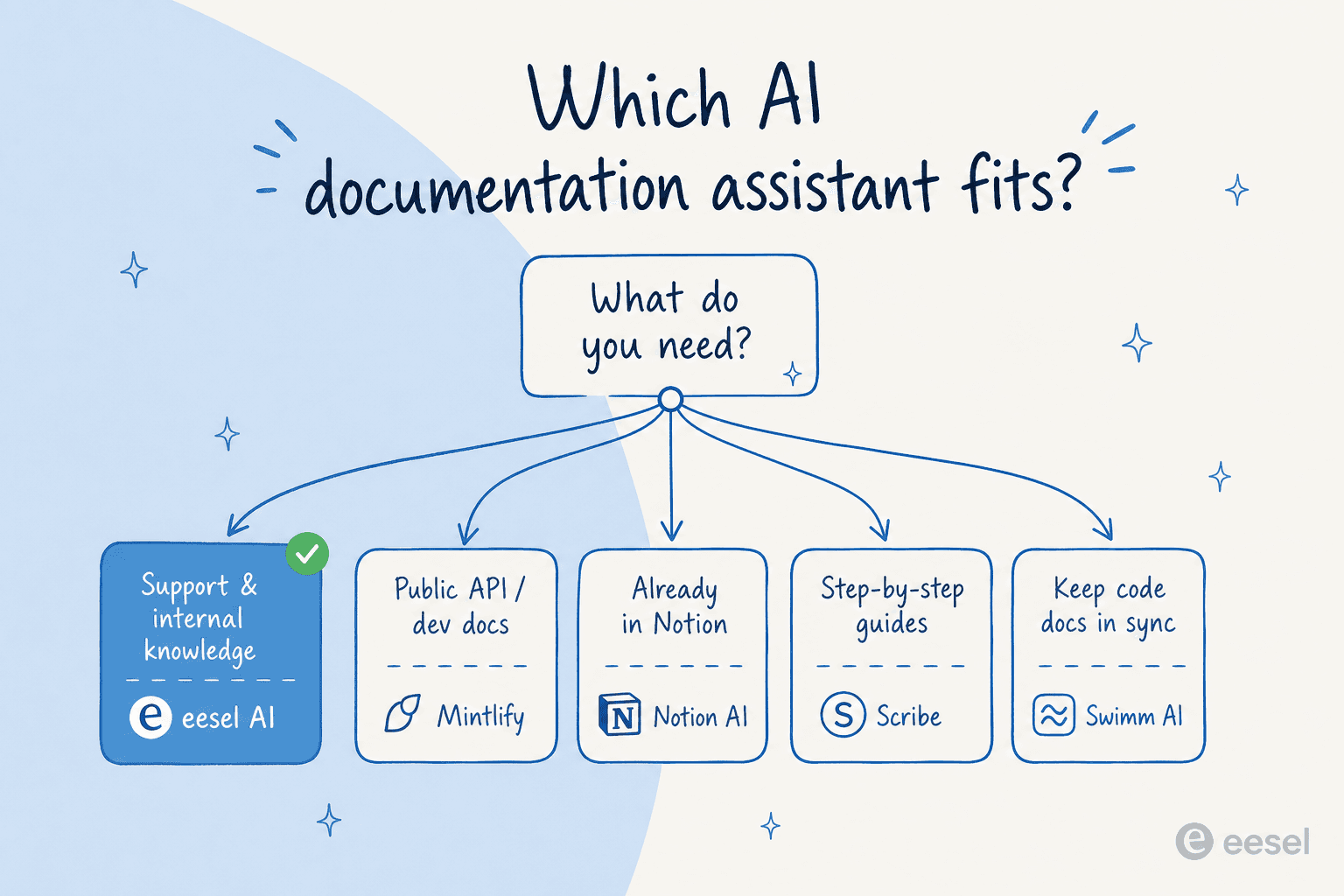
The "best" tool is simply the one that fits what you actually do. Trying to use a developer tool for customer support (or vice versa) is just going to lead to headaches. Here’s a simple way to think about it:
-
If your world revolves around customer support or internal knowledge, and your info is spread across help desks, wikis, and chat tools, eesel AI is your best bet. It's built specifically to pull all that scattered knowledge together and make it useful.
-
If you're building a public developer portal or API reference, you really can't go wrong with Mintlify. Its design and developer-first features are top-notch.
-
If your team already lives and breathes Notion, just stick with Notion AI. It's a smooth and powerful upgrade to a tool you already rely on.
-
If you mostly need to create visual, step-by-step training guides, Scribe is in a class of its own. It will save you a ridiculous amount of time.
-
If your biggest problem is keeping code documentation perfectly aligned with your code, then Swimm AI is the only tool that really nails this.
-
If you need a formal, large-scale knowledge base with versioning and approval workflows, Document360 and GitBook are the heavy hitters.
Finding the best AI documentation assistant for your team
AI documentation assistants aren't just a futuristic idea anymore. They're becoming a must-have for any team that wants to manage knowledge well. Whether you're supporting customers, onboarding new hires, or helping developers use your product, the right tool can save you hundreds of hours of mind-numbing work.
The trick is to pick the tool that's built for your specific job. For teams trying to turn their scattered support and internal knowledge into an intelligent, automated system, one option clearly stands out.

If your "documentation problem" is really a support problem — agents digging through Notion, Google Docs, and the help center to answer the same tickets — that's exactly what eesel AI was built for. One customer put it plainly: "We don't have to look through all our documentation on Notion, Google Docs or our help center anymore because eesel AI does it for us." Another team reported up to 80% time savings finding answers. It learns from your past tickets, lets you simulate the rollout before going live, and bills per ticket instead of per seat — so the cost tracks the value.
Instead of just writing docs that sit on a shelf, it’s time to put your knowledge to work. Try eesel free, no sales call, and see how quickly you can turn your scattered docs into answers.
Frequently asked questions

Share this article