What is Glean? Enterprise AI search explained (2026)


Last edited October 13, 2025

Let's be honest, finding information at work can be a nightmare. We've all been there, digging through old Slack threads, searching shared drives, and jumping between Jira tickets just to find one simple answer. It feels like half the job is just looking for things.
This is the exact problem Glean is trying to fix. As one of the bigger names in AI for businesses, it’s built to cut through the clutter of enterprise-wide knowledge. But what does it actually do, and is it the right tool for your team?
In this post, we’ll walk you through Glean’s main products, how it all works, what we know about its pricing, and how it compares to other AI tools on the market.
What is Glean?
At its heart, Glean is an AI-powered work assistant that connects to all of your company’s apps to understand your internal knowledge. The idea is to create a single, smart search bar that sits on top of everything. Instead of logging into five different systems to find out the status of a project, you can just ask Glean. It’s designed for everyone in the company, from sales and support to HR and engineering.
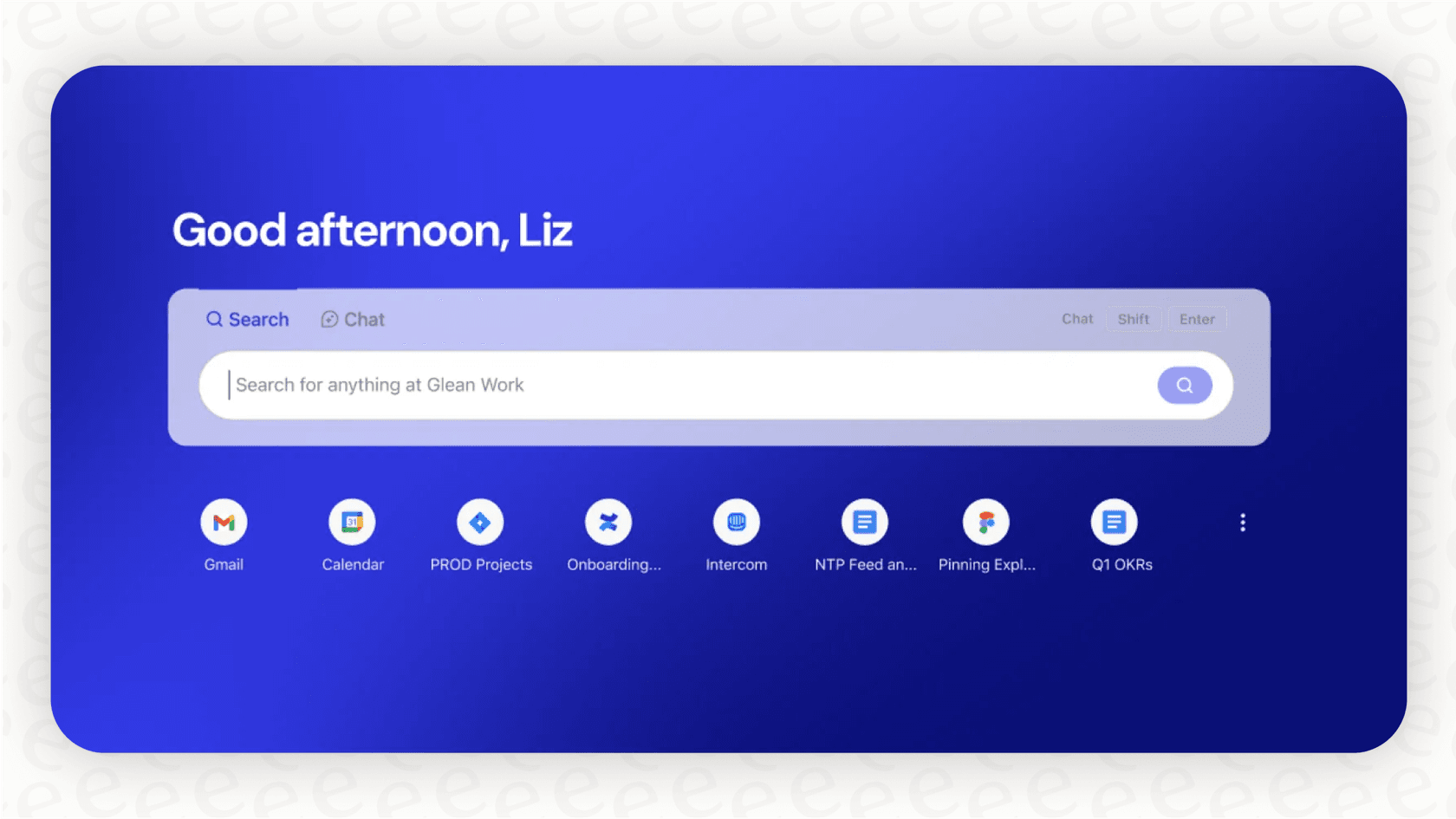
A quick heads-up on the name: the platform we're talking about is "glean.com". You might run into "glean.ai" (a finance automation tool) or "glean.software" (a code analysis tool) in your searches. This article is all about the enterprise AI assistant from "glean.com".
Exploring Glean's core products
Glean’s platform is built to help you find information, get assistance with tasks, and automate workflows, all while keeping your data secure. Here’s a look at how its products try to deliver on that.
Glean search
This is the bedrock of the platform. Glean’s main draw is its powerful, unified search that indexes information across all your company's applications. You can use it to pull up documents, project updates, team conversations, support tickets, and even find colleagues who are experts on a certain topic.
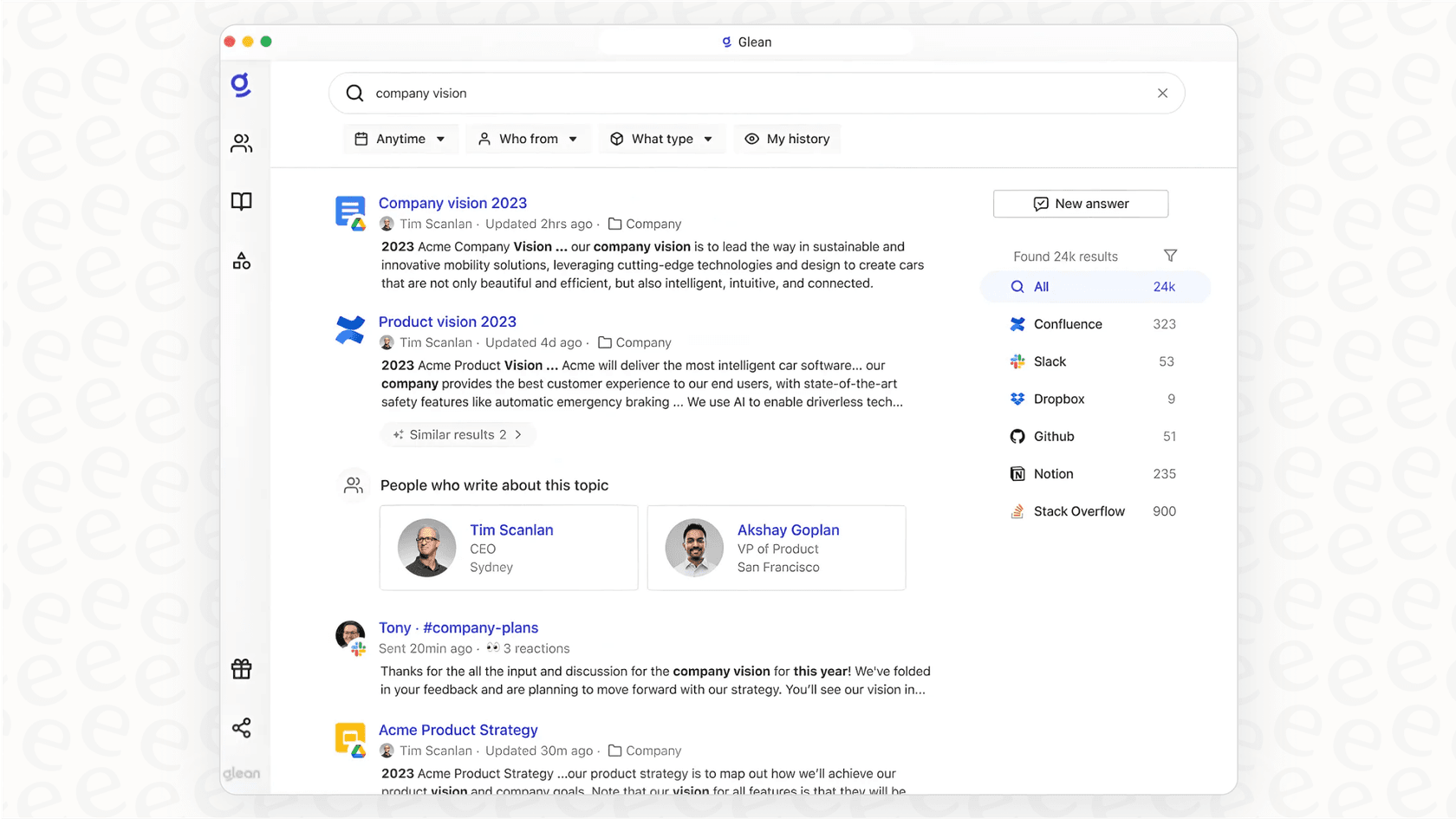
One of the most important things to know is that Glean Search respects all your existing data permissions. If you aren't supposed to see a confidential HR document in its original location, you won't see it in Glean's search results either. For any business, that's a must-have.
Glean assistant and agents
While search is about finding information you already have, the assistant and agent features are about creating something new or getting work done. This is where Glean goes from being a search engine to an active helper.
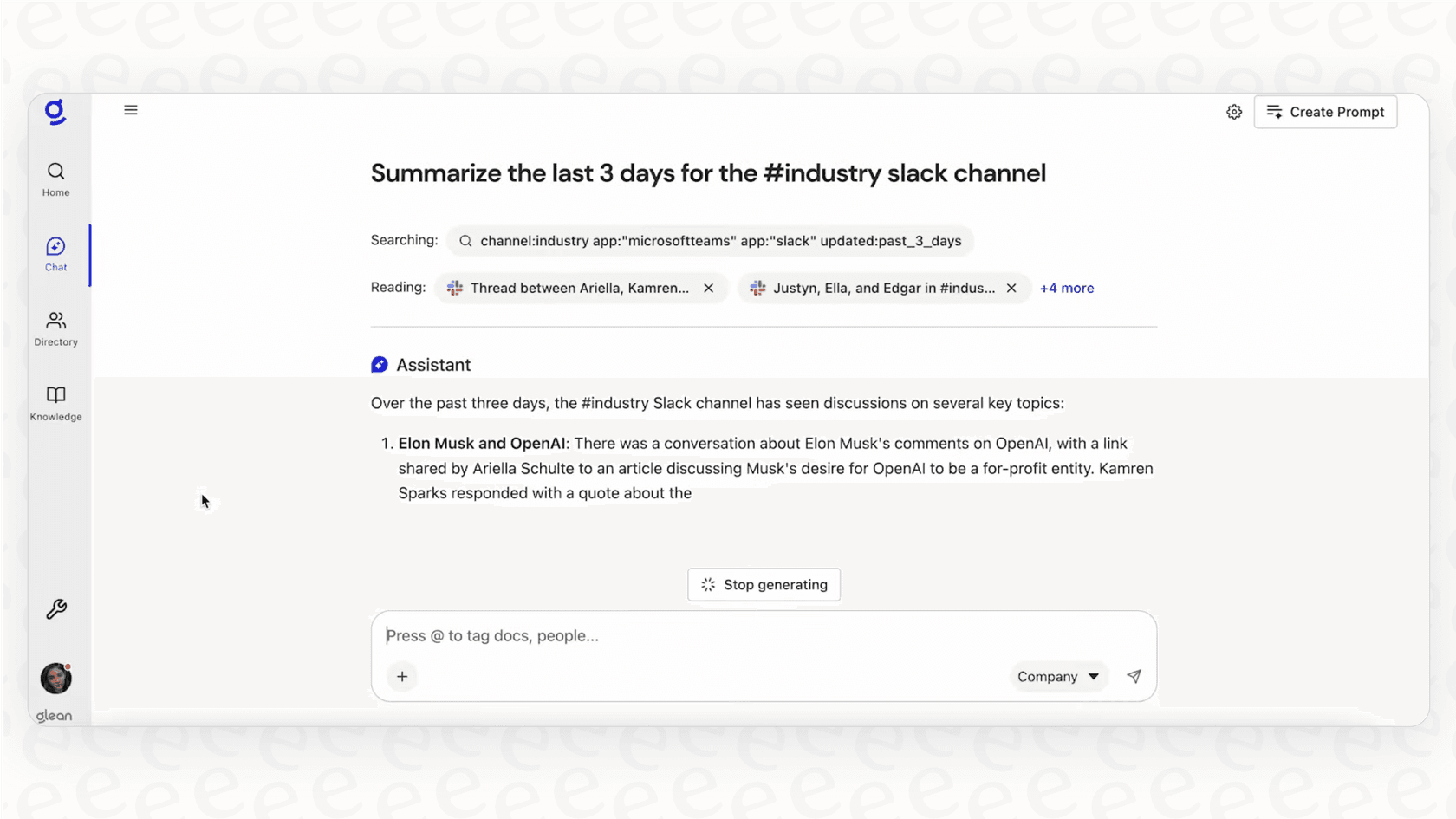
The Glean Assistant works like a personal AI partner. It can help with tasks like summarizing long documents or meeting notes, pulling insights from data, or even drafting new content based on what it knows from your internal documents. The Glean Agents take it a step further by handling multi-step workflows. You could set up an agent to automate parts of the new-hire onboarding process or manage routine compliance checks.
Glean protect
Letting an AI tool access company-wide data can make any IT leader nervous. Glean Protect is the company’s answer to this concern. It’s the governance and security layer that makes sure the AI is used safely. This includes enforcing data permissions in real-time, keeping logs of AI activity for audits, and giving admins control over how data is accessed.
Glean's integrations
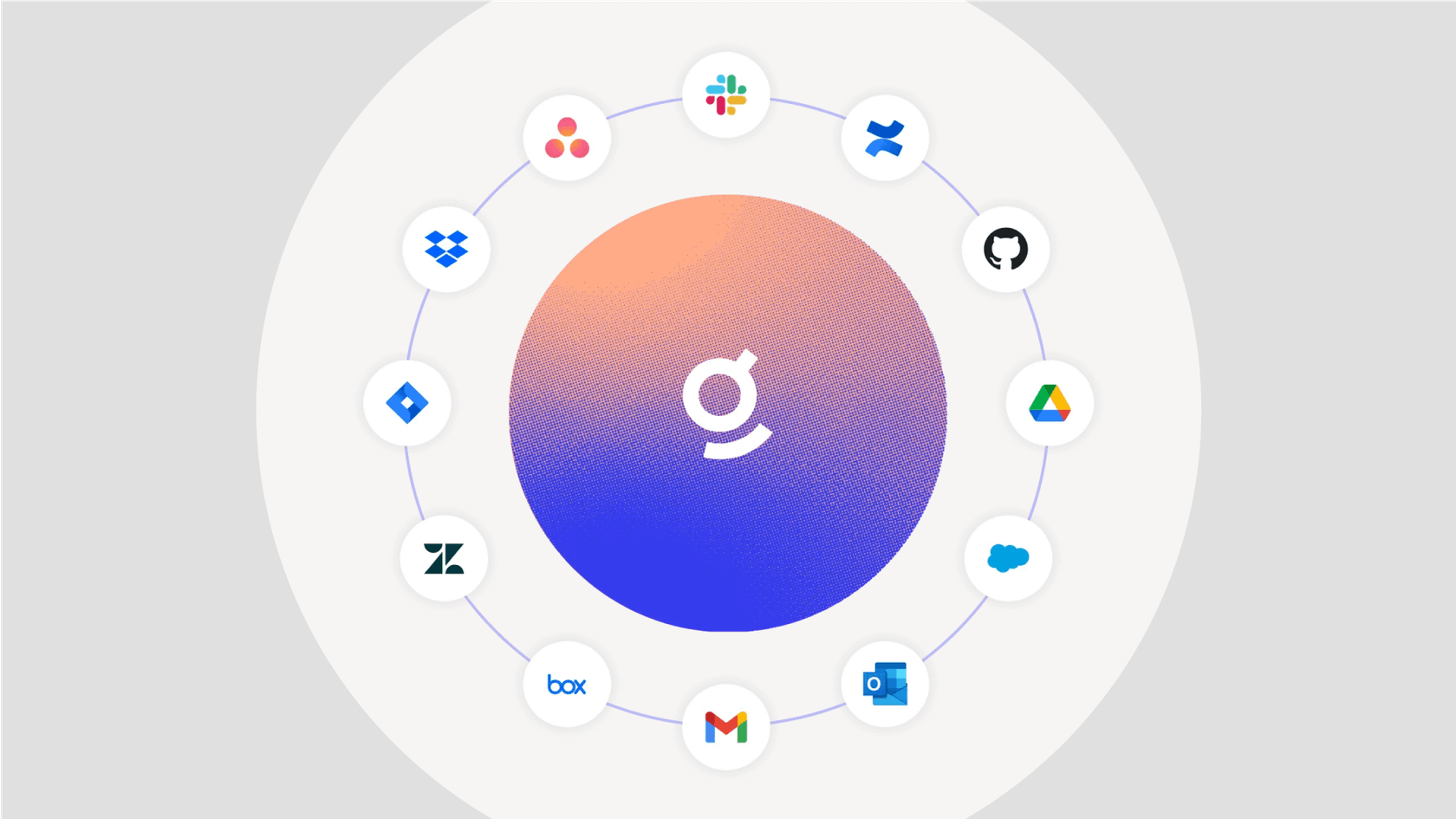
An AI assistant is only as useful as the tools it can connect to. Glean has over 100 connectors for common workplace apps, which is pretty crucial for its promise of unifying all your company knowledge.
Some of the big ones include:
-
Productivity Suites: Google Workspace and Microsoft 365.
-
Communication: Slack and Microsoft Teams.
-
CRM & Support: Salesforce and Zendesk.
-
Project Management: Jira and Asana.
-
Knowledge Bases: Confluence and Notion.
Glean says its implementation can be done in just a few weeks, which sounds pretty fast for a platform of this scale. It's worth remembering, though, that this still requires a guided, sales-led setup process, which isn’t the right fit for every team.
Glean's pricing and potential limitations
This is where things get a little fuzzy for anyone trying to evaluate the tool. You need to know what it costs and where it might not be the best fit.
The pricing model
Glean doesn’t publish its prices online. To get a quote, you have to contact their sales team and go through a demo process.
This is pretty standard for enterprise software aimed at large companies, where pricing often depends on user count, specific integrations, and support needs. But it’s a big hurdle for smaller teams or individual departments that just want to try something out. If you can't see the price, it’s hard to know if it’s even in your budget without getting into a full-blown sales cycle.
Key limitations to consider
-
A tool for everyone can be a master of none. Glean’s biggest strength, its horizontal approach, can also be a weakness. A tool designed to do a little bit of everything for everyone might not have the deep, specialized features that a purpose-built tool offers. For example, its customer support capabilities might not be as fine-tuned as a dedicated AI support platform.
-
Onboarding friction. Because there’s no self-serve option, you can't just sign up and start exploring. This can be a real drag for agile teams that want to test a tool and see if it works for them without having to schedule multiple calls.
-
It’s probably not cheap. Enterprise platforms that hide their pricing are usually a serious financial commitment. This could easily put Glean out of reach for teams with smaller budgets or those who need to solve one specific problem with a clear return on investment.
eesel AI: A fast, focused Glean alternative for support and internal teams
If your goal is to solve knowledge and automation challenges for your customer service, IT, or internal support teams, a more specialized tool might make more sense. eesel AI is a great alternative for teams that need an AI solution that’s quick, transparent, and built for the job.
It’s designed to automate support workflows without forcing you to ditch your current helpdesk or sign up for a massive, company-wide project.
| Feature | Glean | eesel AI |
|---|---|---|
| Primary Use Case | Enterprise-wide search & automation | Customer service, ITSM & internal support |
| Setup Time | Weeks (requires sales demo) | Minutes (fully self-serve) |
| Pricing | Custom quote only | Transparent monthly/annual plans |
| Simulation | Not advertised | Yes, test on historical tickets before launch |
| Integrations | 100+ general apps | 100+ apps focused on support & knowledge |
Go live in minutes, not months
eesel AI was built to be completely self-serve. You can sign up, connect your helpdesk like Zendesk or Freshdesk, point the AI to your knowledge sources, and have a working agent ready in minutes. No mandatory sales calls needed.
Test with confidence and total control
One of eesel AI's best features is its simulation mode. Before the AI agent ever talks to a live customer, you can test it on thousands of your past tickets. This shows you exactly how it would have performed, so you can tweak its behavior in a safe environment. You also get detailed control to automate only certain types of tickets and customize exactly what actions your AI can take.
Transparent and predictable pricing
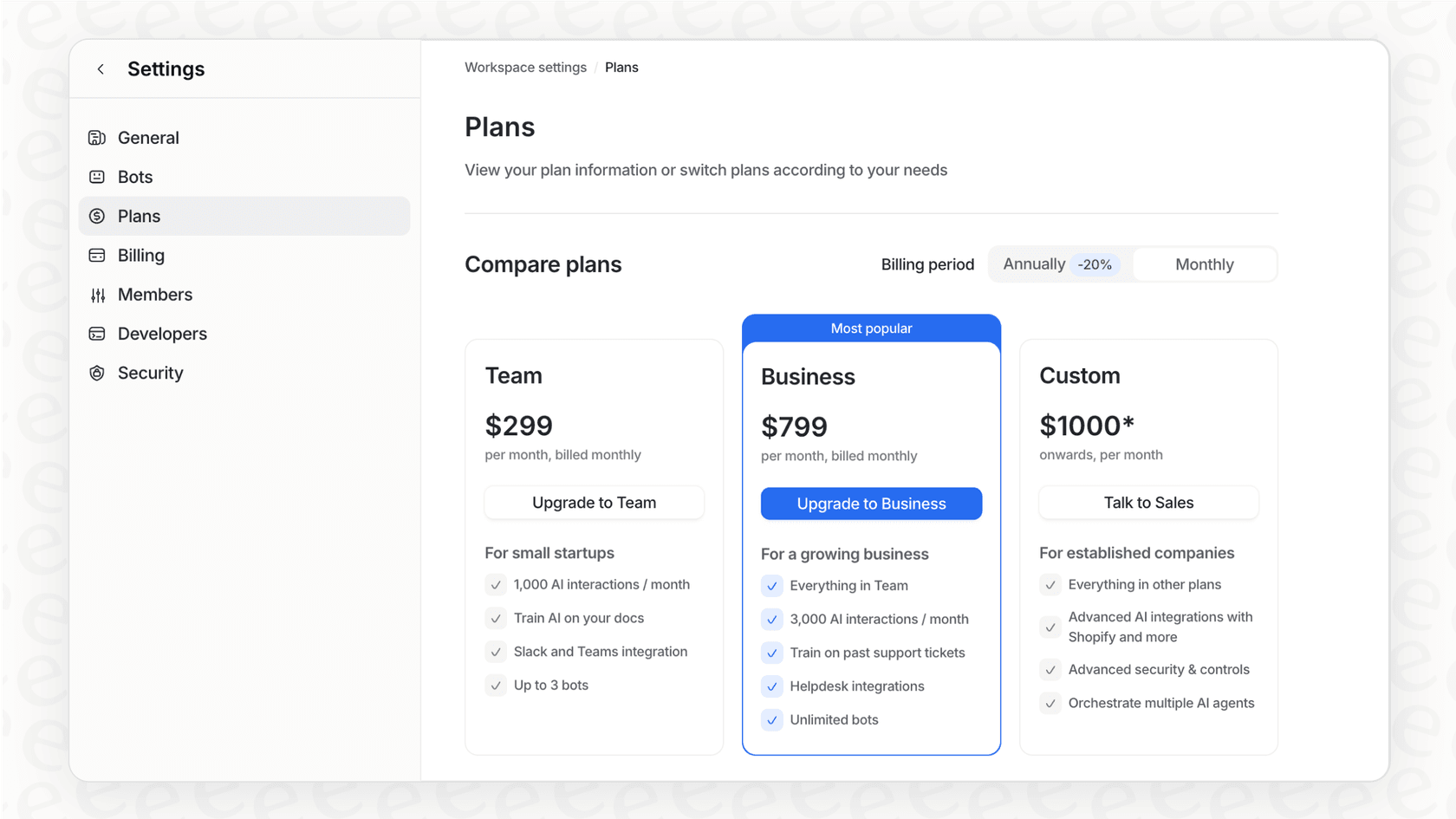
Unlike Glean, eesel AI has clear, public pricing plans. The plans are based on usage, so you don't have to worry about weird per-resolution fees that punish you for successfully automating more. With flexible month-to-month options, you can get started without being locked into a big annual contract.
Is Glean the right choice for you?
Glean is a powerful and secure AI platform. It’s a solid option for large companies ready to invest heavily in a company-wide knowledge management and automation solution. If your goal is a big transformation project led by a central IT team, Glean is definitely worth a look.
For a lot of teams, though, that approach is too slow, too expensive, and too broad. The lengthy sales process, hidden pricing, and lack of specialized focus can be real dealbreakers.
If you’re on a support, IT, or internal ops team and need to solve problems now, want full control, and need a tool that just works with your existing setup, eesel AI is built for you.
Ready for an AI solution that works the way you do? Set up your first eesel AI agent in minutes and see how quickly you can start automating support.
Frequently asked questions

Share this article

Article by
Kenneth Pangan
Writer and marketer for over ten years, Kenneth Pangan splits his time between history, politics, and art with plenty of interruptions from his dogs demanding attention.