
普罗米修斯 MCP
概念验证 Prometheus MCP 服务器。
先决条件
安装uv : https ://docs.astral.sh/uv/getting-started/installation/
使用uv ,您还可以安装 python。
Related MCP server: Port MCP Server
如何运行
克隆这个 repo。
更新 .env 文件
uv add "mcp[cli]" pillow google-auth matplotlib requests python-dotenv与克劳德整合
您可以使用
uv --directory "/directory/to/prometheus-mcp" run server.py因此您可以将此 MCP 服务器添加到您的 Claude MCP 服务器配置中
{
 "mcpServers": {
 "Prometheus MCP": {
 "command": "/path/to/uv",
 "args": [
 "--directory",
 "/directory/to/prometheus-mcp",
 "run",
 "server.py"
 ]
 }
 }
}
有关 Claude 具体说明的更多详细信息,请参阅MCP 快速入门。
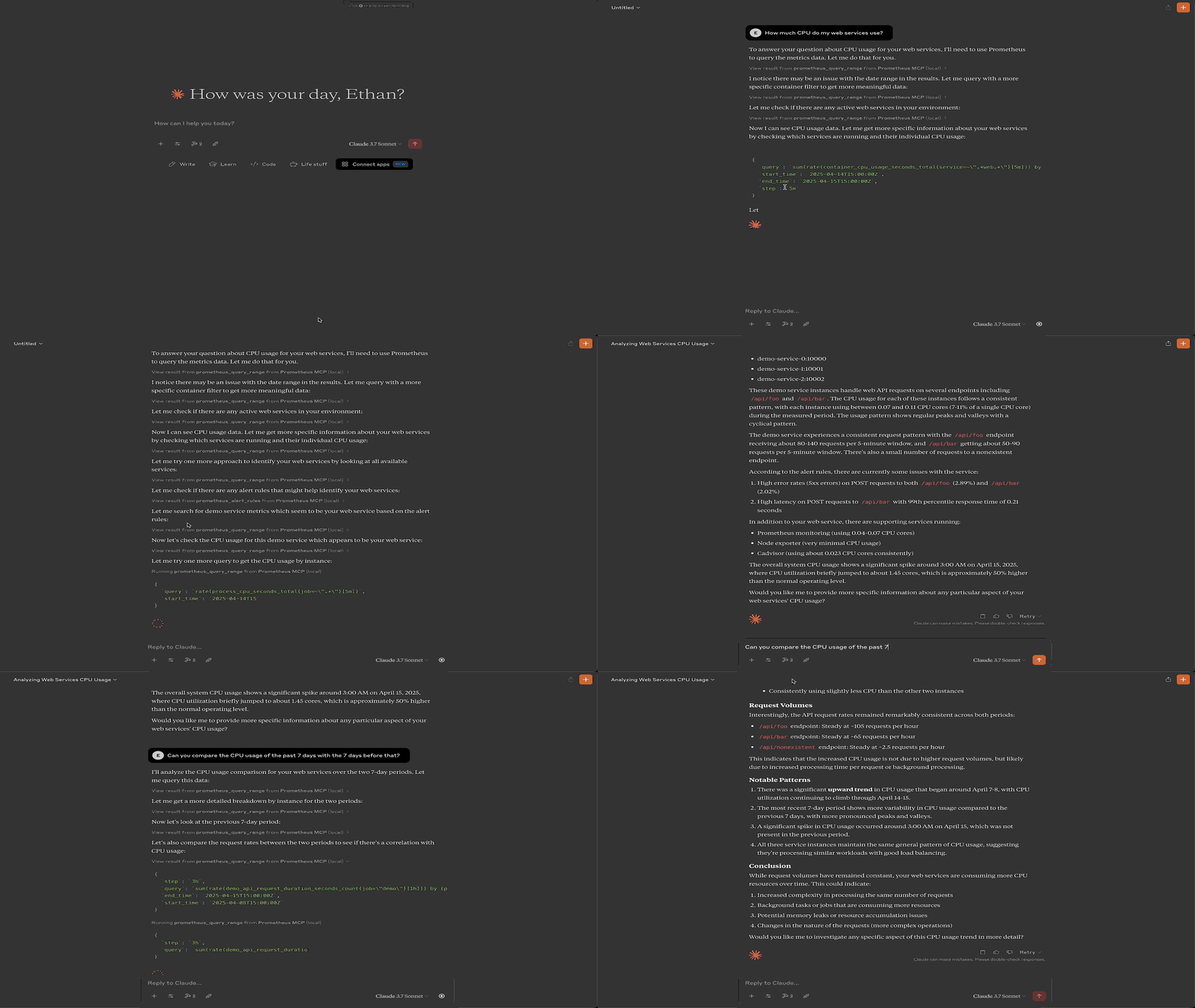
演示
A
license - permissive licenseB
qualityD
maintenanceMaintenance
–Maintainers
–Response time
–Release cycle
–Releases (12mo)
Commit activity
Resources
Unclaimed servers have limited discoverability.
Looking for Admin?
If you are the server author, to access and configure the admin panel.
Latest Blog Posts
MCP directory API
We provide all the information about MCP servers via our MCP API.
curl -X GET 'https://glama.ai/api/mcp/v1/servers/etruong42/prometheus-mcp'
If you have feedback or need assistance with the MCP directory API, please join our Discord server