|
VOOZH | about |
|
VOOZH | about |
|
You will need to:
Please note upgrade from Kubuntu Plasma5 14.10 is not supported and is unlikely to work; users who installed Plasma 5 on 14.10 will need to re-install.
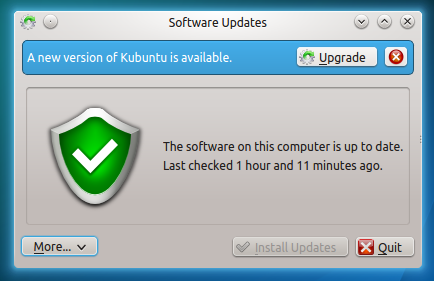
Click on the Upgrade button.
👁 http://people.ubuntu.com/~jr/14.10-upgrade/kubuntu-5.png
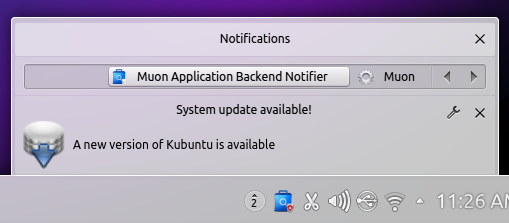
Alternatively you will be notified of a new update, click on the updates icon.
👁 http://people.ubuntu.com/~jr/14.10-upgrade/kubuntu-notification.png
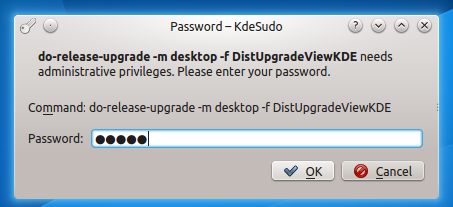
👁 http://people.ubuntu.com/~jr/14.10-upgrade/kubuntu-6.png
Select Start Upgrade.
Time for a coffee; it will download and install 15.04.
Click Remove.
It will ask you to restart your computer. Ensure you have no unsaved work open and click Restart Now.
13) Your computer should boot into Kubuntu 15.04, with the new Plasma 5 desktop
VividUpgrades/Kubuntu (last edited 2015-04-22 17:43:04 by marco-parillo)
The material on this wiki is available under a free license, see Copyright / License for details
You can contribute to this wiki, see
Wiki Guide for details