|
VOOZH | about |
|
VOOZH | about |
3.9K
The document processing API is a Web API used to create PDF documents from Word, Excel, PowerPoint, and HTML documents. It also has functionalities to edit the PDF document such as merge, split, flatten, compress, rotate, and delete PDF pages.
Syncfusion Document Processing is a complete package of libraries that offers a rich set of APIs to create, edit, write, and convert PDF, Word, Excel, and PowerPoint files in web, desktop, and mobile applications without Microsoft Office or Adobe dependencies.
This Docker image is the predefined Docker container of document processing APIs. You can deploy it quickly to your infrastructure.
If you want to add new functionality or customize any existing functionalities, then create your own Docker file by referencing the existing document processing APIs project.
The document Processing API provides following capabilities
The following hardware requirements are necessary to run the document processing API:
The following software requirements are necessary to run the document processing API:
Step 1: Pull the document-processing-apis image from Docker Hub.
docker pull syncfusion/document-processing-apis
Step 2: Create the docker-compose.yml file with the following code in your file system.
Note: The Document Processing API uses Syncfusion's Essential Studio and requires a valid license key for use in a production environment. To add your valid license key, set the
SYNCFUSION_LICENSE_KEYenvironment variable in thedocker-compose.ymlfile. To generate a valid license key, refer to this Syncfusion Licensing FAQ.If the license key is not applied, a watermark will be added to the generated PDF documents. The license key is version specific. If you are upgrading the Docker image, you need to update the license key to match the new version.
networks:
 network:
 driver: bridge

services:
 syncfusion.api:
 container_name: document_processing
 image: syncfusion/document-processing-apis:latest
 environment:
 - SYNCFUSION_LICENSE_KEY= {Your key here}
 - ASPNETCORE_HTTP_PORTS=8080
 - PGHOST=database
 - PGUSER=postgres
 - PGPASSWORD=postgres
 - PGDATABASE=documentprocessing
 - PGPORT=5432
 depends_on:
 - database
 networks:
 - network
 volumes:
 - ./storage:/FileData
 - ./fonts:/usr/local/share/fonts/
 ports:
 - "8003:8080"

 database:
 container_name: database
 image: postgres:latest
 environment:
 - POSTGRES_USER=postgres
 - POSTGRES_PASSWORD=postgres
 - POSTGRES_DB=documentprocessing
 volumes:
 - pgdata:/var/lib/postgresql
 networks:
 - network
 ports:
 - "5432:5432"
volumes:
 pgdata: {}
Step 3: In a terminal tab, navigate to the directory where you’ve placed the docker-compose.yml file and execute the following.
docker-compose up
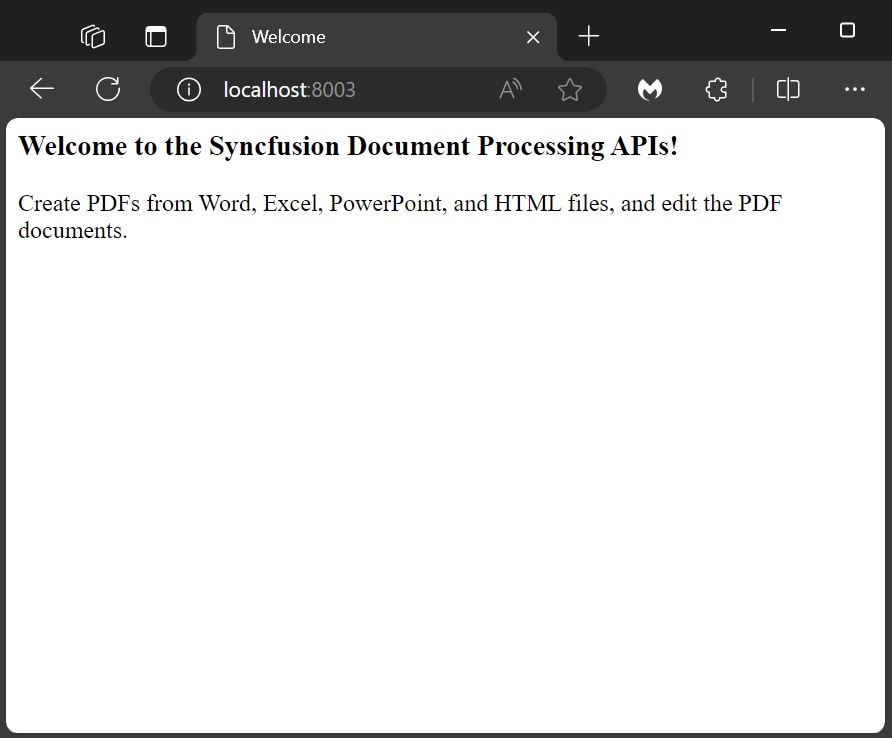
The Document Processing APIs Docker instance is now running on localhost with the provided port number http://localhost:8003/. When you open this URL in your browser, you'll see the following message:
For further details, please refer to the documentation link.
Deployment Options
You can deploy the APIs as Docker containers on major cloud platforms. Follow the guides below to deploy quickly and efficiently:
Microsoft Azure Run the container using Azure Container Instances: 🔗 Deploy to Azure
Amazon Web Services (AWS) Deploy the container using Amazon ECS or other services: 🔗 Deploy to AWS
Google Cloud Platform (GCP) Use Google Cloud Run to deploy your containerized API: 🔗 Deploy to Google Cloud
Content type
Image
Digest
sha256:3050acf0b…
Size
1.2 GB
Last updated
about 1 month ago
docker pull syncfusion/document-processing-apis:33.2.7Pulls:
3
Apr 14 to Apr 20