























Paper • 2302.05543 • Published • 58
Controlnet - Canny Version
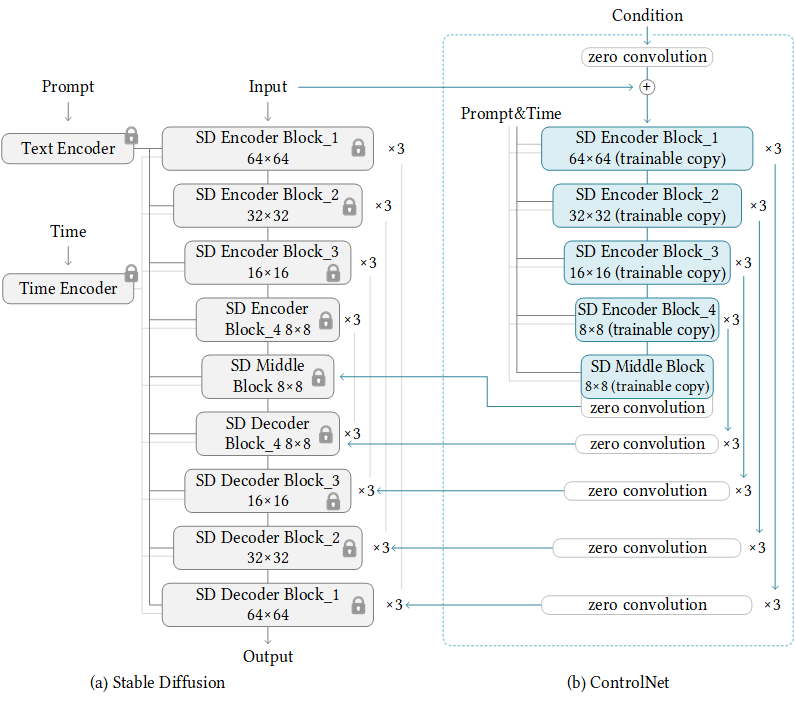
ControlNet is a neural network structure to control diffusion models by adding extra conditions. This checkpoint corresponds to the ControlNet conditioned on Canny edges.
It can be used in combination with Stable Diffusion.
Model Details
Developed by: Lvmin Zhang, Maneesh Agrawala
Model type: Diffusion-based text-to-image generation model
Language(s): English
License: The CreativeML OpenRAIL M license is an Open RAIL M license, adapted from the work that BigScience and the RAIL Initiative are jointly carrying in the area of responsible AI licensing. See also the article about the BLOOM Open RAIL license on which our license is based.
Resources for more information: GitHub Repository, Paper.
Cite as:
@misc{zhang2023adding, title={Adding Conditional Control to Text-to-Image Diffusion Models}, author={Lvmin Zhang and Maneesh Agrawala}, year={2023}, eprint={2302.05543}, archivePrefix={arXiv}, primaryClass={cs.CV} }
Introduction
Controlnet was proposed in Adding Conditional Control to Text-to-Image Diffusion Models by Lvmin Zhang, Maneesh Agrawala.
The abstract reads as follows:
We present a neural network structure, ControlNet, to control pretrained large diffusion models to support additional input conditions. The ControlNet learns task-specific conditions in an end-to-end way, and the learning is robust even when the training dataset is small (< 50k). Moreover, training a ControlNet is as fast as fine-tuning a diffusion model, and the model can be trained on a personal devices. Alternatively, if powerful computation clusters are available, the model can scale to large amounts (millions to billions) of data. We report that large diffusion models like Stable Diffusion can be augmented with ControlNets to enable conditional inputs like edge maps, segmentation maps, keypoints, etc. This may enrich the methods to control large diffusion models and further facilitate related applications.
Released Checkpoints
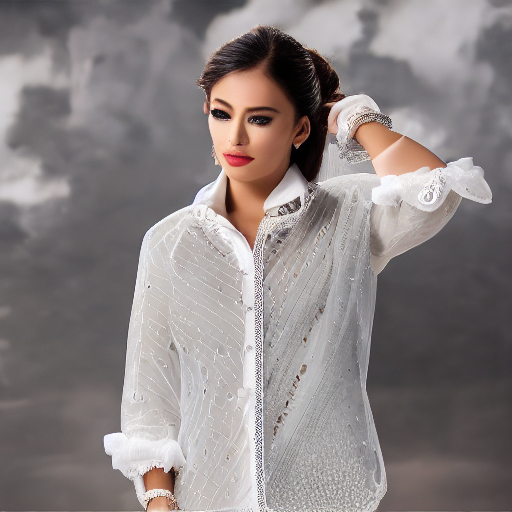
The authors released 8 different checkpoints, each trained with Stable Diffusion v1-5 on a different type of conditioning:
| Model Name | Control Image Overview | Control Image Example | Generated Image Example |
|---|---|---|---|
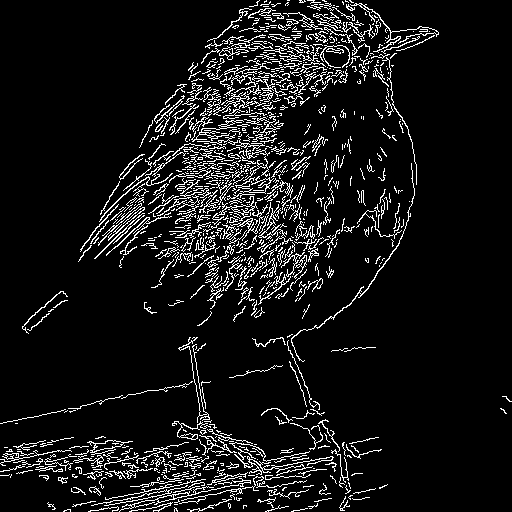
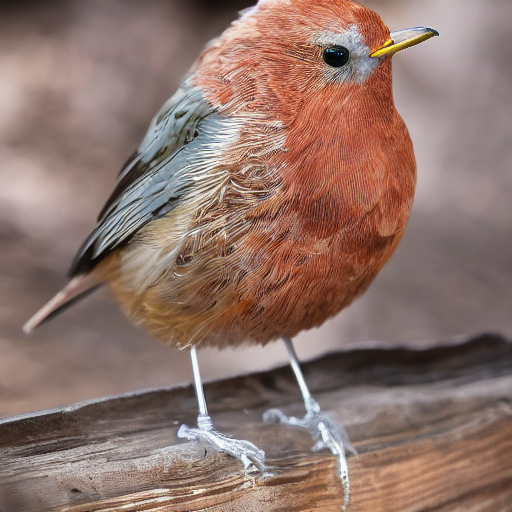
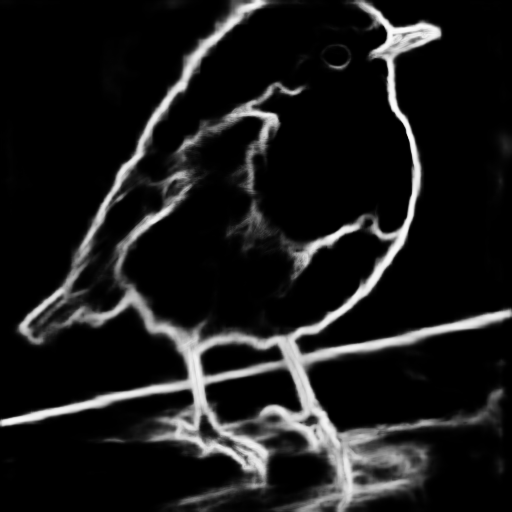
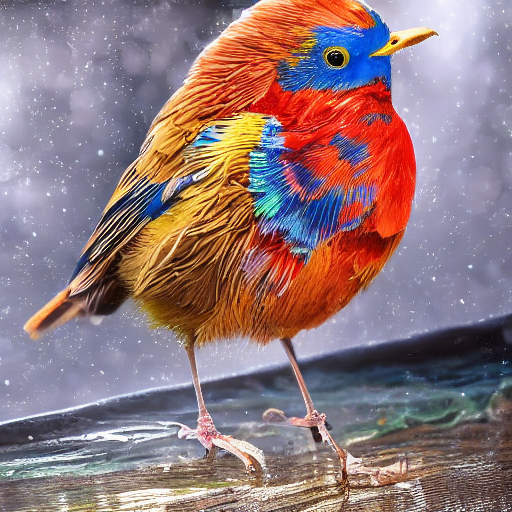
| lllyasviel/sd-controlnet-canny Trained with canny edge detection |
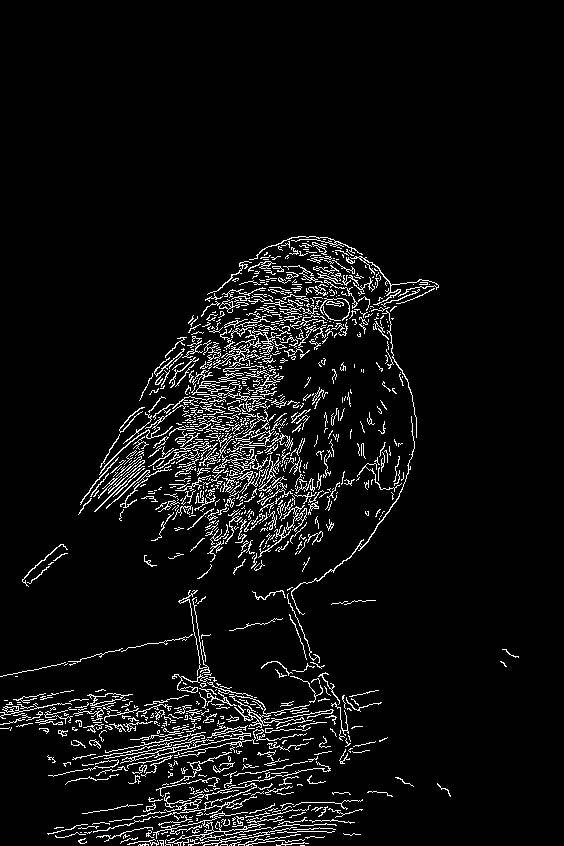
A monochrome image with white edges on a black background. | 👁 Image |
👁 Image |
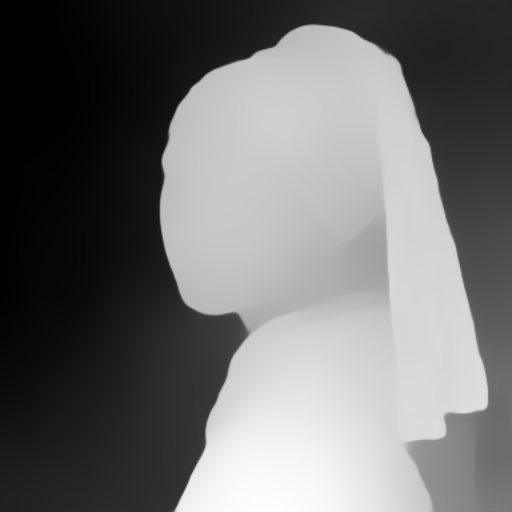
| lllyasviel/sd-controlnet-depth Trained with Midas depth estimation |
A grayscale image with black representing deep areas and white representing shallow areas. | 👁 Image |
👁 Image |
| lllyasviel/sd-controlnet-hed Trained with HED edge detection (soft edge) |
A monochrome image with white soft edges on a black background. | 👁 Image |
👁 Image |
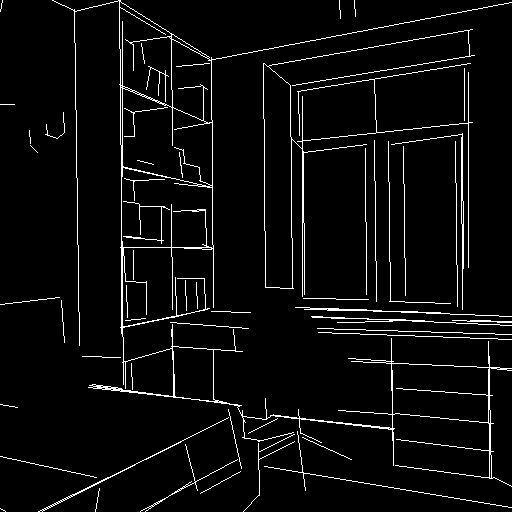
| lllyasviel/sd-controlnet-mlsd Trained with M-LSD line detection |
A monochrome image composed only of white straight lines on a black background. | 👁 Image |
👁 Image |
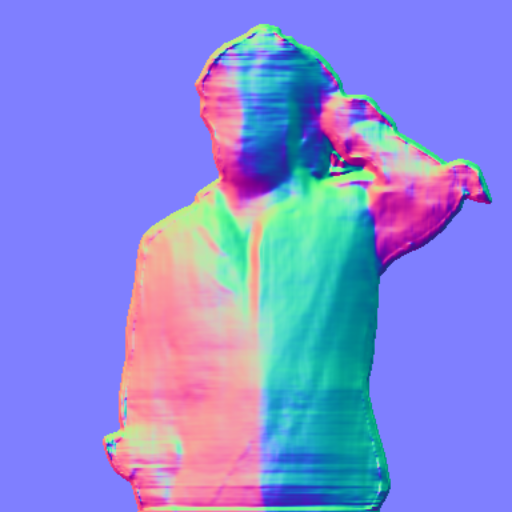
| lllyasviel/sd-controlnet-normal Trained with normal map |
A normal mapped image. | 👁 Image |
👁 Image |
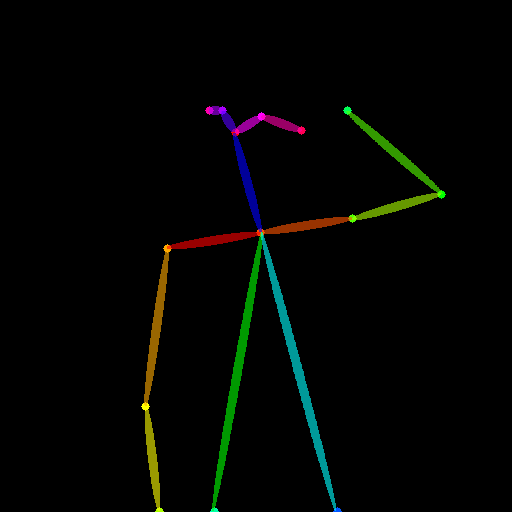
| lllyasviel/sd-controlnet_openpose Trained with OpenPose bone image |
A OpenPose bone image. | 👁 Image |
👁 Image |
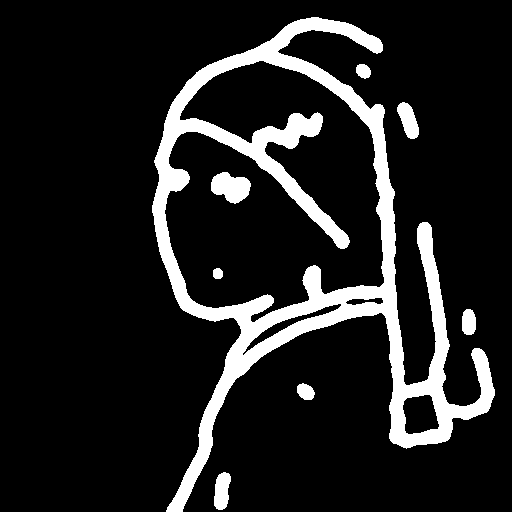
| lllyasviel/sd-controlnet_scribble Trained with human scribbles |
A hand-drawn monochrome image with white outlines on a black background. | 👁 Image |
👁 Image |
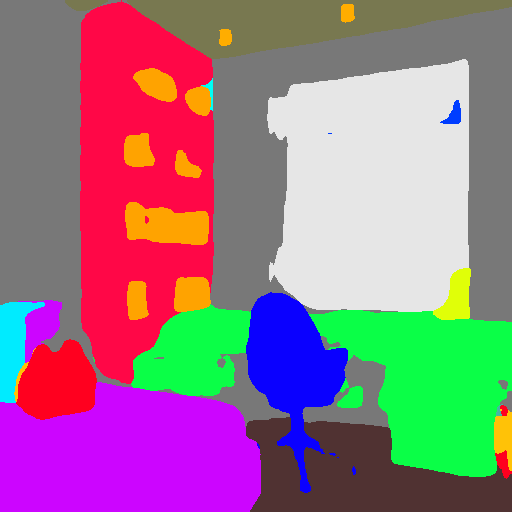
| lllyasviel/sd-controlnet_seg Trained with semantic segmentation |
An ADE20K's segmentation protocol image. | 👁 Image |
👁 Image |
Example
It is recommended to use the checkpoint with Stable Diffusion v1-5 as the checkpoint has been trained on it. Experimentally, the checkpoint can be used with other diffusion models such as dreamboothed stable diffusion.
Note: If you want to process an image to create the auxiliary conditioning, external dependencies are required as shown below:
- Install opencv
$ pip install opencv-contrib-python
- Let's install
diffusersand related packages:
$ pip install diffusers transformers accelerate
- Run code:
import cv2
from PIL import Image
from diffusers import StableDiffusionControlNetPipeline, ControlNetModel, UniPCMultistepScheduler
import torch
import numpy as np
from diffusers.utils import load_image

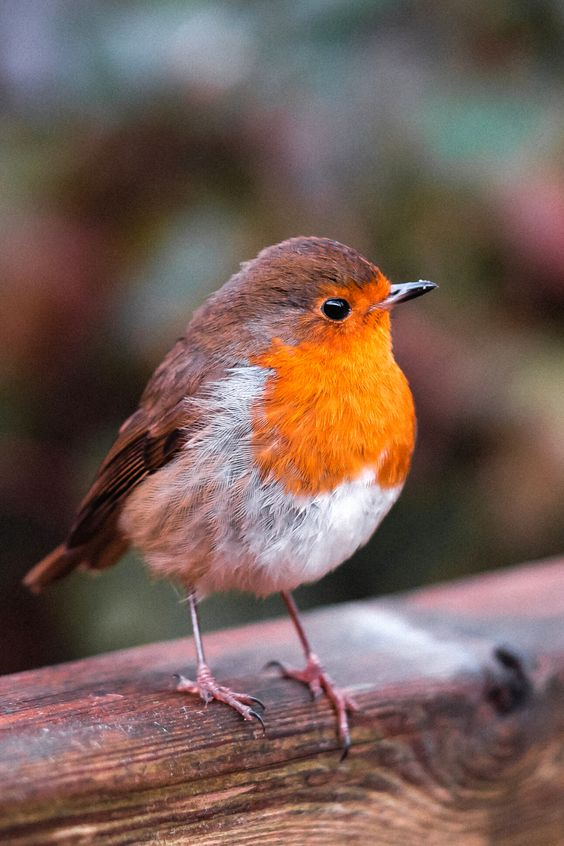
image = load_image("https://huggingface.co/lllyasviel/sd-controlnet-hed/resolve/main/images/bird.png")
image = np.array(image)

low_threshold = 100
high_threshold = 200

image = cv2.Canny(image, low_threshold, high_threshold)
image = image[:, :, None]
image = np.concatenate([image, image, image], axis=2)
image = Image.fromarray(image)

controlnet = ControlNetModel.from_pretrained(
 "lllyasviel/sd-controlnet-canny", torch_dtype=torch.float16
)

pipe = StableDiffusionControlNetPipeline.from_pretrained(
 "runwayml/stable-diffusion-v1-5", controlnet=controlnet, safety_checker=None, torch_dtype=torch.float16
)

pipe.scheduler = UniPCMultistepScheduler.from_config(pipe.scheduler.config)

# Remove if you do not have xformers installed
# see https://huggingface.co/docs/diffusers/v0.13.0/en/optimization/xformers#installing-xformers
# for installation instructions
pipe.enable_xformers_memory_efficient_attention()

pipe.enable_model_cpu_offload()

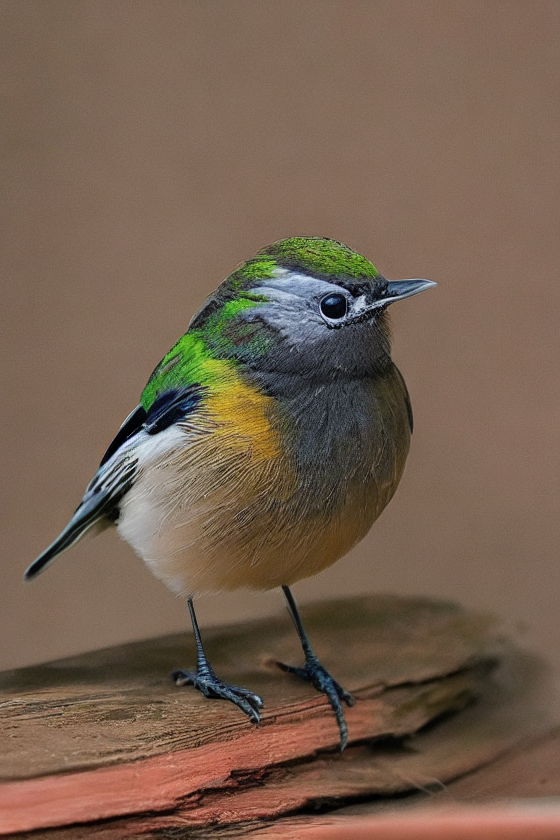
image = pipe("bird", image, num_inference_steps=20).images[0]

image.save('images/bird_canny_out.png')
Training
The canny edge model was trained on 3M edge-image, caption pairs. The model was trained for 600 GPU-hours with Nvidia A100 80G using Stable Diffusion 1.5 as a base model.
Blog post
For more information, please also have a look at the official ControlNet Blog Post.
- Downloads last month
- 19,353
Model tree for lllyasviel/sd-controlnet-canny
Base model
runwayml/stable-diffusion-v1-5