VOOZH about

URL: https://ironpdf.com/python/blog/python-pdf-tools/python-pdf-library-comparison/

⇱ Python PDF Library Comparison (Free & Paid Tools) | IronPDF


Skip to footer content
  1. IronPDF for Python
  2. IronPDF for Python Blog
  3. Python PDF Tools
  4. Python PDF Library
PYTHON PDF TOOLS

Python PDF Library Comparison (Free & Paid Tools)

What is Python?

Python is a high-level, versatile programming language famous for its emphasis on code readability, often achieved through substantial indentation. It supports dynamic typing and garbage collection. Python accommodates various programming paradigms, including procedural, object-oriented, and functional programming. Due to its extensive standard library, it is often dubbed a "batteries included" language.

What is a PDF?

The Portable Document Format (PDF) was developed by Adobe in 1992 to deliver documents that are independent of application software, hardware, and operating systems, while preserving text formatting and graphics. Now standardized as ISO 32000, a PDF file contains elements necessary for displaying a fixed-layout flat page, including text, fonts, vector graphics, raster images, and more. The inception of PDF is credited to "The Camelot Project," started by Adobe co-founder John Warnock in 1991.

For document sharing, the Adobe-created Portable Document Format (PDF) is crucial for preserving the integrity of text-rich and visually rich content. Viewing PDF files often requires specific software, making it an essential format for various digital publications and professional documents. In this article, we will explore top PDF Python libraries frequently used by our team for parsing PDF documents:

  • IronPDF
  • PyPDF2
  • PDFMiner
  • ReportLab

IronPDF

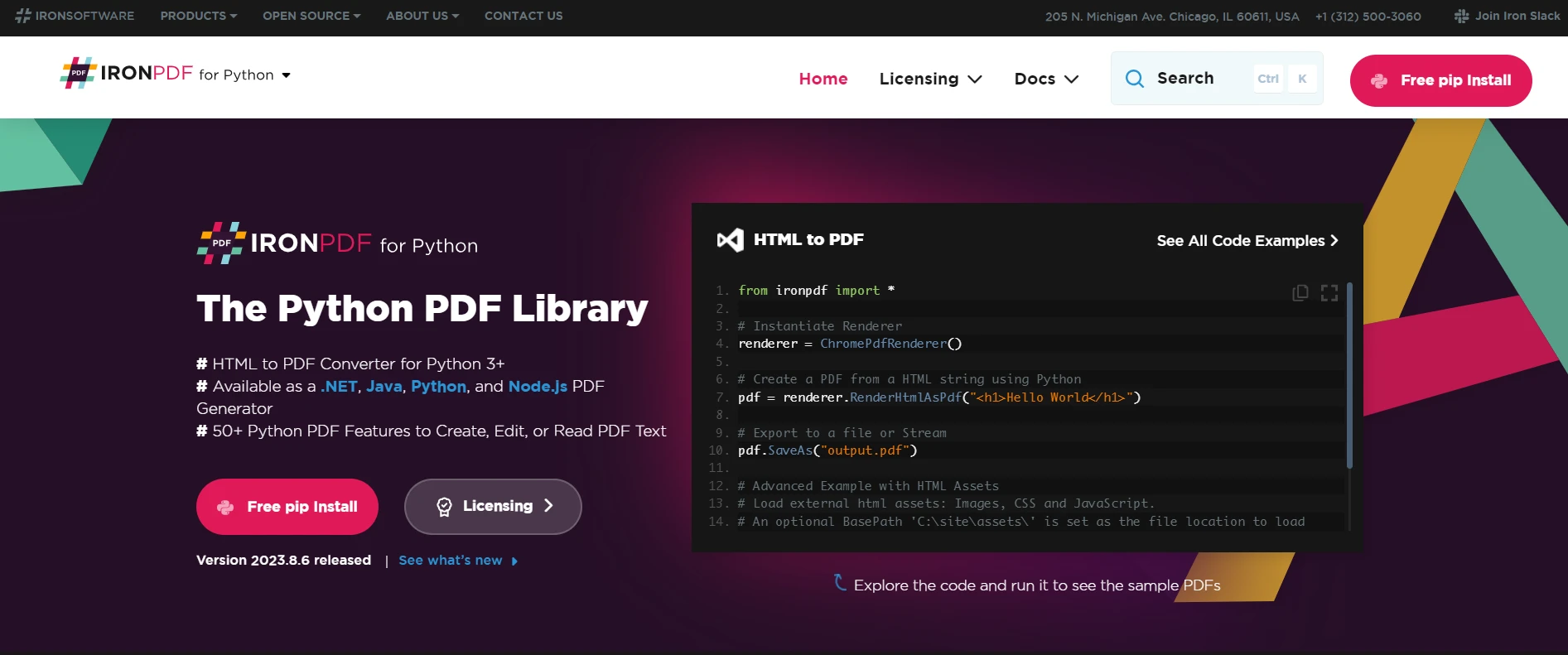
IronPDF is a versatile Python library that offers a broad spectrum of PDF operations, facilitating efficient PDF data processing, and seamlessly integrating into GUI-based Python applications.

IronPDF Features

  • Convert various formats like HTML, HTML5, ASPX, and Razor/MVC View into PDF.
  • Perform tasks like creating interactive PDFs, merging/splitting PDFs, text/image extraction, and more.
  • Advanced capabilities like form validation, using user agents, proxies, and securing PDFs with encryption.
  • Easily generate PDF prints from strings, streams, or URLs.
  • Rotate PDF pages and extract text from scanned pages.

PyPDF2

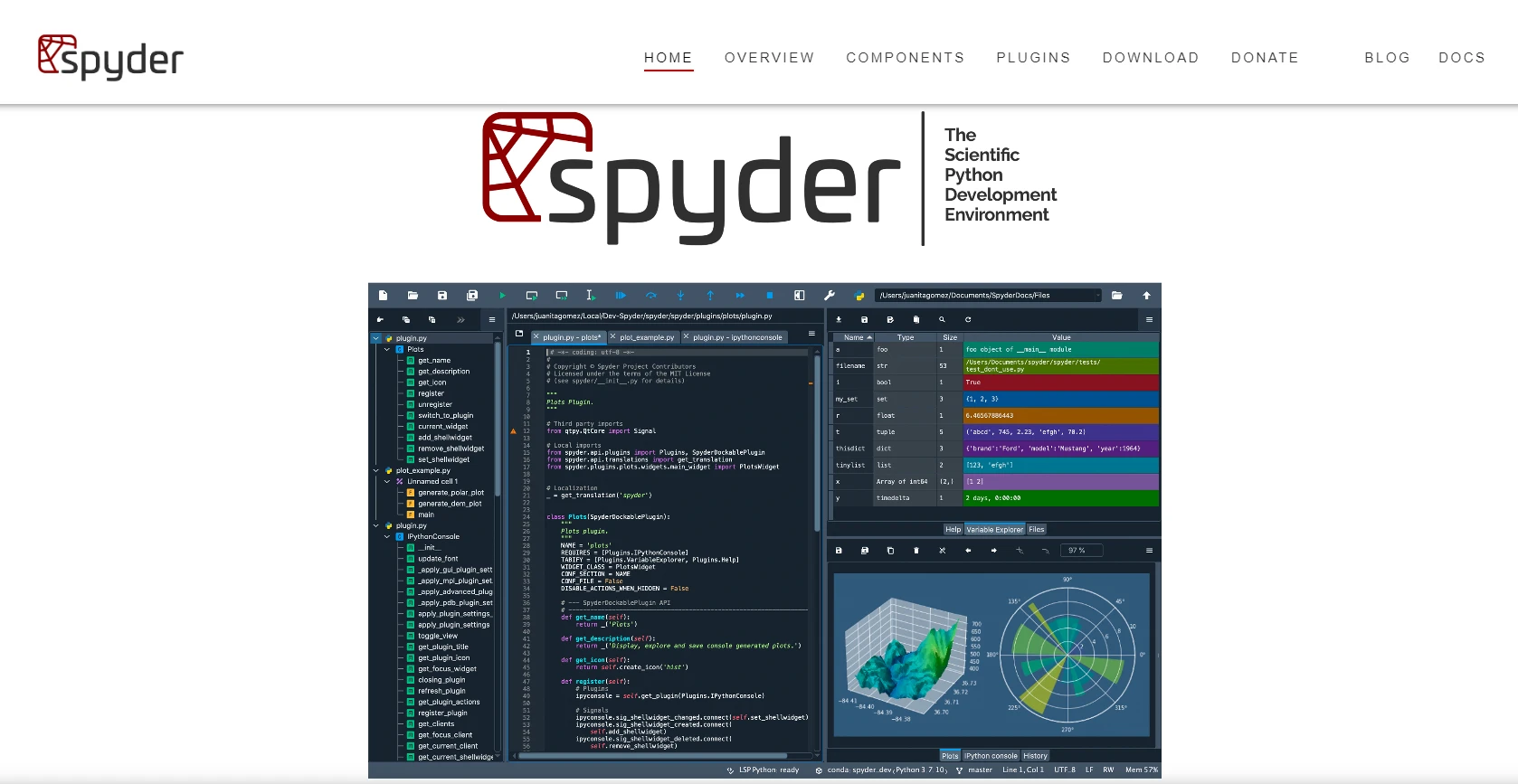
PyPDF2 is a Python module for manipulating PDF files, ideal for creating, editing, and extracting data from PDF documents. It is a pure Python library requiring no external modules.

PyPDF2 Features

  • Convert PDFs to text or images (PNG/JPG).
  • Create new PDFs from scratch.
  • Edit existing PDFs by adding, removing, or reordering pages, changing fonts, adding watermarks, etc.
  • Digitally sign documents, provided a certificate is present.

PDFMiner

PDFMiner is a tool to extract textual data from PDF documents, focusing on the detailed analysis of text data. It's crucial for determining the precise location of text on a page.

PDFMiner Features

  • Purely written in Python (for 2.6 and later).
  • Convert, analyze, and parse PDFs.
  • Support for CJK languages, vertical writing scripts, and font types like Type1 and TrueType.
  • Basic encryption (RC4) support.
  • Convert PDFs to HTML using a converter web app.

ReportLab

The ReportLab Toolkit is a cross-platform Python library for generating PDFs. It includes capabilities for creating sophisticated graphics and is highly flexible.

ReportLab Features

  • Supports internal hyperlinks.
  • Convert PDF forms.
  • Set Page Transition Effects.
  • Encrypt PDF files.

Comparison

πŸ‘ Python PDF Library Comparison - Figure 1

Conclusion

The comparison above is based on my experience with PDF parsing. Each library has unique strengths in parsing PDFs. Open source libraries like PyPDF2 and PDFMiner are free to use but may lack comprehensive documentation. ReportLab's cost is based on the number of PDF pages processed. IronPDF stands out for its ease of use and built-in features which make it preferable for editing scanned PDFs.

Technical Writer

Curtis Chau holds a Bachelor’s degree in Computer Science (Carleton University) and specializes in front-end development with expertise in Node.js, TypeScript, JavaScript, and React. Passionate about crafting intuitive and aesthetically pleasing user interfaces, Curtis enjoys working with modern frameworks and creating well-structured, visually appealing manuals.

...

Read More

Related Articles

Updated

Finding Items in Lists in Python

This article explores various methods for when using Python, find in list any element, it will offer you a comprehensive understanding of available options and their applications.

Read More

Updated

Writing Tests with Pytest in Python

PyTest is a powerful, flexible, and user-friendly testing framework that has gained immense popularity in the Python community

Read More

Install with pip
Version: 2026.6
 pip install ironpdf
  1. Download and install Python 3.7+.
  2. Install pip from pypi.org if it isn't installed already.
  3. Execute the above command in the terminal.
Download Module
Version: 2026.6
Download Now
Manually install into your project
  1. Download the package
  2. Run this command from the terminal
    pip install ironpdf-2026.6-py37-none-win_amd64.whi
Licenses from $749

Have a question? Get in touch with our development team.

Now you've installed with PyPi
Your browser is now downloading IronPDF

Next step: Start free 30-day Trial

No credit card required

  • Test in a live environment
  • Fully-functional product
  • 24/5 technical support

Thank You

Your trial key should be in the email.
If it is not, please contact
support@ironsoftware.com
Get your free 30-day Trial Key instantly.
Thank you.
If you'd like to speak to our licensing team:
πŸ‘ badge_greencheck_in_yellowcircle
The trial form was submitted
successfully.

Your trial key should be in the email.
If it is not, please contact
support@ironsoftware.com

Have a question? Get in touch with our development team.
No credit card or account creation required
Now you've installed with PyPi
Your browser is now downloading IronPDF

Next step: Start free 30-day Trial

No credit card required

  • Test in a live environment
  • Fully-functional product
  • 24/5 technical support
Thank you.
View your license options:
Thank you.
If you'd like to speak to our licensing team:
Have a question? Get in touch with our development team.
Talk to Sales Team

Book a No-obligation Consult

How we can help:
  • Consult on your workflow & pain points
  • See how other companies solve their .NET document needs
  • All your questions answered to make sure you have all the information you need. (No commitment whatsoever.)
  • Get a tailored quote for your project's needs
Get Your No-Obligation Consult

Complete the form below or email sales@ironsoftware.com

Your details will always be kept confidential.

Trusted by Millions of Engineers Worldwide
Book Free Live Demo

Book a 30-minute, personal demo.

No contract, no card details, no commitments.

Here's what to expect:
  • A live demo of our product and its key features
  • Get project specific feature recommendations
  • All your questions are answered to make sure you have all the information you need.
    (No commitment whatsoever.)
CHOOSE TIME
YOUR INFO
Book your free Live Demo

Trusted by Millions of Engineers Worldwide

Iron Support Team

We're online 24 hours, 5 days a week.
Chat
Email
Call Me