

Brief: Exploring an open-source password manager with a pleasing user interface, available cross-platform.
There are plenty of free and premium password managers for individuals and teams.
However, when it comes to open-source solutions, it is often limited to a couple of good ones like Seahorse, KeePassXC, and Bitwarden.
If you have read through our list of the best password managers for Linux, you might already know some of them.
I stumbled upon another interesting open-source password manager that could make it to that list for its user experience, i.e., Padloc.
Padloc: A Secure Cross-Platform Password Manager App

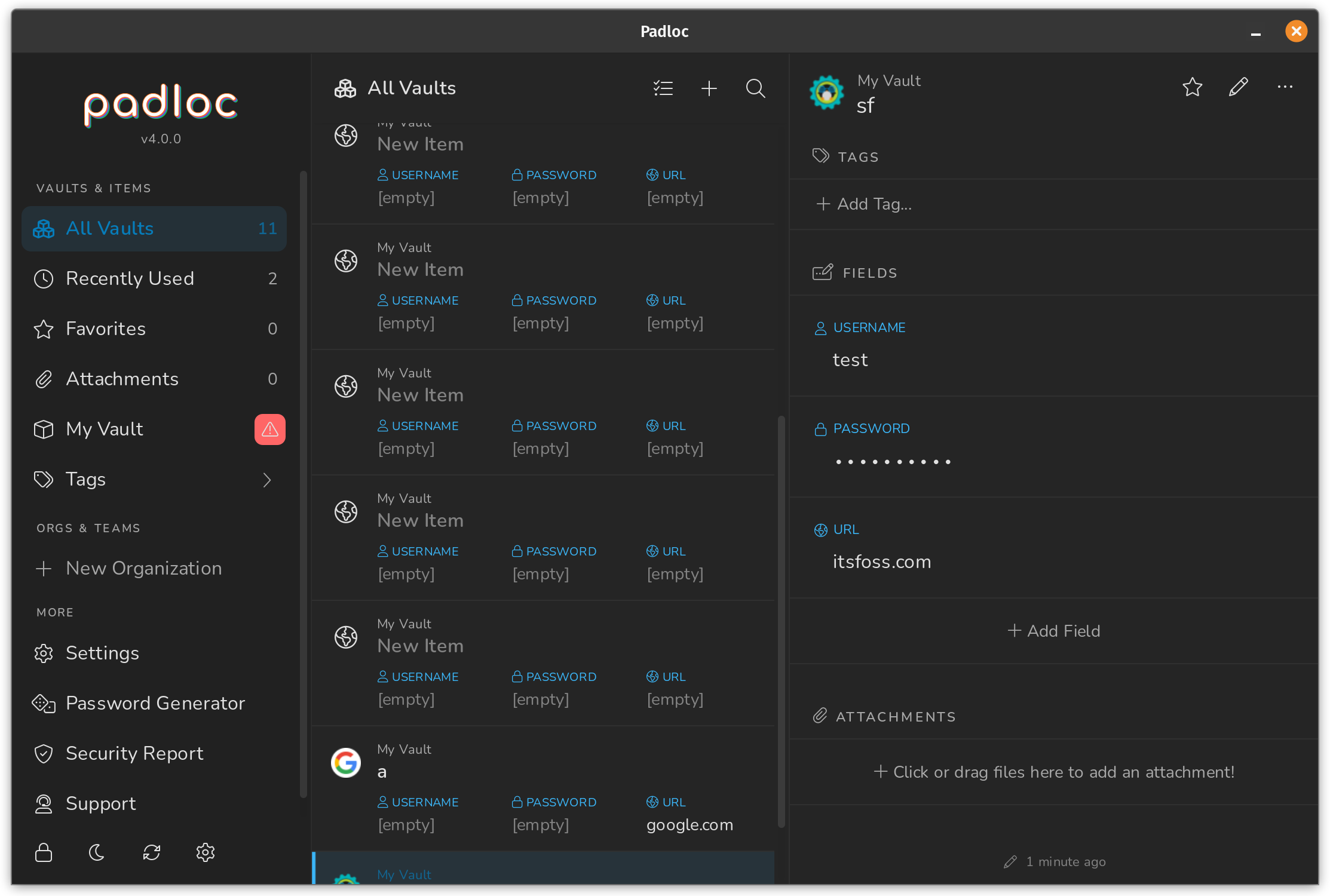
While Padloc is not super popular, it is not just another open-source password manager.
You get a refreshing user experience with the app and end-to-end encryption to secure passwords. It aims to provide a clean and simple interface to work with.

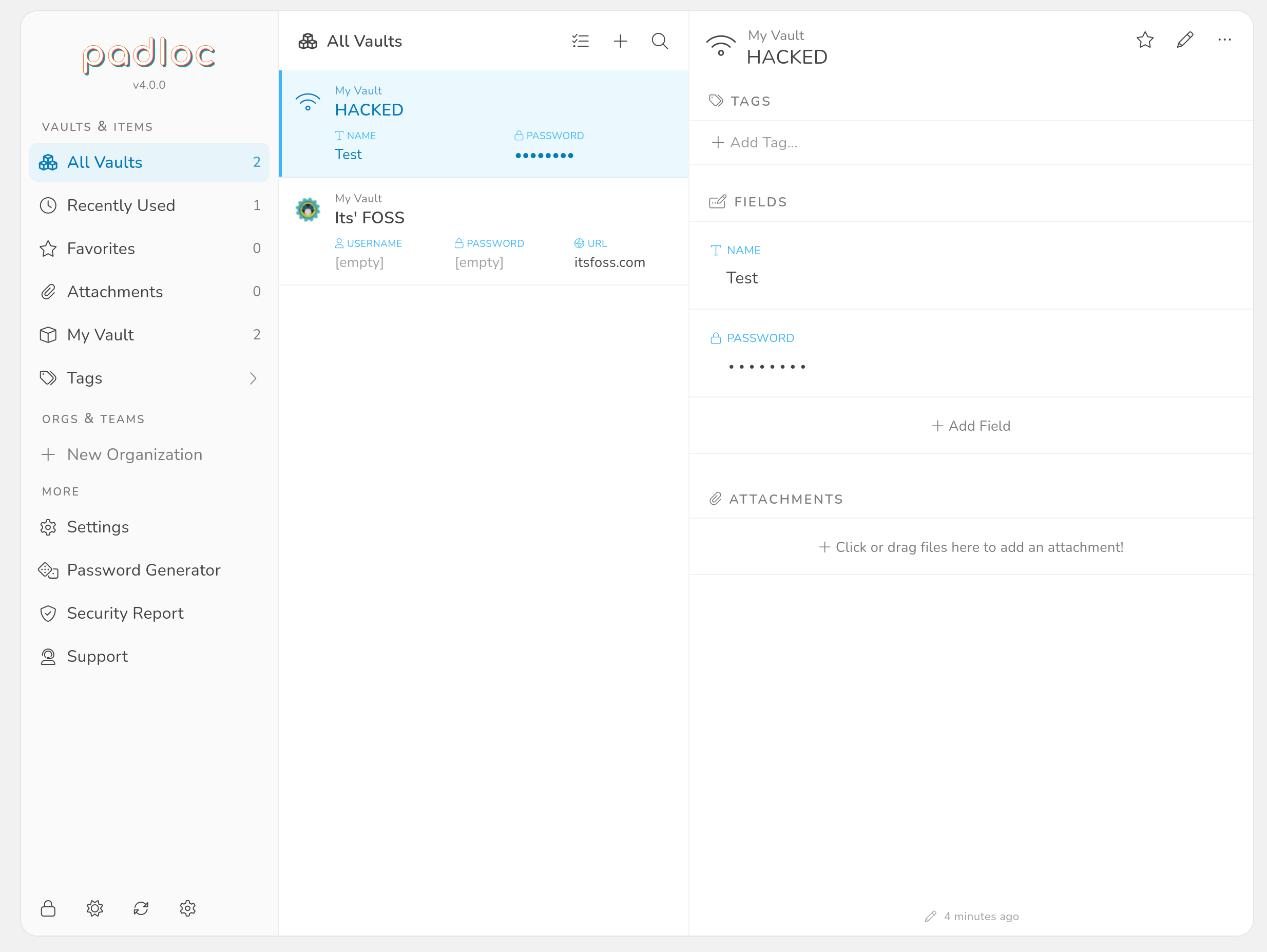
Free to start with, but offers paid subscriptions to unlock most features.
And it supports all the major platforms, including Linux, Windows, macOS, Android, and iOS.
You also get browser extensions for Mozilla Firefox and Google Chrome with all the available applications. So, you can always choose to access/use it on the web browser as well.
Interestingly, the project did not see any major updates for almost two years until recently. But, it is an actively maintained open-source project.
Features of Padloc

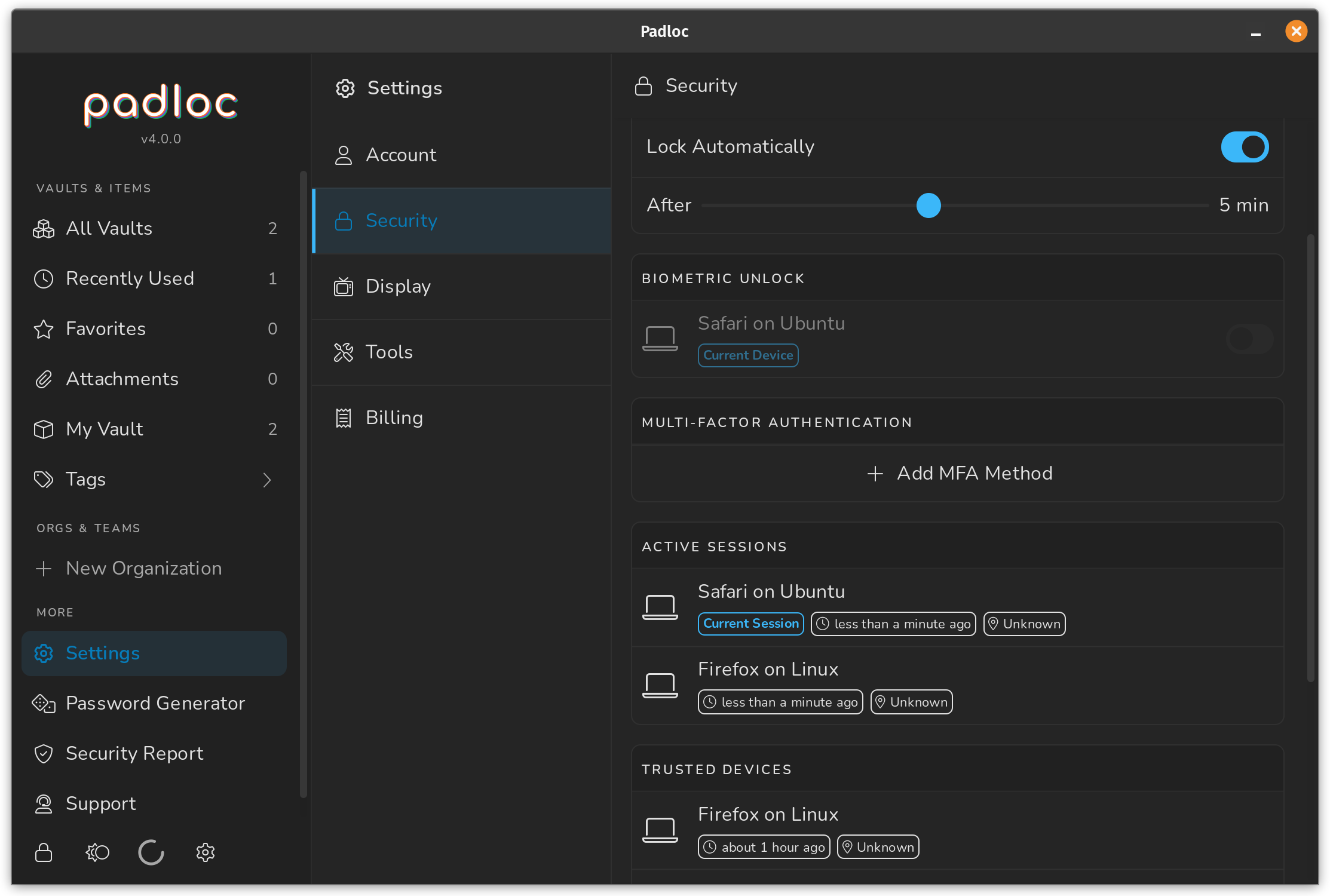
Padloc offers a range of free and premium features. As per your requirements, you can choose to upgrade with a paid subscription.
Some features include:
- Unlimited vault items
- Unlimited devices
- Two-factor authentication via email
- Add tags
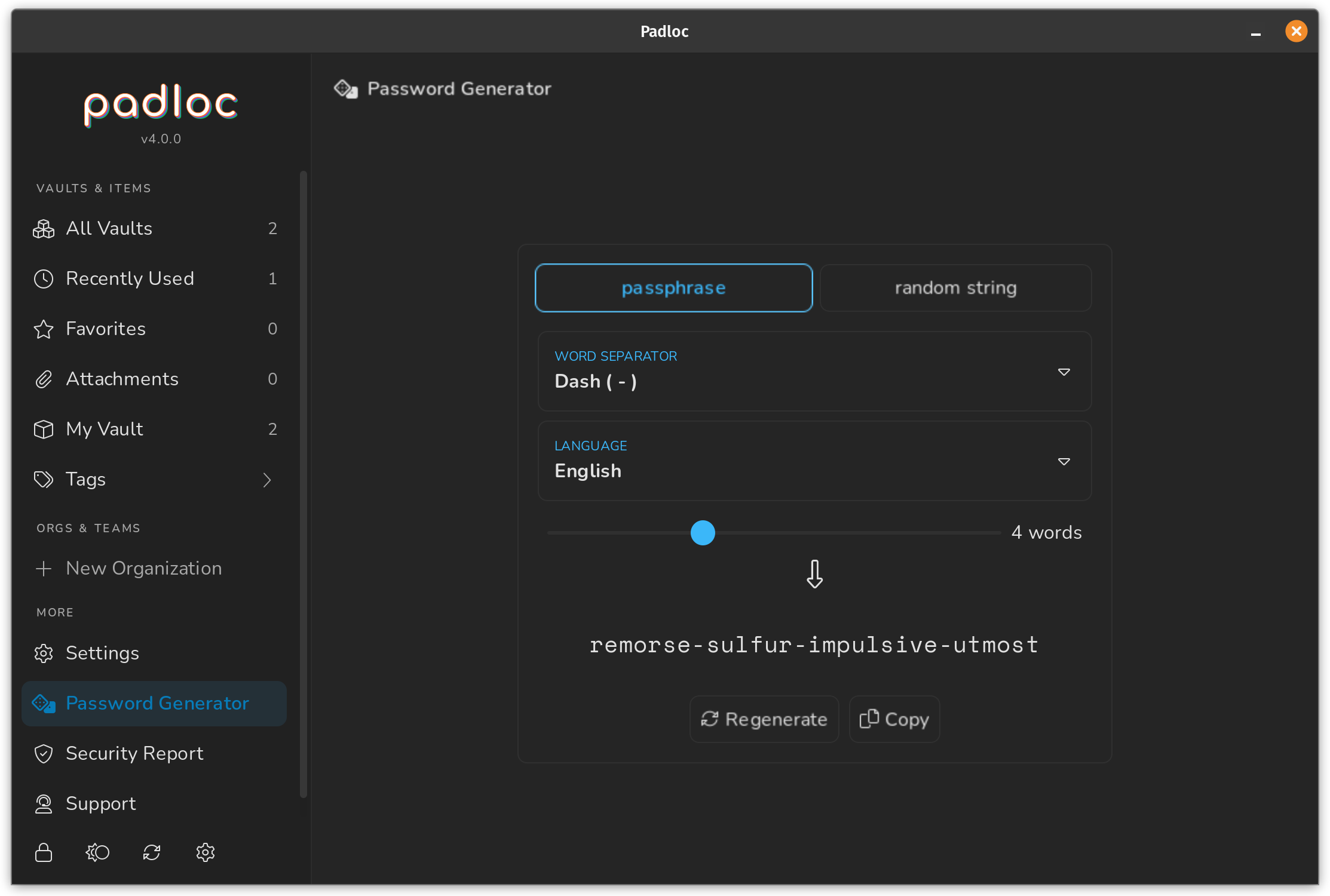
- Generate unique passwords
- Favicon support to identify vault items
- Dark/light mode theme
- Active session management
- Import/Export functionality (encrypted container/ CSV)
- Team support (paid)
- Multi-Factor Authentication (paid)
- Note-taking (paid)
- Document attachments (paid)
- Security report (paid)
Technically, you get all the essential features. But, to make the most out of it, you will need the premium subscription that starts at $3.49 per month or $34.9 per year.
Install Padloc on Linux

Padloc gives you multiple options for Linux. You can download the AppImage, .deb, Snap, or the Flatpak package.
Furthermore, you can download a non-electron desktop client version, which is nice!
I tested the AppImage file, and it worked well. You can follow our guide to use AppImage, set up Flatpak, or install deb packages to get started.
You can check out its official website or GitHub page for more information.
A Slightly Expensive Password Manager for a Good User Experience
I was impressed with its user interface and the overall experience you get with it.
If you prioritize the user interface, minimalism, and open-source tech, Padloc can be a useful option, whether you decide to use it for free or pay.
Of course, if you want something value for money (or cheaper), you can always pick something like Bitwarden.
