|
VOOZH | about |
|
VOOZH | about |
Powered by Link Intelligence
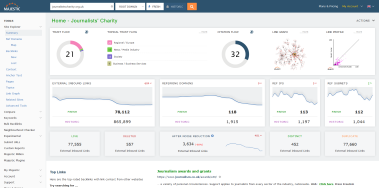
Our most popular tool. Site Explorer helps you break down the incoming links and metrics for almost every significant URL on the internet. As well as our Summary metrics, the other tabs in Site Explorer will allow you to dive deep into the data.
Compare headline stats for up to 10 different domains with the site comparator tool. Compare key metrics and the evolution of links for these domains as well as identify link opportunities through the different tools available on the compare suite.
The Bulk Backlink Checker allows you to analyse the backlink numbers for up to 400 URLs using the paste URLs feature, and up to 1,000,000 URLs from a file upload (depending on your remaining Analysis Units).
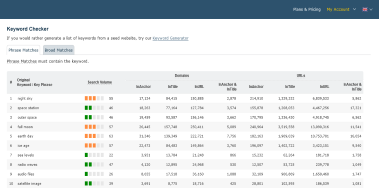
N-grams Near Links will help you create keyword lists from a handful of seed websites. It mines the entire Majestic database to offer keyword insights you won't find anywhere else.
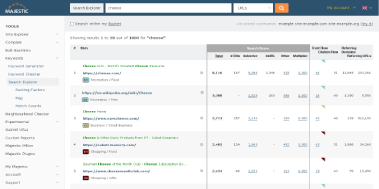
Search our index for a keyword or phrase. See how many times it appears, and view a 0 to 100 Search Volume score for each keyword.
A specialized search engine which ranks pages based on how influential in the web graph they are for a given search phrase, and provides data on why they ranked.
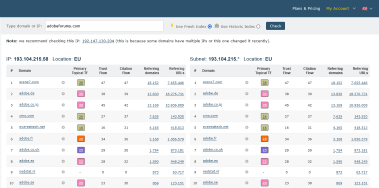
The Majestic Neighbourhood checker presents a list of "neighbours" - or, in technical terms, the sites hosted on the same IP and subnet.
The Majestic suite of Experimental Tools is an opportunity to evaluate exciting products with unique insight not otherwise found within our toolset.
Our URL Submitter gives you the chance to point our crawler to check URLs that we may not have already found.
Author Explorer is a breakdown of what Majestic's Link Intelligence data can tell you about a notable handle, or content author, and find similar profiles.
Campaigns give you an opportunity to group websites that are important to you, and check back for updates on their progress.
Link up your Google Search Console account to track your search performance alongside Majestic metrics.
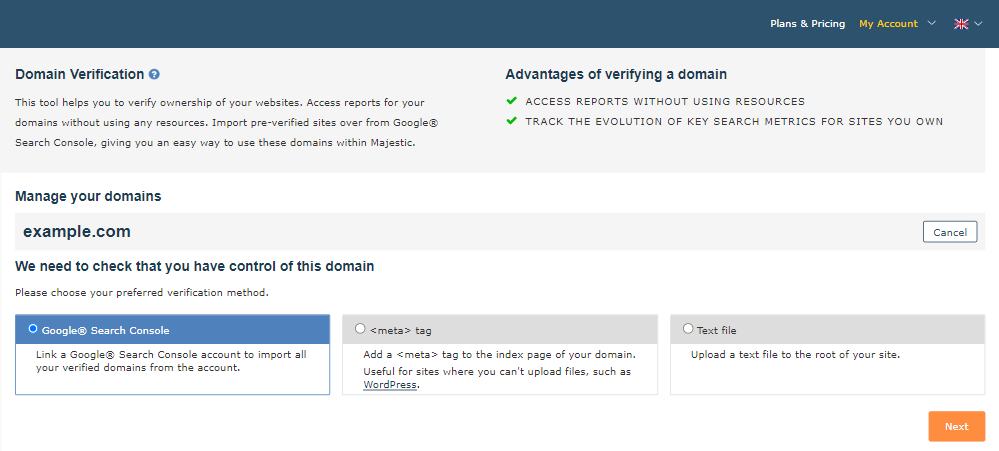
This tool allows you to verify ownership of your websites, and if you're a subscriber, you can generate reports of your domains without using any resources. Subscribers can even import pre-verified sites over from Google® Search Console, giving you an easy way to use these domains within our tools.
Integrate Majestic Link Data into Google Sheets. Augment existing rows with Majestic metrics to enhance an existing report, or pull in new Majestic data for analysis. All without leaving Google Sheets. Making it easier to collaborate with others and use Google Sheet features such as Explore for automatic data analysis.
Free accounts are designed to give you a taste of Majestic. If you use us regularly, you'll soon find yourself hampered by usage limits.