

bobalazek/web-application-starter-kit
An Web Application starter kit / boilerplate by Borut Balazek - build with Silex
Maintainers
Package info
github.com/bobalazek/web-application-starter-kit
Type:project
pkg:composer/bobalazek/web-application-starter-kit
Requires
- php: ^7.0
- cocur/slugify: ~1.1
- dflydev/doctrine-orm-service-provider: ~2.0
- doctrine/annotations: ~1.4.0
- doctrine/cache: ~1.6.2
- doctrine/collections: ~1.4.0
- doctrine/common: ~2.7.3
- doctrine/dbal: ~2.5.13
- doctrine/inflector: ~1.1.0
- doctrine/instantiator: ~1.0.5
- doctrine/migrations: ~1.1
- doctrine/orm: ^2.5
- knplabs/knp-components: ~1.2
- mobiledetect/mobiledetectlib: ^2.8
- ocramius/proxy-manager: ~2.0.4
- oro/doctrine-extensions: ~1.2
- pelago/emogrifier: ~1.2
- saxulum/config-service-provider: ~2.0
- saxulum/saxulum-doctrine-orm-manager-registry-provider: ~3.1
- silex/silex: ~2.1
- silex/web-profiler: ^2.0
- swiftmailer/swiftmailer: 5.*
- symfony/config: ^3.3
- symfony/doctrine-bridge: ^3.3
- symfony/form: ^3.3
- symfony/framework-bundle: ^3.3
- symfony/security: ^3.3
- symfony/security-csrf: ^3.3
- symfony/translation: ^3.3
- symfony/twig-bridge: ^3.3
- symfony/validator: ^3.3
- symfony/yaml: ^3.3
- ua-parser/uap-php: ~3.4
- vlucas/phpdotenv: ^2.4
- zendframework/zend-code: ~3.1.0
Requires (Dev)
- phpunit/phpunit: ~5.7
- symfony/browser-kit: ^3.3
- symfony/phpunit-bridge: ^3.3
Suggests
None
Provides
None
Conflicts
None
Replaces
None
MIT b64efaced132a8e117d1ef5c64ef17277484bc04
- Borut Balazek <bobalazek124.woop@gmail.com>
This package is not auto-updated.
Last update: 2021-02-14 18:42:17 UTC
README
Web Application Starter Kit
👁 Build Status
👁 Latest Stable Version
👁 Total Downloads
👁 License
👁 Scrutinizer Code Quality
👁 SensioLabsInsight
Important note: With the release of SF4, the Symfony team has decided to retire Silex. This means, it will not support any new SF4 features anymore. So from now on, I suggest using the new SF4 for long-term projects, as I will not be able to add any new (SF4) features to this boilerplate/starter kit. However, I may prepare a similar starter kit for SF4 in the near future, so stay tuned.
A simple web application boilerplate for small or mid scale applications. Included:
- Users system
- Login
- Logout
- Register
- Reset password
- Basic profile
- Settings / edit profile
- Change password
- Basic user roles system - ability to assign roles for each user
- Administration
- Users
- View
- Edit
- Switch / impersonate
- Remove
- User actions
- Posts
- Users
- Tools
- Email preview - you are able to view the email templates while working on them (without the need of sending test emails to yourself for every change)
- Database backup - backup and restore your database schema
- Errors / exceptions tracking - save the exceptions / errors directly to the database and / or send emails when an error happened
- Statistics
- Settings
Requirements & Tools & Helpers
- PHP > 7.0
- Composer
- Bower
- PHP Coding Standards Fixer (optional)
Setup / Development
- Navigate your your web directory:
cd /var/www - Create a new project:
composer create-project bobalazek/web-application-starter-kit myapp --no-scripts - Navigate inside the application
cd myapp - Configure database (and maybe other stuff if you want) - copy/clone app/configs/global-local.example.php into
app/configs/global-local.phpand set the config there. Alternatively, you can also do the same with .env.example, if you only want to change the basics (database configuration & environment). - Run the following commands:
composer installbin/console orm:schema-tool:update --force(to install the database schema)bower update(to install the front-end dependencies - you will need to install Bower first - if you haven't already)bin/console application:database:hydrate-data(to hydrate some data)
- You are done! Start developing!
Database
- We use the Doctrine database
- Navigate to your project directory:
cd /var/www/myapp - Check the entities:
bin/console orm:info(optional) - Update the schema:
bin/console orm:schema-tool:update --force - Database updated!
Deployment
- We use Deployer
- Set your configuration inside
deployer/config.phpanddeployer/hosts.php - Run
dep deploy qa(or whatever environment you want) - The app was deployed to your server!
Application name
You should replace the name for your actual application inside the following files:
- README.md
- bower.json
- composer.json
- phpunit.xml
- app/configs/global.php
Administrator login
With the bin/console application:database:hydrate-data command, you will, per default hydrate 2 users (which you can change inside the app/fixtures/users.php file):
- Admin User (with admin permissions)
- Username:
adminoradmin@myapp.com - Password:
test
- Username:
- Test User (with the default user permissions)
- Username:
testortest@myapp.com - Password:
test
- Username:
Commands
bin/console application:environment:prepare- Will create the global-local.php and development-local.php files (if they do not exist)bin/console application:database:hydrate-data [-r|--remove-existing-data]- Will hydrate the tables with some basic data, like: 2 users and 6 roles (the--remove-existing-dataflag will truncate all tables before re-hydrating them)bin/console application:storage:prepare- Will prepare all the storage (var/) folders, like: cache, logs, sessions, etc.bin/console application:translations:prepare- Prepares all the untranslated string into a separate (app/locales/{locale}/messages_untranslated.yml) file. Accepts an locale argument (defaults to 'en_US' - usage:bin/console application:translations:prepare --locale de_DEorbin/console application:translations:prepare -l de_DE)
Other commands
php-cs-fixer fix .- if you want your code fixed before each commit. You will need to install PHP Coding Standards Fixerbin/simple-phpunit- run your PHPUnit tests
Modules / Components
In case you want to create a new component / module in this system, do the following (in this case, the posts inside the members area):
- Create a new Controller Provider (like src/Application/ControllerProvider/MembersArea/PostsControllerProvider.php - plural)
- Bind with the following routes:
- Overview / list:
- Route name: members-area.posts
- Route pattern / url: (blank)
- Route controller method: PostsController::indexAction
- New:
- Route name: members-area.posts.new
- Route pattern / url: /new
- Route controller method: PostsController::newAction
- Detail:
- Route name:
members-area.posts.detail - Route pattern / url:
/{id} - Route controller method:
PostsController::detailAction
- Route name:
- Edit:
- Route name: members-area.posts.edit
- Route pattern / url: /{id}/edit
- Route controller method: PostsController::editAction
- Remove:
- Route name: members-area.posts.remove
- Route pattern / url: /{id}/remove
- Route controller method: PostsController::removeAction
- Overview / list:
- Bind with the following routes:
- Create a new Controller (src/Application/Controller/MembersArea/PostsController.php - plural)
- With the following methods:
- PostsController::listAction
- PostsController::newAction
PostsController::detailAction- PostsController::editAction
- PostsController::removeAction
- With the following methods:
- Mount the routes of the Controller Provider to the routes (app/core/routes.php)
- Create a new Entity (src/Application/Entity/PostEntity.php - singular)
- Create a new Repository (src/Application/Repository/PostRepository.php - singular)
- Create a new Form Type (src/Application/Form/Type/PostType.php - singular)
- Create templates:
- app/templates/contents/members-area/posts/ (plural)
- list.html.twig
detail.html.twig- new.html.twig
- edit.html.twig
- remove.html.twig
- _form.html.twig (just include that inside the edit and new template, so you don't need to write the same form twice - if it's more complex)
- app/templates/contents/members-area/posts/ (plural)
File structure
- app/
- configs/ => All basic config stuff (+ validation)
- core/ => The core files such as providers, routes, middlewares and definitions
- fixtures/ => Used for hydrating the database
- locales/ => Used for translations
- templates/ => All twig templates
- bin/
- console
- src/
- Application/
- Command/
- Controller/
- ControllerProvider/
- Doctrine/ => Some Doctrine fixes for Silex
- Entity/ => All entities / models
- Form/
- Provider/
- Repository/
- Tool/
- Twig/
- Application/
- web/
- assets/
- images/
- javascripts/
- uploads/ => Used for uploads
- vendor/ => Bower dependencies
- index.php
- assets/
Preview
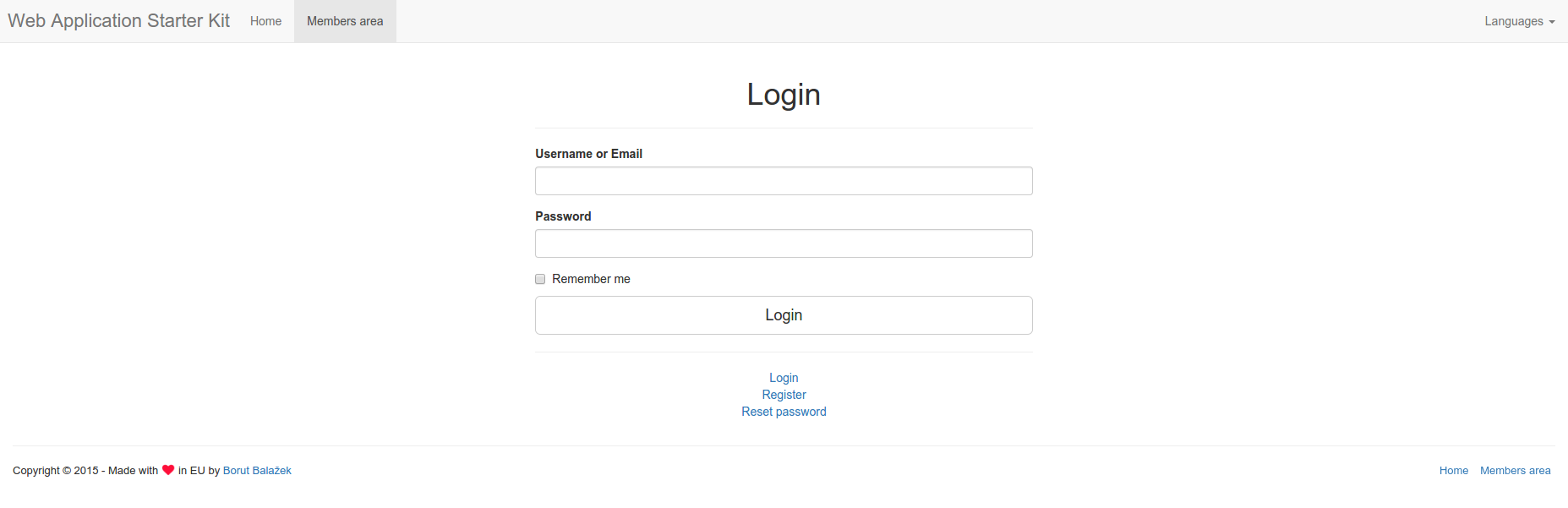
Login

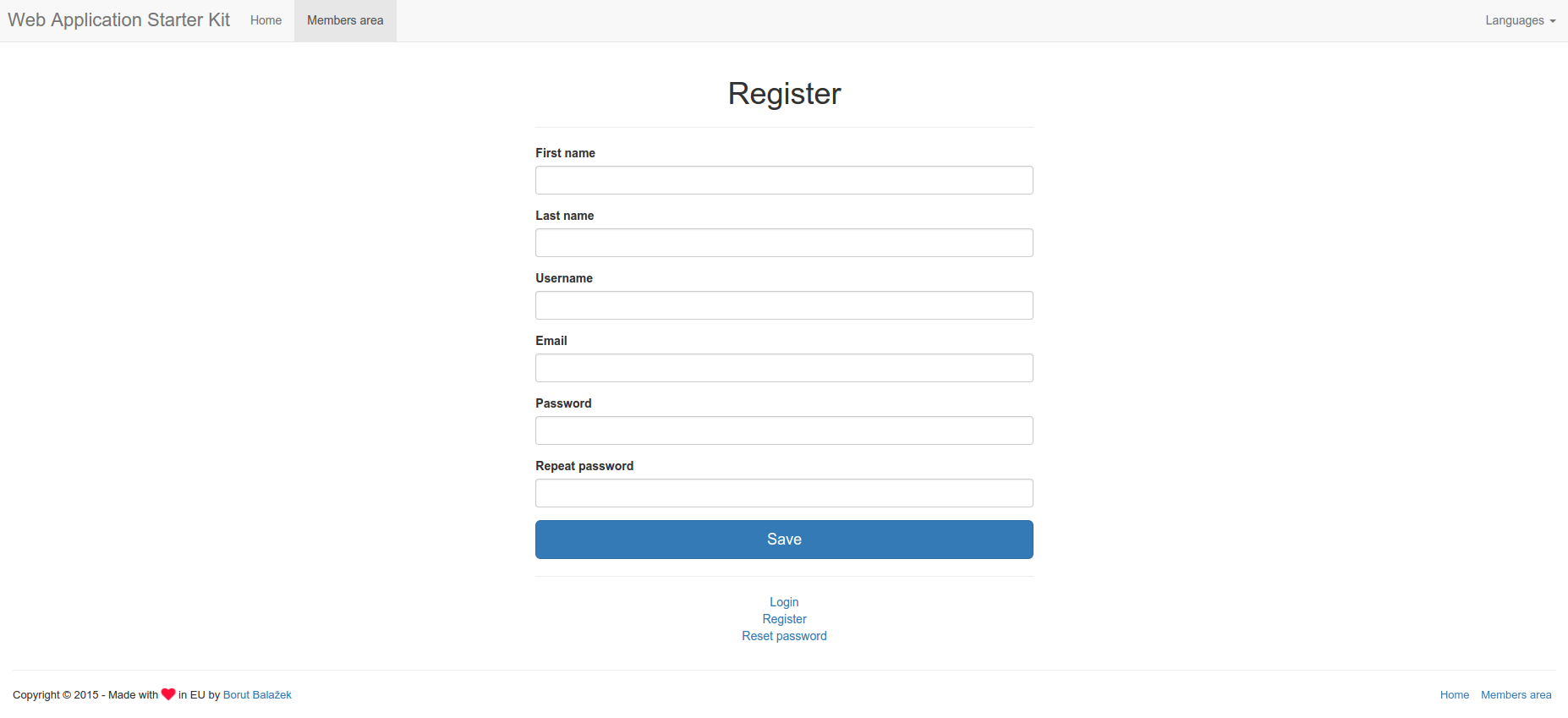
Register

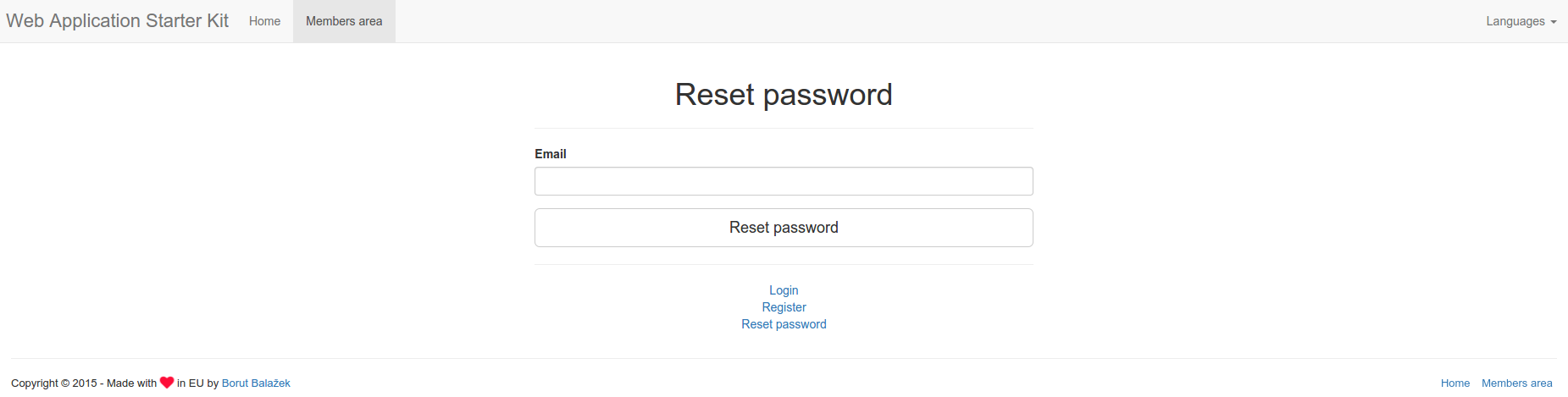
Reset password

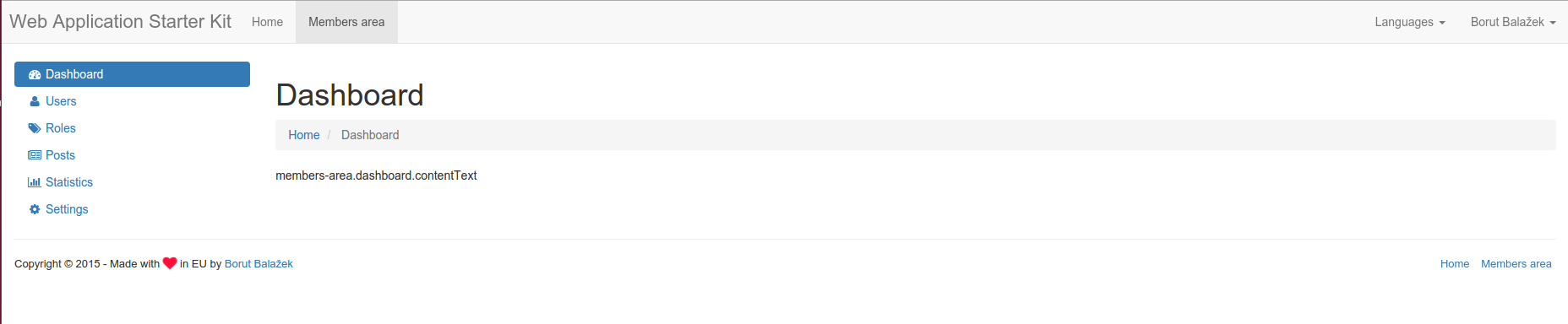
Dashboard

Profile


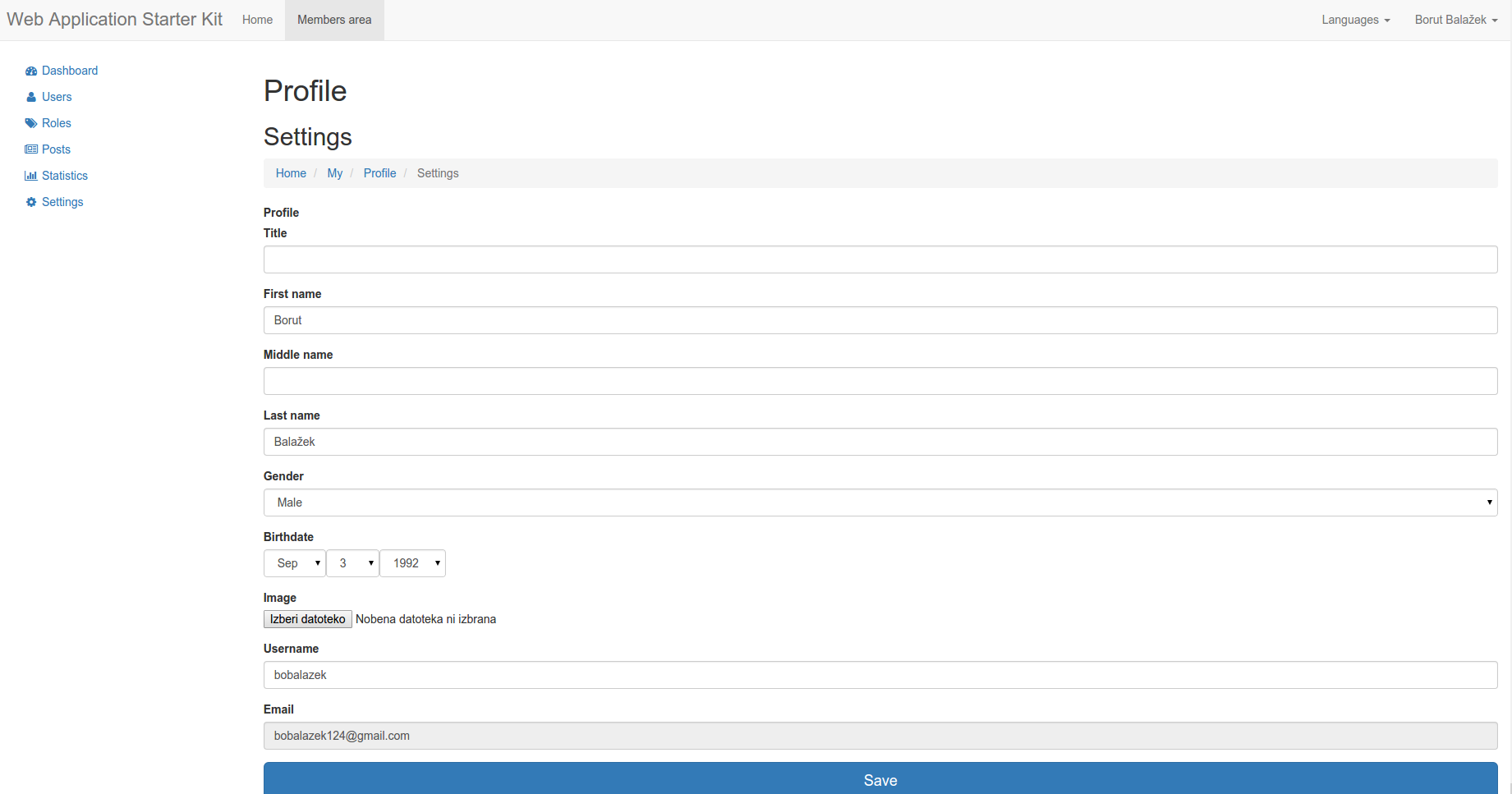
Profile settings

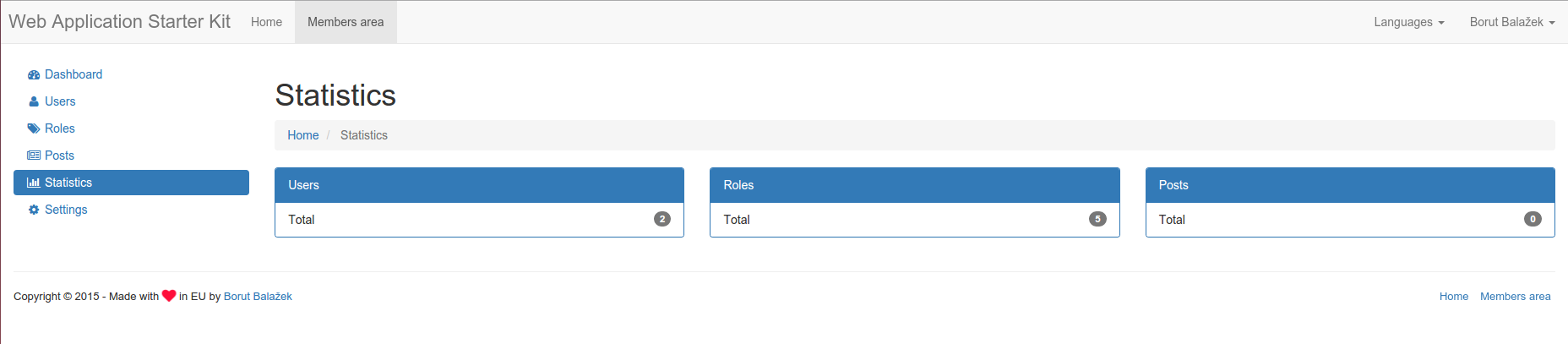
Statistics

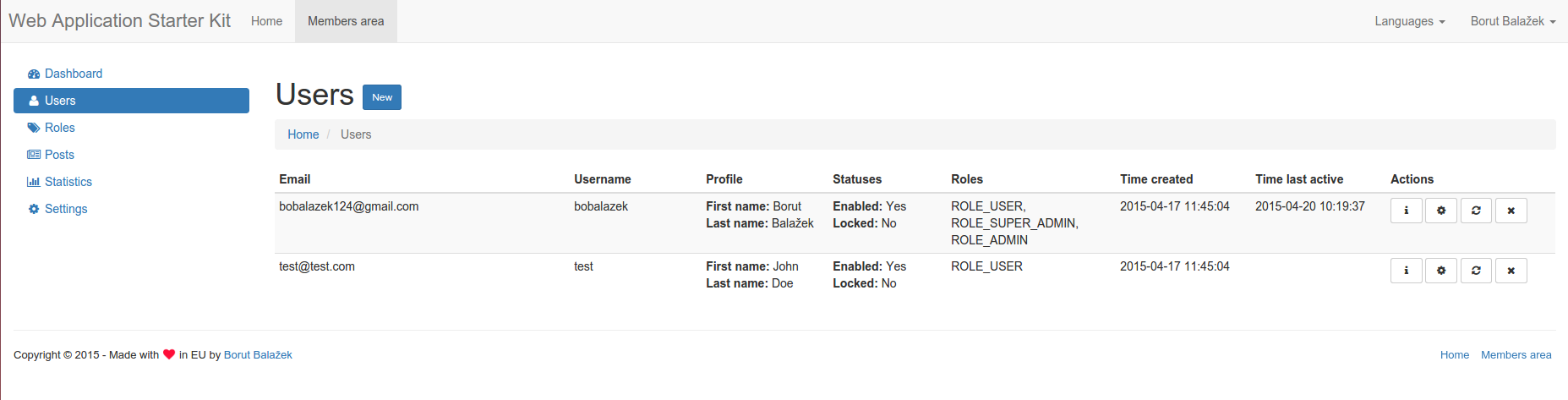
Users

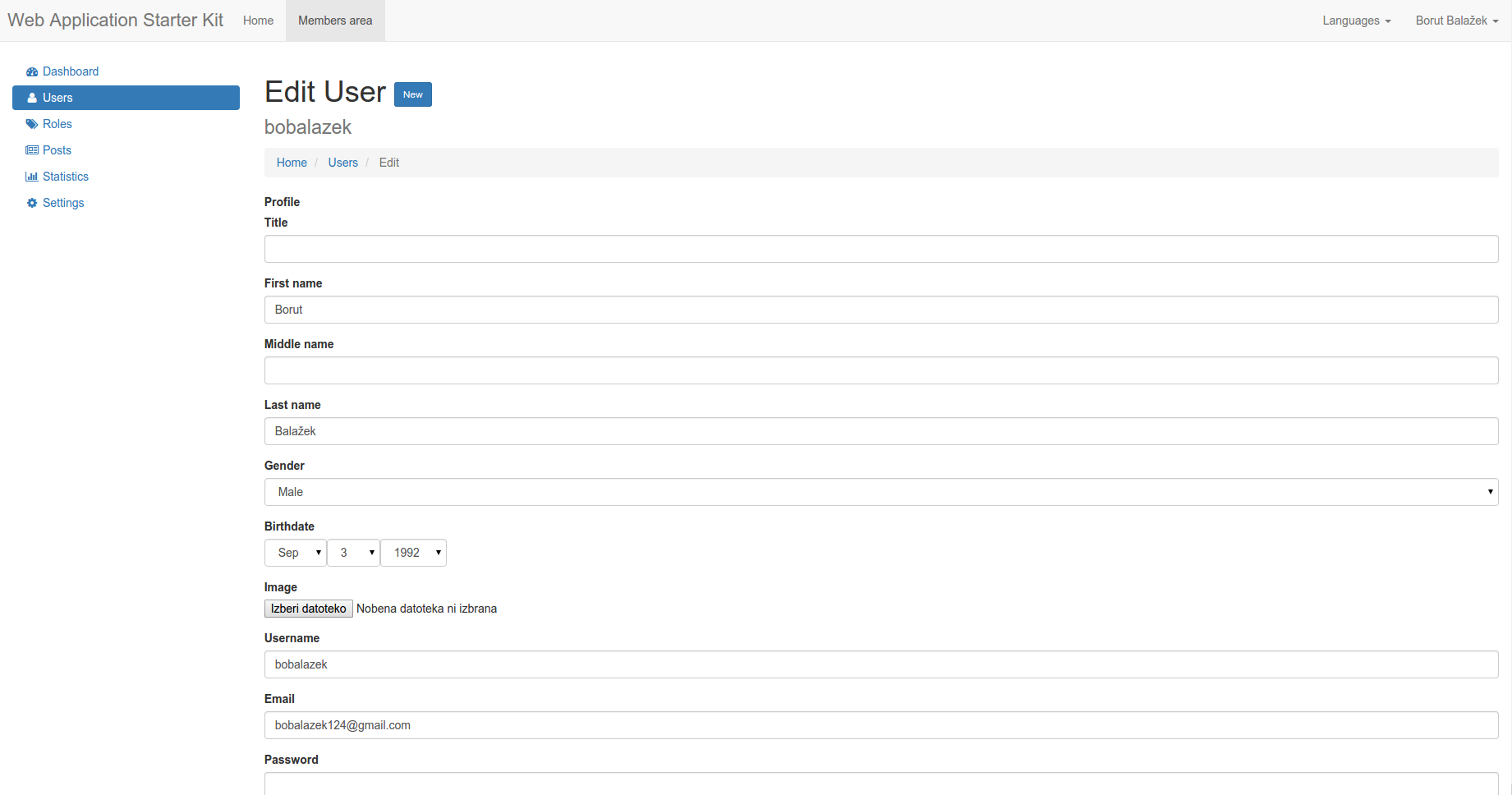
Users edit

License
Web Application Starter Kit is licensed under the MIT license.