

escolalms/templates-pdf
Escola Headless LMS Templates for pdf
Maintainers
Requires
- php: >=7.4
- escolalms/core: ^1.2.2
- escolalms/templates: ^0.2.36
- laravel/framework: >=8.0
Requires (Dev)
- escolalms/auth: ^0.1.54
- escolalms/cart: ^0
- escolalms/courses: ^0.3.8
- escolalms/settings: ^0.1.2
- escolalms/topic-types: ^0.2.5
- orchestra/testbench: ^5.0|^6.0
- phpunit/phpunit: ^9.0
Suggests
- escolalms/auth: ^0.1.54
- escolalms/courses: ^0.3.8
- escolalms/settings: ^0.1.2
Provides
None
Conflicts
None
Replaces
None
MIT 1e1a8cde95f34274ee9a473652acc54ef06ba5f8
- Paweł Chołaj <pawel.cholaj.woop@escola.pl>
This package is auto-updated.
Last update: 2026-06-28 14:24:57 UTC
README
Package for generating PDFs from configurable Templates.
👁 swagger
👁 codecov
👁 Tests PHPUnit in environments
👁 Maintainability
👁 Test Coverage
👁 downloads
👁 downloads
👁 downloads

Purpose
This package allows you to create PDFs generated after a specific Event is emitted in Laravel / LMS app.
Each PDF Template has a corresponding class describing available variables that can be used in the Template (which will be stored in database and editable through admin panel). Templates are saved as serialized fabric.js canvas containing these variables which will be replaced during PDF generation with correct data extracted from Event.
Class describing Template Variables must be registered using Template facade from EscolaLms\Template package, where you specify which Event it is associated with it and which Channel it is sent through (e.g. EscolaLms\TemplatesPdf\Core\PdfChannel which is defined in this package).
Installing
composer require escolalms/templates-pdfphp artisan db:migratephp artisan db:seed --class="EscolaLms\TemplatesPdf\Database\Seeders\TemplatesPdfSeeder"to create default templates for all Variable/Event pairs registered for PDF channel
Dependencies
EscolaLms\Templatescore Templates package- optional:
EscolaLms\Coursesfor generating PDFs related to Courses
Usage
Defining Templates
- Create Event which triggers generation of PDF using specified template. This event must implement method
getUser()returning User model from LMS Core package. - Create class defining template Variables, which you will use in PDF template,
- Associate your class describing template Variables with correct Event and Channel. Use
EscolaLms\Templates\Facades\Template::register(Event class, EscolaLms\TemplatesPdf\Core\PdfChannel::class, Variable class);method. - Use admin panel or
/api/admin/templatesweb API to create/edit templates associated with this Variable/Event/Channel set. See Template package for more information.
Tests
Run ./vendor/bin/phpunit --filter 'EscolaLms\\TemplatesPdf\\Tests' to run tests. See tests folder as it contains a basic implementation of Variables class (description of what Template can/must contain) with minimal customisation - a quite good starting point for creating your own.
Test details:
👁 Maintainability
👁 Test Coverage
Usage on front end
Admin panel
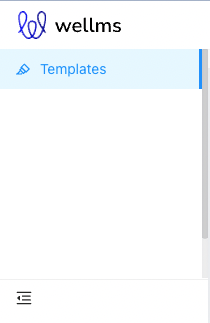
Left menu

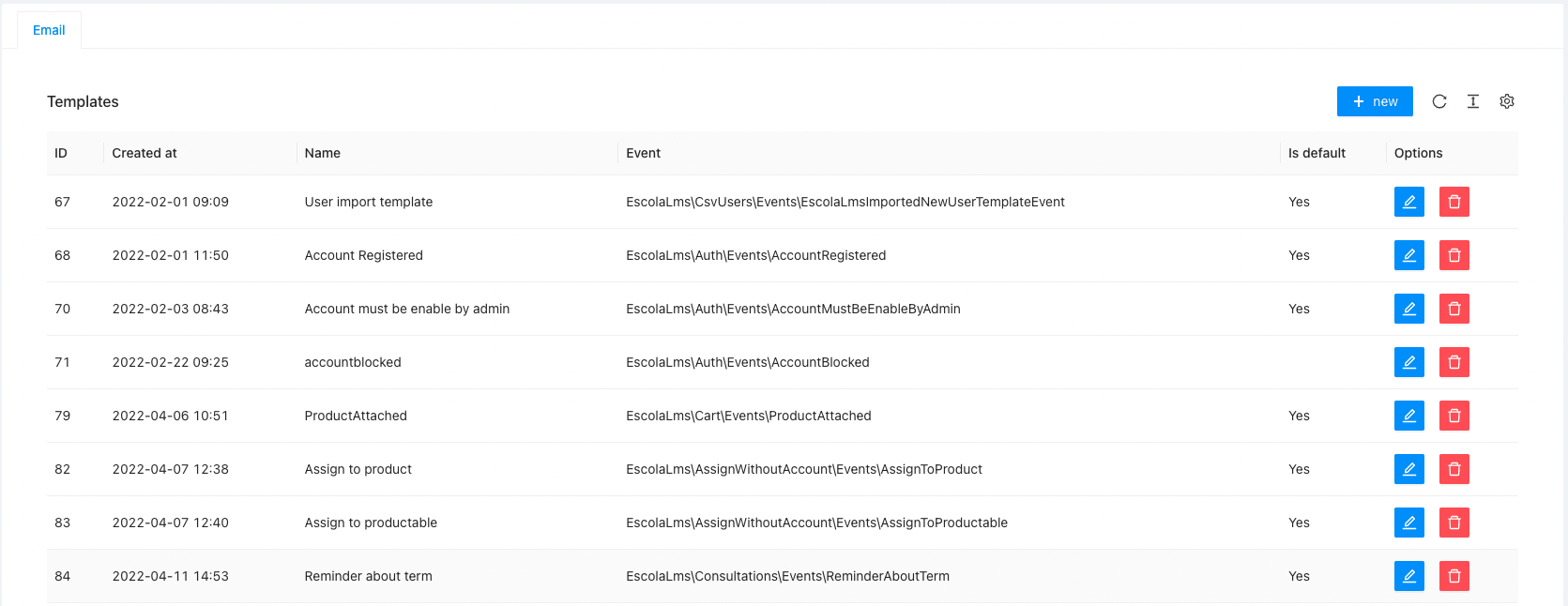
List of templates

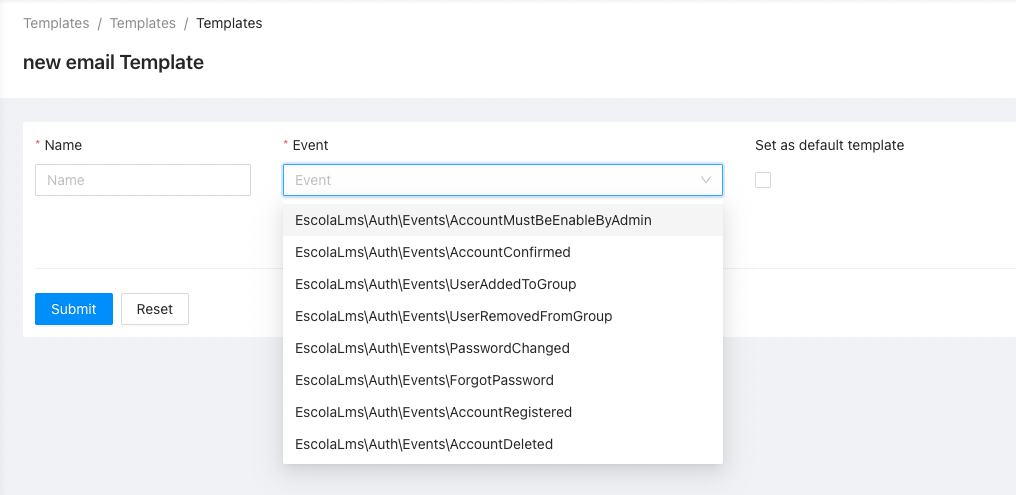
Creating/editing template
👁 Creating or editing template

Permissions
Permissions are defined in Enum and seeded in Seeder.
Roadmap. Todo. Troubleshooting
- ???