geo-sot/laravel-env-editor
A laravel Package that supports .Env File, editing and backup
Maintainers
Requires
- php: >=8.1
- laravel/framework: >=11.0
Requires (Dev)
Suggests
None
Provides
None
Conflicts
None
Replaces
None
MIT 957fed077fb058de52a76400c854913349117ee5
- Geo Sot <geo.sotis.woop@gmail.com>
This package is auto-updated.
Last update: 2026-06-21 12:34:22 UTC
README
👁 Latest Version on Packagist
👁 Total Downloads
👁 Coverage Status
👁 Codacy Badge
👁 Maintainability
👁 License
Laravel .env Editor (plus GUI)
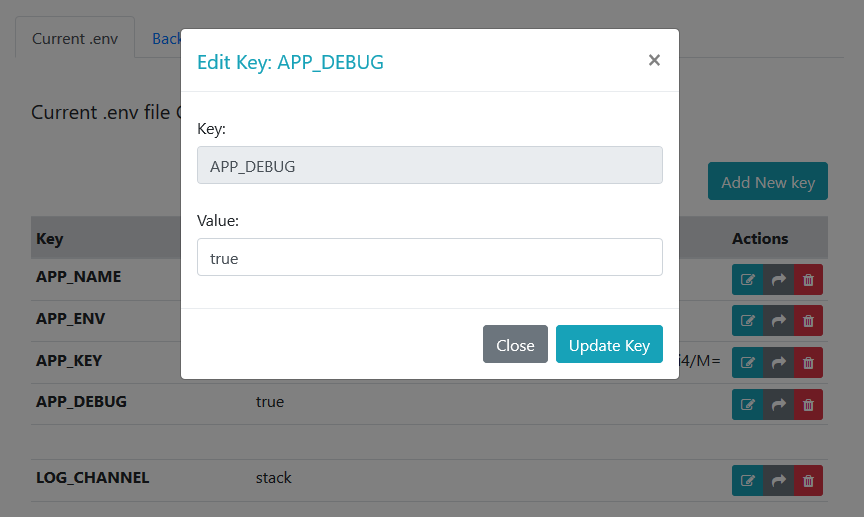
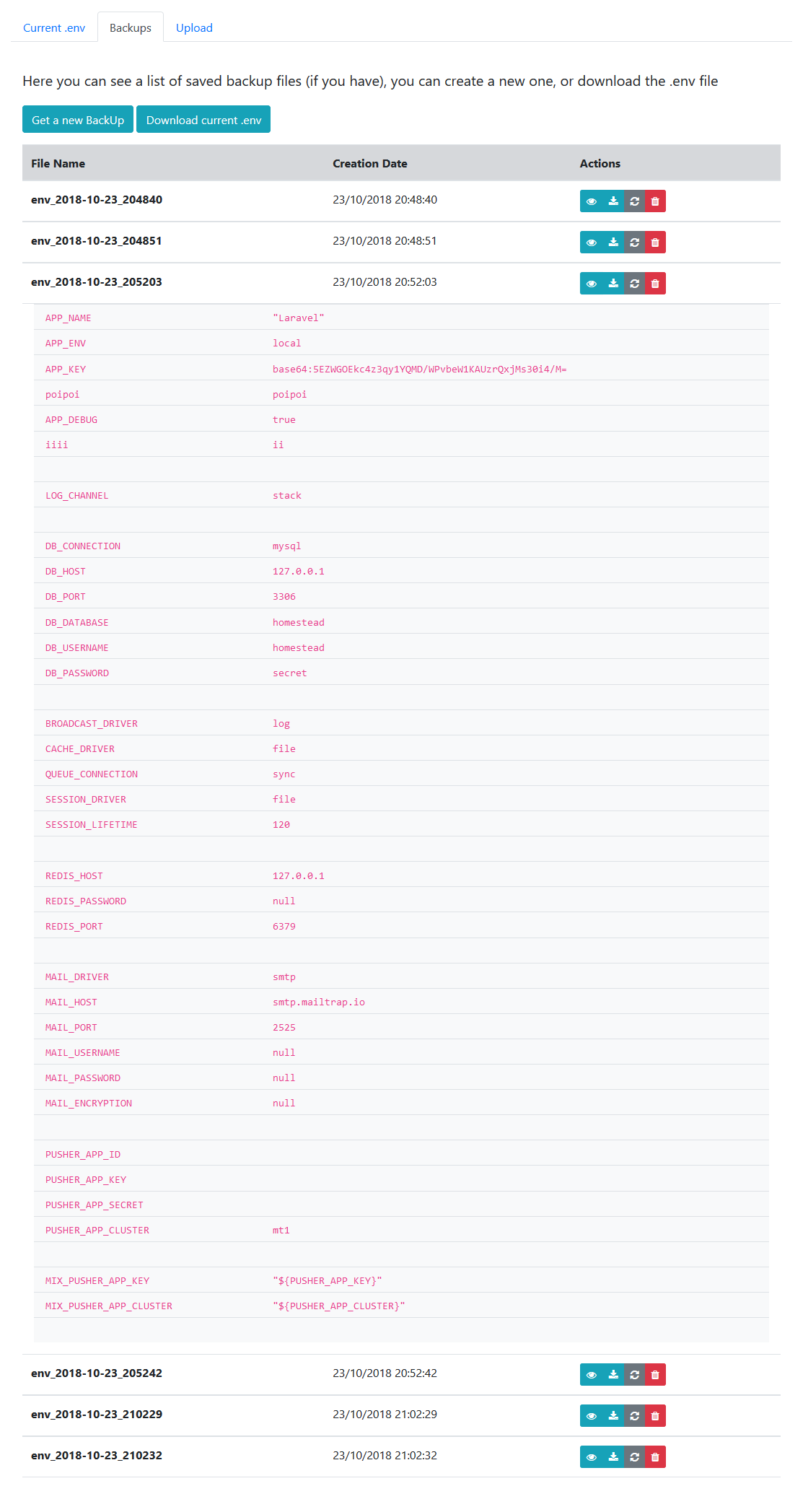
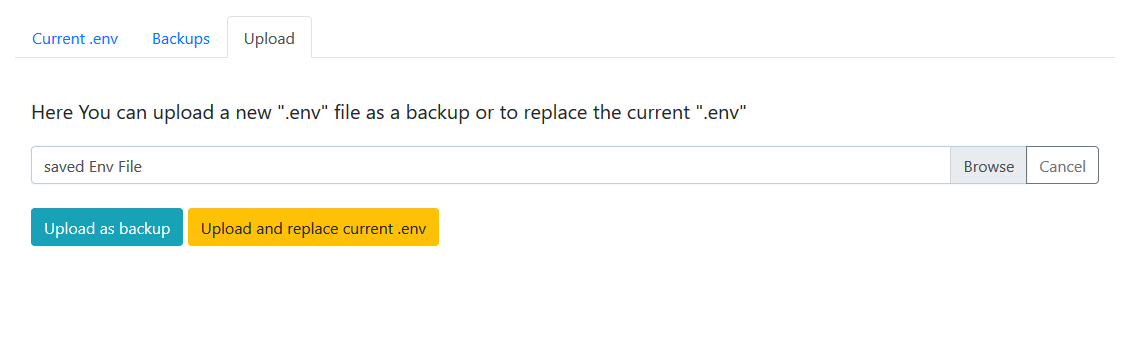
This Package allows to manage Laravel .env file values on the Fly (add, edit, delete keys), upload another .env or create backups
Management can be done through the user interface, or programmatically by using the EnvEditor Facade, without breaking the files structure.
The inspiration for this package was, Brotzka/laravel-dotenv-editor.
-
Install package
composer require geo-sot/laravel-env-editor
-
Publish assets
php artisan vendor:publish --provider=GeoSot\EnvEditor\ServiceProvider
This will publish all files:
- config -> env-editor.php
- views -> resources/views/vendor/env-editor/..
- lang -> resources/lang/vendor/env-editor.php
Or publish specific tags
 //Publish specific tag
 php artisan vendor:publish --tag=config
 php artisan vendor:publish --tag=translations
 php artisan vendor:publish --tag=views

 //Publish specific Tag from this Vendor
 php artisan vendor:publish --provider=GeoSot\EnvEditor\ServiceProvider --tag=config
- getEnvFileContent
- keyExists
- getKey
- addKey
- editKey
- deleteKey
- getAllBackUps
- upload
- backUpCurrent
- getFilePath
- deleteBackup
- restoreBackUp
Note: user interface is disabled be default. You can enable it by changing the configuration option env-editor.route.enable
User Interface Contains three Tabs