

innoweb/silverstripe-tinymce-clearfloats
Adds a clear-floats plugin the CMS WYSIWYG editor
Maintainers
Package info
github.com/xini/silverstripe-tinymce-clearfloats
Language:SCSS
Type:silverstripe-vendormodule
pkg:composer/innoweb/silverstripe-tinymce-clearfloats
Requires
Requires (Dev)
None
Suggests
None
Provides
None
Conflicts
None
Replaces
None
BSD-3-Clause 06aa2455c361aaea4132e3d13bd8c5a36e901e7b
README
This is a Silverstripe port of the Wordpress plugin by David Bammes.
Overview
Adds a clear-floats plugin to the TinyMCE editor in the CMS.
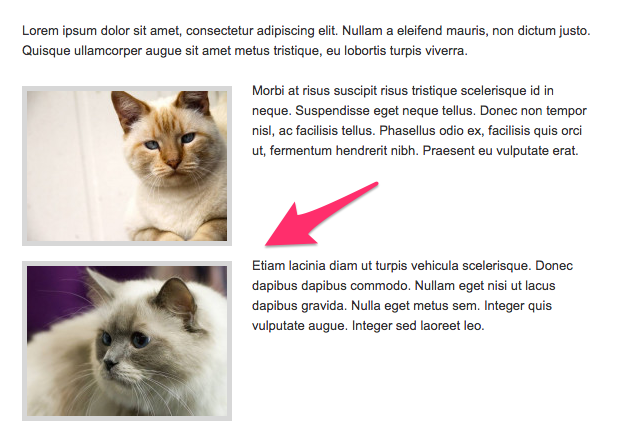
It uses an image in the editor to visualise the clearing element and replaces it with a <br style="clear:both;" />
for display on the site.
👁 CMS view
CMS view

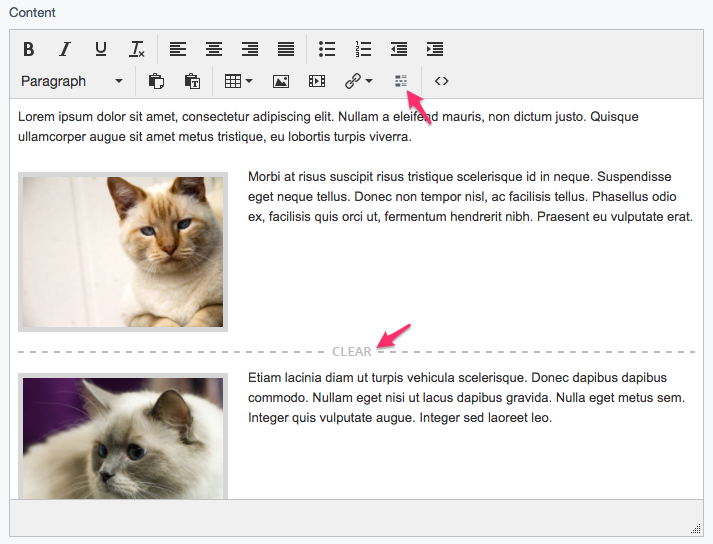
👁 Frontend view
Frontend view

Requirements
- Silverstripe CMS ^6
- silverstripe/htmleditor-tinymce ^1
Installation
Install the module using composer:
composer require innoweb/silverstripe-tinymce-clearfloats dev-master
or download or git clone the module into a ‘tinymce-clearfloats’ directory in your webroot.
Then run dev/build.
Configuration
To clean up whitespace added when the clearing <br> is the only element in a <p>, please add the following CSS in your editor.css file:
p > br[style="clear: both;"]:only-child:first-child {
	content: ' ';
	display: block;
	margin: 0 0 -1.2em 0;
	overflow: hidden;
}
You should adjust the negative margin in the code above to negate the margin set on your <p> elements.
License
BSD 3-Clause License, see License