

sergeymakinen/yii2-telegram-log
Telegram log target for Yii 2
Maintainers
Package info
github.com/sergeymakinen/yii2-telegram-log
Type:yii2-extension
pkg:composer/sergeymakinen/yii2-telegram-log
Requires
- sergeymakinen/yii2-log-message: ^2.0
- yiisoft/yii2: ~2.0.2
- yiisoft/yii2-httpclient: ~2.0.0
Requires (Dev)
- sergeymakinen/yii2-tests: ^2.0
Suggests
None
Provides
None
Conflicts
None
Replaces
None
MIT c34a949b699dd39bf0caeacc347370c2e2406094
- Sergey Makinen <sergey.woop@makinen.ru>
This package is auto-updated.
Last update: 2022-12-10 03:38:39 UTC
README
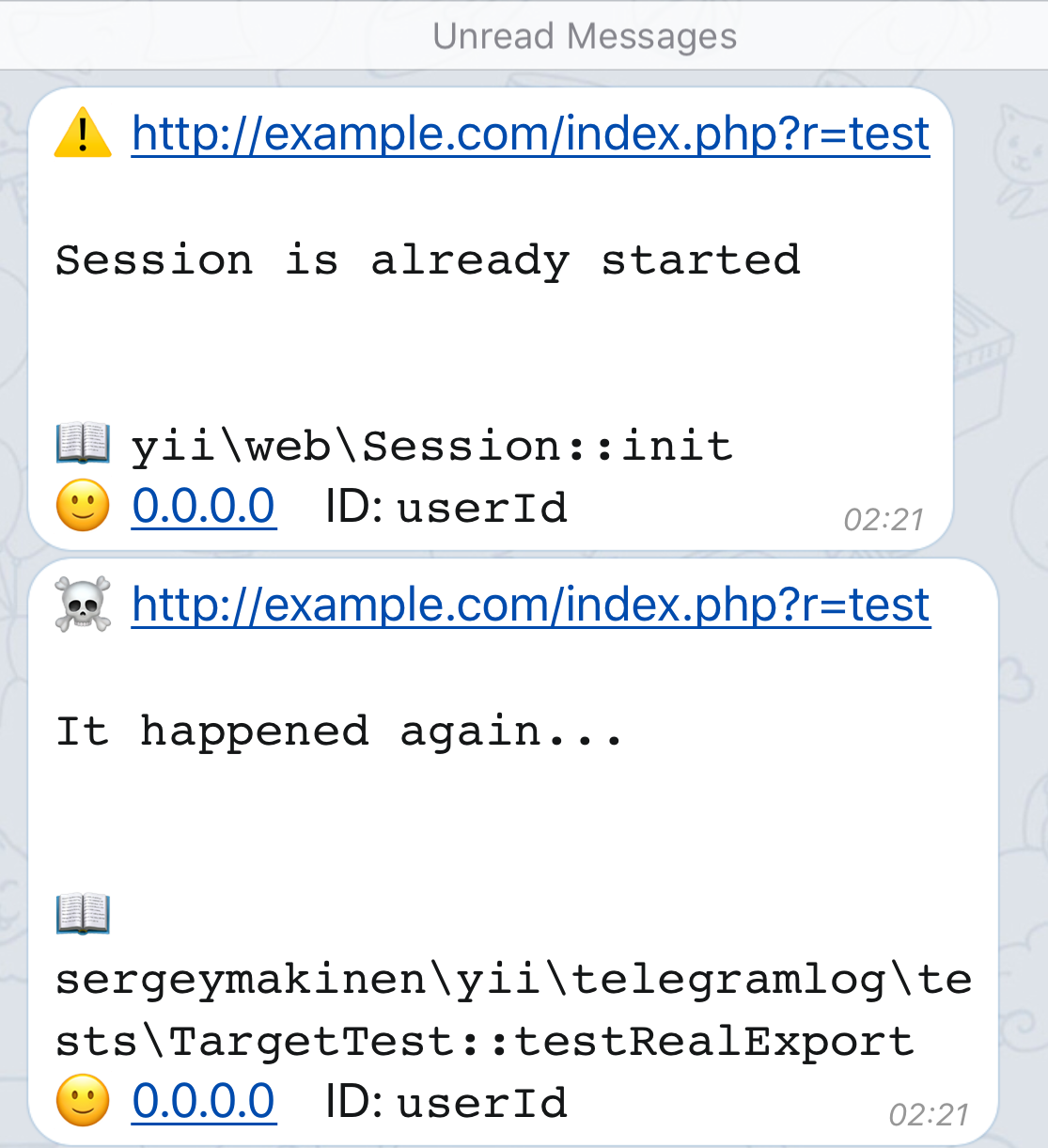
Telegram log target for Yii 2.

👁 Code Quality
👁 Build Status
👁 Code Coverage
👁 SensioLabsInsight
👁 Packagist Version
👁 Total Downloads
👁 Software License
Installation
The preferred way to install this extension is through composer.
Either run
composer require "sergeymakinen/yii2-telegram-log:^2.0"
or add
"sergeymakinen/yii2-telegram-log": "^2.0"
to the require section of your composer.json file.
Usage
First create a new bot and obtain its token. It should look like 123456:ABC-DEF1234ghIkl-zyx57W2v1u123ew11.
You will also need a chat ID to send logs to. You can use the @get_id_bot bot to obtain it. It should look like 123456789.
Then set the following Yii 2 configuration parameters:
'components' => [
 'log' => [
 'targets' => [
 [
 'class' => 'sergeymakinen\yii\telegramlog\Target',
 'token' => '123456:ABC-DEF1234ghIkl-zyx57W2v1u123ew11',
 'chatId' => 123456789,
 ],
 ],
 ],
],
Configuration
By default yii\log\Logger error levels are mapped to emojis (you can tweak them in the levelEmojis property):
| Error level | Emoji |
|---|---|
Logger::LEVEL_ERROR |
☠️ |
Logger::LEVEL_WARNING |
⚠️ |
Logger::LEVEL_INFO |
ℹ️ |
Logger::LEVEL_TRACE |
📝 |
It's also possible to disable notifications - entirely or per logger level (look at the enableNotification property), for example:
public $enableNotification = [
 Logger::LEVEL_ERROR => true,
 Logger::LEVEL_WARNING => false,
 Logger::LEVEL_INFO => false,
];
This will disable notifications for warning and info level messages and enable them for other levels (honestly, you can omit the LEVEL_ERROR definition here as it's true by default).